
Better menu buttons
A simple mod that lets you move (or remove) the buttons in the title and pause menu! Also support custom buttons to quickly join servers or single player…
⬇ Download on Modrinth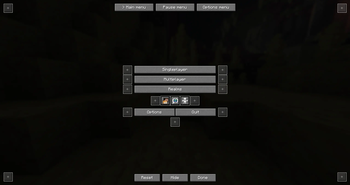
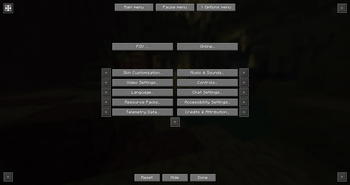
Simple mod that lets you easily change menu button layouts.
HOW TO OPEN THE CONFIG
You can start out by going to your options and clicking on the button in the top left. This will open the config screen. You can also add that button to the main or pause menu as a shortcut. It's also possible to fully hide that shortcut button. If you decided to hide it but you still want to be able to access the config you can either do that through mod menu or by using the command /bettermenubuttons or /bmb
In the config screen you will be able to select which menu to edit (Main menu, Pause menu or Options menu)
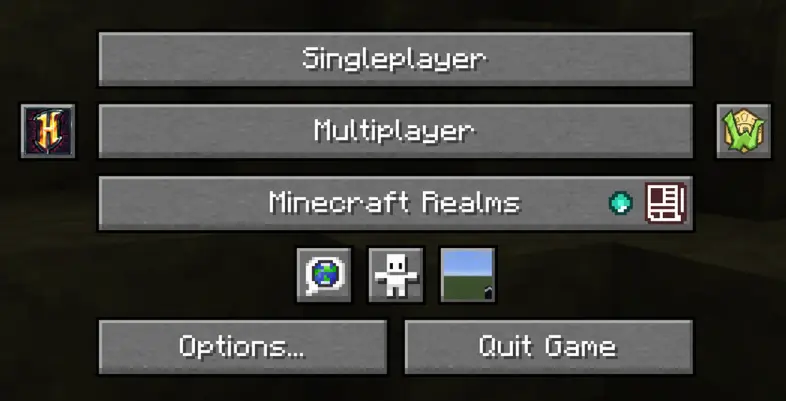
Main menu
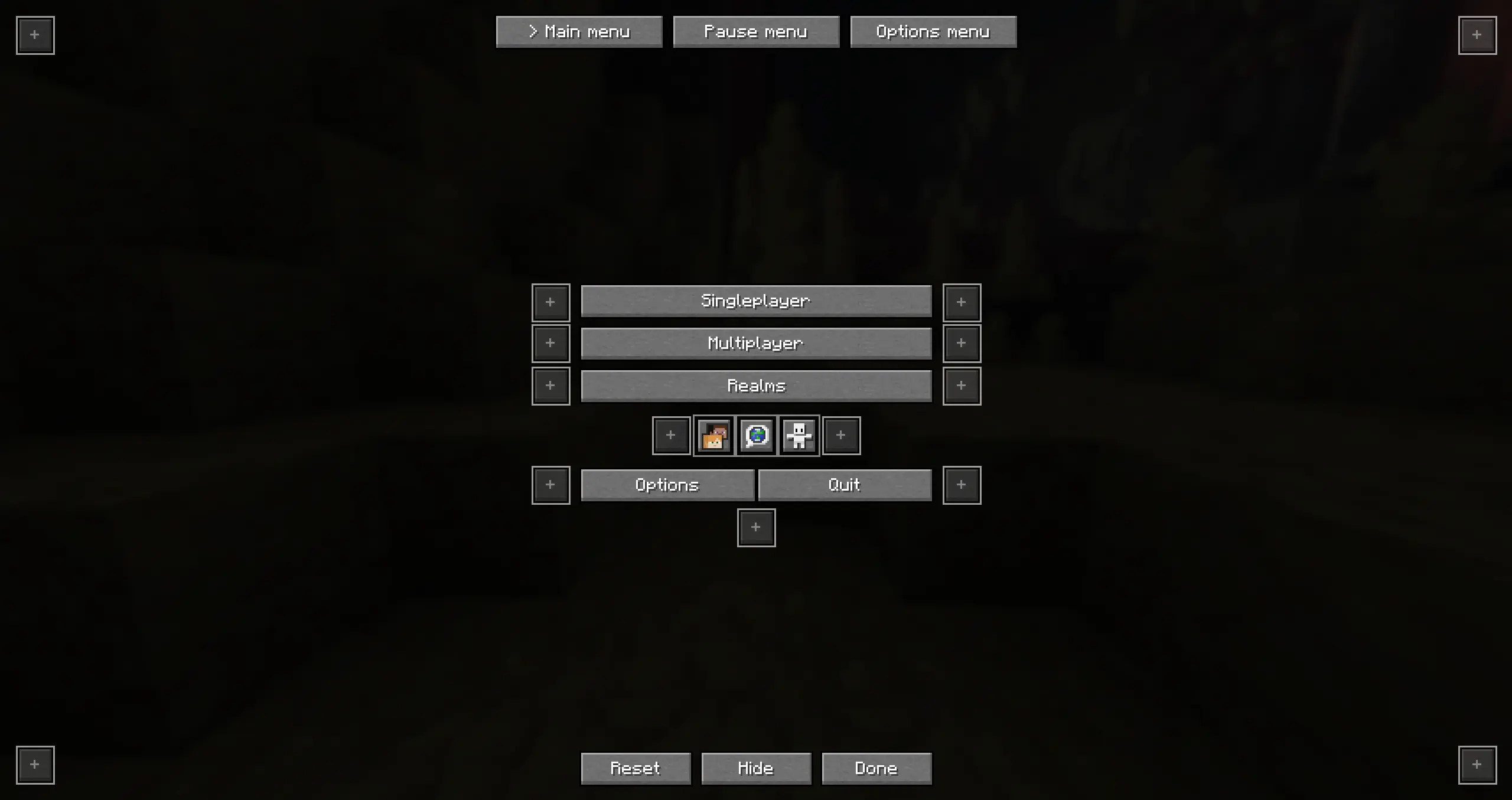
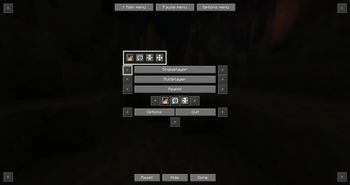
You can click any of the available positions, there you can select which button to move to this slot
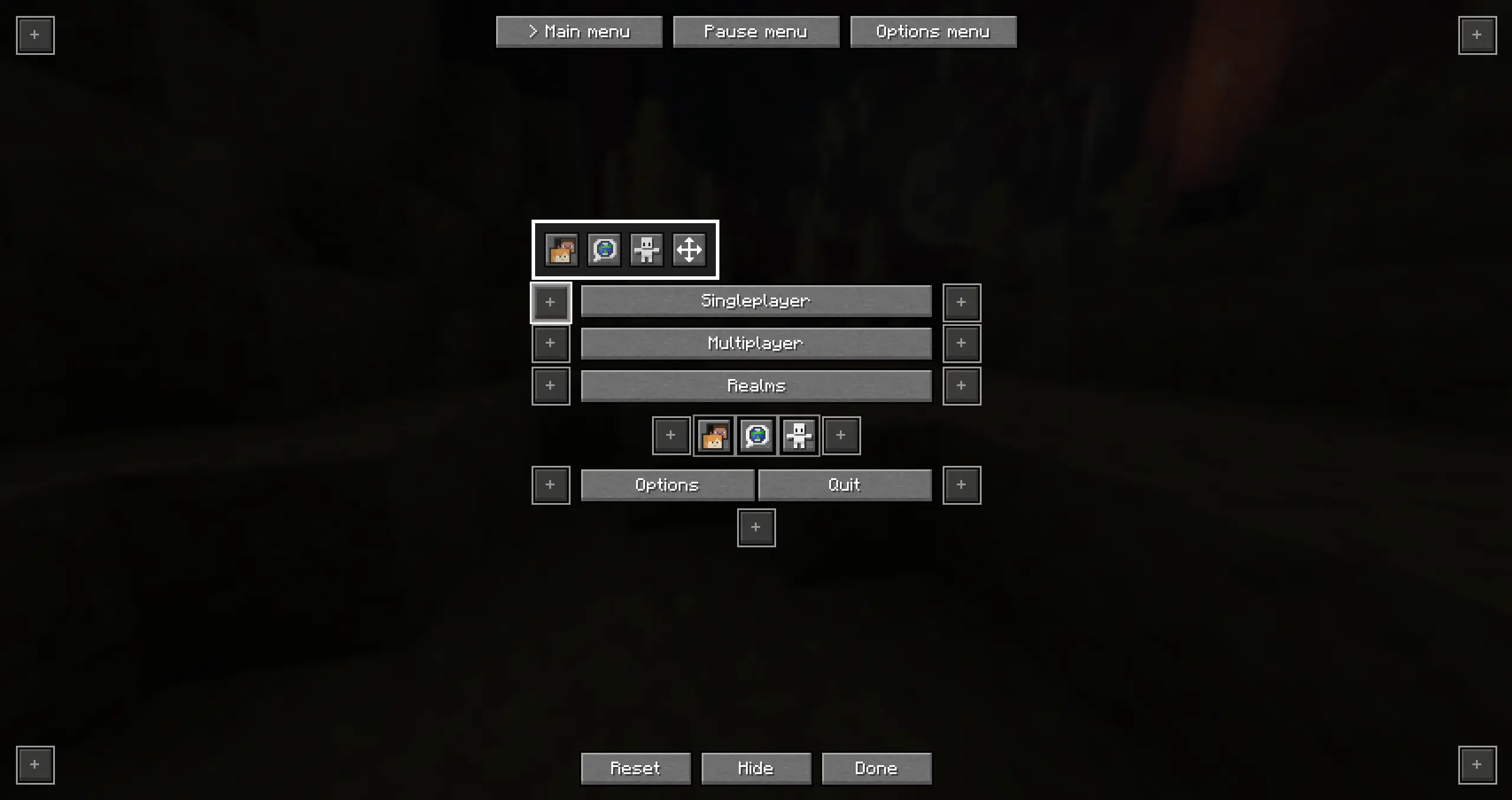
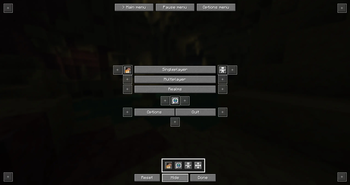
You can also click on "Hide" to hide any of the buttons
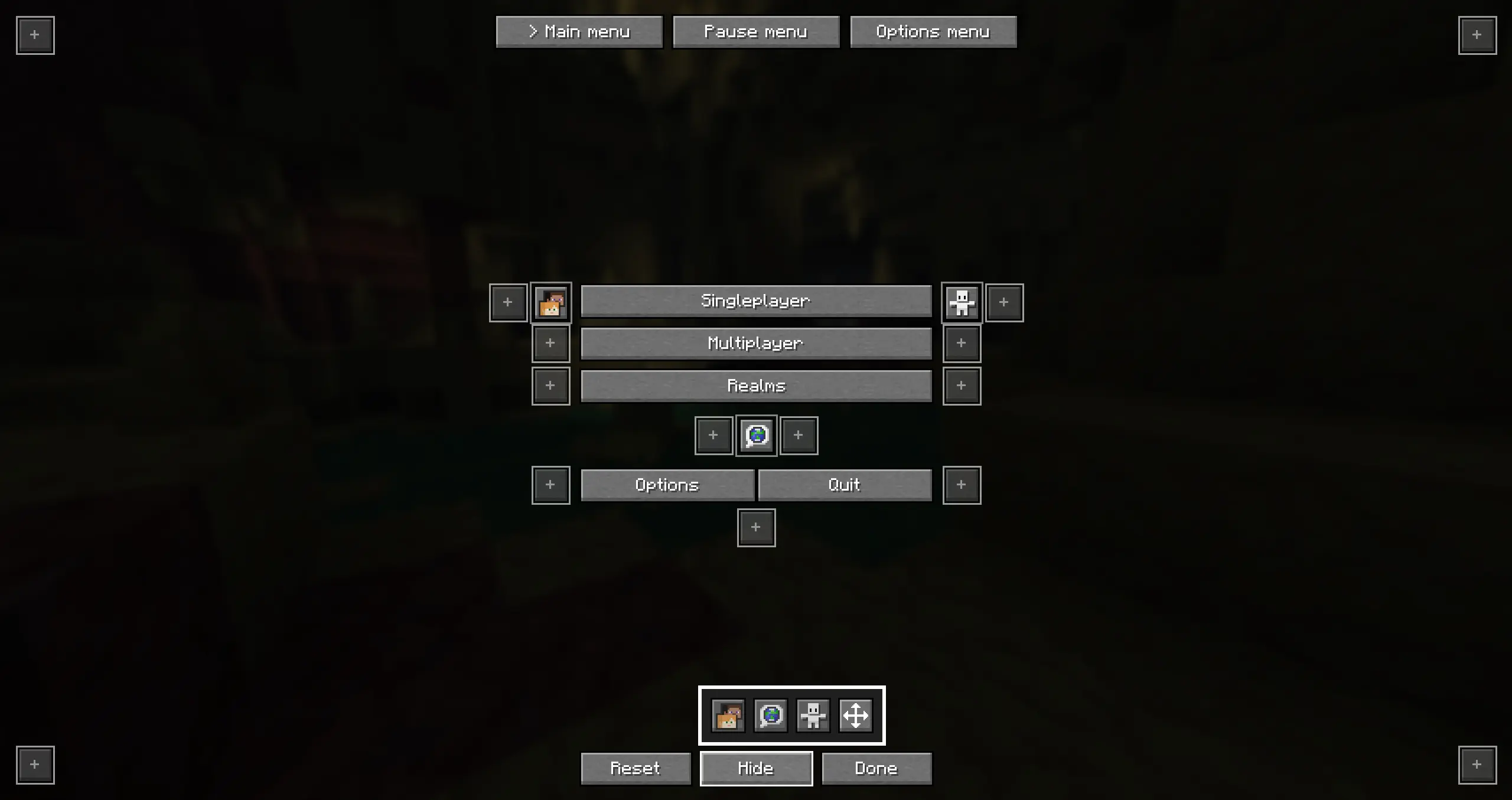
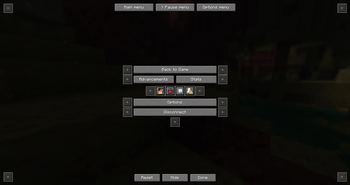
Pause menu
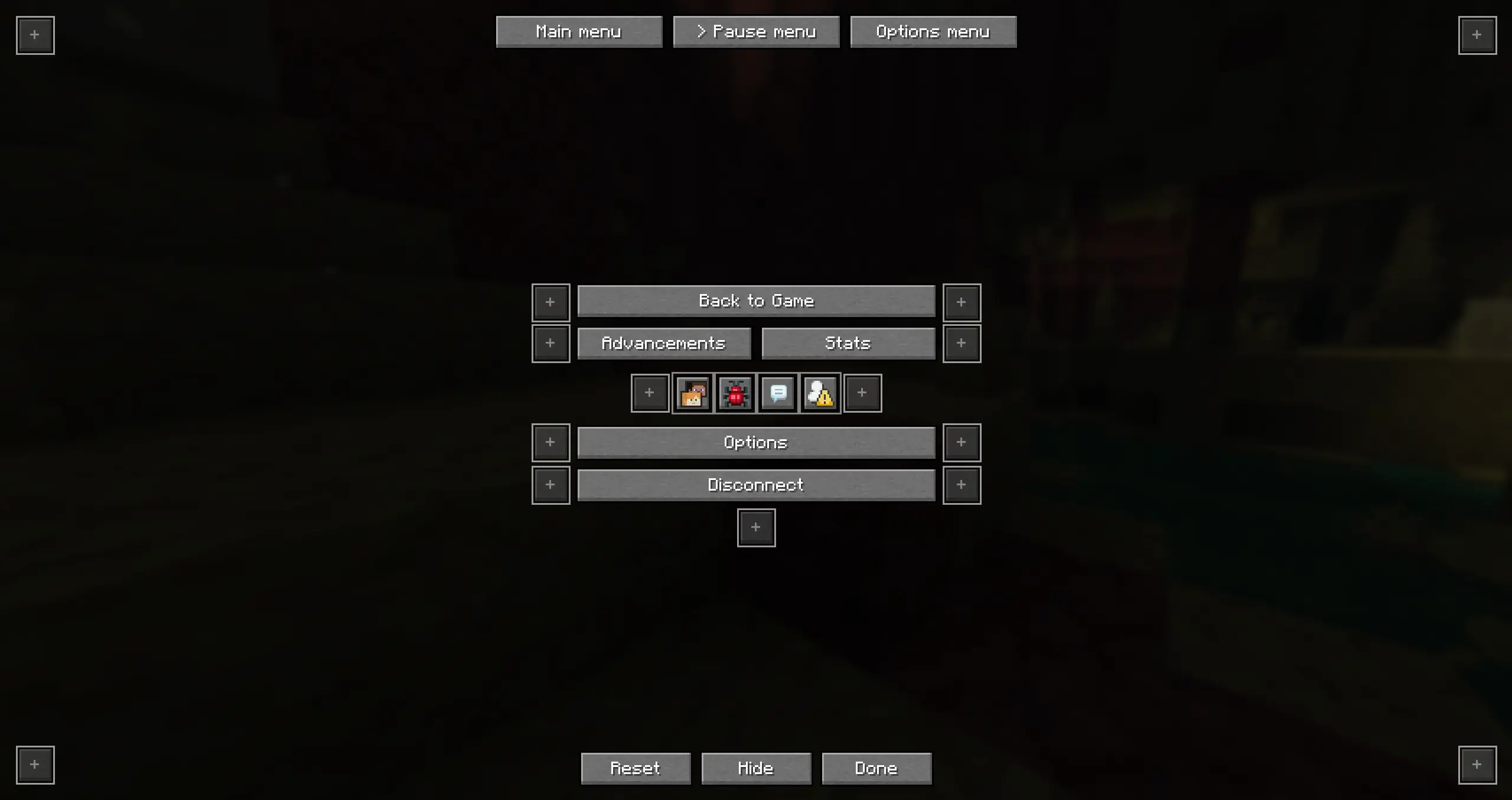
Options menu
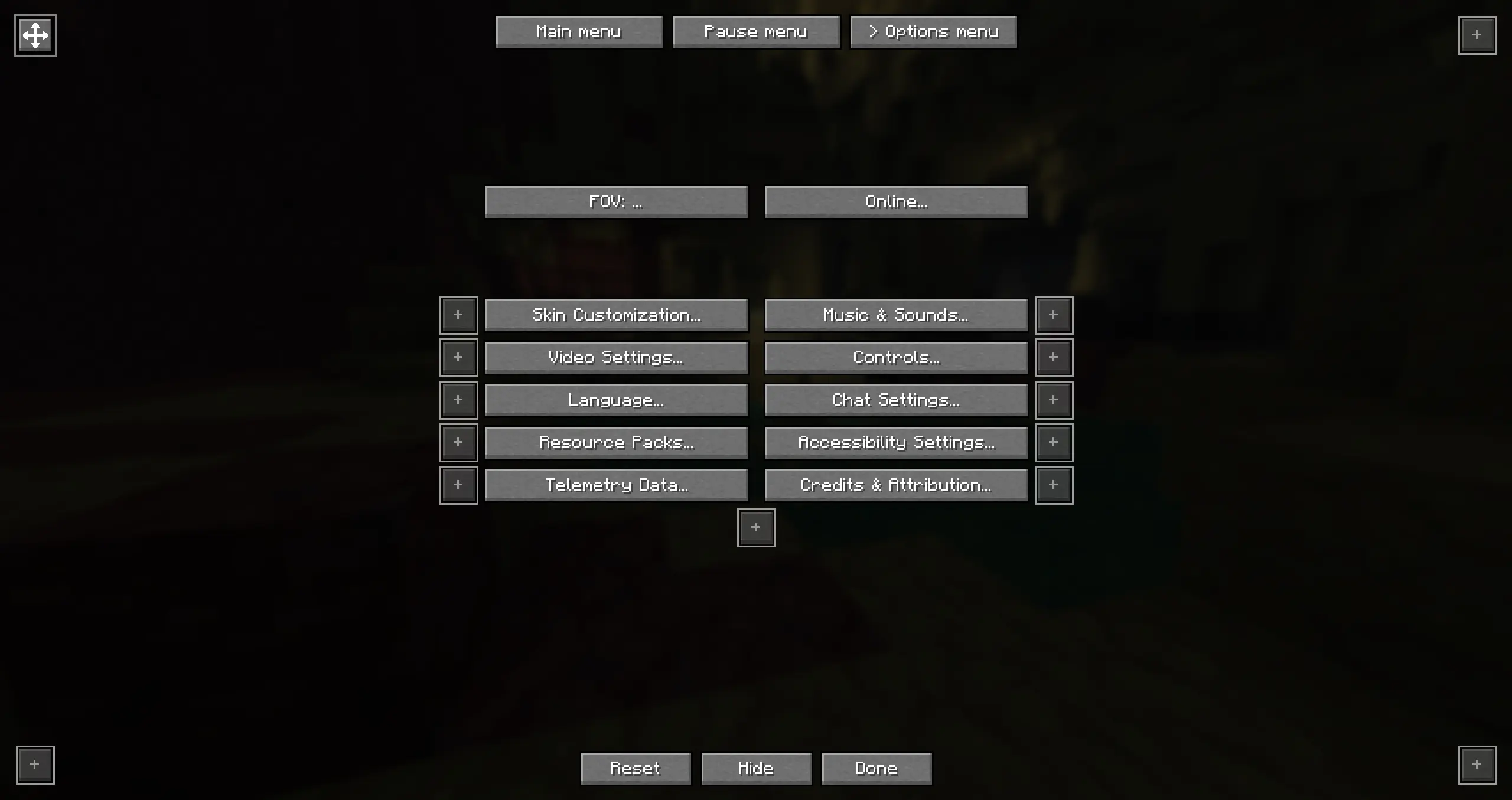
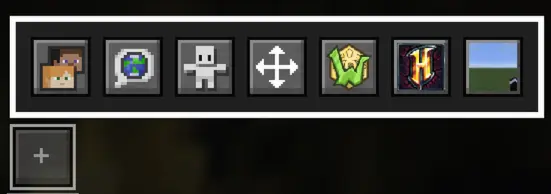
Custom buttons
Custom buttons let you quickly join a server or a single player world!
How to add a custom button:
- Add the server to your server list
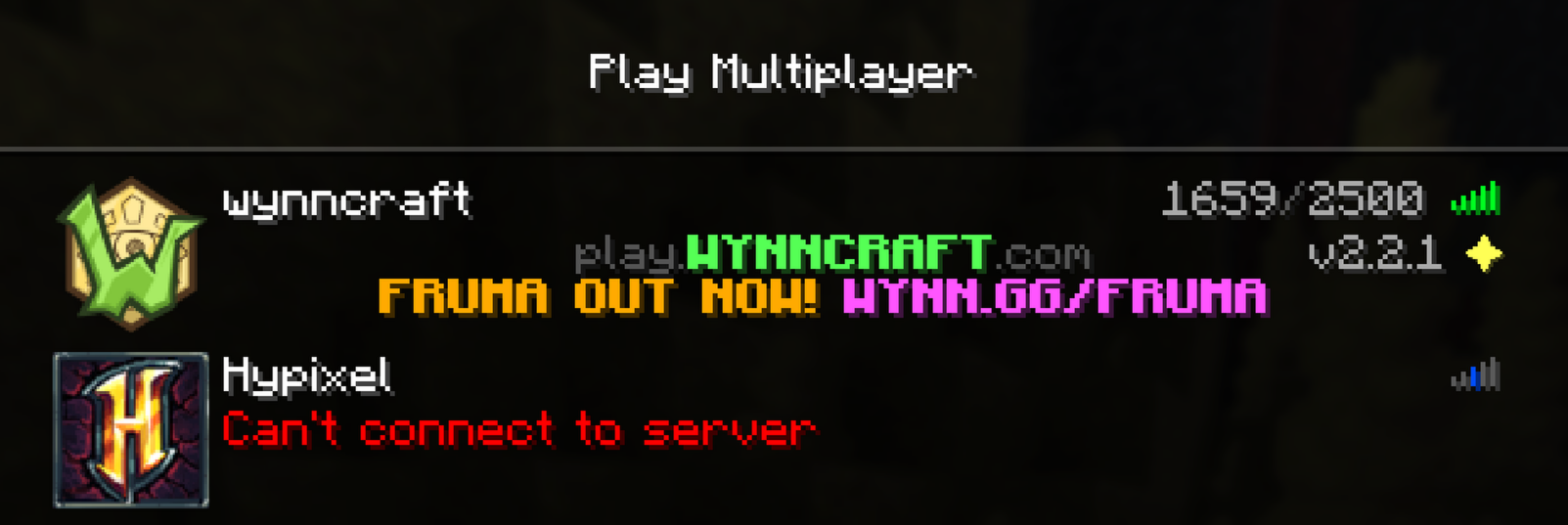
- Open the Better-menu-buttons config
- Click on "Add Server" or "Add World"
- Select the server or single player world you want
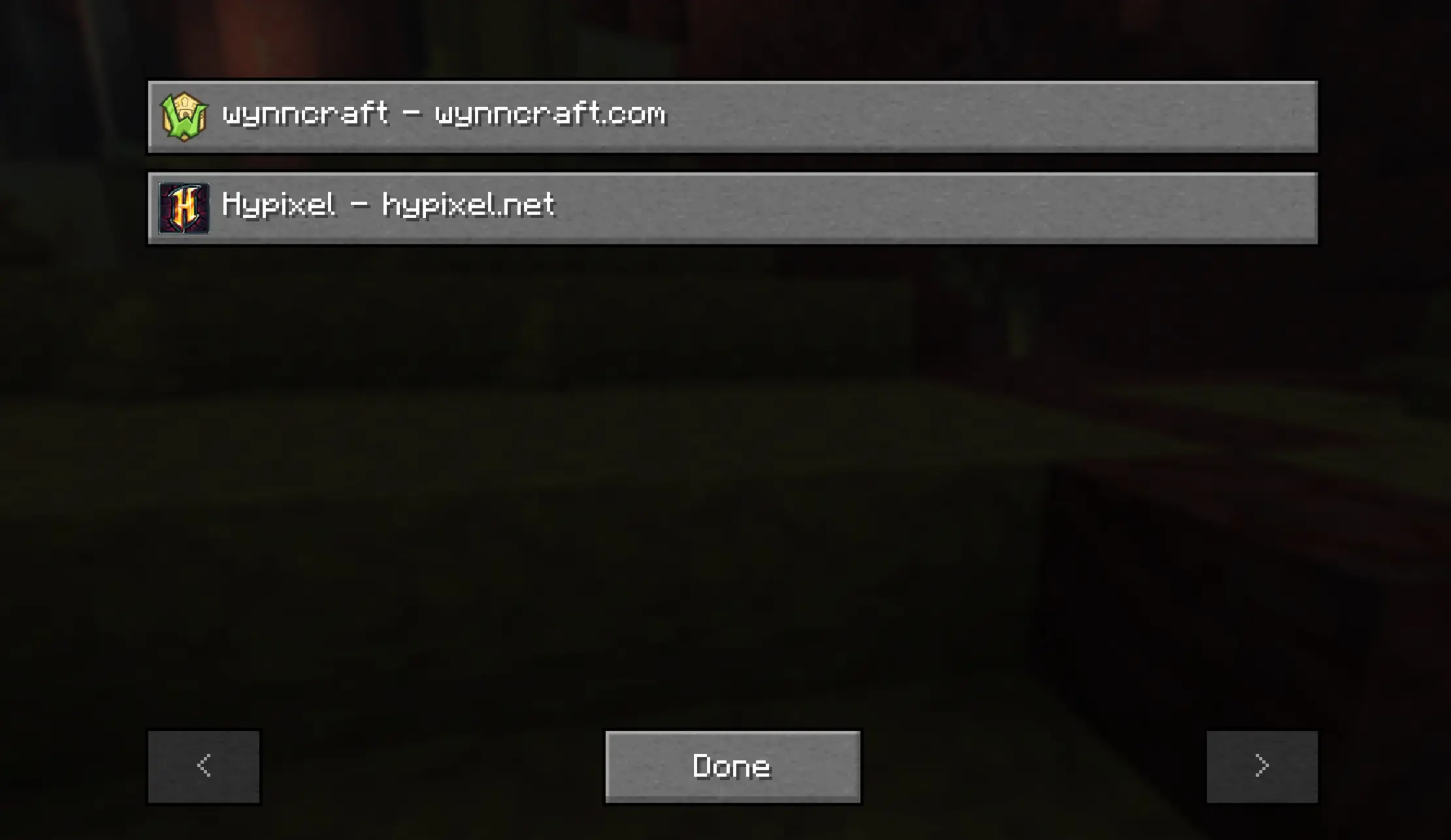
- Move the button wherever you want
Mod menu support
If you are using mod menu the menu will automatically adapt. If youre using the icon setting in mod menu you can also move that!
- Edition: Minecraft Java
- File type: .jar
- Minecraft version listed: 26.3-snapshot-3
- How to install: Install the matching mod loader (Forge, Fabric or NeoForge) for your Minecraft version. → Download the .jar. → Put it in the .minecraft/mods folder and launch that loader profile.
- Where to get it: Opens on Modrinth — not every file is mirrored on our own servers.
Install steps are the general flow for this file type — How to install Minecraft Java mods & modpacks walks through it step by step.
- Ships as better-menu-buttons-1.1.0-quilt-26.3-snapshot3.jar — drop this file into the mods folder
- Download size: 120 KB
- Download link checked 7 Sept 2026 — working
These come from our own check of the pack file, not from the source page.