
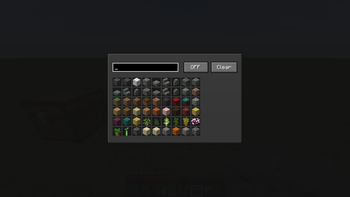
📥 AutoDrop Manager [Fabric 1.21.1]
AutoDrop Manager is a lightweight, client-side mod designed to automatically keep your inventory clean from unwanted trash. Tired of cobbles, dirt, gravel, or diorite clogging up your slots while strip-mining or excavating? This mod does all the tedious inventory cleaning for you instantly!
📺 Video Showcase & Tutorial
Watch the mod in action and learn how to set it up in less than a minute!
✨ Features
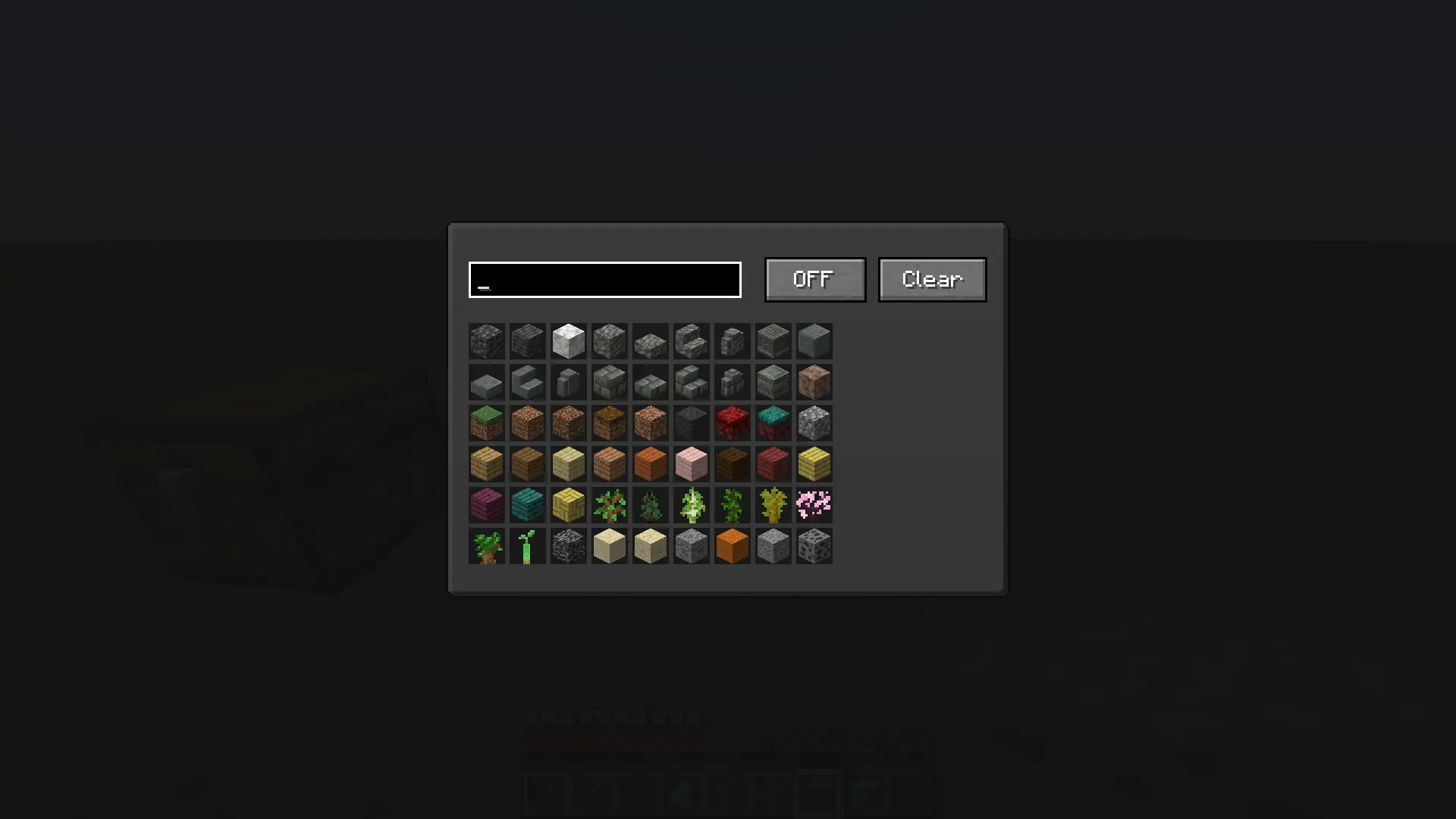
- Smart Item Filter: Easily select any block or item from the entire game using a clean grid layout.
- Instant Auto-Dropping: As soon as a blacklisted item enters your inventory, the mod drops it on the ground immediately.
- Responsive Search Bar: Quickly search for blocks and items by their localized names or technical IDs.
- Effortless Management: Features a global ON/OFF toggle switch and a Clear button to wipe your blacklist in one click.
- Full Keybind Support: Change the menu opening key to any button you prefer inside the standard Minecraft Controls menu.
🛠 How to Use
- Go to Minecraft Options -> Controls -> Key Binds and assign a comfortable key for "Open Mod Menu" (Default is
O). - Press the assigned key in-game to open the custom interface.
- Use the search text box to find the items you want to get rid of.
- Click on an item in the grid — a red highlight will appear. This means the item is now blacklisted.
- Make sure the toggle button at the top right is set to ON.
- That's it! The blacklisted trash will no longer stay in your inventory.
Quick facts
- Edition: Minecraft Java
- File type: .jar
- Minecraft version listed: 1.21.4
- How to install: Install the matching mod loader (Forge, Fabric or NeoForge) for your Minecraft version. → Download the .jar. → Put it in the .minecraft/mods folder and launch that loader profile.
- Where to get it: Opens on Modrinth — not every file is mirrored on our own servers.
Install steps are the general flow for this file type — How to install Minecraft Java mods & modpacks walks through it step by step.
Verified by MCModsHub
- Ships as autodrop-manager-1.21.4-1.0.0.jar — drop this file into the mods folder
- Download size: 273 KB
- Download link checked 24 Aug 2026 — working
These come from our own check of the pack file, not from the source page.