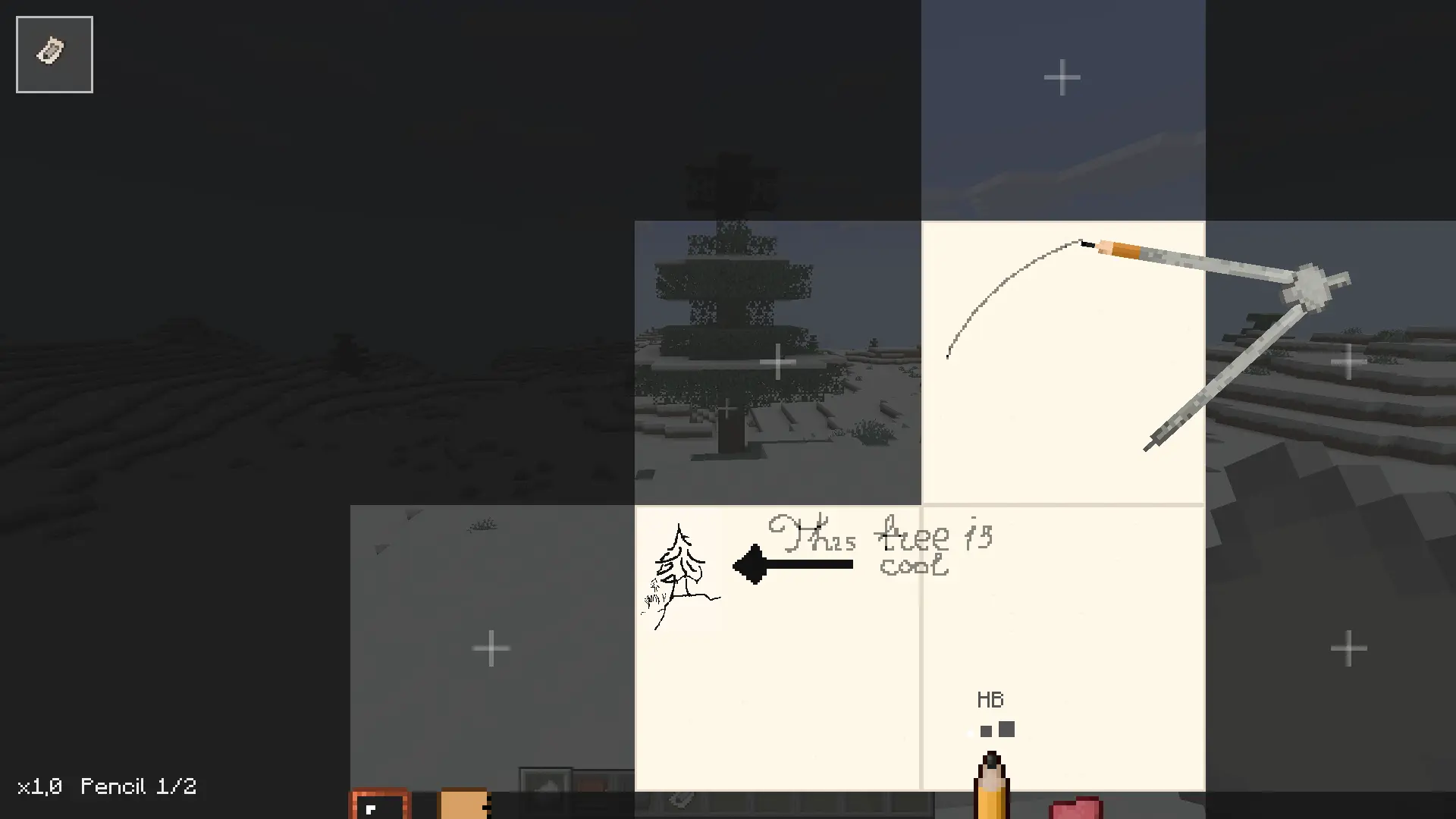
An addon for the Esquisse mod, adding an infinitely scalable canvas. All of the base mod's tools work on the canvas, additionally you can use ripped out sketchbook pages as stickers on the canvas.
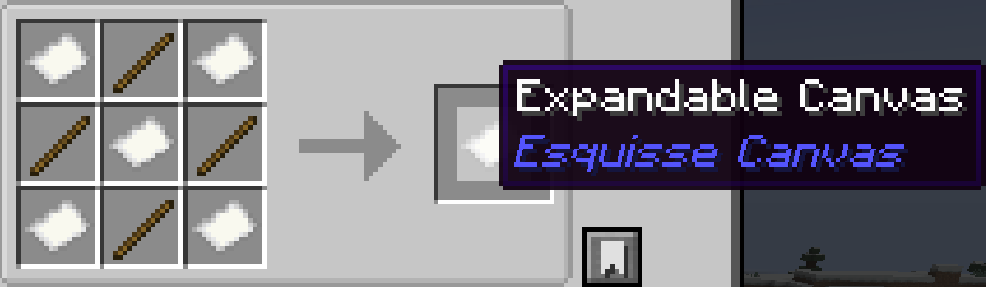
Current addon controls:
Canvas View
- Ctrl + mouse wheel on empty canvas: zoom canvas in/out
- Right-drag on empty canvas: pan/move around canvas
- Middle-drag: pan/move around canvas
- Space + left-drag: pan/move around canvas
Paper Squares
Left-click ghost square/adjacent expansion area: add a new paper square Requires paper in inventory
Stickers
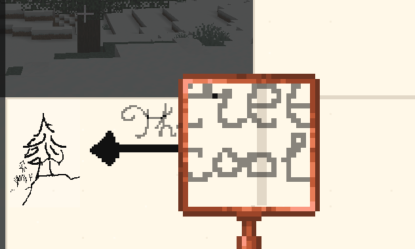
- Top-left sketched-page button: add a ripped sketchbook page as a sticker
- Right-click sticker: select and start dragging
- Right-drag selected sticker: move sticker
- Ctrl + mouse wheel while hovering a sticker: select and scale that sticker
- Ctrl + Shift + mouse wheel: scale currently selected sticker even if cursor is not over it
Screenshots:
Quick facts
- Edition: Minecraft Java
- File type: .jar
- Minecraft version listed: 1.21.1
- How to install: Install the matching mod loader (Forge, Fabric or NeoForge) for your Minecraft version. → Download the .jar. → Put it in the .minecraft/mods folder and launch that loader profile.
- Where to get it: Opens on Modrinth — not every file is mirrored on our own servers.
Install steps are the general flow for this file type — How to install Minecraft Java mods & modpacks walks through it step by step.
Verified by MCModsHub
- Ships as esquissecanvas-0.3.9.jar — drop this file into the mods folder
- Download size: 63 KB
- Download link checked 20 Aug 2026 — working
These come from our own check of the pack file, not from the source page.