
CommandsMC mod - Stop guessing what a command does. Just start typing it.
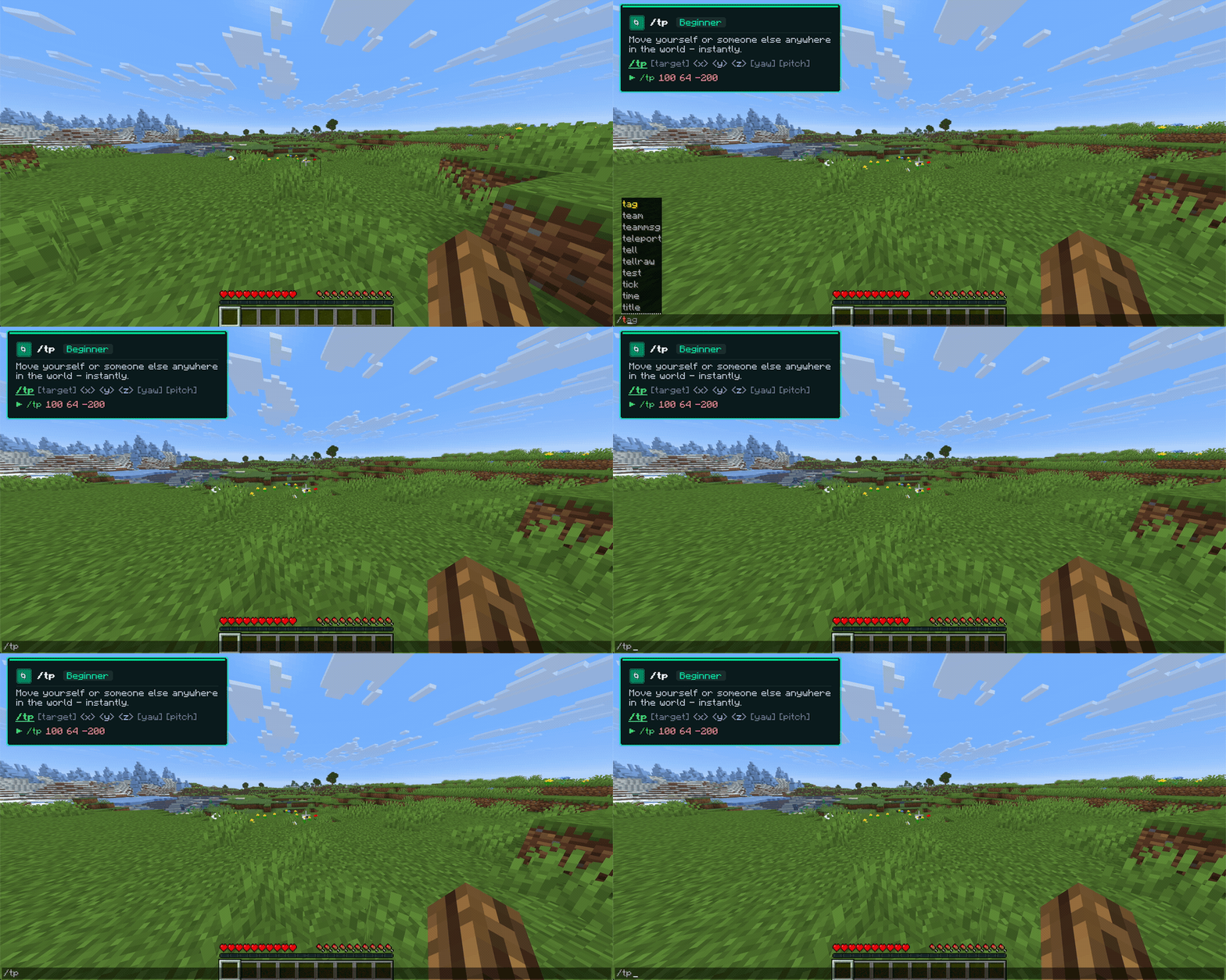
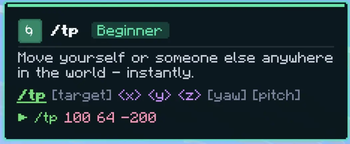
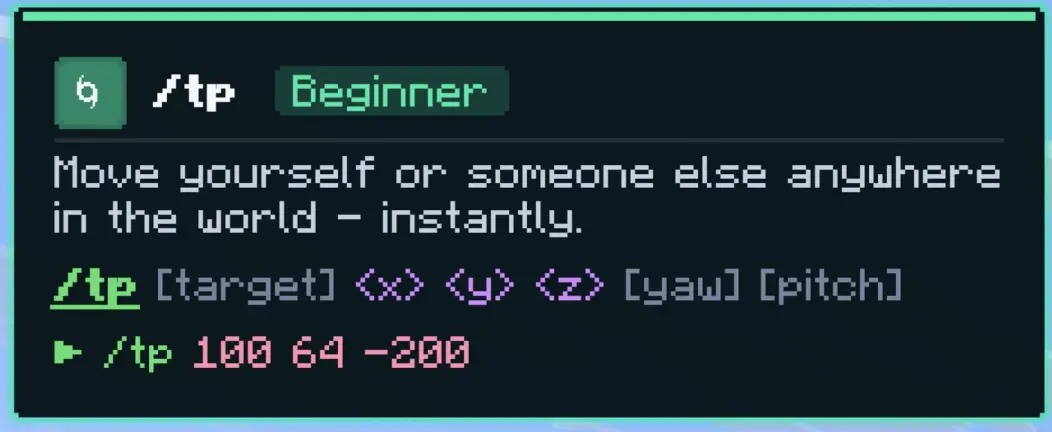
CommandsMC mod is a lightweight, client-side Fabric mod that explains Minecraft commands while you type them. Open the chat, type a command, and a clean tip card appears in the top-left corner showing exactly what it does, its syntax, and a real example. No hovering, no tabbing out to a wiki, no memorizing arguments.
It is powered by commandsmc.online and uses the same on-brand styling, so the in-game card looks just like the website.
Why you'll want it
Live as you type. The card updates with every keystroke. Type /eff and it already knows you mean /effect. Argument-aware help. Once you're past the command name, the card highlights the exact argument your cursor is on and explains that part. After /give @s it shows what goes in the item slot. Color-coded syntax. Targets, coordinates, literals, and optional arguments are each colored, so a long command is easy to read at a glance. Smart matching. Prefixes and aliases just work: /w finds /msg, /tm finds /teammsg, /? finds /help. The full vanilla command set. 83 commands covered, from beginner staples like /give and /tp to advanced tools like /execute, /scoreboard, and /data. One key to toggle. Press F6 to turn the tips on or off, in-game or with chat open. Perfect for
Players learning commands for the first time Map makers and datapack creators who live in /execute and /scoreboard Server admins reaching for /ban, /whitelist, and /gamerule Anyone tired of alt-tabbing to look up syntax Compatibility
Minecraft: 1.21.x (Java Edition) Loader: Fabric Requires: Fabric API Side: Client-side only. Works on any server without installing anything server-side. Install
Install Fabric Loader for your 1.21.x version. Drop Fabric API and CommandsMC Tips into your .minecraft/mods/ folder. Launch, open chat with T, and type a command like /effect. Open source (MIT) and not affiliated with Mojang or Microsoft.
- Edition: Minecraft Java
- File type: .jar
- Minecraft versions listed: 1.21.9, 1.21.10, 1.21.11
- How to install: Install the matching mod loader (Forge, Fabric or NeoForge) for your Minecraft version. → Download the .jar. → Put it in the .minecraft/mods folder and launch that loader profile.
- Where to get it: Opens on Modrinth — not every file is mirrored on our own servers.
Install steps are the general flow for this file type — How to install Minecraft Java mods & modpacks walks through it step by step.
- Ships as commandsmc-mod-1.0.0.jar — drop this file into the mods folder
- Download size: 43 KB
- Download link checked 14 Sept 2026 — working
These come from our own check of the pack file, not from the source page.