
SATA - Store All Take All
Java mod listed for Minecraft 1.21. Downloads from the MC Java Mods app on Android.
⬇ Download on Modrinth
SATA
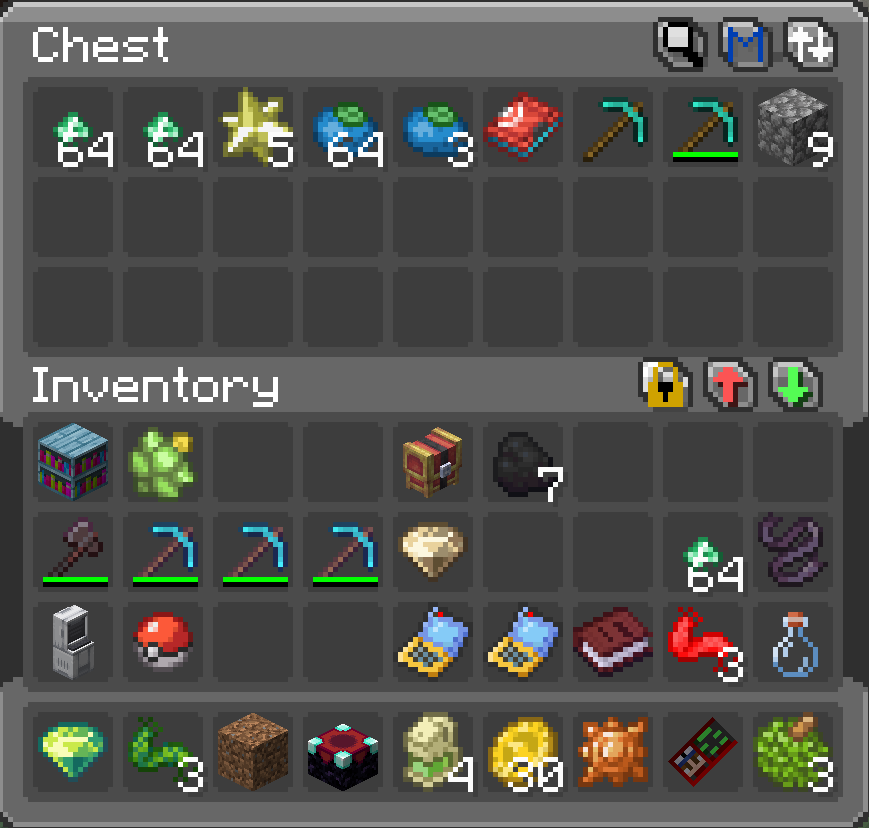
Quick Deposit, Take, Sort, and Search controls for supported Fabric storage containers.
SATA — Store All, Take All — is a lightweight storage-management mod for Fabric. It adds compact utility controls directly to supported container screens, making it faster to organize items without replacing the containers you already use.
Enjoyed this mod? Help support this and future projects: https://ko-fi.com/pixelpitstop1
Quick Transfers
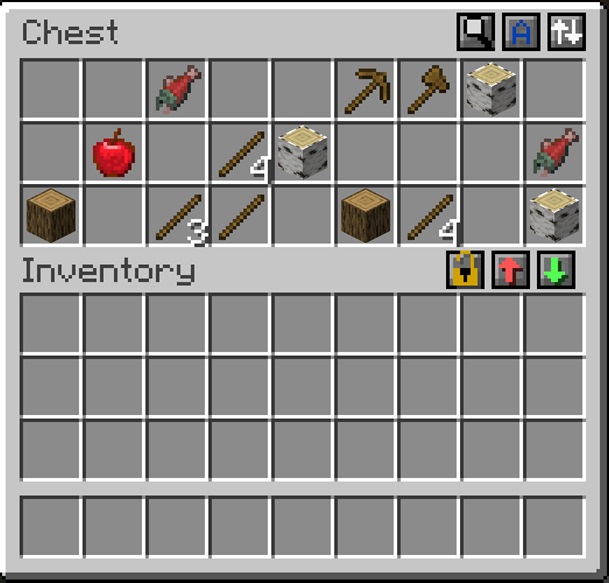
SATA adds two simple transfer buttons:
| Control | Click | Shift-click |
|---|---|---|
| Deposit | Deposit Matching | Deposit All |
| Take | Take Matching | Take All |
Deposit Matching moves only items that already have an exact match inside the container.
Take Matching moves only items that already have an exact match inside your inventory.
Matching uses the item and its data components, helping prevent differently named, enchanted, damaged, or customized items from being treated as identical.
Hotbar Lock
Enable Hotbar Lock to stop Deposit actions from taking items out of your hotbar.
This is useful for keeping tools, weapons, food, and other regularly used items in place while quickly storing everything else.
Container Sorting
Sort supported containers by:
- Name
- Mod
- Quantity
- Tags
Each supported container remembers its selected sorting mode where possible, including separate modes for individual chests and other persistent containers.
Search
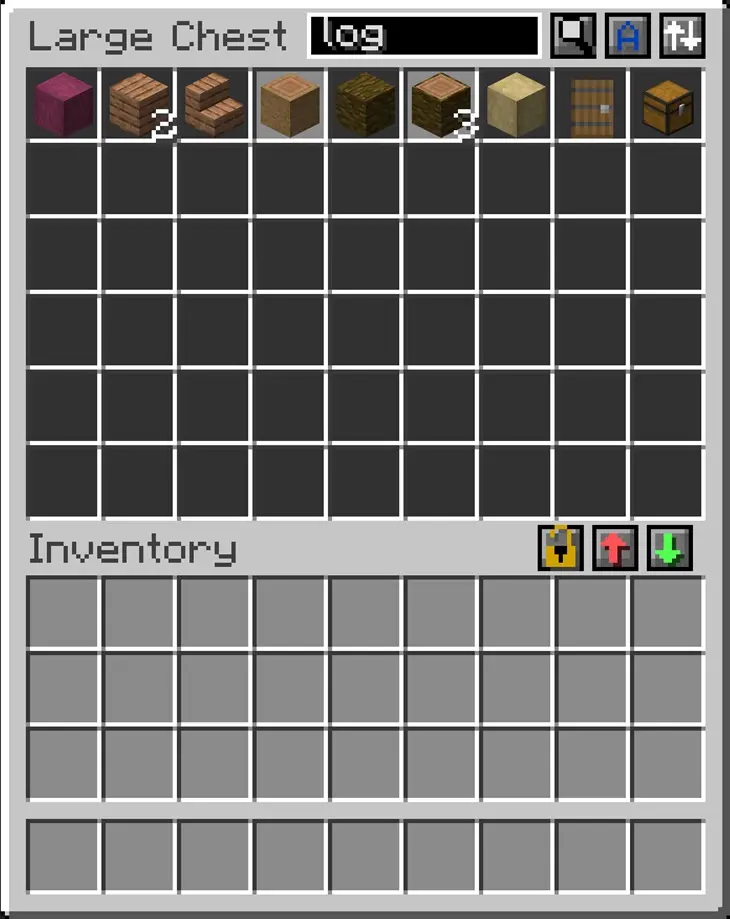
Use the built-in Search control to quickly locate items inside a container.
Search supports:
- item names
- custom names
- item IDs
- mod namespaces
- multiple search terms
Matching items remain clearly visible while unrelated container slots are dimmed. Player inventory and hotbar are left untouched.
Supported Containers
SATA supports standard storage screens such as:
- chests and double chests
- barrels
- shulker boxes
- ender chests
- compatible vanilla-style modded containers
Some highly customized storage interfaces may require manual configuration or may be intentionally excluded.
Sophisticated Storage and Sophisticated Backpacks are blacklisted by default to avoid duplicate controls.
Configuration
SATA includes concise in-file guidance for:
- automatic container detection
- screen and handler whitelists
- screen and handler blacklists
- debug information
- tooltips
- Hotbar Lock defaults
The generated config also includes short examples for identifying and adding compatible modded container screens.
Requirements
- Minecraft 1.21.1
- Fabric Loader
- Fabric API
- SATA installed on both the client and server
Notes
- SATA does not replace existing container inventories.
- Transfer actions respect slot restrictions and stack limits.
- Component-distinct items remain separate.
- Search is visual and does not rearrange container slots.
- Some movement mods may still allow player movement while typing in Search.
- Edition: Minecraft Java
- File type: .jar
- Minecraft version listed: 1.21.1
- How to install: Install the matching mod loader (Forge, Fabric or NeoForge) for your Minecraft version. → Download the .jar. → Put it in the .minecraft/mods folder and launch that loader profile.
- Where to get it: Opens on Modrinth — not every file is mirrored on our own servers.
Install steps are the general flow for this file type — How to install Minecraft Java mods & modpacks walks through it step by step.
- Ships as sata-1.0.jar — drop this file into the mods folder
- Download size: 70 KB
- Download link checked 24 Oct 2026 — working
These come from our own check of the pack file, not from the source page.