
Unbiased Worldgen
Java mod listed for Minecraft 26.x. Downloads from the MC Java Mods app on Android.
⬇ Download on Modrinth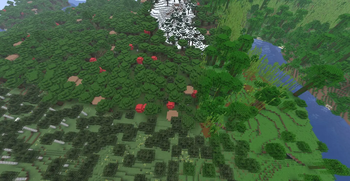
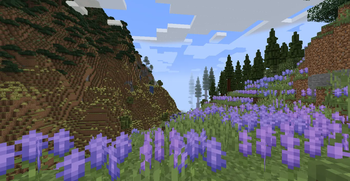

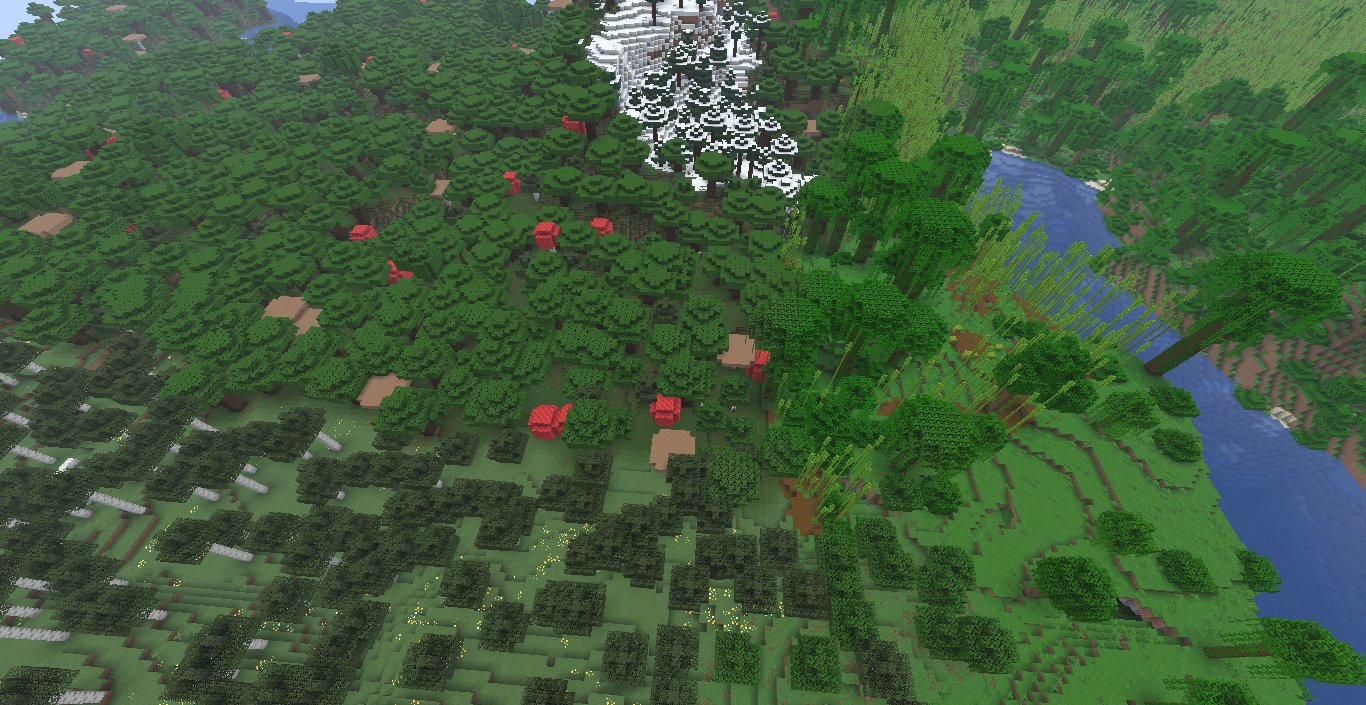
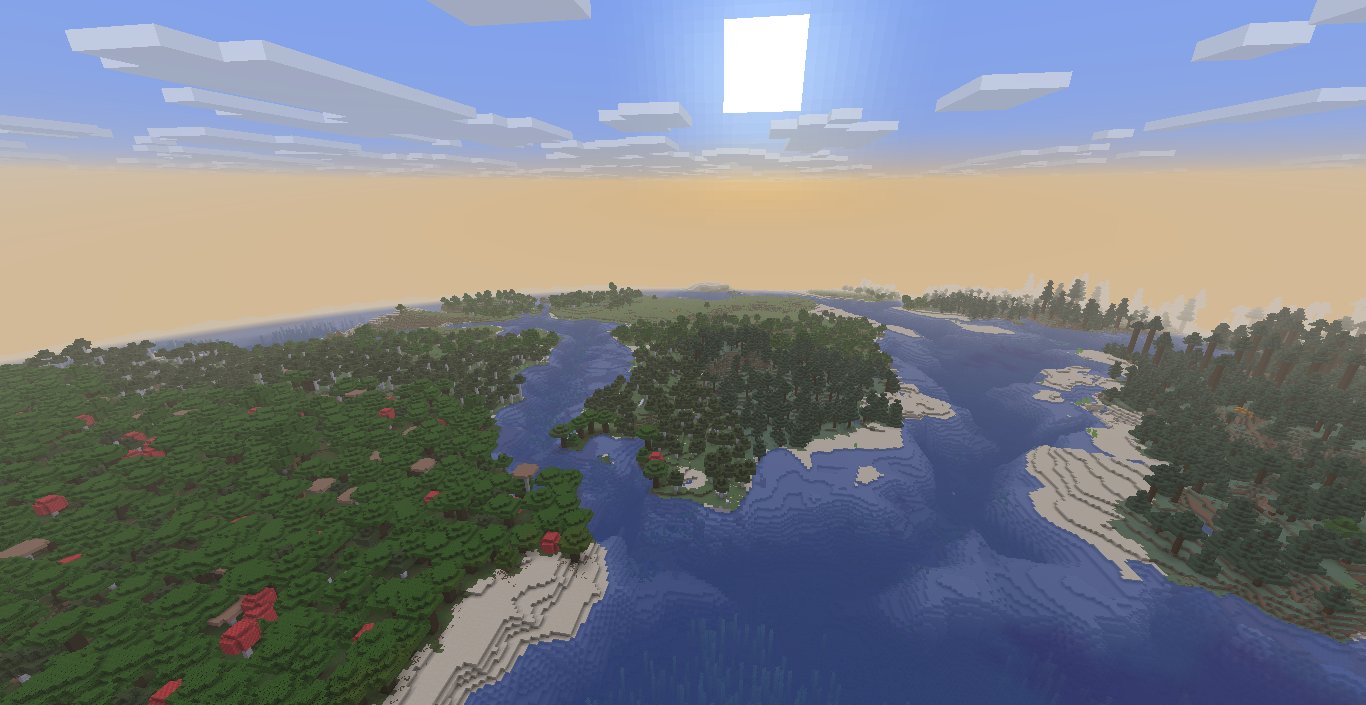
This mod/datapack changes the temperature and humidity noises so biomes can be more evenly distributed across the overworld, so finding the biome you want isn't as bad
this should be compatible with custom biomes as long they don't change temperature and/or humidity
Instalation
For the datapack version, go to the datapacks tab when creating a world, click the button to open the datapacks folder and drag the datapack inside, it should appear in the left side of the screen, after that enable it like you would do with an experimental datapack.
For the mod version (on windows), right click the start button and and go to execute, then enter %appdata% on it, this will open a folder, go to the .minecraft and then mods, drag the .jar there.
- Edition: Minecraft Java
- File type: .jar
- Minecraft version listed: 26.2
- How to install: Install the matching mod loader (Forge, Fabric or NeoForge) for your Minecraft version. → Download the .jar. → Put it in the .minecraft/mods folder and launch that loader profile.
- Where to get it: Opens on Modrinth — not every file is mirrored on our own servers.
Install steps are the general flow for this file type — How to install Minecraft Java mods & modpacks walks through it step by step.
- Ships as unbiased-worldgen-1.0.jar — drop this file into the mods folder
- Download size: 581 KB
- Download link checked 20 Oct 2026 — working
These come from our own check of the pack file, not from the source page.