
A Qt UI framework
Enables mod developers to build rich, flexible GUIs using familiar Qt paradigms — signals & slots, layouts, stylesheets, model/view, and a full widget hierarchy.
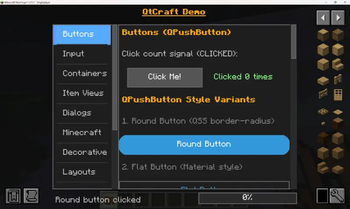
We have QtCraft Demo to display:
GUI Widget
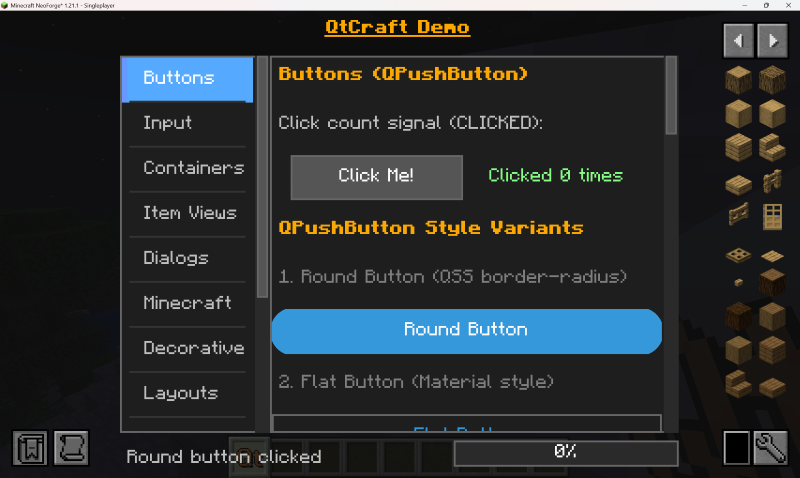
Block Widget
Moreover you can display these UI in the block easily just like:
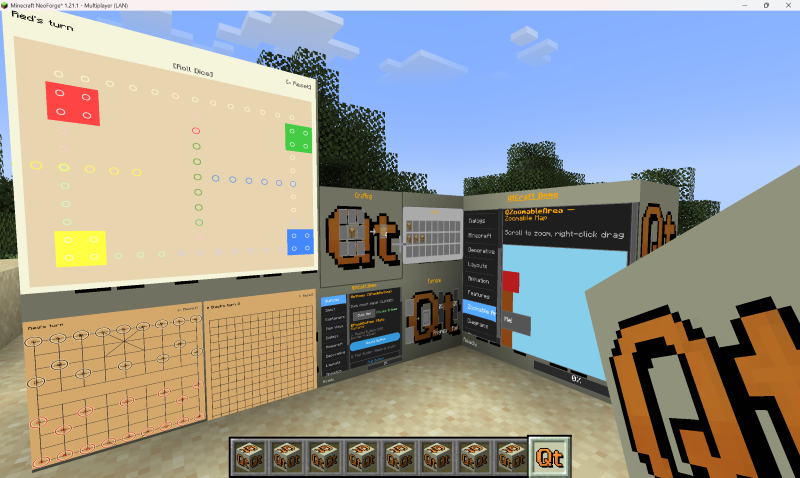
More Features
More features are in the GitHub
Documents
Documents are in the GitHub
Quick facts
- Edition: Minecraft Java
- File type: .jar
- Minecraft version listed: 1.21.1
- How to install: Install the matching mod loader (Forge, Fabric or NeoForge) for your Minecraft version. → Download the .jar. → Put it in the .minecraft/mods folder and launch that loader profile.
- Where to get it: Opens on Modrinth — not every file is mirrored on our own servers.
Install steps are the general flow for this file type — How to install Minecraft Java mods & modpacks walks through it step by step.
Verified by MCModsHub
- Ships as qtcraft-api-1.0.jar — drop this file into the mods folder
- Download size: 644 KB
- Download link checked 21 Aug 2026 — working
These come from our own check of the pack file, not from the source page.