
No Move Recipe Book
Java mod listed for Minecraft 26.x. Downloads from the MC Java Mods app on Android.
No Move Recipe Book is a mod that fixes a common problem for many in Minecraft. It keeps the position of your interface (inventory, crafting table…
⬇ Download on Modrinth
No Move Recipe Book
No Move Recipe Book is a mod that fixes a common problem for many in Minecraft. It keeps the position of your interface (inventory, crafting table, furnace, etc.) when opening the Recipe Book.
📌 What does this mod do?
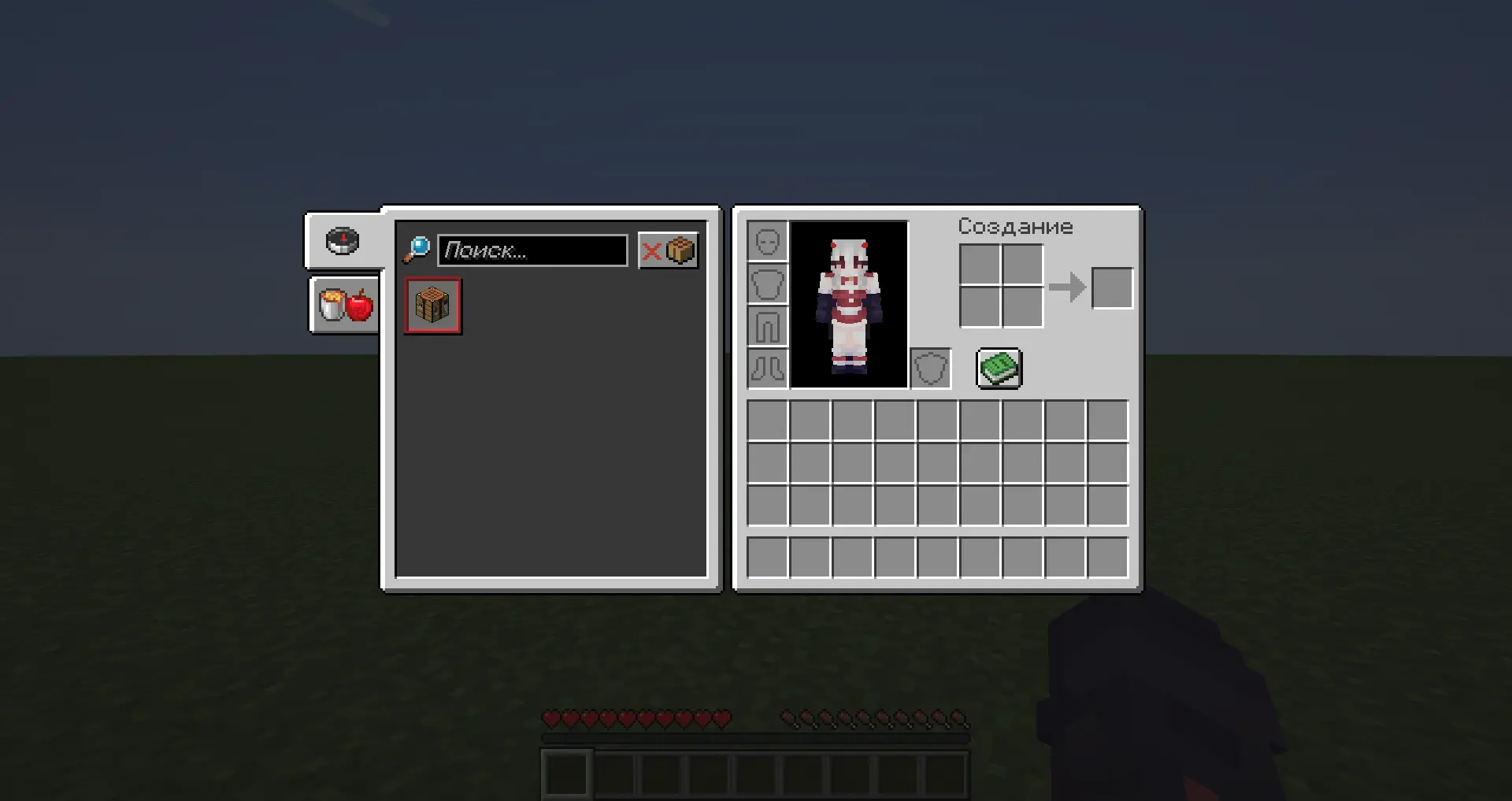
In the vanilla game, opening the recipe book shifts the main window (inventory, crafting table, furnace) to the side.
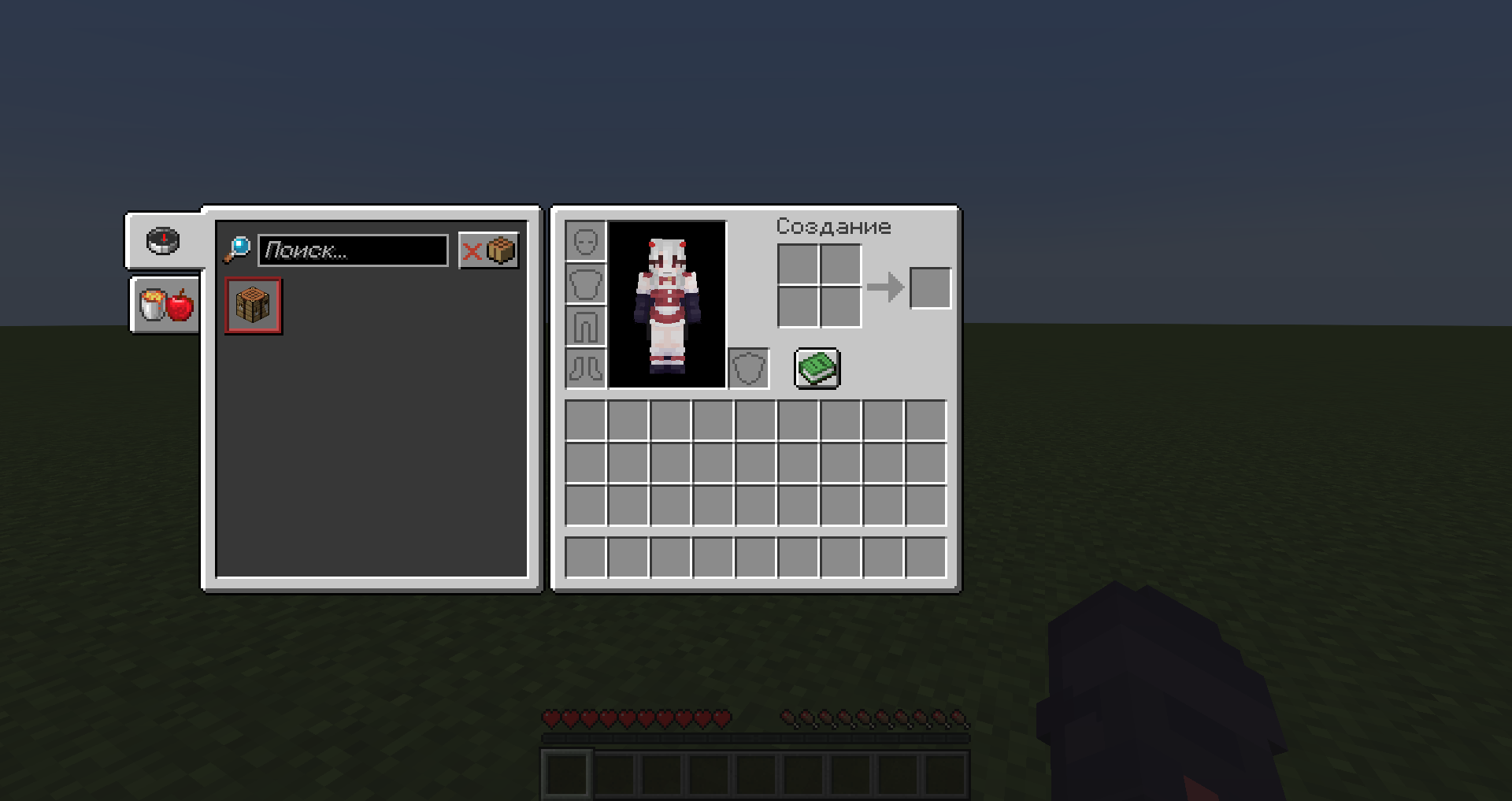
This mod prevents the main GUI from shifting. The crafting menu or inventory stays in its place, and the recipe book opens on the side.
📷 Comparison:
- Without the No Move Recipe Book mod:
- With the No Move Recipe Book mod:
✨ Features:
- Helps people who are annoyed by the recipe book shifting the GUI.
- The mod is completely Client-side! No need to download it to servers or anywhere else — CLIENT only!
- Edition: Minecraft Java
- File type: .jar
- Minecraft version listed: 26.1.2
- How to install: Install the matching mod loader (Forge, Fabric or NeoForge) for your Minecraft version. → Download the .jar. → Put it in the .minecraft/mods folder and launch that loader profile.
- Where to get it: Opens on Modrinth — not every file is mirrored on our own servers.
Install steps are the general flow for this file type — How to install Minecraft Java mods & modpacks walks through it step by step.
- Ships as NoMoveRecipeBook-26.1.2.jar — drop this file into the mods folder
- Download size: 3 KB
- Download link checked 19 Oct 2026 — working
These come from our own check of the pack file, not from the source page.