
Destiny Constellations
A highly configurable Forge 1.20.1 mod that adds a Genshin-style constellation progression system, custom items, and creative tab.
⬇ Download on Modrinth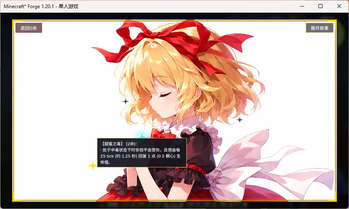
Touhou Destiny Constellations
Overview
- Perfect for RPG-style modpacks
- Adds a 7-level (C0-C6) constellation progression system.
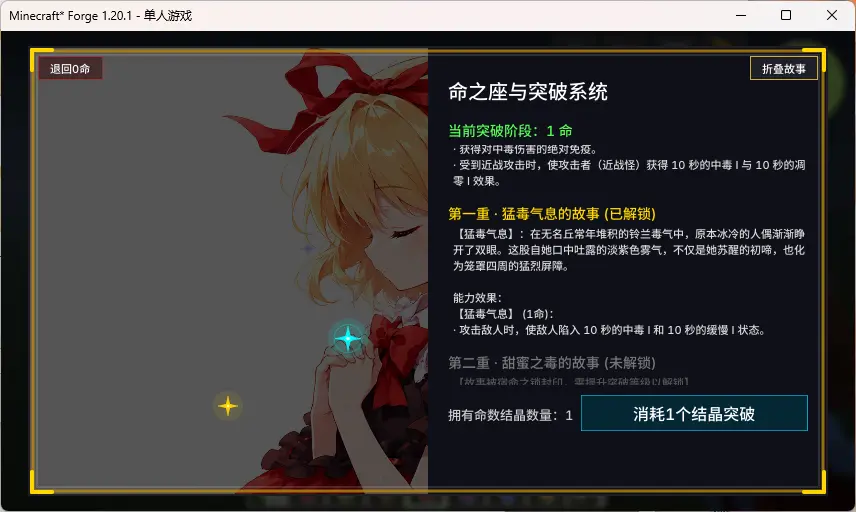
- Press the C key (Default) to open the constellation interface.
- Requires Fate Crystals (crafted with 1x Nether Star, 4x Netherite Ingots, and 4x Diamond Blocks) to unlock constellation levels.
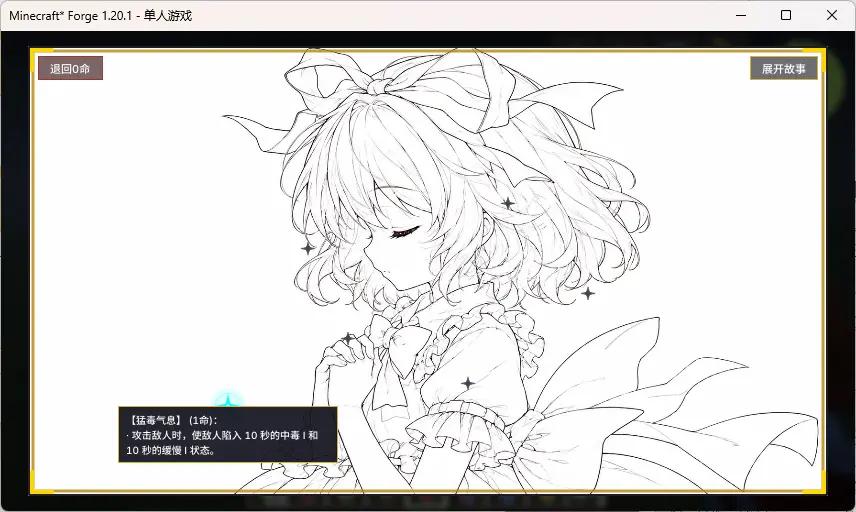
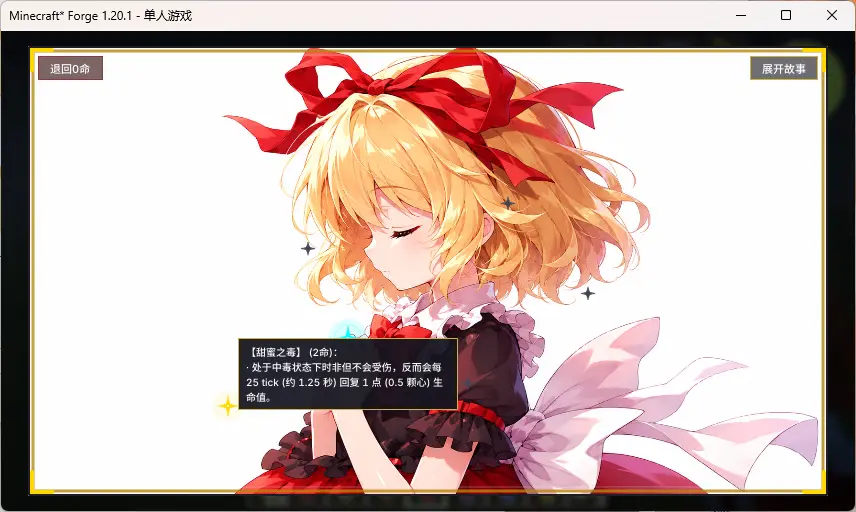
- Unlock constellation phases to acquire corresponding abilities, distinct background imagery, and exclusive lore stories (fully configurable).
Configuration Guide
1. Titles, Stories, and Descriptions
Configuration files generate in config/touhou_destiny/ after the first launch. You can open these .txt files and write your custom text in UTF-8 format:
stories/title_x.txt: Change the constellation's title.stories/story_x.txt: Change the background story.descriptions/ability_x.txt: Change the ability description shown in the UI.
2. Background Images & Star Positions
Open config/touhou_destiny-client.toml to configure visual settings:
[background_textures]: Change the texture paths for the backgrounds (background_0tobackground_6). You can replace the default images by creating a Resource Pack and placing your custom PNG files atassets/touhou_destiny/textures/gui/background_x.png.[star_positions]: Adjust the X and Y coordinates (from0.0to1.0) of the stars on the GUI.
KubeJS Integration (Recommended)
While the mod provides simple vanilla attributes by default, it is highly recommended to use KubeJS to script complex or custom constellation abilities for your modpack.
You can query a player's current constellation level (0 to 6) using the provided Java API: com.touhou.destiny.integration.ConstellationHelper.getLevel(player).
KubeJS Example (Server-side server_scripts):
EntityEvents.hurt(event => {
    let player = event.entity;
    if (player.isPlayer()) {
        // Query the player's unlocked constellation level
        let level = Java.resolve('com.touhou.destiny.integration.ConstellationHelper').getLevel(player);
        if (level >= 1) {
            // Example: Reduce incoming damage by 20% if level is 1 or higher
            event.damage = event.damage * 0.8;
        }
    }
});
Dependencies
- Required Dependency: ModernUI (Must be installed on the client side)
- Environment: Forge 1.20.1
- Edition: Minecraft Java
- File type: .jar
- Minecraft version listed: 1.20.1
- How to install: Install the matching mod loader (Forge, Fabric or NeoForge) for your Minecraft version. → Download the .jar. → Put it in the .minecraft/mods folder and launch that loader profile.
- Where to get it: Opens on Modrinth — not every file is mirrored on our own servers.
Install steps are the general flow for this file type — How to install Minecraft Java mods & modpacks walks through it step by step.
- Ships as touhou_destiny-1.0.0.jar — drop this file into the mods folder
- Download size: 174 KB
- Download link checked 14 Sept 2026 — working
These come from our own check of the pack file, not from the source page.