
The Graveyard (Unofficial Port)
Java mod listed for Minecraft 26.x. Downloads from the MC Java Mods app on Android.
⬇ Download on Modrinth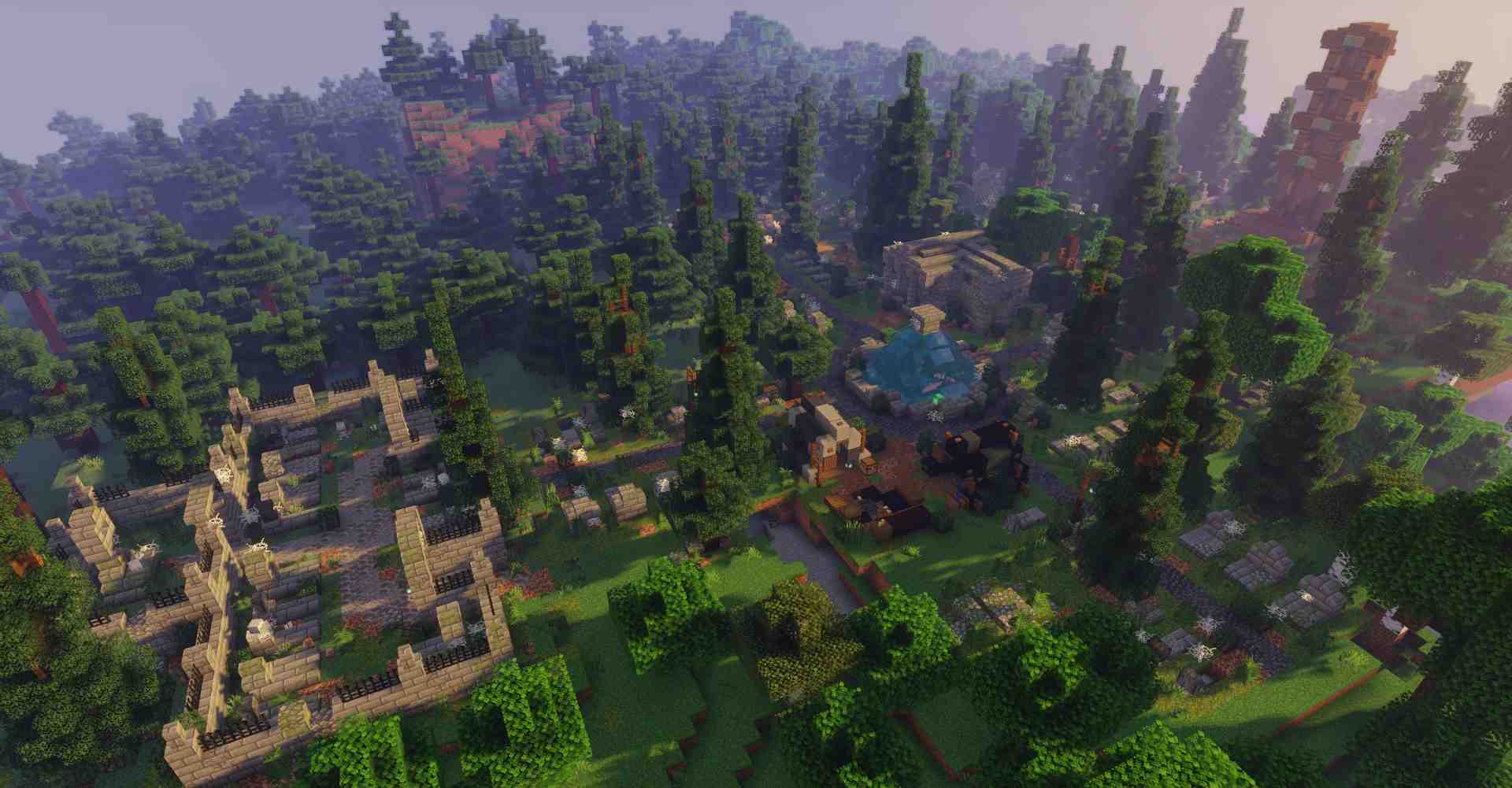
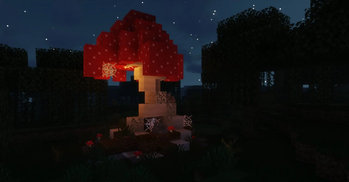
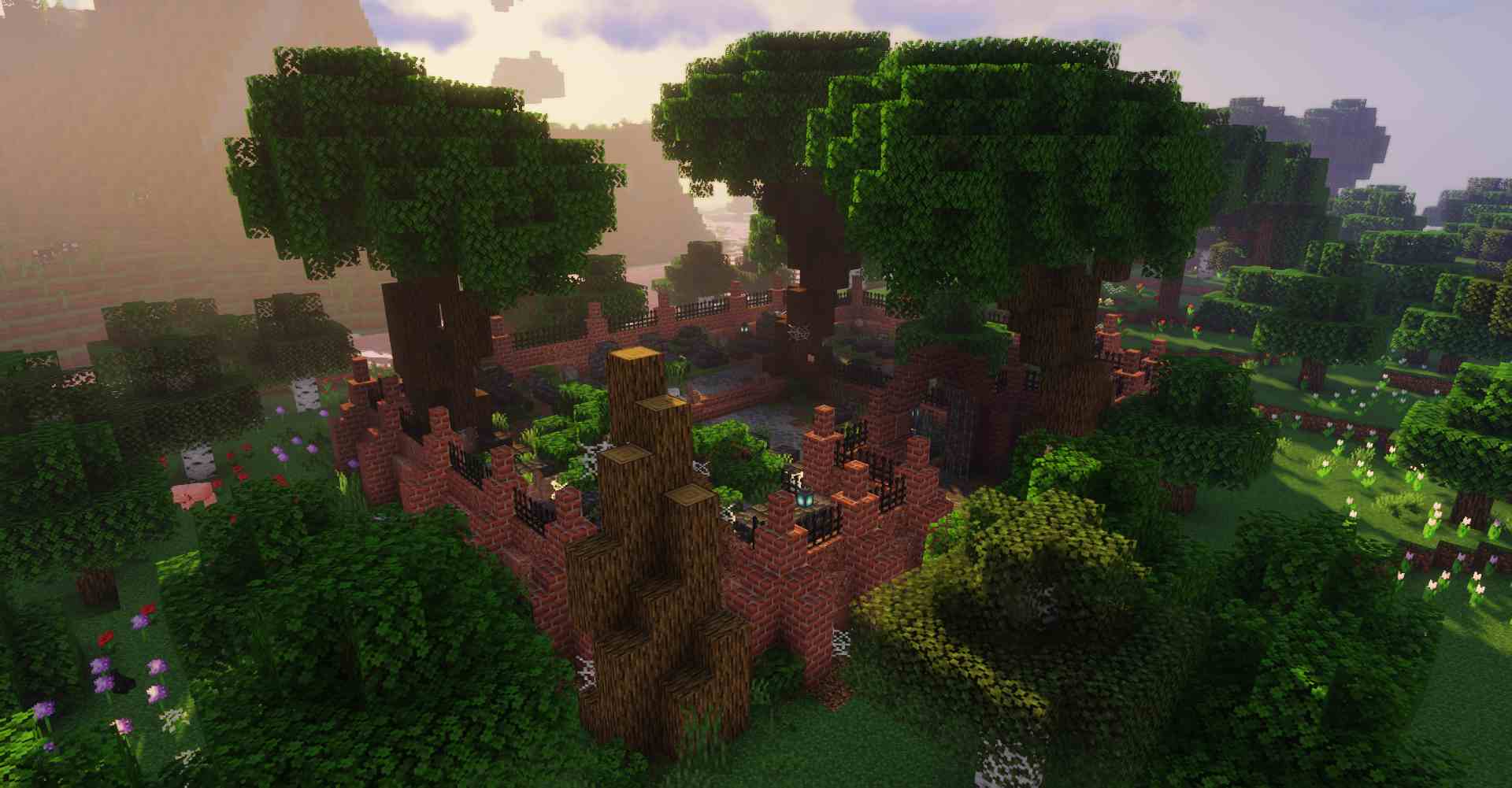
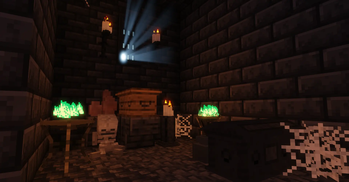
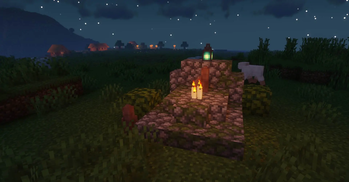
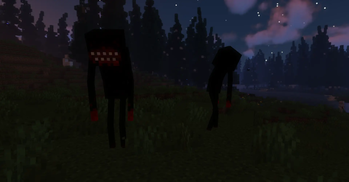
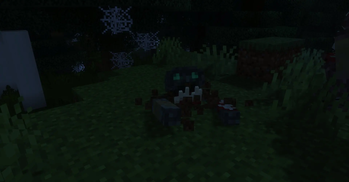
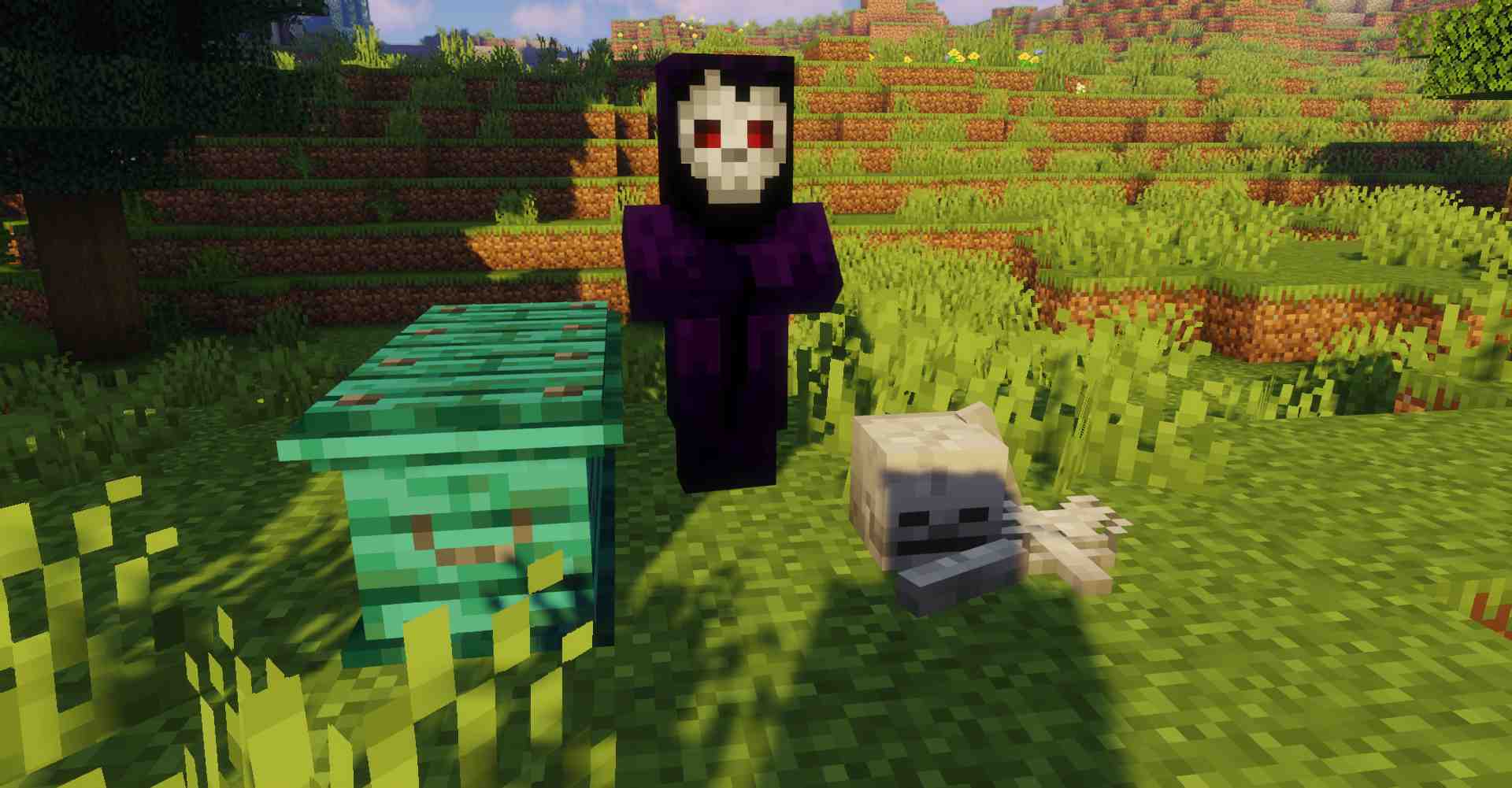
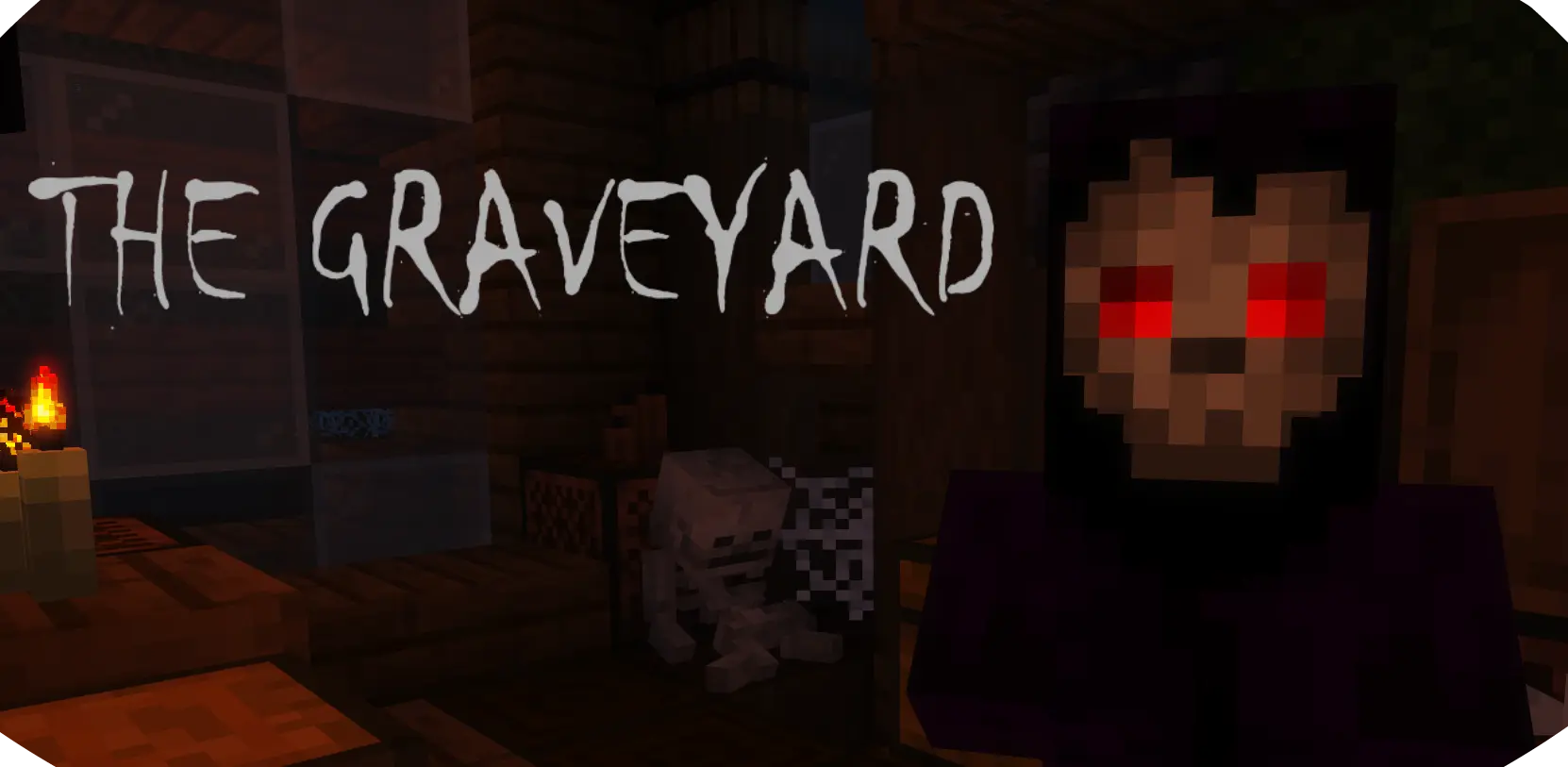

The Graveyard adds new spooky structures, mobs and blocks to make your minecraft adventure more thrilling and challenging. Every structure, mob and biome was built with a lot of attention to detail to create an immersive experience for you.

The Graveyard (Unofficial Port)
A community-maintained continuation of The Graveyard, updated for newer Minecraft versions.
The Graveyard adds a large collection of spooky content to Minecraft, including haunted structures, dangerous mobs, powerful bosses, decorative blocks, and immersive world generation. Explore abandoned graveyards, haunted houses, ruins, crypts, memorials, and other mysterious locations while facing terrifying creatures lurking in the darkness.
Features
Haunted structures and graveyards
Unique mobs such as Ghouls, Revenants, Nightmares, and Skeleton Creepers
Boss encounters, including the Corrupted Champion (Lich)
Decorative graveyard-themed blocks and building materials
Configurable spawning and world generation
Atmospheric exploration and adventure content
Unofficial Port
This project is an unofficial port of The Graveyard originally created by finallion_13.
The goal of this port is to keep the mod available on modern Minecraft versions while preserving the original gameplay, atmosphere, content, and design as closely as possible.
Credits
Original Mod Author: finallion_13
All original assets, textures, models, sounds, concepts, and content belong to their respective owners.
Minecraft is a trademark of Mojang Studios. This project is not affiliated with, endorsed by, or sponsored by Mojang Studios or Microsoft.
🛠️ Support
For issues related to this Unofficial Port, please report them on the GitHub repository: The Graveyard (Unofficial Port)
- Edition: Minecraft Java
- File type: .jar
- Minecraft version listed: 26.2
- How to install: Install the matching mod loader (Forge, Fabric or NeoForge) for your Minecraft version. → Download the .jar. → Put it in the .minecraft/mods folder and launch that loader profile.
- Where to get it: Opens on Modrinth — not every file is mirrored on our own servers.
Install steps are the general flow for this file type — How to install Minecraft Java mods & modpacks walks through it step by step.
- Ships as graveyard-2.6.2 NeoForge 26.2.jar — drop this file into the mods folder
- Download size: 14.3 MB
- Download link checked 9 Oct 2026 — working
These come from our own check of the pack file, not from the source page.