
Longer Day
Allows you to configure how long a day and night lasts in minecraft, this mod by default sets its to 1 hour for day and 1 hour for night instead of the…
⬇ Download on ModrinthLonger Day
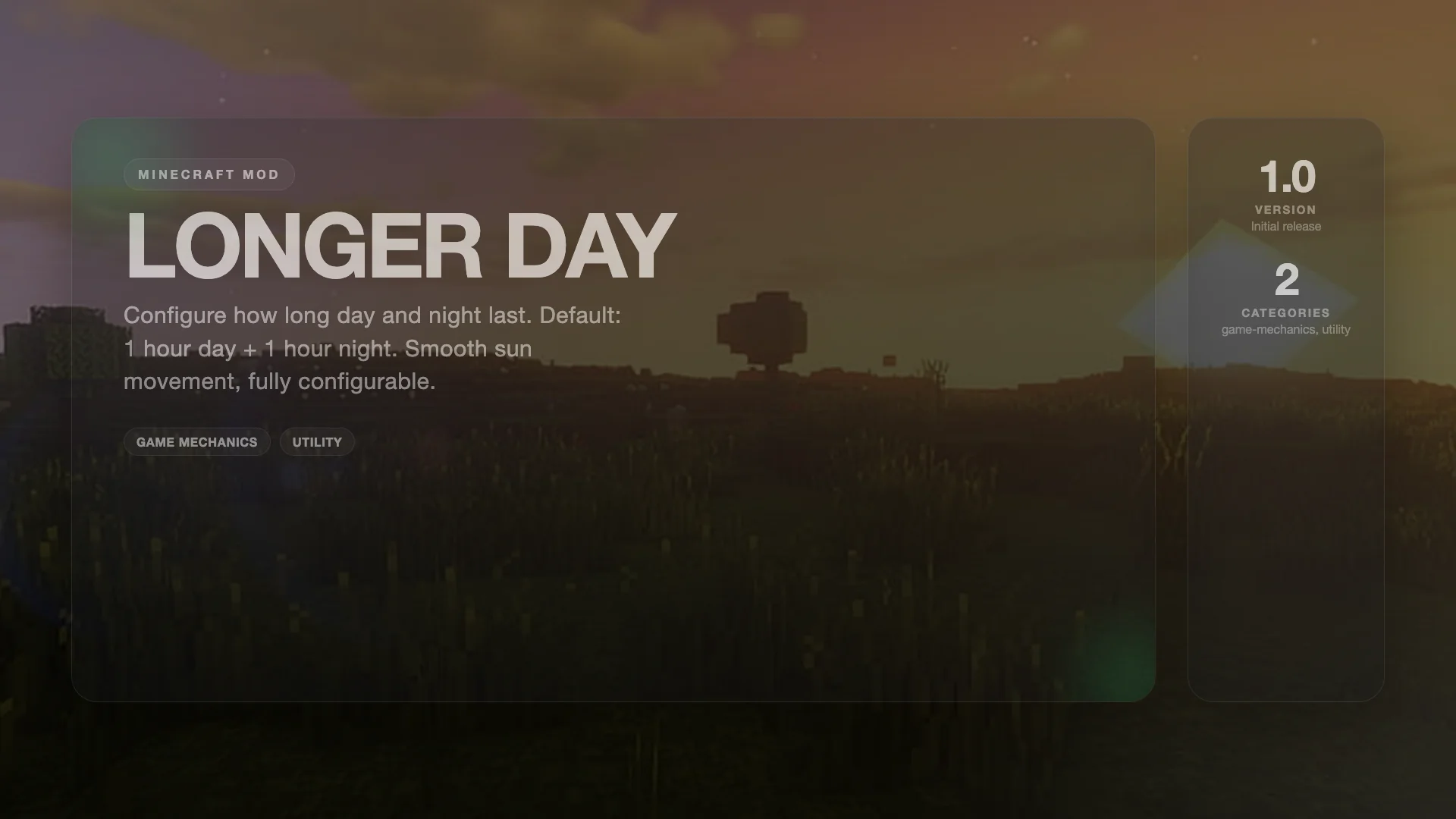
A lightweight, configurable mod for Minecraft 1.12.2 Forge that lets you control the length of day and night cycles. By default, both day and night last 1 real hour each (2 hours total per cycle), instead of vanilla's 10 minutes each.
How It Works
The mod slows down Minecraft's internal time progression so that the sun and moon move smoothly across the sky at a fraction of their normal speed. Both server-side game logic (crop growth, mob spawning) and client-side rendering (sun position, sky color) are properly synchronized for a seamless experience.
Configuration
All settings are configurable via the longer_day.cfg file (generated on first run):
| Setting | Default | Description |
|---|---|---|
dayLengthMinutes |
60 | How long a Minecraft day lasts in real minutes (vanilla = 10) |
nightLengthMinutes |
60 | How long a Minecraft night lasts (only used if sync is off) |
syncNightWithDay |
true | Night automatically matches day length |
Examples
- 1 hour day + 1 hour night: Default (60/60, sync on)
- 30 min day, 30 min night: Set
dayLengthMinutes=30 - Long days, short nights: Set
syncNightWithDay=false,dayLengthMinutes=60,nightLengthMinutes=10
Features
- Smooth sun movement — Client-side time interpolation ensures the sun and moon glide smoothly across the sky with no stuttering or teleporting.
- Independent day/night lengths — Day and night can be configured to different durations.
- Auto-sync option — By default, night length mirrors day length for balanced cycles.
- Server-compatible — Works on both singleplayer and dedicated servers.
- Sleep and time commands — Properly handles
/time setand sleeping in beds without desync.
Compatibility
- Minecraft 1.12.2
- Forge 14.23.5.x
- Client and server side
Credits
Author: Itamio
- Edition: Minecraft Java
- File type: .jar
- Minecraft version listed: 1.12.2
- How to install: Install the matching mod loader (Forge, Fabric or NeoForge) for your Minecraft version. → Download the .jar. → Put it in the .minecraft/mods folder and launch that loader profile.
- Where to get it: Opens on Modrinth — not every file is mirrored on our own servers.
Install steps are the general flow for this file type — How to install Minecraft Java mods & modpacks walks through it step by step.
- Ships as Longer Day-1.0.0.jar — drop this file into the mods folder
- Download size: 8 KB
- Download link checked 21 Aug 2026 — working
These come from our own check of the pack file, not from the source page.