
CraftStats
CraftStats is a universal in-game stat editor for Minecraft that lets you inspect and modify the properties of any mob, block, item, or player.
⬇ Download on Modrinth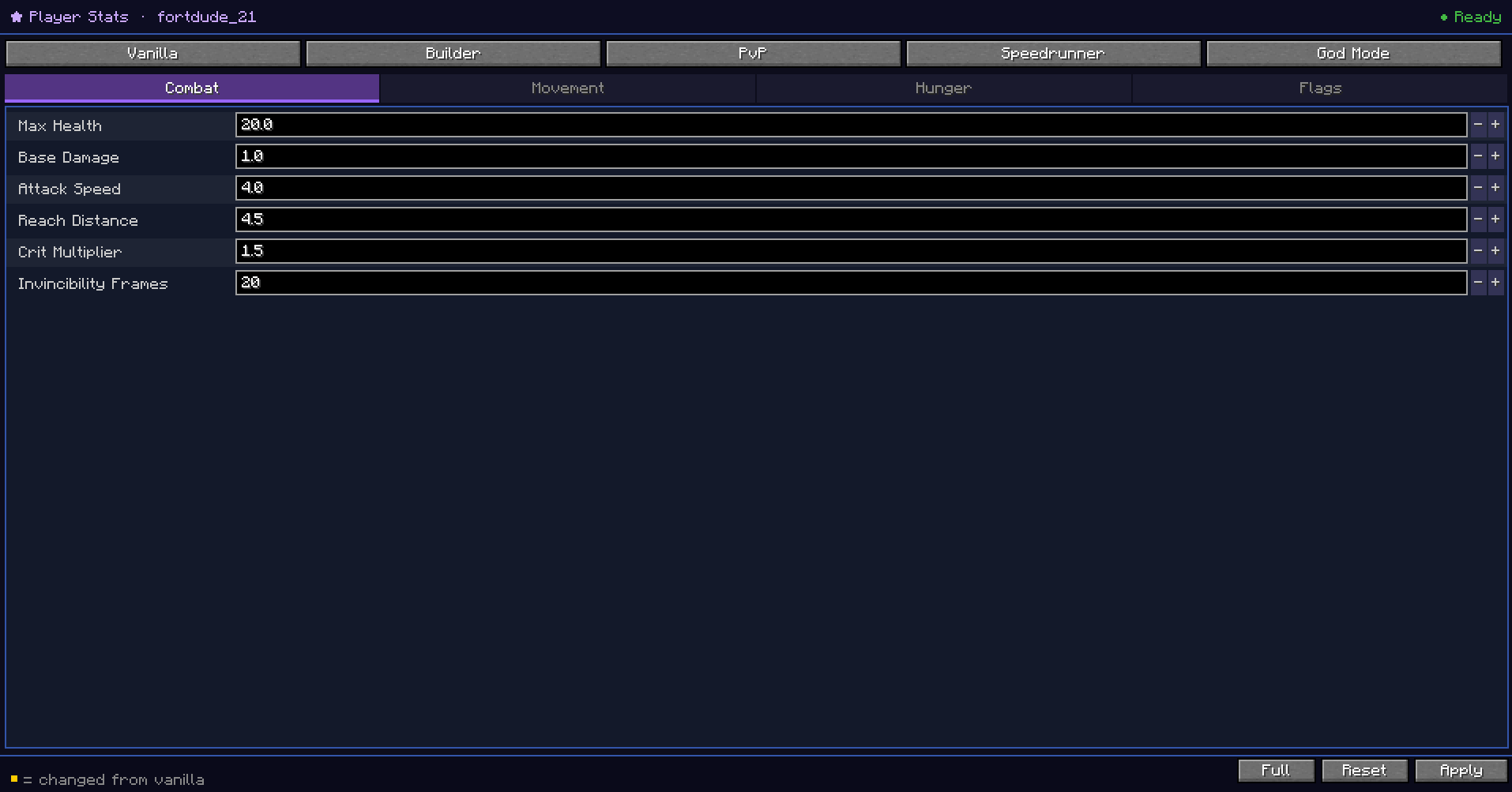
! CraftStats gives you a full in-game editor to customize the stats of any mob, block, item, or player — no config
files, no restarts, no commands to memorize.
CraftStats gives you a full in-game editor to customize the stats of any mob, block, item, or player — no config
files, no restarts, no commands to memorize.
What It Does
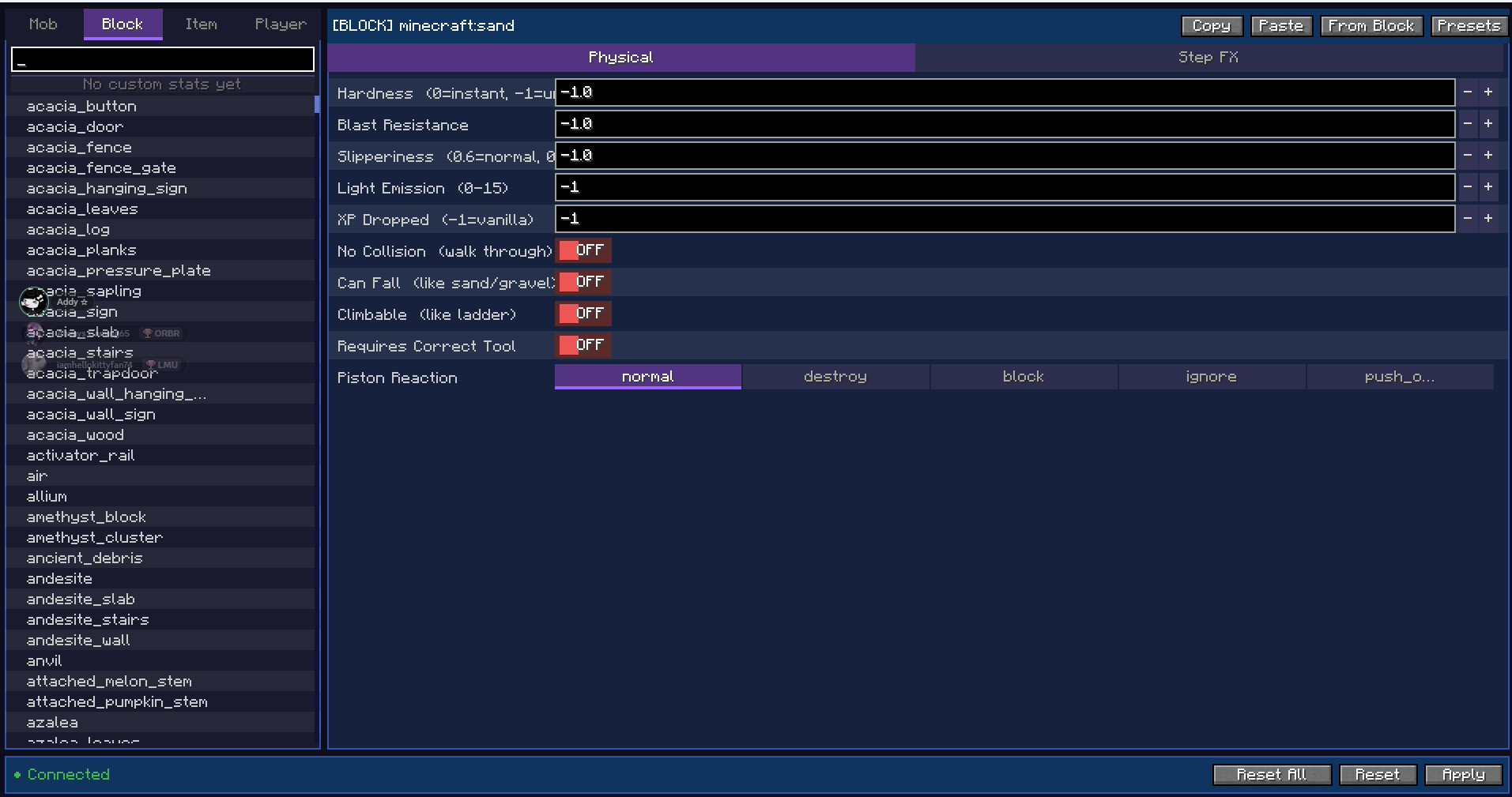
Open the editor from the pause menu and pick anything from the searchable browser on the left. Change its stats on the right, hit Apply, and the changes take effect immediately in the live world.
Mobs — health, damage, armor, speed, size, immunities, AI behavior, XP drops, and more.
Blocks — hardness, blast resistance, slipperiness, light level, XP dropped, collision, climbability, piston reaction, and step-on effects like damage, speed boosts, levitation, and potion effects. You can also make any block fall like sand or gravel with the Can Fall toggle.
Items — attack damage, attack speed, durability, stack size, mining speed, food properties, and flags like fireproof, unbreakable, and throwable.
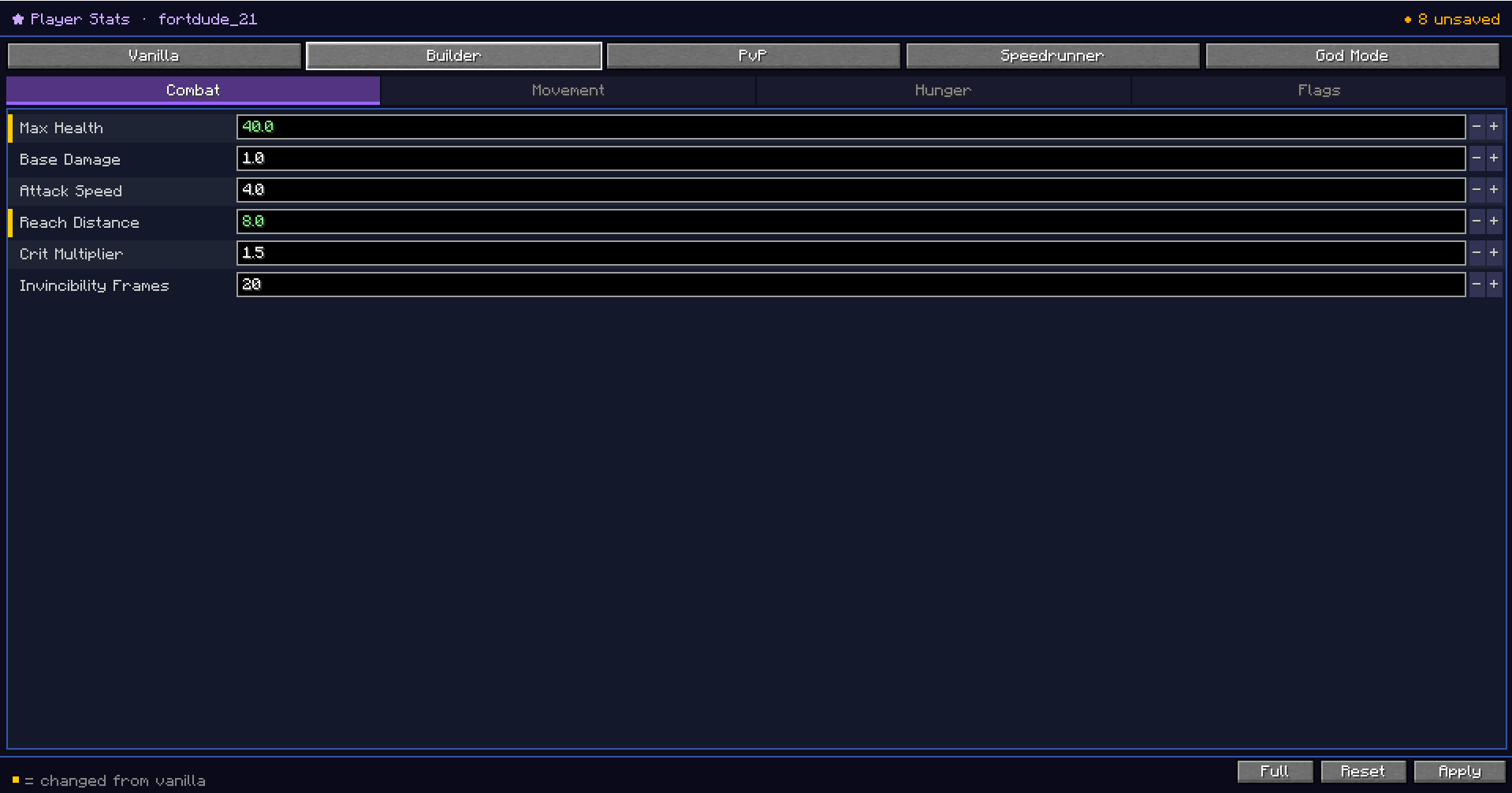
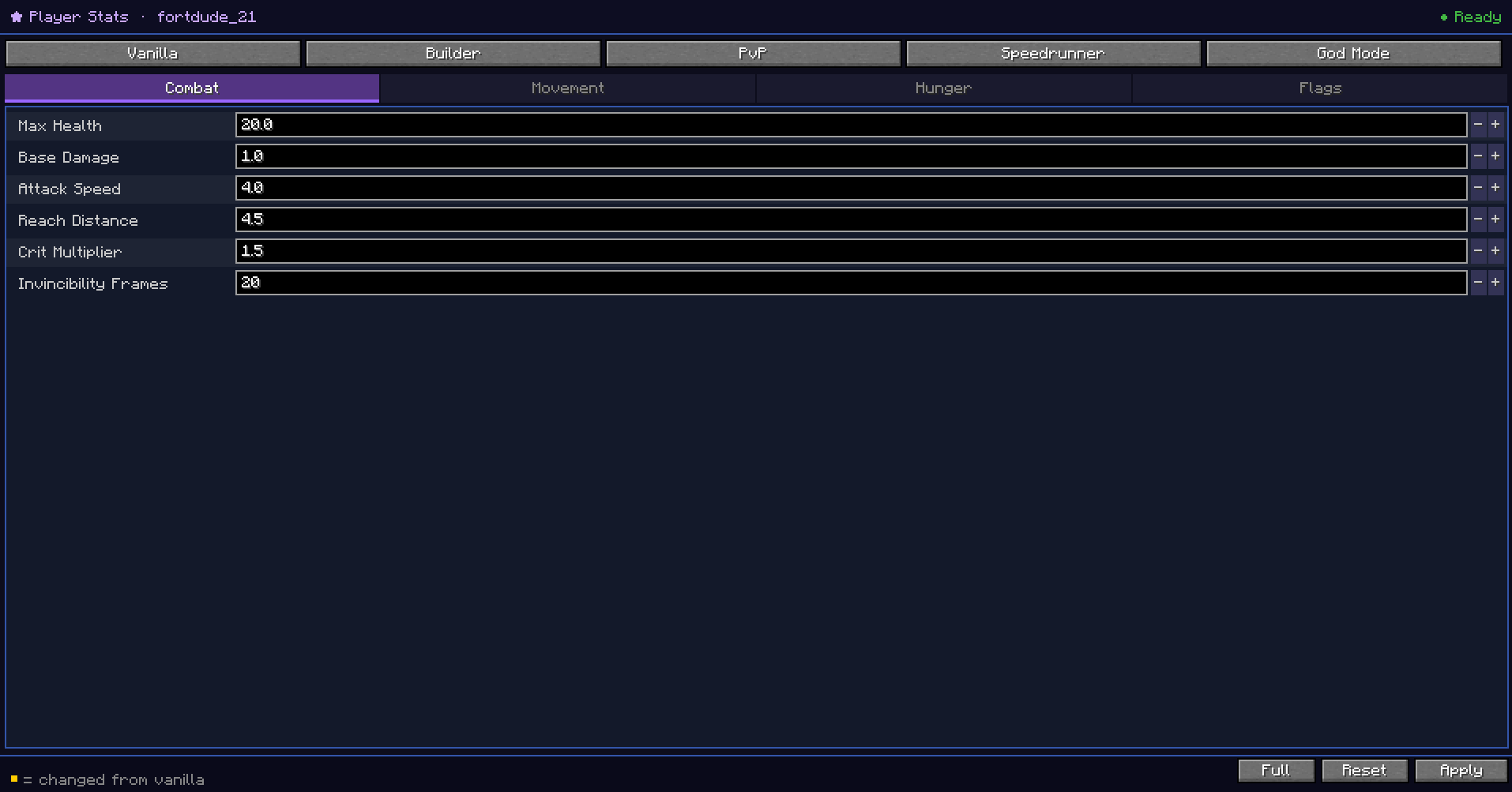
Players — health, damage, speed, gravity, reach, armor, fly speed, jump force, permanent potion effects, fall damage, hunger drain, god mode, keep inventory, and much more.
Wand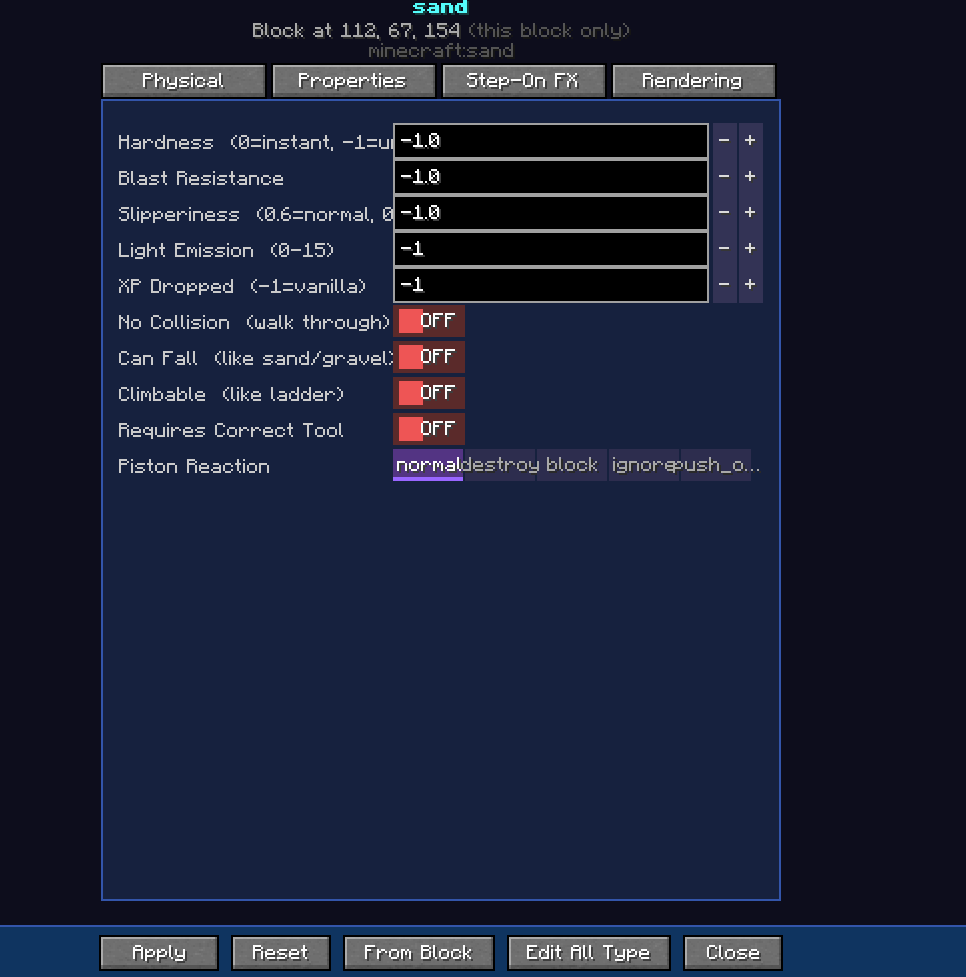
Features
- Live editing — changes apply instantly, no reload needed
- Presets — save and load stat profiles to reuse across entries
- Propagate — apply the same stats to many entries at once
- Randomize — randomize stats within bounds you set
- Copy / Paste — share stat profiles as JSON via clipboard
- From Block — extract vanilla block properties as a starting point
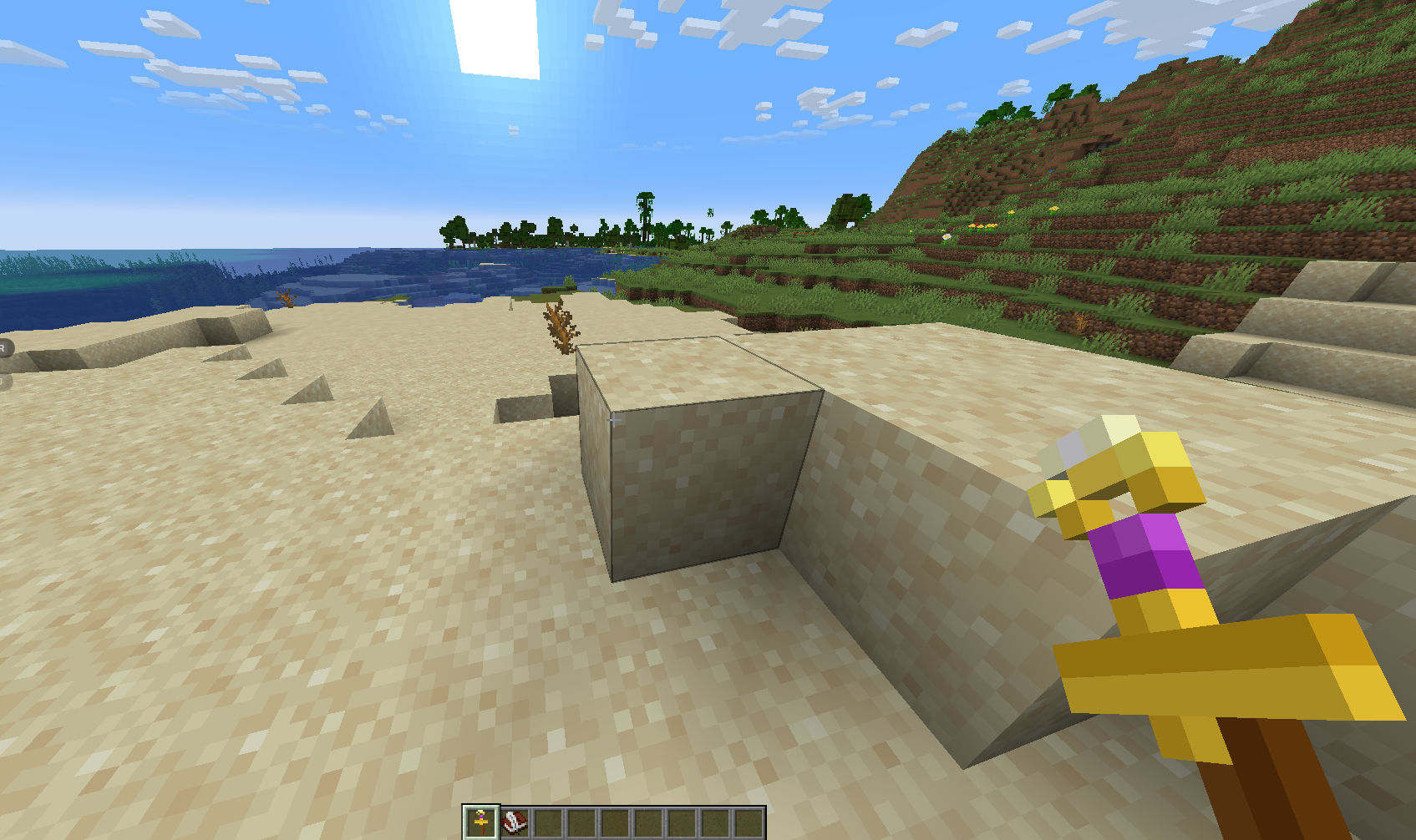
- CraftWand — right-click any mob or block in the world to open the editor pre-selected on it
- Multiplayer ready — works on dedicated servers; requires OP level 2 or creative mode
- Persistent — stats are saved per world and restored on every restart
Requirements
Fabric: Fabric Loader, Fabric API, Architectury API, Cloth Config, (ModMenu optional) NeoForge: NeoForge 21.1.172+, Architectury API, Cloth Config
Minecraft 1.21.1 — Fabric & NeoForge
- Edition: Minecraft Java
- File type: .jar
- Minecraft version listed: 1.21.4
- How to install: Install the matching mod loader (Forge, Fabric or NeoForge) for your Minecraft version. → Download the .jar. → Put it in the .minecraft/mods folder and launch that loader profile.
- Where to get it: Opens on Modrinth — not every file is mirrored on our own servers.
Install steps are the general flow for this file type — How to install Minecraft Java mods & modpacks walks through it step by step.
- Ships as craftstats-1.1.1.jar — drop this file into the mods folder
- Download size: 336 KB
- Download link checked 20 Aug 2026 — working
These come from our own check of the pack file, not from the source page.