
ModsJava
The Crysis Mod
The Crysis Mod is a Minecraft mod that adds Items & Armors from the fps game 'Crysis' by 'Crytek.' The main feature of the mod is the Nanosuit a set of…
⬇ Download on Modrinth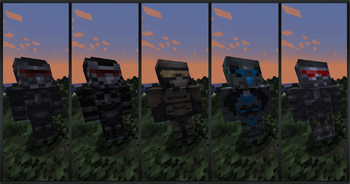
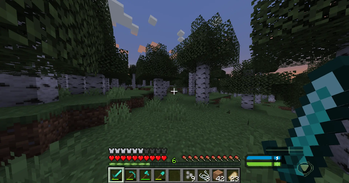
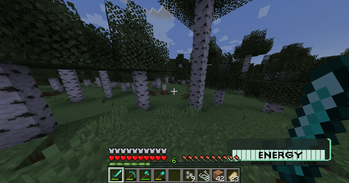
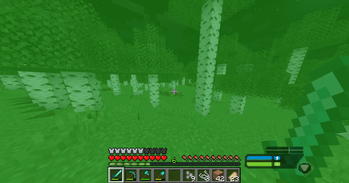
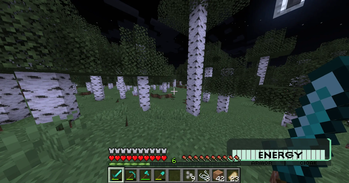
The Crysis Mod is a Minecraft mod that adds Items & Armors from the fps game 'Crysis' by 'Crytek.'
The main feature of the mod is the Nanosuit a set of armor which allows the player to switch between 4 major modes:
- Armor Mode: Invincibility.
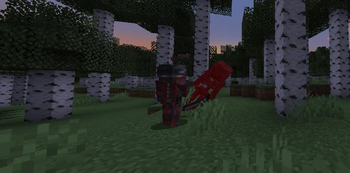
- Strength Mode: Jump and attack damage boost
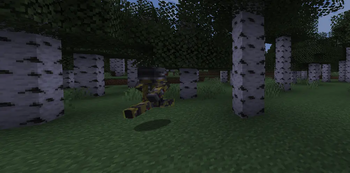
- Speed Mode: Running and swimming super fast
- Cloak Mode: Invisibility. All of these features only last as long as your energy supply which recharges quickly when not in use.
How to play:
Crafting The Suit:
    To craft a suit you must mine for the new: "Mysterious Fossil."
    There are two kinds of mysterious fossil.
    There is a small fossil that is 1x1 block.
    There is also a large fossil that is made up of multiple "Mysterious Fossil Block"s

    Once you have your mysterious fossils you can smelt them to obtain "Nano Catalyst"
    Combine "Nano Catalyst" with leather to obtain "Nano Fibers"
    And Combine a specific amount of "Nano Fibers" with specific vanilla armors to obtain the "Nano Suits"

The Suit Mode Switcher:
    Once you have a suit, press and hold the "Suit Mode Switcher" key (Default: 'V') to open a menu
    from which you can switch your suits mode by moving your mouse in the direction of the mode you want.
    Once the arrow is pointing at the desired mode, release the "Suit Mode Switcher" key.

The Visor:
    The visor is activated by key press (Default: 'B'). This is a form of binoculars, but is entirely avaliable within your suit.
    - You can use the visor to scan mobs giving them an outline like unto the 'Glowing' effect, only you can see the mob's outline though

Upgrades:
    Your suit can be upgraded with more "Nano Catalyst" items through the upgrade menu.
    To access the upgrade menu, you can press the "Upgrade Menu" key (Default: 'H').
    In this menu you can unlock, disable, and reenable upgrades at will.

Have Fun.
Quick facts
- Edition: Minecraft Java
- File type: .jar
- Minecraft versions listed: 1.20, 1.20.1, 1.20.2
- How to install: Install the matching mod loader (Forge, Fabric or NeoForge) for your Minecraft version. → Download the .jar. → Put it in the .minecraft/mods folder and launch that loader profile.
- Where to get it: Opens on Modrinth — not every file is mirrored on our own servers.
Install steps are the general flow for this file type — How to install Minecraft Java mods & modpacks walks through it step by step.
Verified by MCModsHub
- Ships as crysismod-1.0.1-1.20.1.jar — drop this file into the mods folder
- Download size: 536 KB
- Download link checked 13 Sept 2026 — working
These come from our own check of the pack file, not from the source page.