
Slow Mining
I don't know my version or loader
Slow Mining


Overview
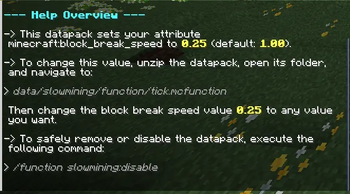
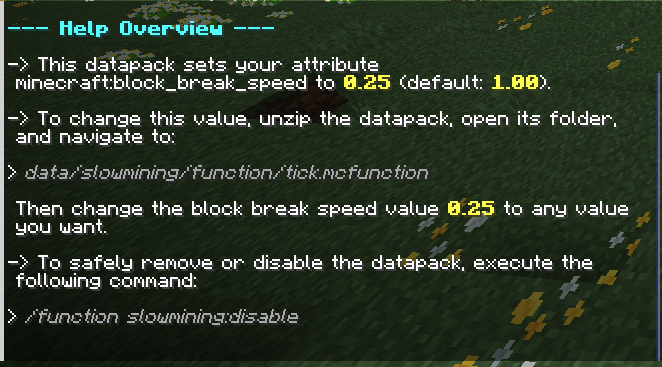
This datapack reduces the mining speed of players by 75% (minecraft:block_break_speed = 0.25).
Slow Mining makes the early game and late game of a world or server more challenging and fun.
Configuration
To configure how fast players break blocks, unzip the datapack, open the folder, and navigate to:
data/slowmining/function/tick.mcfunction
Open the file and edit the value on the 2nd line of code to customize the mining speed.
⚠️ IMPORTANT
If you want to disable or remove the datapack, run:
/function slowmining:disable,
otherwise the datapack will not disable properly.
Help
Run /function slowmining:help for help, or join our Discord:
- Edition: Minecraft Java
- File type: .jar
- Minecraft versions listed: 1.21, 1.21.1
- How to install: Install the matching mod loader (Forge, Fabric or NeoForge) for your Minecraft version. → Download the .jar. → Put it in the .minecraft/mods folder and launch that loader profile.
- Where to get it: Opens on Modrinth — not every file is mirrored on our own servers.
Install steps are the general flow for this file type — How to install Minecraft Java mods & modpacks walks through it step by step.
- Ships as slow-mining-r1.0.1.jar — drop this file into the mods folder
- Download size: 8 KB
- Download link checked 9 Sept 2026 — working
These come from our own check of the pack file, not from the source page.