
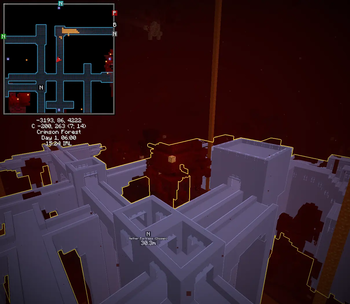
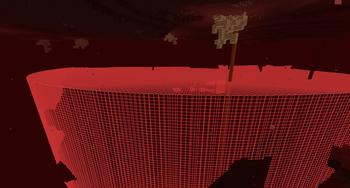
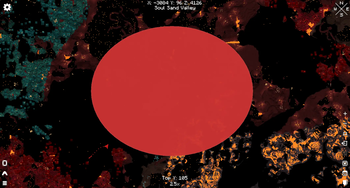
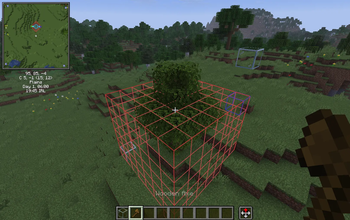
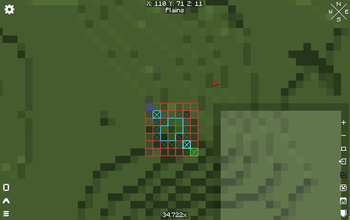
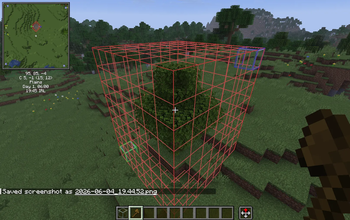
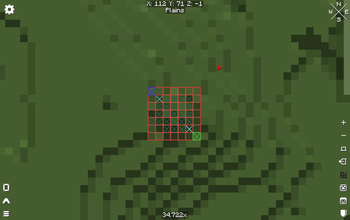
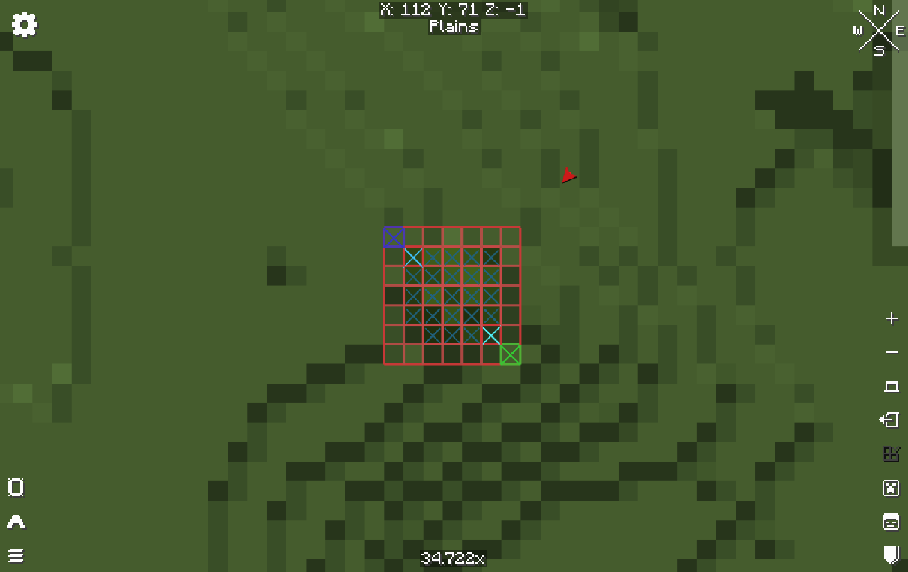
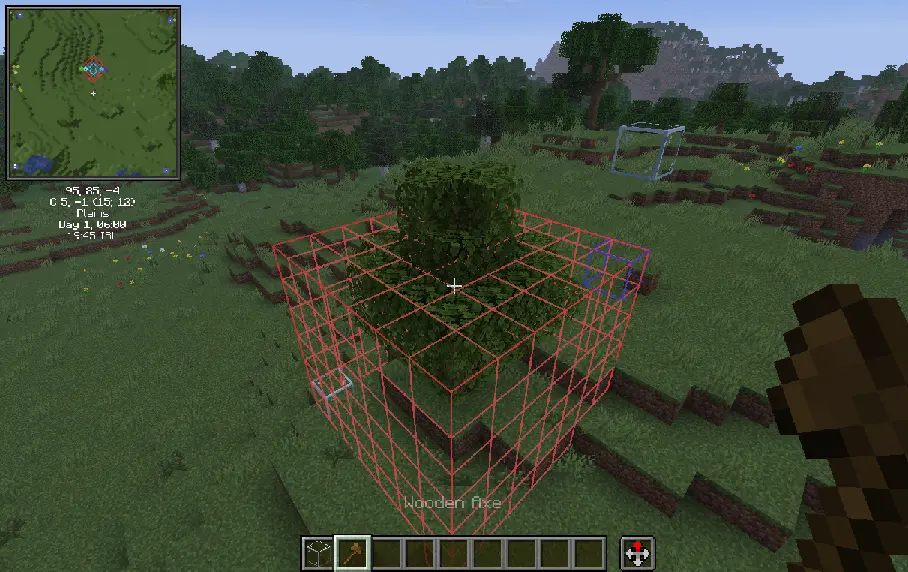
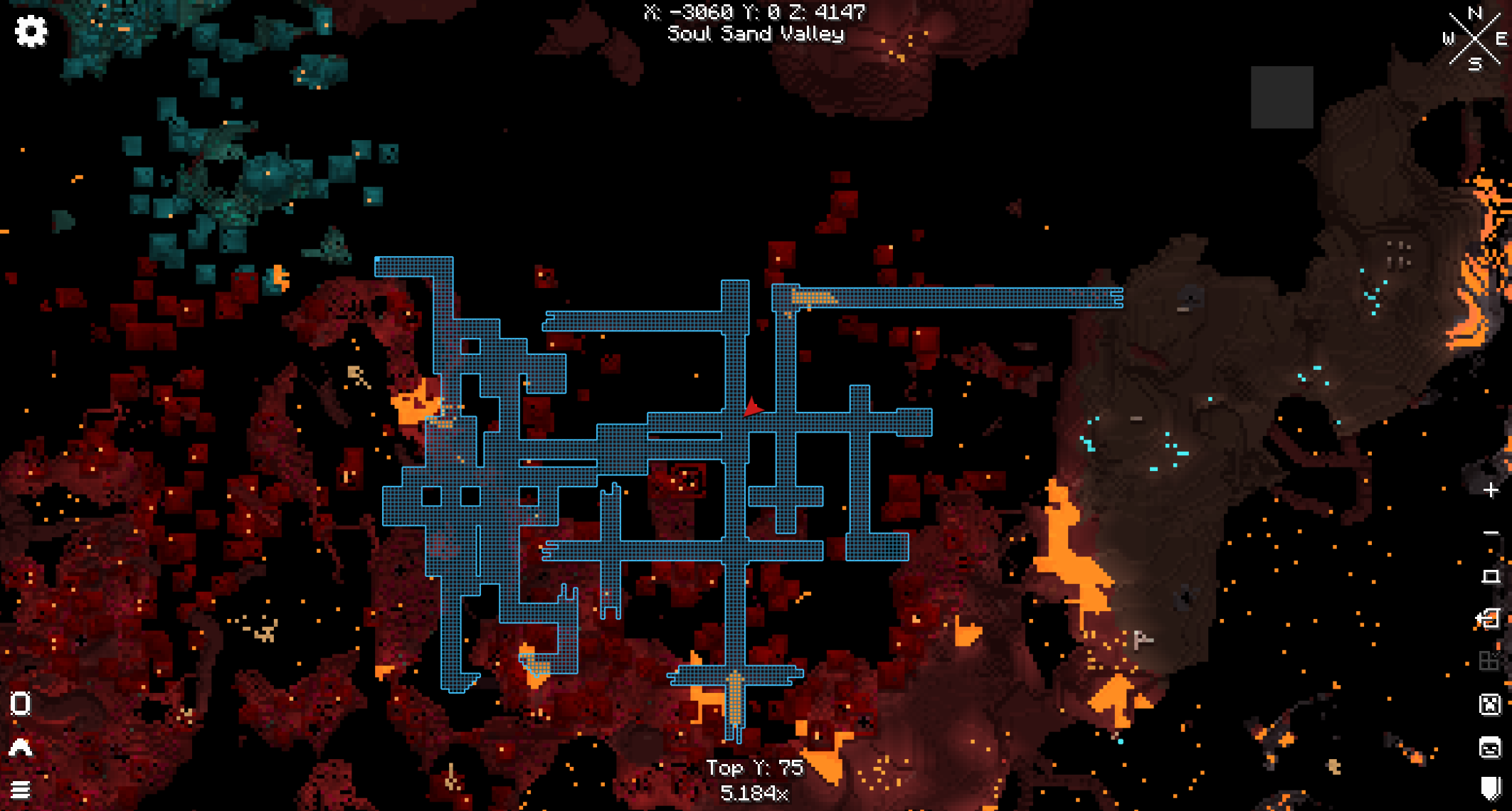
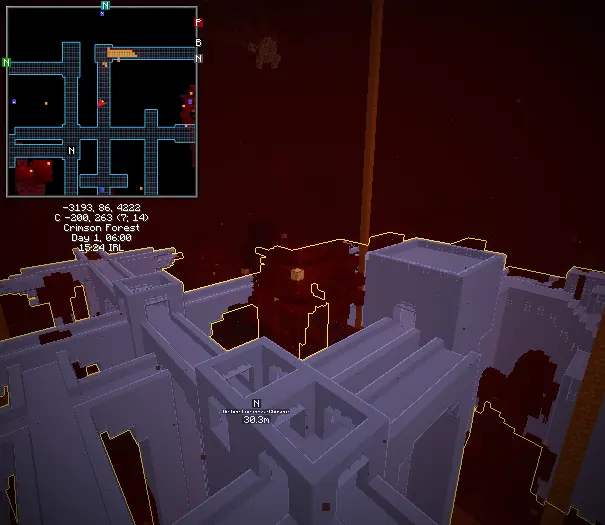
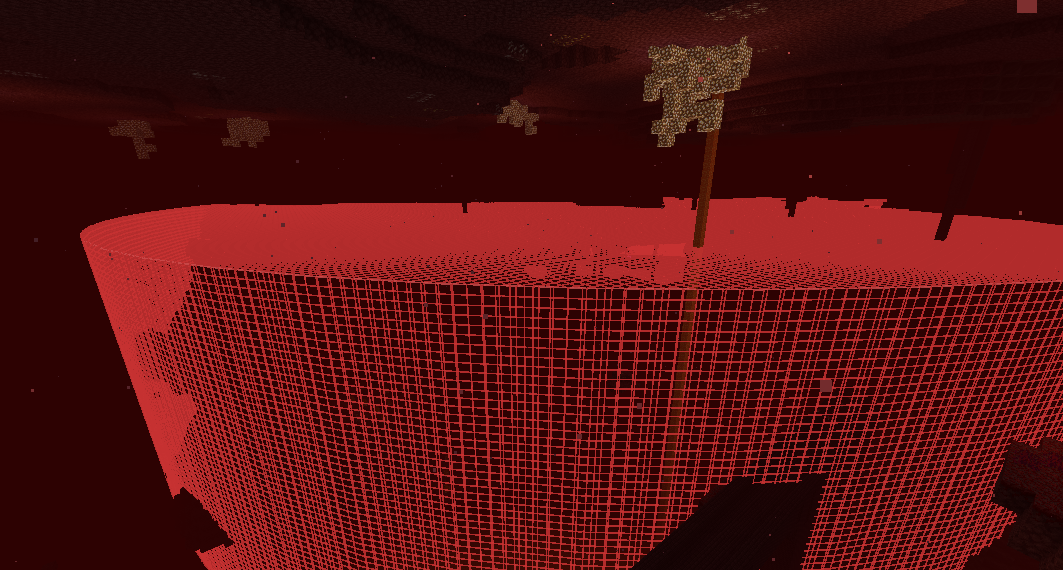
Do you work on massive builds or projects and need an easier way to visualize large selection regions?! (Creepa) Oh man, do I have the solution for you!
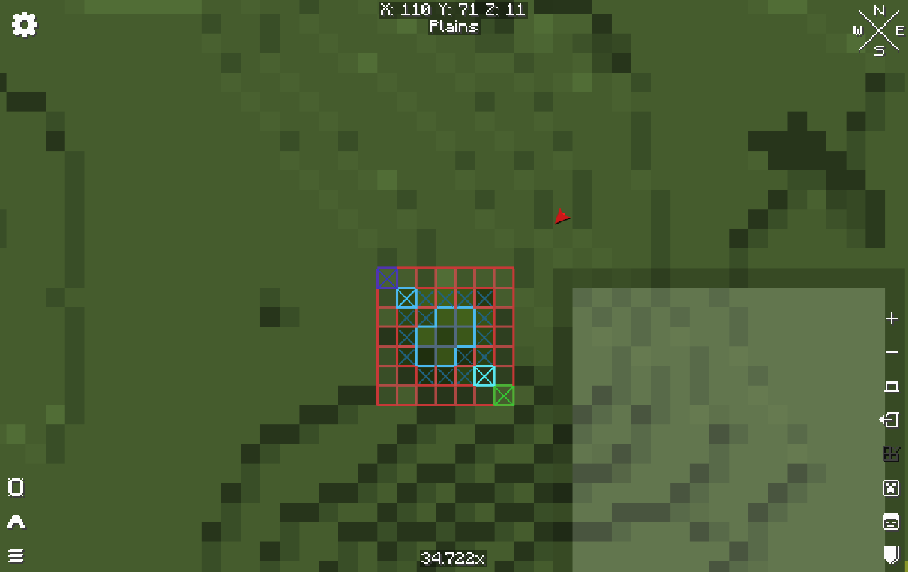
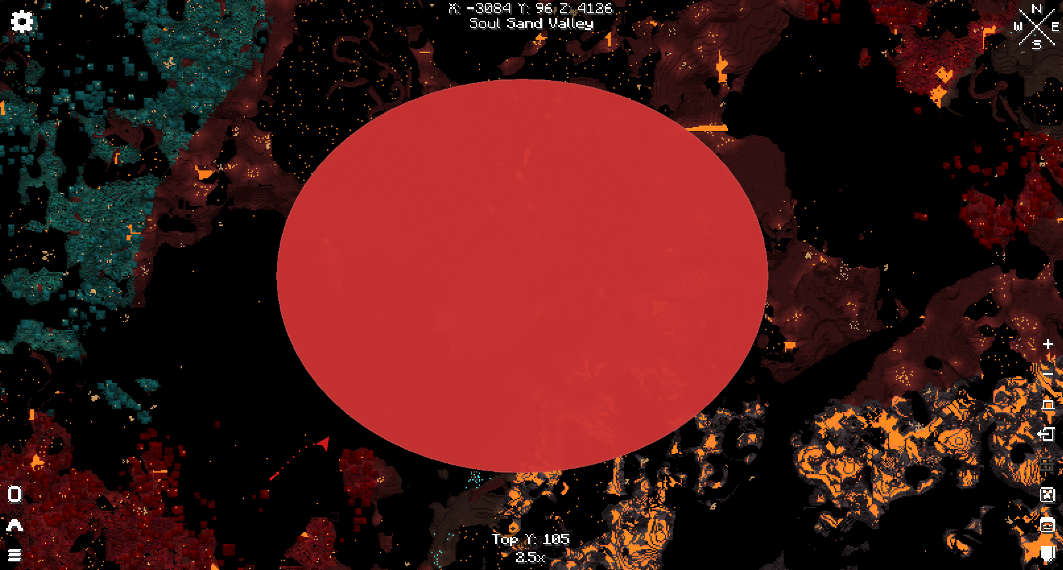
With Region Selection Viewer being used along-side Xaero's Minimap AND/OR Xaero's World Map beside WorldEditCUI AND Axiom. Which ever you choose should work, and together with no problems at all.
This mod was made for a special usecase for myself for my own build project, so I thought to release it for everyone else to use. I would frequently switch between polygon selection regions for WorldEdit and Axiom to verify my build fits inside of certain areas as it provides an overlapping feature to see if anything sticks outside of any WorldEdit region!
This mod has been thoroughly tested and shouldn't have any bugs, or produce any lag!
Feel free to let me know of any requests or recommendations! :) Please report any bugs if any become present and I'll do my best to fix it as soon as I can! I will make updates currently as I see fit unless special requests are needed.
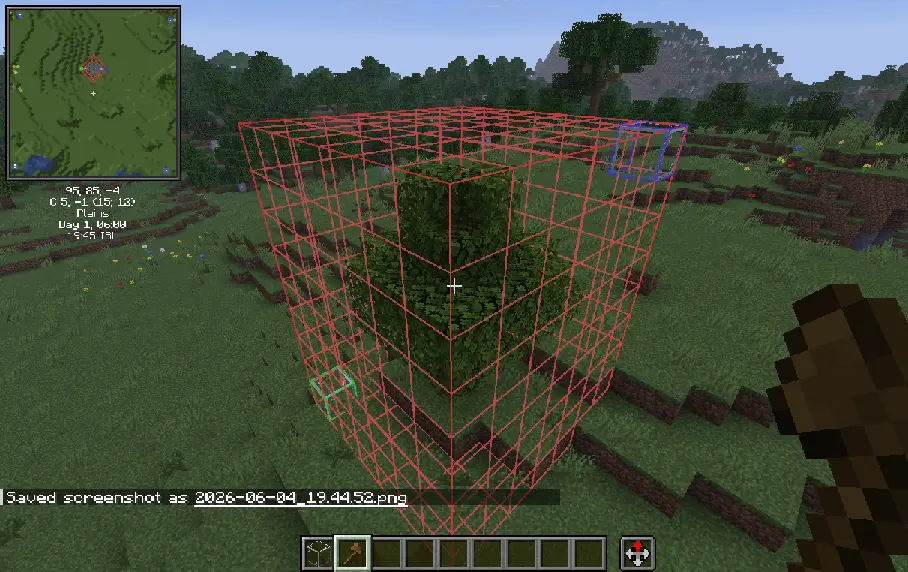
- Edition: Minecraft Java
- File type: .jar
- Minecraft version listed: 1.21.11
- How to install: Install the matching mod loader (Forge, Fabric or NeoForge) for your Minecraft version. → Download the .jar. → Put it in the .minecraft/mods folder and launch that loader profile.
- Where to get it: Opens on Modrinth — not every file is mirrored on our own servers.
Install steps are the general flow for this file type — How to install Minecraft Java mods & modpacks walks through it step by step.
- Ships as RegionSelectionViewer-0.0.7-alpha+1.21.11.jar — drop this file into the mods folder
- Download size: 204 KB
- Download link checked 7 Sept 2026 — working
These come from our own check of the pack file, not from the source page.