
Default Commands
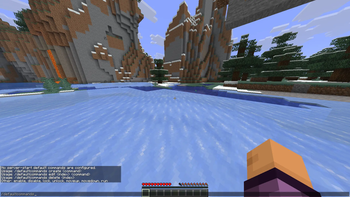
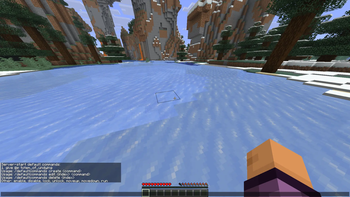
Default Commands is a small Fabric mod that automatically runs your configured commands when a world is created, when a player joins, or when a server starts.
It is built for players and server owners who always find themselves typing the same setup commands: gamerules, Carpet defaults, scoreboard setup, datapack initialization, testing helpers, admin utilities, and other world/server bootstrap commands.
Features
- Run commands automatically when a player joins a world
- Run commands once when a new world is created
- Run commands every time a dedicated or integrated server starts
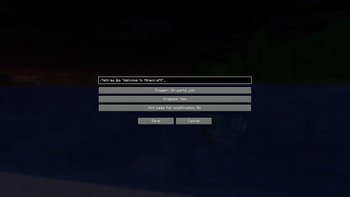
- Manage commands through Mod Menu on the client
- Manage server-start commands in-game with
/defaultcommands - Supports command presets
- Supports protected/locked entries to avoid accidental edits
- Works even when cheats are disabled, because commands execute with server-level permissions
- Stores configuration in
config/default_commands.json
Command Triggers
Default Commands supports three trigger types:
On Server Start
Runs when the Minecraft server finishes starting.
Best for server-wide world tests setups, such as:
/function ...
/gamerule doDaylightCycle false
/carpet setDefault optimizedTNT true
/scoreboard objectives add deaths deathCount
- Edition: Minecraft Java
- File type: .jar
- Minecraft version listed: 1.21.11
- How to install: Install the matching mod loader (Forge, Fabric or NeoForge) for your Minecraft version. → Download the .jar. → Put it in the .minecraft/mods folder and launch that loader profile.
- Where to get it: Opens on Modrinth — not every file is mirrored on our own servers.
Install steps are the general flow for this file type — How to install Minecraft Java mods & modpacks walks through it step by step.
- Ships as Default_commands-1.0.jar — drop this file into the mods folder
- Download size: 40 KB
- Download link checked 23 Aug 2026 — working
These come from our own check of the pack file, not from the source page.