Colourful Everywhere
Java mod listed for Minecraft 1.20. Downloads from the MC Java Mods app on Android.
I don't know my version or loader
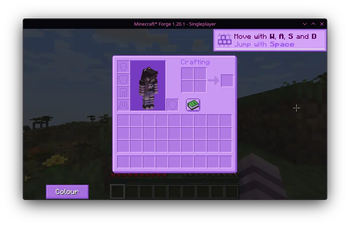
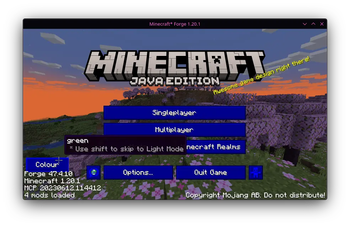

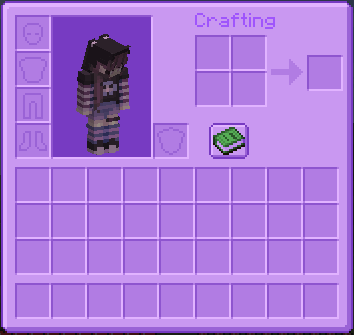
Colourful Everywhere is a fork of Dark Mode Everywhere by buuz135. This mod uses the power of shaders to dynamically recolour every GUI in the game to whatever palette you want.
Preview
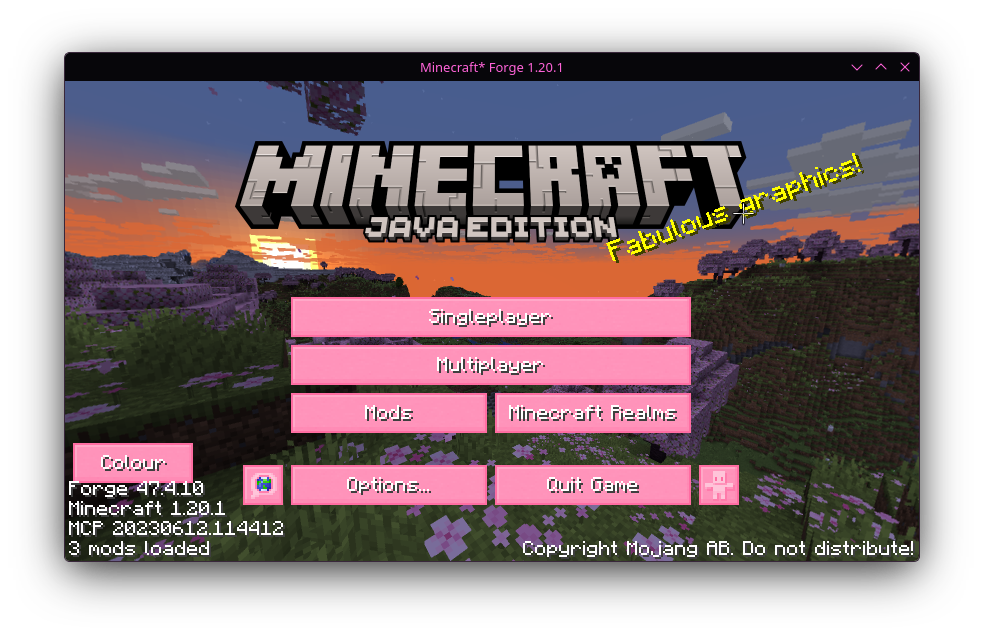
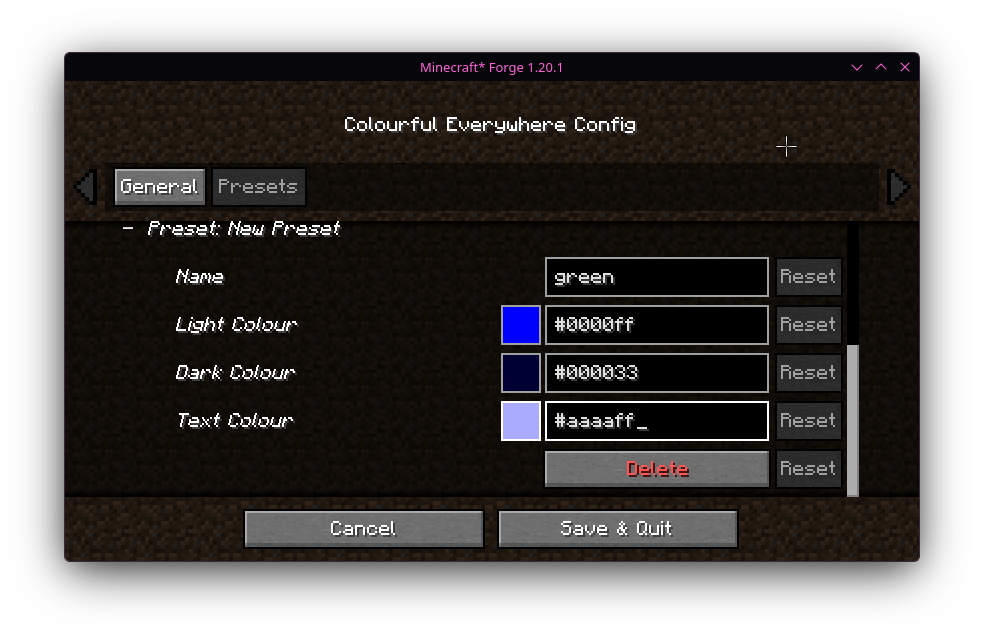
Custom presets!
This fork adds a custom config screen that lets you make new presets with custom hex colours. You can also still use the config file.
Shader blacklist
In case something looks weird, you can set a list of methods to stop them being recoloured!
Currently the method shader dump appears to be broken in this fork
#A list of class:method strings (render methods) that the dark shader will not be applied to.
#Each string consists of the class and the method (or any substring) to block the dark shader.
#For example, 'renderHunger' is sufficient to block 'net.minecraftforge.client.gui.overlay.ForgeGui:renderFood' (either will work).
METHOD_SHADER_BLACKLIST = ["mezz.jei.common.render.FluidTankRenderer:drawTextureWithMasking",
"mezz.jei.library.render.FluidTankRenderer:drawTextureWithMasking", "renderCrosshair",
"m_93080_", "renderSky", "m_202423_", "renderHotbar", "m_93009_", "m_193837_",
"setupOverlayRenderState", "net.minecraftforge.client.gui.overlay.ForgeGui",
"renderFood", "renderExperienceBar", "m_93071_", "renderLogo", "m_280037_", "m_280118_",
"net.minecraft.client.gui.Gui", "net.minecraft.src.C_3431_", "renderDirtBackground",
"m_280039_", "m_280039_", "configured.client.screen.ListMenuScreen",
"OnlineServerEntry:drawIcon", "OnlineServerEntry:m_99889_",
"WorldSelectionList$WorldListEntry:render", "WorldSelectionList$WorldListEntry:m_6311_",
"CubeMap:render", "CubeMap:m_108849_", "squeek.appleskin.client.HUDOverlayHandler",
"shadows.packmenu.ExtendedMenuScreen", "dzwdz.chat_heads.ChatHeads:renderChatHead"]
Thanks to buuz135 for creating the original mod! Please report any issues to this mod's issue tracker, NOT THE ORIGINAL ONE!!!
- Edition: Minecraft Java
- File type: .jar
- Minecraft versions listed: 1.20, 1.20.1, 1.20.2
- How to install: Install the matching mod loader (Forge, Fabric or NeoForge) for your Minecraft version. → Download the .jar. → Put it in the .minecraft/mods folder and launch that loader profile.
- Where to get it: Opens on Modrinth — not every file is mirrored on our own servers.
Install steps are the general flow for this file type — How to install Minecraft Java mods & modpacks walks through it step by step.
- Ships as ColourfulEverywhere-1.20-1.0.1-all.jar — drop this file into the mods folder
- Download size: 1.6 MB
- Download link checked 22 Oct 2026 — working
These come from our own check of the pack file, not from the source page.