
Isolated.jar{Horror}
Java mod listed for Minecraft 1.20. Downloads from the MC Java Mods app on Android.
⬇ Download on Modrinth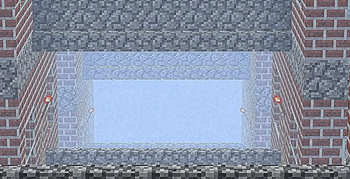
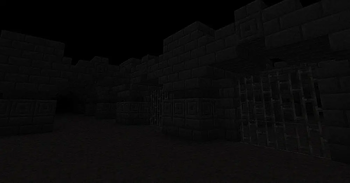
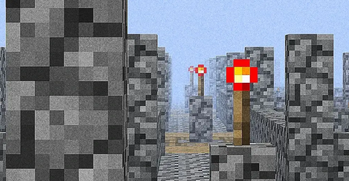
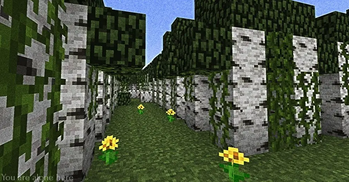
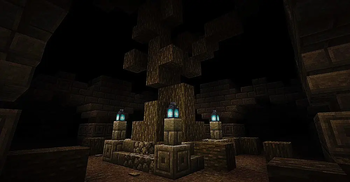

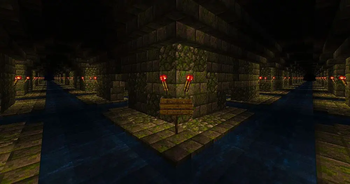

THANKS YOU ALL SO MUCH FOR 500 DOWNLOADS! ❤
 Isolated.jar is a horror mod for Minecraft that introduces a mysterious virus known as The Void. This unknown entity slowly infects the world, corrupting creatures, blocks, structures, and even reality itself. As the infection spreads, strange events begin to occur, turning a familiar Minecraft experience into a terrifying nightmare.
Mod currently in alpha release!
If you found bugs and also give us suggestions on what new to add join our Discord channel:)
Features
- A unique infection system powered by The Void.
- Creepy entities and corrupted creatures.
- Random horror events and unsettling encounters.
- Immersive sounds, visual effects, and a dark atmosphere.
- New structures, secrets, and lore to discover.
- 7 unique dimensions, each with its own environment, dangers, mobs, and mysteries.
- 5 scary and 1 good creatures.
The Dimensions
Explore 7 different dimensions created by the spread of The Void. Each dimension represents a different stage of corruption and offers unique biomes, resources, enemies, and challenges. From abandoned wastelands to completely distorted realms beyond reality, every dimension hides secrets waiting to be uncovered.
Story
Nobody knows where The Void came from. According to rumors, it originated from a corrupted file known as Isolated.jar. Once activated, the virus began consuming entire worlds, breaking the boundaries between dimensions and transforming everything it touched into something unnatural.
As the infection grows stronger, the line between reality and corruption begins to disappear.
Requirements
Required Dependency:
- GeckoLib
GeckoLib must be installed for the mod to function properly.
Warning
This mod contains horror elements, disturbing sounds, unexpected events, and a tense atmosphere that may not be suitable for all players.
Will you uncover the truth behind Isolated.jar and stop The Void, or will you become part of the infection?
- Edition: Minecraft Java
- File type: .jar
- Minecraft version listed: 1.20.1
- How to install: Install the matching mod loader (Forge, Fabric or NeoForge) for your Minecraft version. → Download the .jar. → Put it in the .minecraft/mods folder and launch that loader profile.
- Where to get it: Opens on Modrinth — not every file is mirrored on our own servers.
Install steps are the general flow for this file type — How to install Minecraft Java mods & modpacks walks through it step by step.
- Ships as isolating-1.0.1-forge-1.20.1.jar — drop this file into the mods folder
- Download size: 17.5 MB
- Download link checked 7 Oct 2026 — working
These come from our own check of the pack file, not from the source page.