

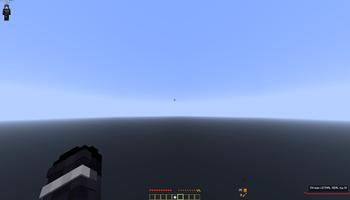
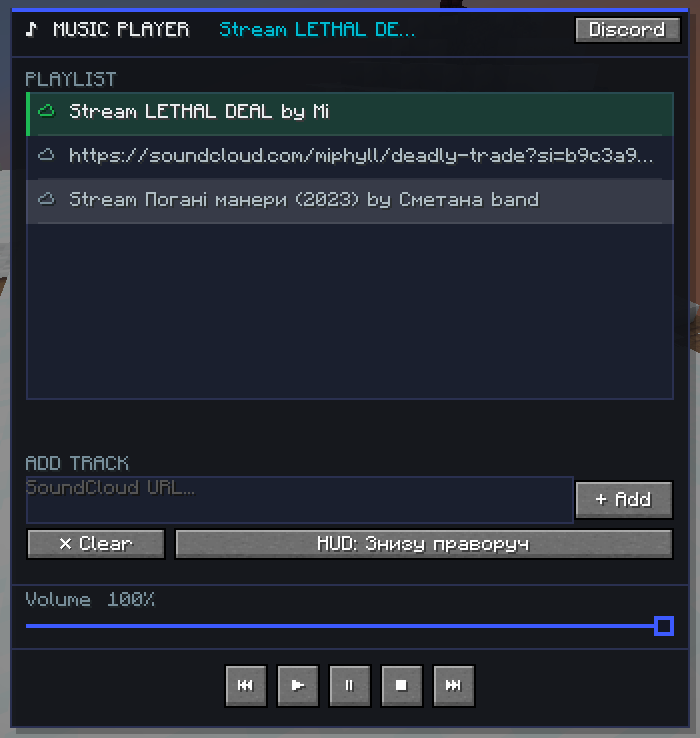
 Music Player is a client mod for Minecraft 1.21.11 on Fabric
which allows you to listen to music directly in the game.
Music Player is a client mod for Minecraft 1.21.11 on Fabric
which allows you to listen to music directly in the game.
Supports: • Local audio files (MP3, OGG, WAV, FLAC) via drag & drop • SoundCloud (direct link to the track)
Technical requirements: • Minecraft 1.21.11 • Fabric Loader 0.18.1+ • Fabric API 0.141.3+1.21.11 • Java 21
Player:
- Playlist with unlimited tracks
- Play, pause, stop, next, previous
- Auto skip to next track
- Volume control (slider + mouse wheel)
- Save playlist between sessions
Interface:
- Dark color scheme with blue accent
- Track progress bar in playlist
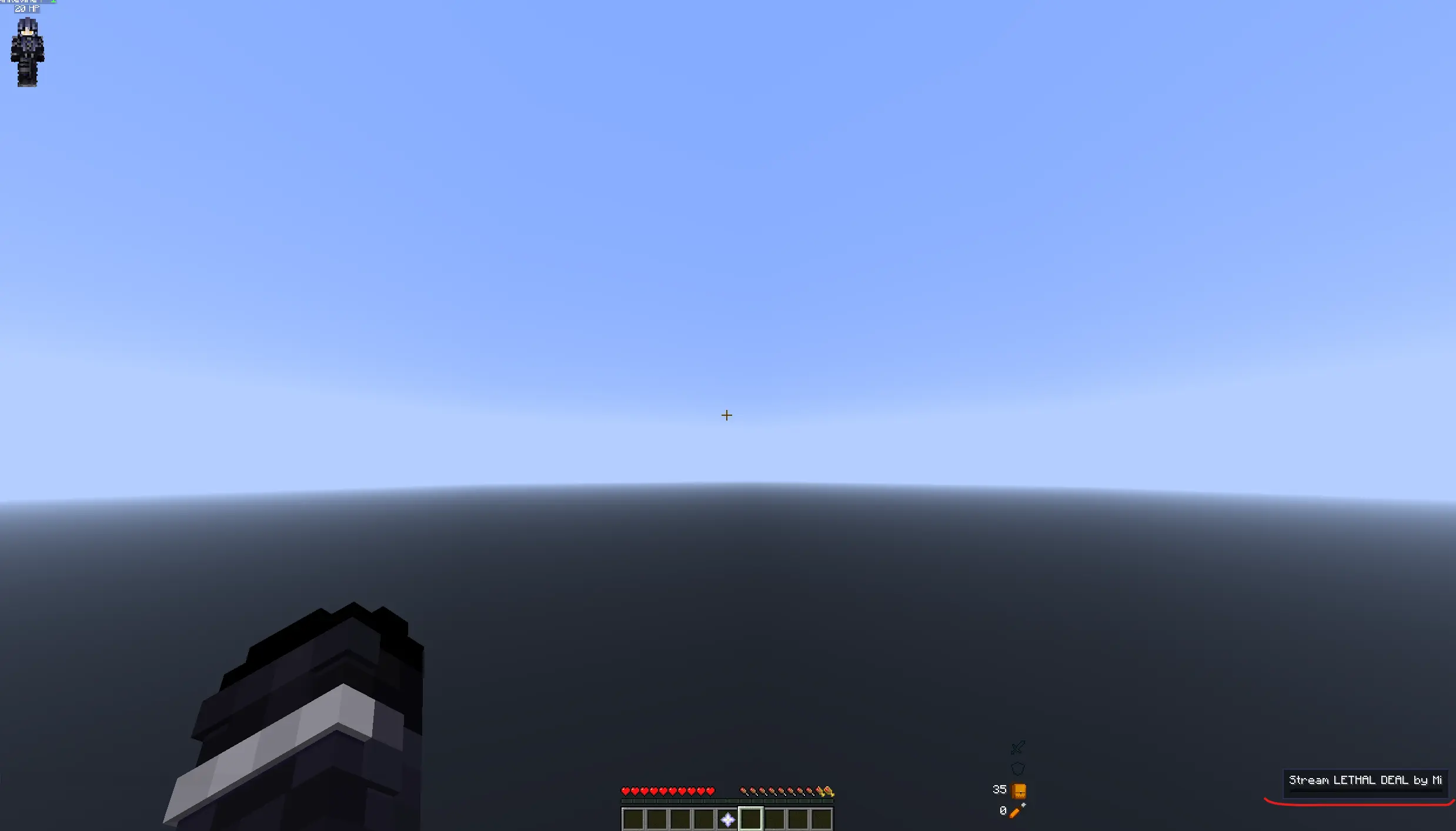
- HUD with track name and progress bar
- HUD position selection (4 corners of the screen)
- "♪ Music Player" button in the main menu
Keys (can be changed in settings): M — open/close player . — play / pause / — next track , — stop
Local files: Drag and drop MP3/OGG/WAV/FLAC file into the player window.
SoundCloud: Paste the link to the track soundcloud.com/... into the input field and press Enter or "+ Add".
HUD position: Press the "HUD: ..." button in the player to change the screen angle. Automatically saved.
CONTACTS
- Edition: Minecraft Java
- File type: .jar
- Minecraft version listed: 1.21.11
- How to install: Install the matching mod loader (Forge, Fabric or NeoForge) for your Minecraft version. → Download the .jar. → Put it in the .minecraft/mods folder and launch that loader profile.
- Where to get it: Opens on Modrinth — not every file is mirrored on our own servers.
Install steps are the general flow for this file type — How to install Minecraft Java mods & modpacks walks through it step by step.
- Ships as musicplayer-2.1.2.jar — drop this file into the mods folder
- Download size: 335 KB
- Download link checked 12 Sept 2026 — working
These come from our own check of the pack file, not from the source page.