HomeJavaModsEMUtils
EMUtils
ModsJava

EMUtils

by Palethea · on Modrinth

Which Minecraft do you have?

Every version of the game needs its own build. Pick yours, then download — the wrong build installs fine and then does nothing in the game. This mod is built for Fabric only.

⬇ Download for 26.1–26.2⬇ Download for 1.21.9–1.21.11
I don't know my version or loader
Open the Minecraft launcher and look at the profile you play on — it names both, like fabric-loader-1.21.4. The version also shows in the bottom-right corner of the game's main menu.
No loader in the profile name? Then it's plain Minecraft, and these mods won't run — you need Fabric or NeoForge installed first.
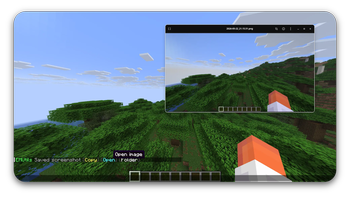
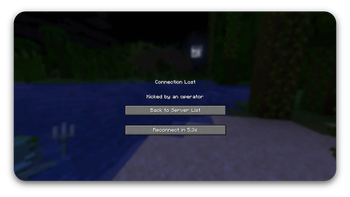
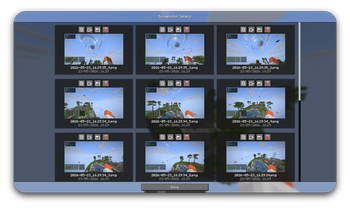
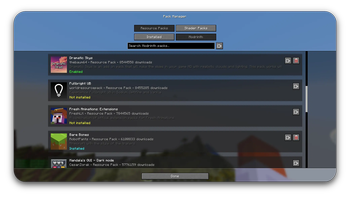
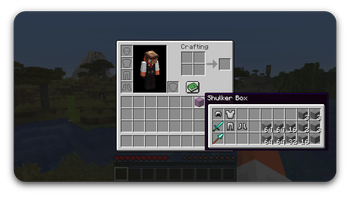
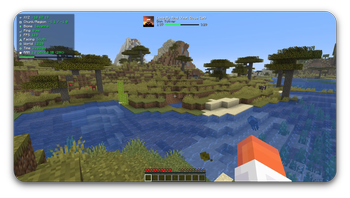
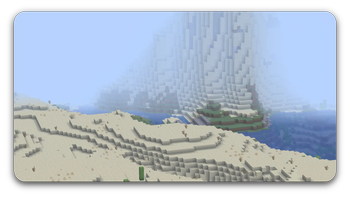
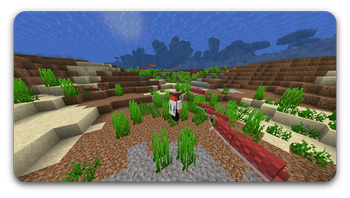
EMUtils — screenshot 1EMUtils — screenshot 2EMUtils — screenshot 3EMUtils — screenshot 4EMUtils — screenshot 5EMUtils — screenshot 6EMUtils — screenshot 7EMUtils — screenshot 8

EMUtils

Tired of installing five different mods just to copy a chat message, zoom in, and reconnect after a kick?
EMUtils bundles the small stuff into one lightweight client-side mod for Minecraft on Fabric — so you can stop juggling mods and get back to playing.

Status

EMUtils is in active development. Has a pile of quality-of-life features, and zero interest in getting in your way while you play. For a full list of features, view the GitHub.

To report a bug, or request a feature visit EMUtils Feedback.

Features

Minecraft Versions

EMUtils supports Minecraft 1.21.9-1.21.11 and Minecraft 26.x.

Requirements

Optional integrations

Installation

  1. Install Fabric Loader for the supported versions.
  2. Download the EMUtils jar matching your Minecraft version.
  3. Place the jar in your mods folder.
  4. Launch the game.

License

EMUtils is licensed under the Apache License 2.0.

Copyright 2026 Palethea. If you use, fork, modify, or redistribute EMUtils, keep the original license and attribution notices.

AI Notice

This mod was made with heavy help from Artificial Intelligence. I was simply just tired of having a million mods to do specific things, and wanted an all-in-one mod.

Quick facts

Install steps are the general flow for this file type — How to install Minecraft Java mods & modpacks walks through it step by step.

Verified by MCModsHub

These come from our own check of the pack file, not from the source page.

Explore more