Sweet Escape
Java mod listed for Minecraft 26.x. Downloads from the MC Java Mods app on Android.
I don't know my version or loader
Aquarius Libs needs to be installed for this mod to work!
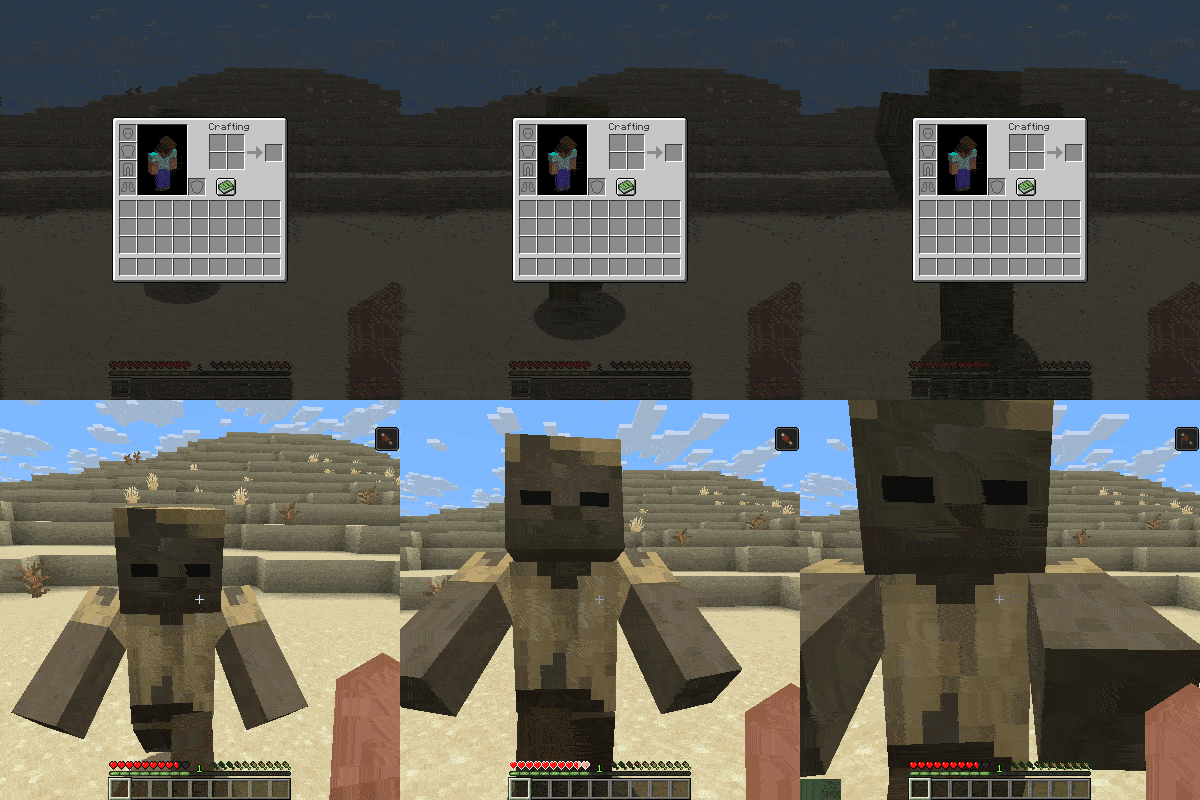
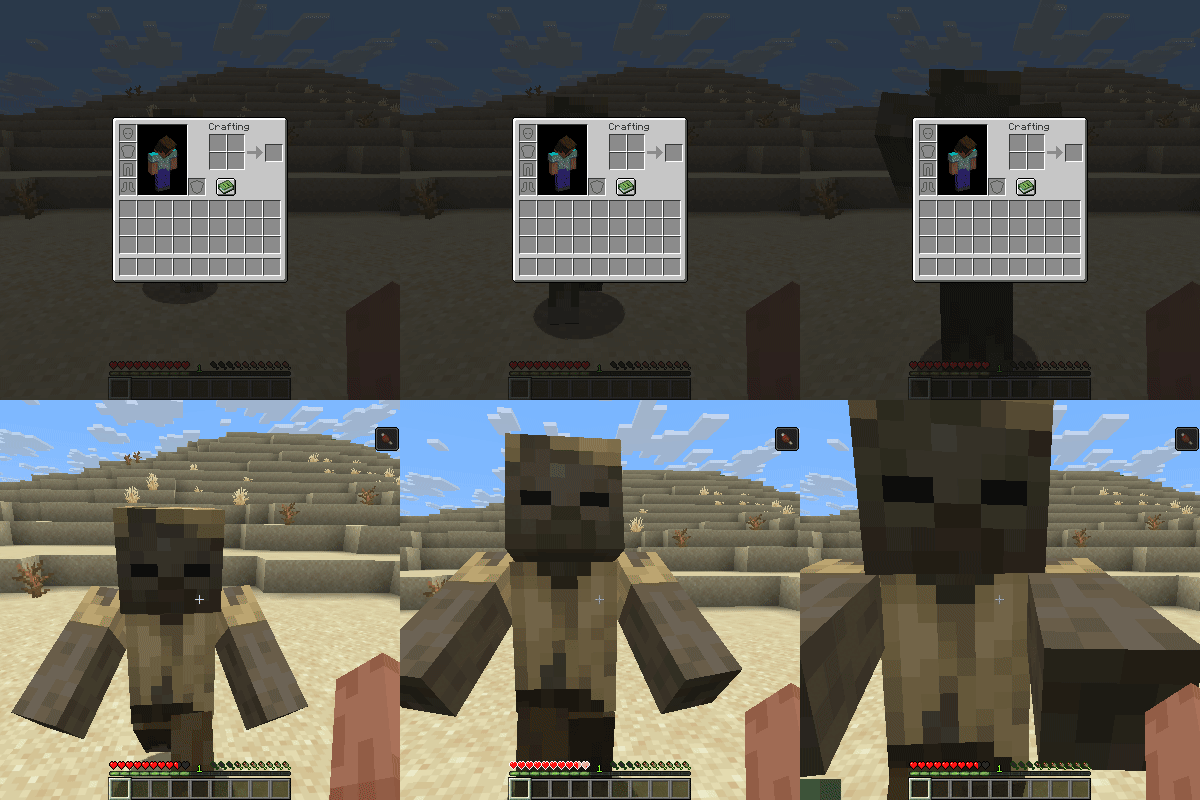
This client-side mod automatically closes active user interfaces (GUIs / screens),
whenever the player takes damage or starts moving, allowing the player to quickly escape at emergencies.
What It Does:
Close Screen on Movement: Pressing any movement keys immediately closes open menus so you can escape dangers quickly (has a configurable cooldown time).
Close Screen when hurt: whenever the player takes damage the current screen will close (has a configurable cooldown time).
Completely independent of server-side setups
Config Options: allow toggles for creative mod(default:false), close screen when moving(default:true), close screen when hurt(default:true), cooldown time for attacks(default: 15 sec), cooldown time for moving(default: 5 sec), screen list to select what can be closed
Close from Certain Damage Types: accepted damage types can be changed with the close_on_damage.json file located in the jars damage_type folder (default: player attack, mob attack, arrow, explosion, fall, sting, player explosion, mob projectile, fireball, trident, mace smash, thorns, sonic boom, fireworks, lightning bolt)
Supported Versions
- Loaders: Forge, Fabric, and NeoForge.
- Versions: 26.1.x
- Note: No plans to support older versions below 26.1 for now!
Found a Bug?
If you encounter any bugs or experience a crash, please send the crash log directly to me via curseforge private message so I can look into it.
- Edition: Minecraft Java
- File type: .jar
- Minecraft versions listed: 26.1, 26.1.1, 26.1.2
- How to install: Install the matching mod loader (Forge, Fabric or NeoForge) for your Minecraft version. → Download the .jar. → Put it in the .minecraft/mods folder and launch that loader profile.
- Where to get it: Opens on Modrinth — not every file is mirrored on our own servers.
Install steps are the general flow for this file type — How to install Minecraft Java mods & modpacks walks through it step by step.
- Ships as sweetescape-1.0.0-fabric-26.1.2-0.150.0.jar — drop this file into the mods folder
- Download size: 15 KB
- Download link checked 20 Oct 2026 — working
These come from our own check of the pack file, not from the source page.