Arlecchino: Customize armor/weapon's colours!
Java mod listed for Minecraft 1.20. Downloads from the MC Java Mods app on Android.
Arlecchino is a customization mod that allows players to permanently recolor equipment through a dedicated workbench.
⬇ Download on Modrinth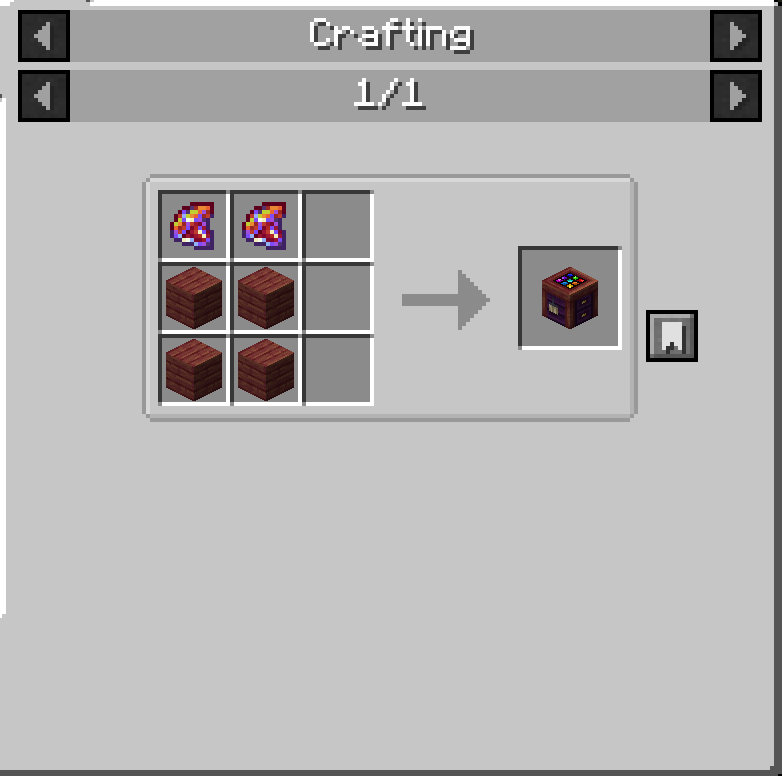
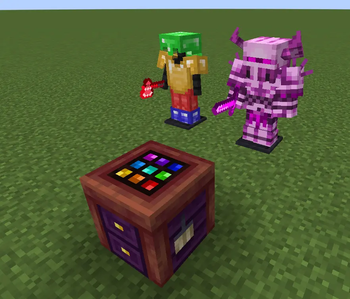
Arlecchino is a customization-focused mod that lets players give their equipment a truly personal look. Using the Arlecchino Workbench, weapons, tools, and armor can be recolored to create unique visual variants while preserving their original functionality.
Rather than relying on predefined skins or fixed color options, Arlecchino allows players to freely adjust the appearance of their gear, making it possible to match equipment to a character, faction, build theme, or personal style. Recolored items retain their customized appearance wherever they are used, allowing players to build a consistent visual identity throughout their adventures.
Rather than relying on predefined skins or fixed color options, Arlecchino allows players to freely adjust the appearance of their gear, making it possible to match equipment to a character, faction, build theme, or personal style. Recolored items retain their customized appearance wherever they are used, allowing players to build a consistent visual identity throughout their adventures.
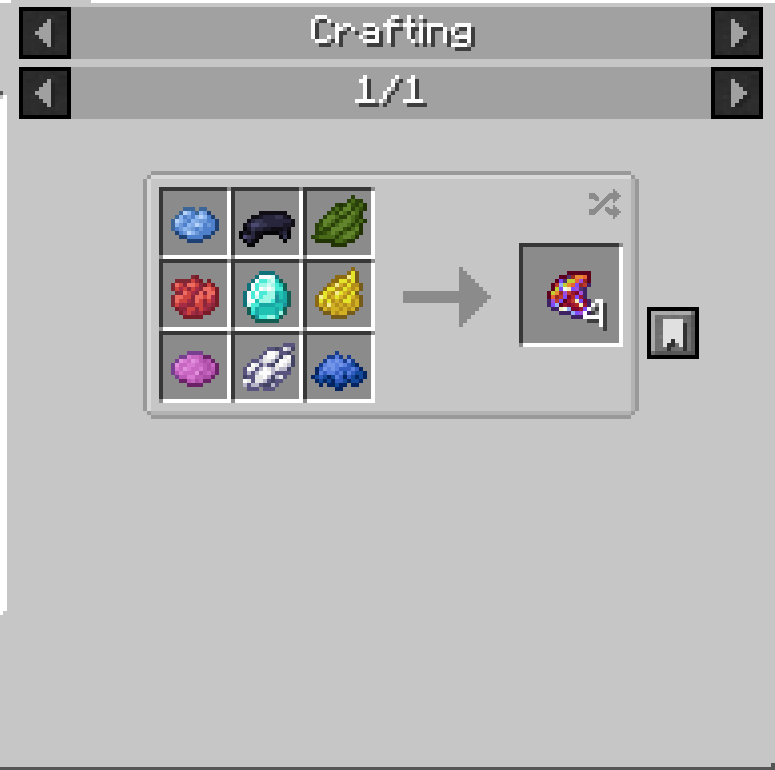
To recolor an item, place a piece of equipment and a Chroma inside the Arlecchino Workbench, then open the color editor. Select the color you want to modify, adjust the desired color settings, and apply the changes. Once satisfied with the result, finalize the customization to create the modified item. Multiple recoloring passes can be performed on the same piece of equipment, allowing for increasingly refined designs.
Whether you want subtle adjustments, themed equipment sets, or completely new color schemes, Arlecchino provides a flexible way to make your gear stand out without changing gameplay balance.
- Edition: Minecraft Java
- File type: .jar
- Minecraft version listed: 1.20.1
- How to install: Install the matching mod loader (Forge, Fabric or NeoForge) for your Minecraft version. → Download the .jar. → Put it in the .minecraft/mods folder and launch that loader profile.
- Where to get it: Opens on Modrinth — not every file is mirrored on our own servers.
Install steps are the general flow for this file type — How to install Minecraft Java mods & modpacks walks through it step by step.
- Ships as arlecchino-0.0.1-forge-1.20.1.jar — drop this file into the mods folder
- Download size: 104 KB
- Download link checked 4 Oct 2026 — working
These come from our own check of the pack file, not from the source page.