
ForceRender
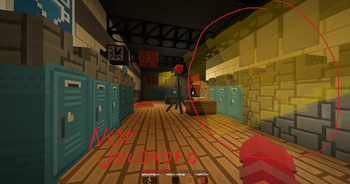
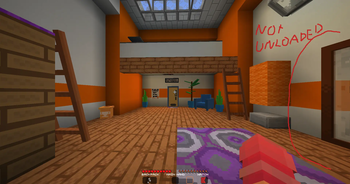
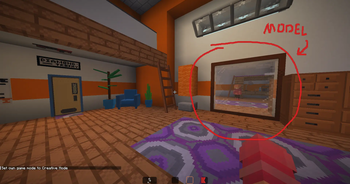
Custom models and item frames disappearing at the edge of your screen? Fixed.
A tiny client-side mod that prevents armor stands and item frames from being frustum-culled by Minecraft's renderer when you're nearby. No commands, no tags, no server install just install and configure.
The Problem
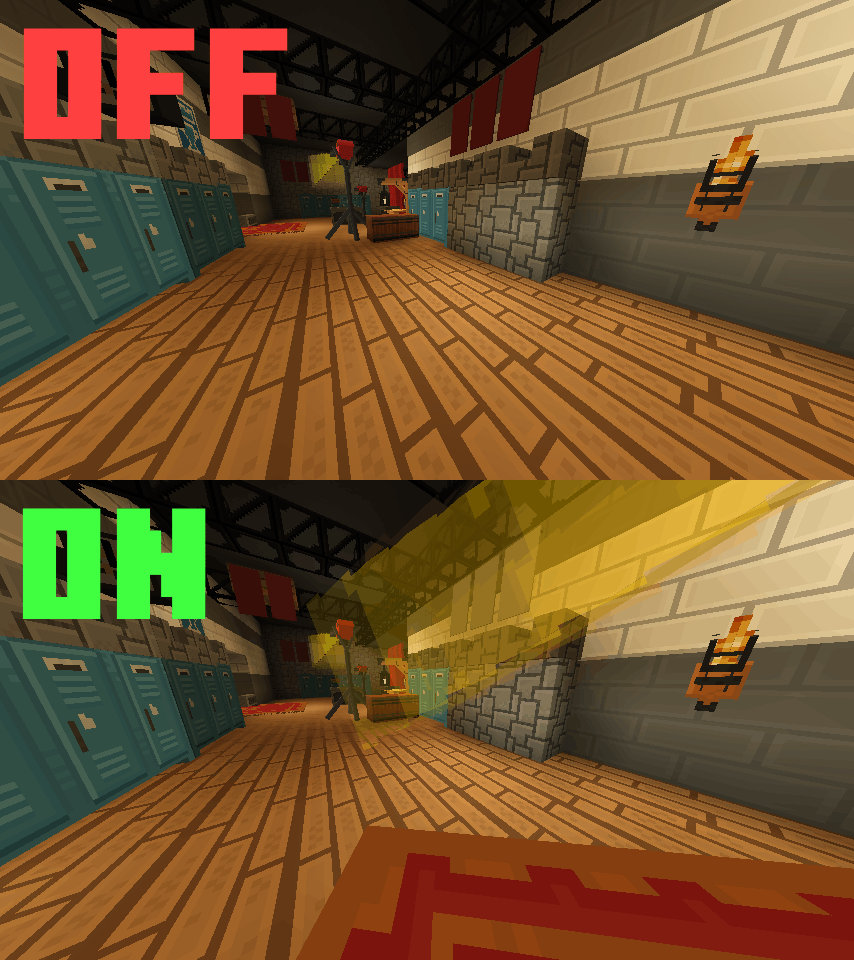
Minecraft decides whether to render an entity based on its bounding box, not its actual visible size. Armor stands have a tiny hitbox, so the moment it slips off the edge of your screen, the whole model vanishes therefore even if a massive custom decoration is still clearly visible.
This hits especially hard with:
- 🪑 ItemsAdder / Oraxen furniture
- 🖼️ Item frames used as wall decorations
- 🌴 Any large custom resource pack model attached to an armor stand
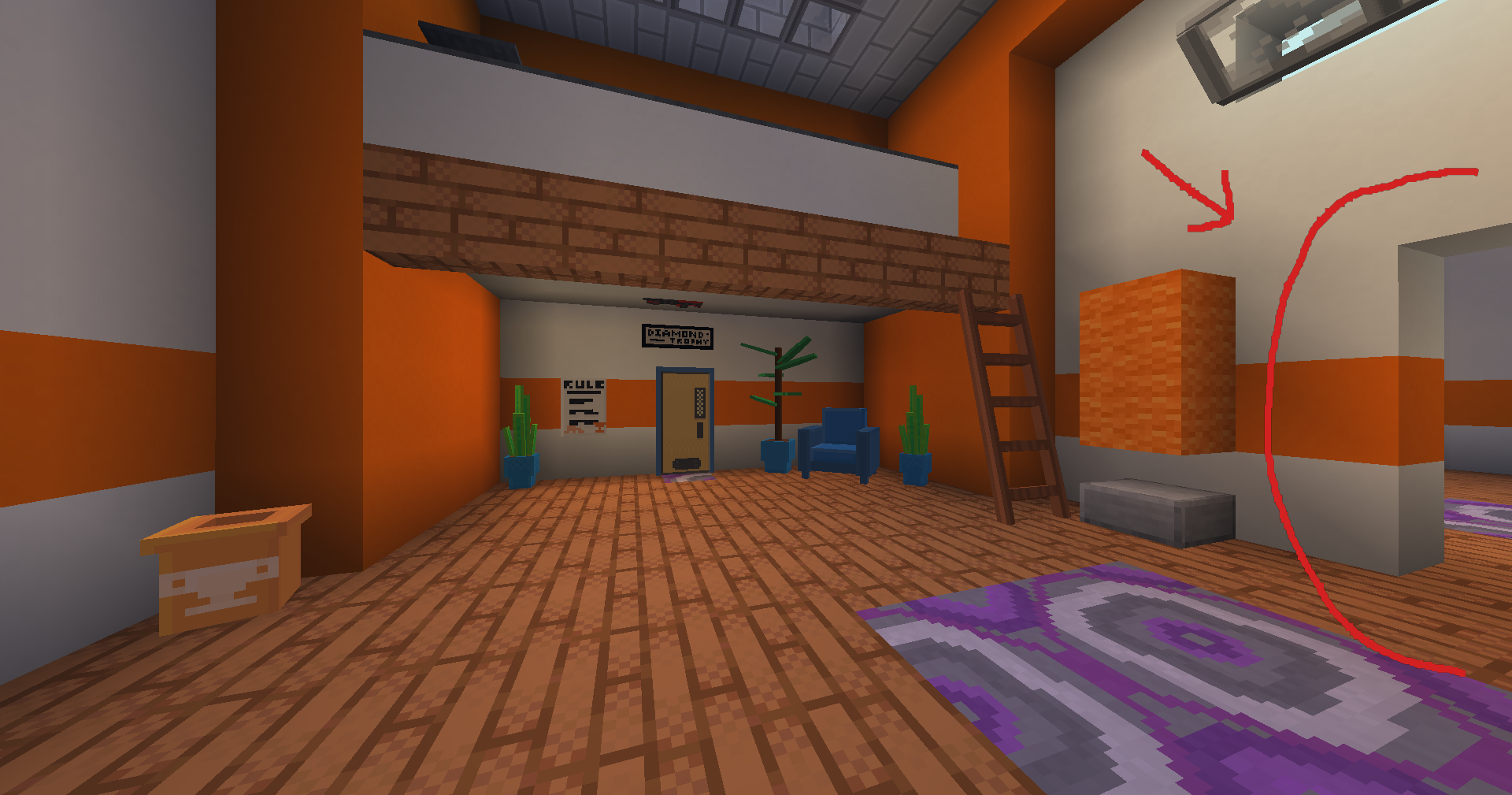
The Fix
ForceRender overrides the culling check for armor stands and item frames within a configurable distance. If you're close enough, they always render. Step further away and vanilla culling takes over again. So no wasted performance on distant entities.
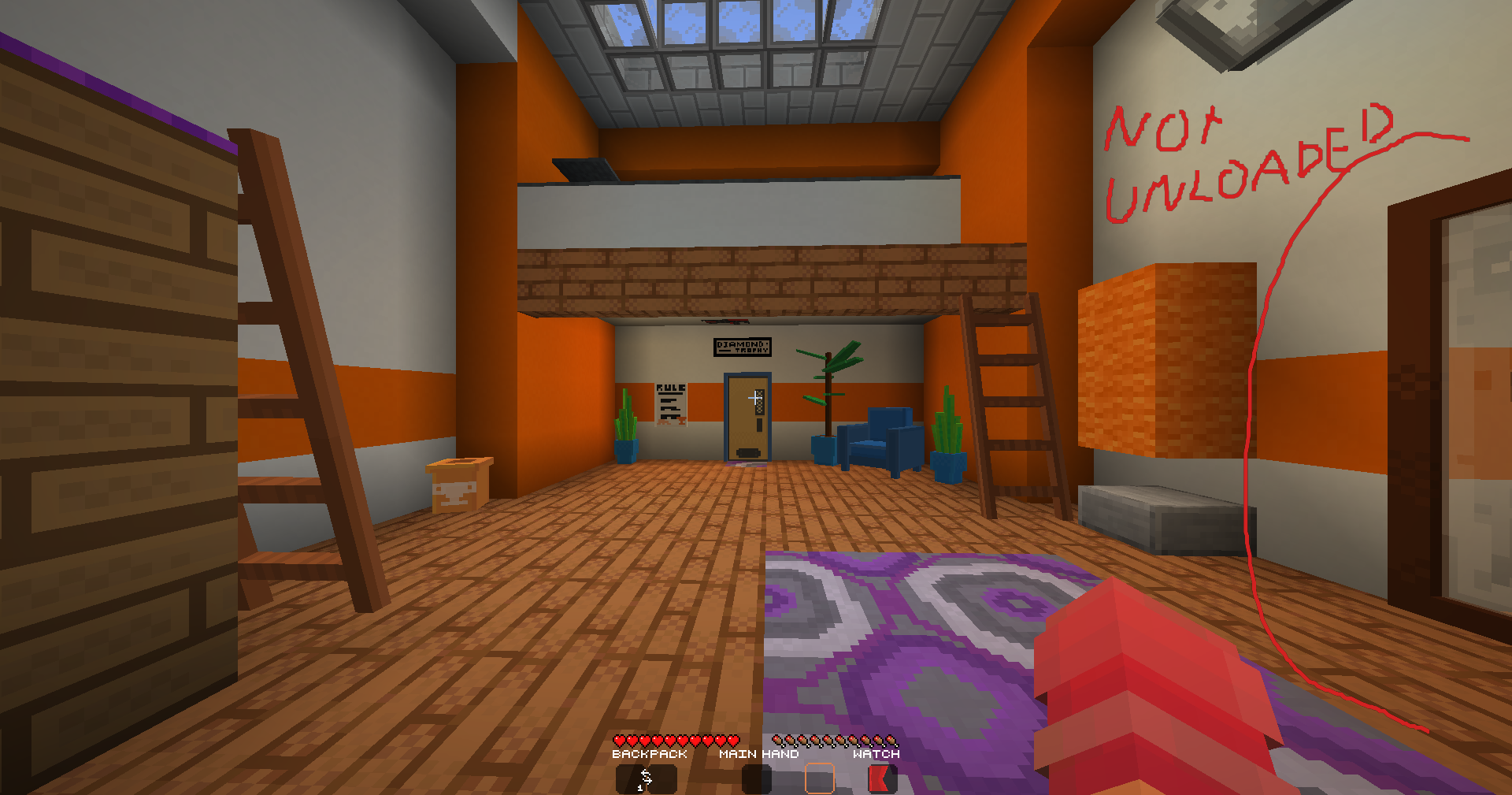
Config (Mod Menu)
Open Mod Menu → ForceRender → Settings to configure:
| Option | Default | Description |
|---|---|---|
| Enabled | On | Master toggle for the mod |
| Render Distance | 5 blocks | Force-render within this range |
| Affect Armor Stands | On | Fix culling for armor stands |
| Affect Item Frames | On | Fix culling for item frames (normal + glow) |
Changes apply immediately on config screen close.
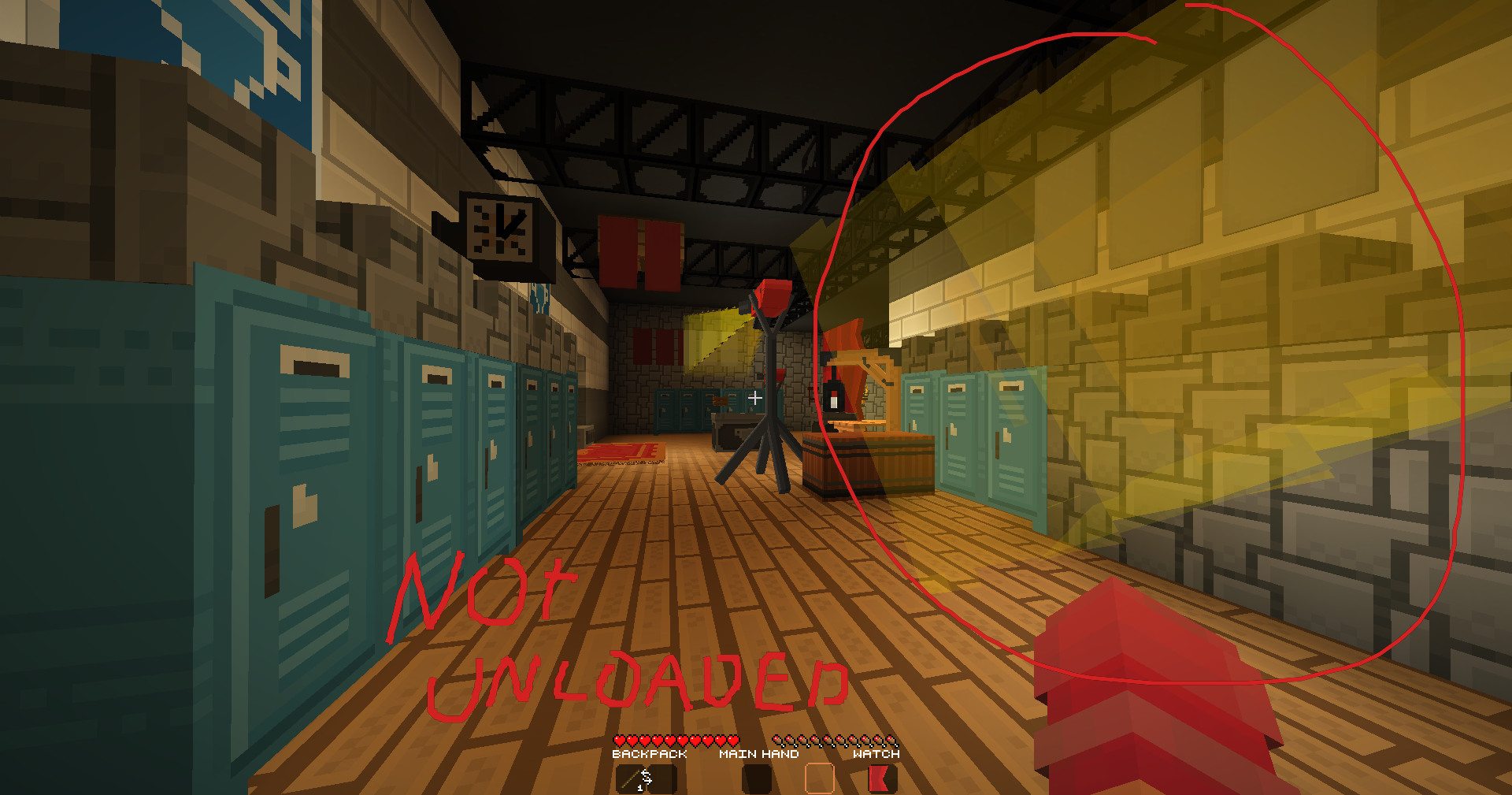
Features
- Client-side only, no server install needed
- Works with any resource pack (ItemsAdder, Oraxen, vanilla CIT, etc.)
- Distance-based for zero cost on far away entities
- Covers armor stands and item frames
- Mod Menu config screen (requires Mod Menu + Cloth Config)
- Fully open source (MIT License)
Requirements
FAQ
Does the server need this mod? No. Pure client-side.
Will it hurt performance? Only entities within your configured distance are affected. Everything else culls normally.
Does it work with Display Entities?
No. this targets ArmorStandEntity and AbstractDecorationEntity only. Display entities use a different renderer.
Does it work with Sodium / Iris? Yes, compatible with both.
Source Code
GitHub: github.com/ReimaginedPixel/ForceRender
Issues and PRs welcome.
Made by ReimaginedPixel
- Edition: Minecraft Java
- File type: .jar
- Minecraft versions listed: 1.21.1, 1.21.2, 1.21.3
- How to install: Install the matching mod loader (Forge, Fabric or NeoForge) for your Minecraft version. → Download the .jar. → Put it in the .minecraft/mods folder and launch that loader profile.
- Where to get it: Opens on Modrinth — not every file is mirrored on our own servers.
Install steps are the general flow for this file type — How to install Minecraft Java mods & modpacks walks through it step by step.
- Ships as forcerender-1.1.0.jar — drop this file into the mods folder
- Download size: 32 KB
- Download link checked 13 Sept 2026 — working
These come from our own check of the pack file, not from the source page.