ModsJava
AnkiCraft
Java mod listed for Minecraft 26.x. Downloads from the MC Java Mods app on Android.
⬇ Download on Modrinth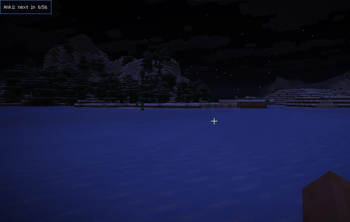
AnkiCraft
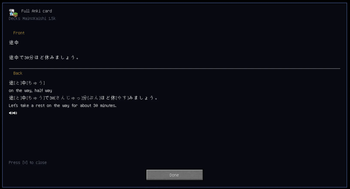
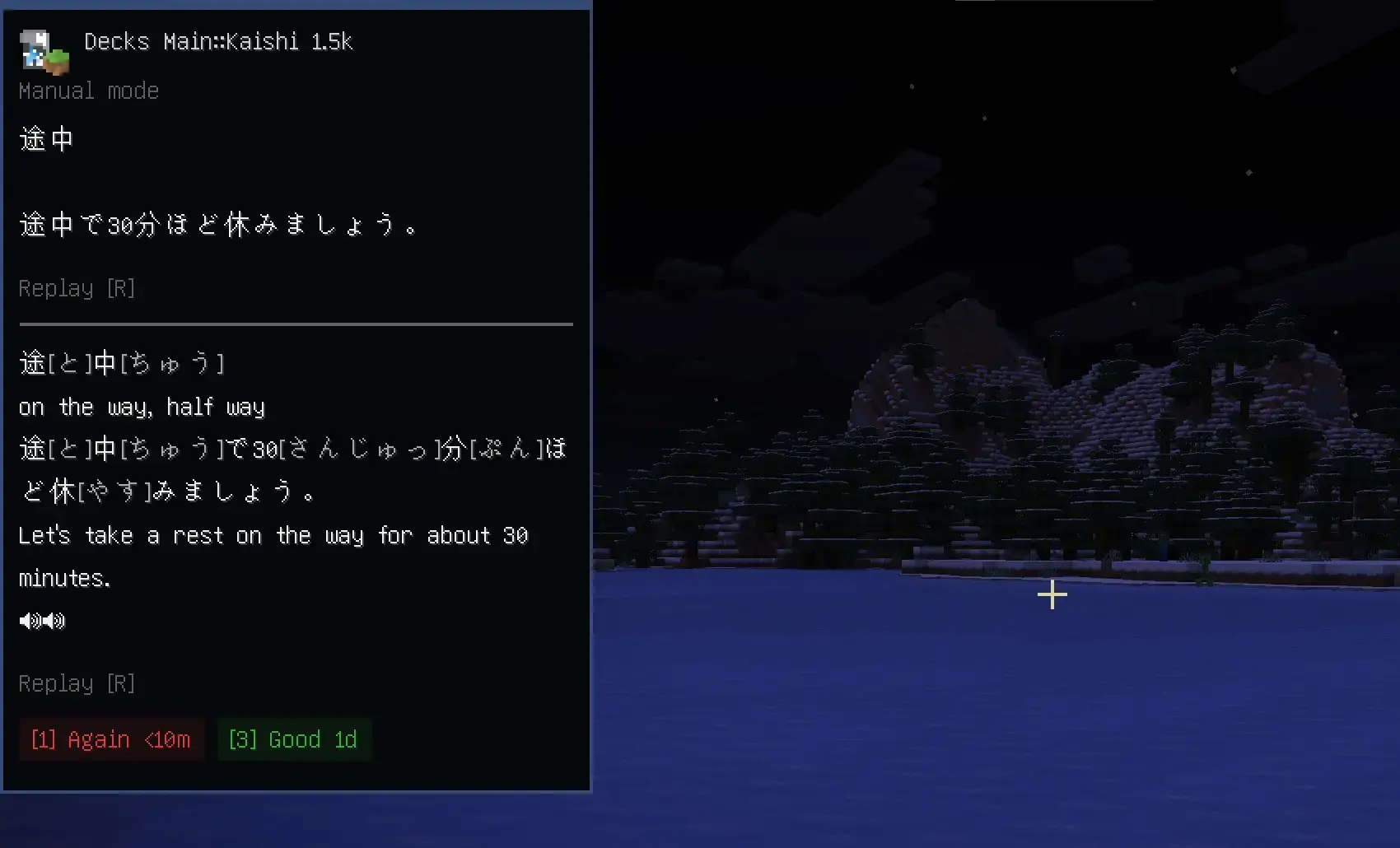
Client-side Minecraft mod that lets you review Anki cards while you play.
AnkiCraft connects to AnkiConnect and automatically shows cards on a HUD in-game.
!!DISCLAIMER!!
I only really tested this with my Japanese decks, I can't be sure there isn't formatting issues with other types of decks
Requirements
- Fabric Loader
- Fabric API
- Anki + AnkiConnect
- Mod Menu for settings (optional)
Setup
- Install Anki + AnkiConnect
- Open the deck you want to study in anki
- Launch Minecraft with AnkiCraft installed
- Open
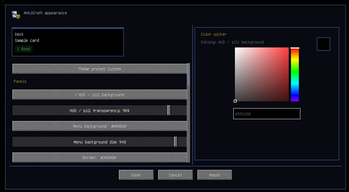
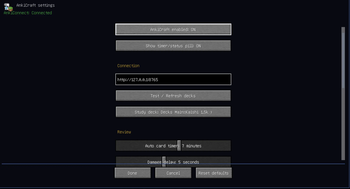
Mod Menu > AnkiCraft - Refresh decks and pick the deck you want to study
Current Limitations
- Card images are not supported yet
- Does not fully match Anki CSS/styling
Planned Stuff
- Buffs and penalties tied to review results
- Server side reward support
- UI art
- Localization
- Draggable ui elements
Quick facts
- Edition: Minecraft Java
- File type: .jar
- Minecraft version listed: 26.1.2
- How to install: Install the matching mod loader (Forge, Fabric or NeoForge) for your Minecraft version. → Download the .jar. → Put it in the .minecraft/mods folder and launch that loader profile.
- Where to get it: Opens on Modrinth — not every file is mirrored on our own servers.
Install steps are the general flow for this file type — How to install Minecraft Java mods & modpacks walks through it step by step.
File checked by MCModsHub
- Ships as ankicraft-1.0.0.jar — drop this file into the mods folder
- Download size: 292 KB
- Download link checked 3 Oct 2026 — working
These come from our own check of the pack file, not from the source page.