
Where? - Coordinates & Pings
I don't know my version or loader
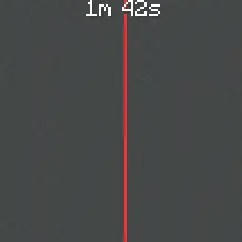
What is Where?
Where? is a Minecraft utility mod for quickly sharing, displaying, converting, and managing coordinates.
The mod can detect coordinates in chat and lets you copy them, convert them between dimensions, display them as pings, or send them to other players.
Features
- Detect coordinates in chat
- Copy coordinates quickly
- Convert coordinates between Overworld, Nether, and End
- Create normal world pings
- Create team-only pings
- Send private coordinates to specific players
- Send coordinates only to your team
- Use clickable coordinate menus in chat
- Manage teams with invites, leaders, members, and blocked players
- Customize ping color, size, range, transparency, lifetime, and display options
Commands

Send your current coordinates:
!coords
Enter coordinates manually:
!100 10 -30
Send your coordinates privately to a player:
!coords <player>
Send your coordinates only to your team:
!coords teams
settings menu:
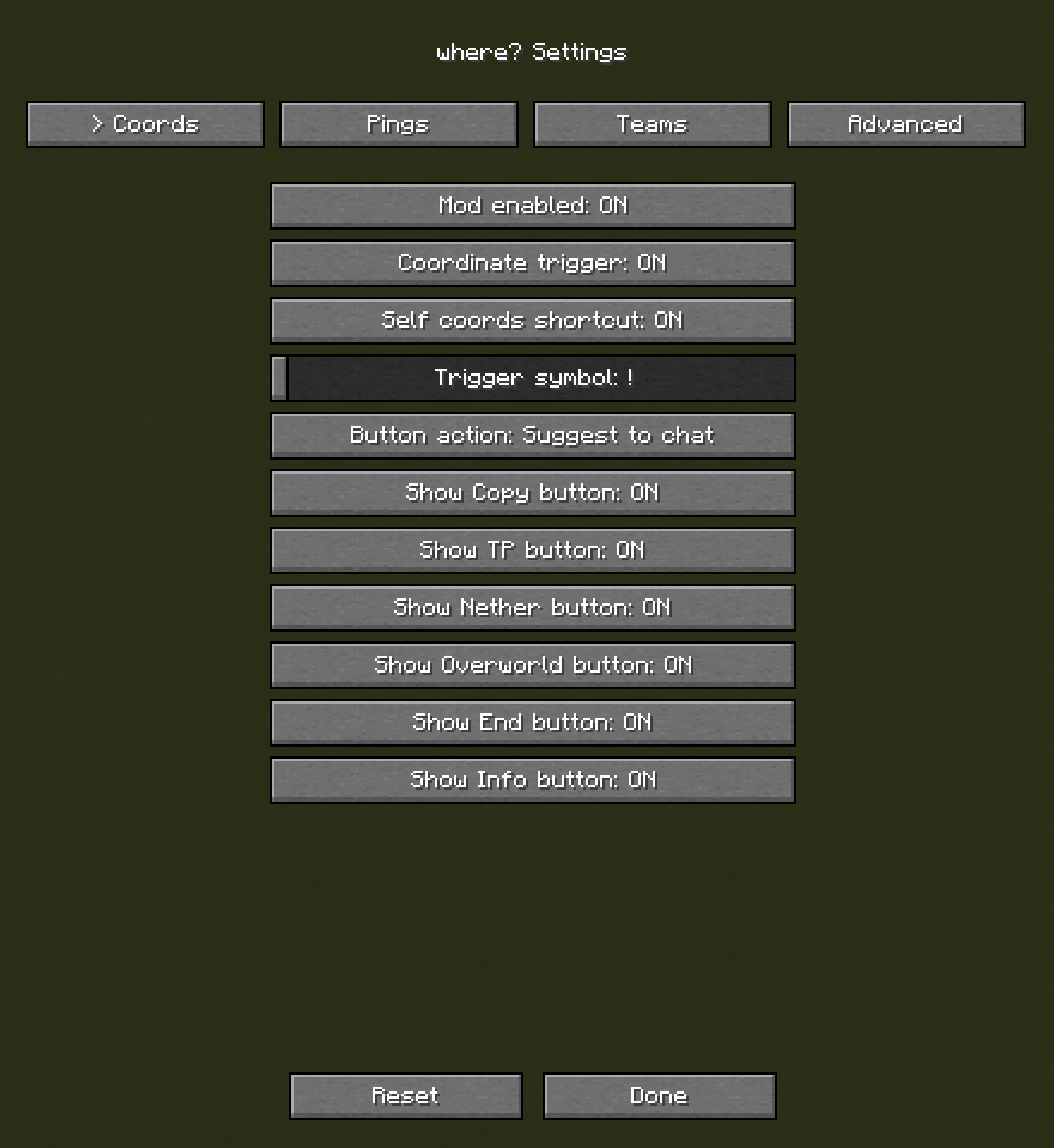
Team System
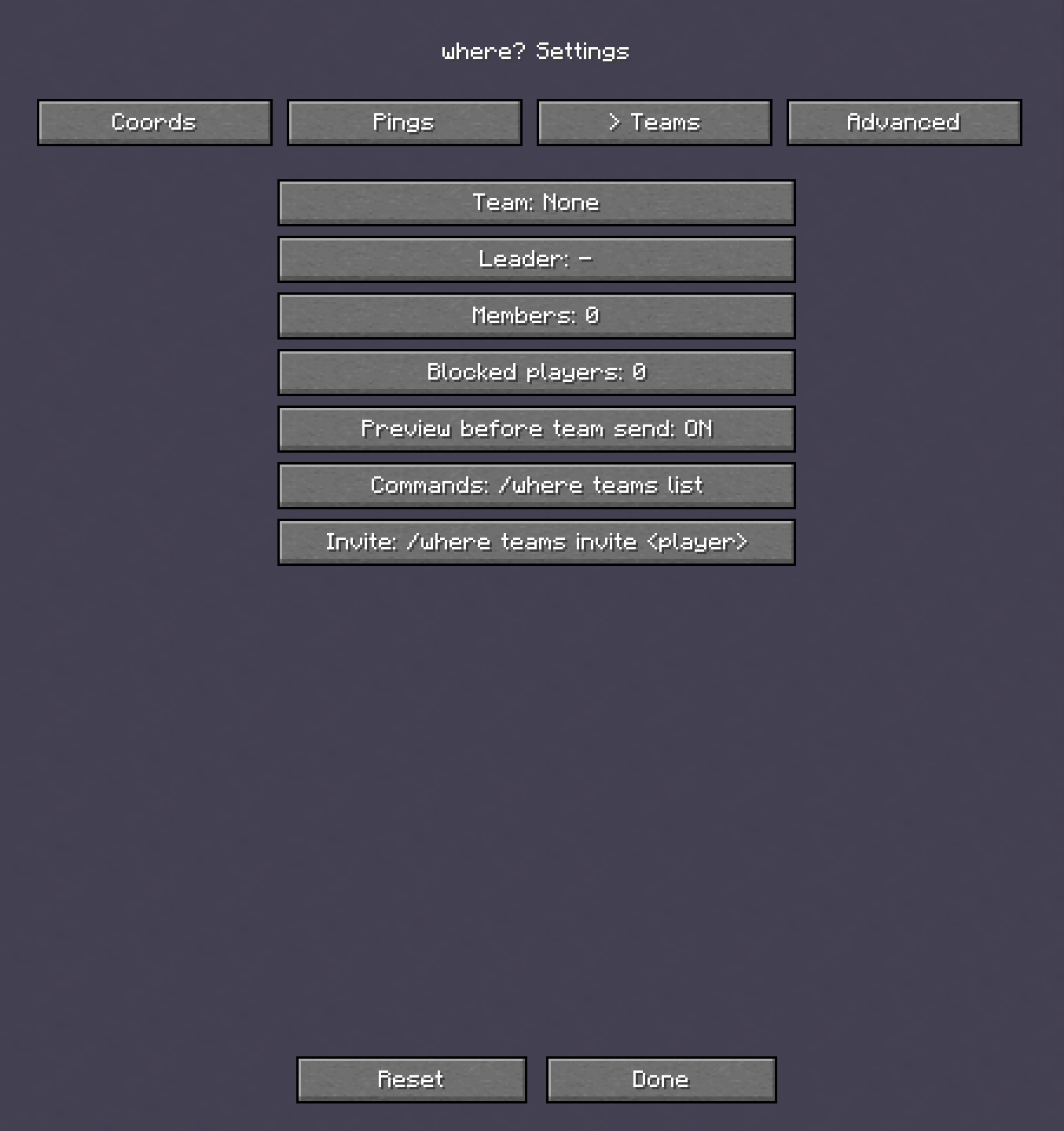
Where? includes a team system with team invites, leaders, members, blocked players, private team coordinates, and team-only pings.
Team commands are available under:
/where teams
settings menu:
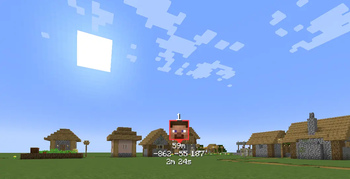
Pings
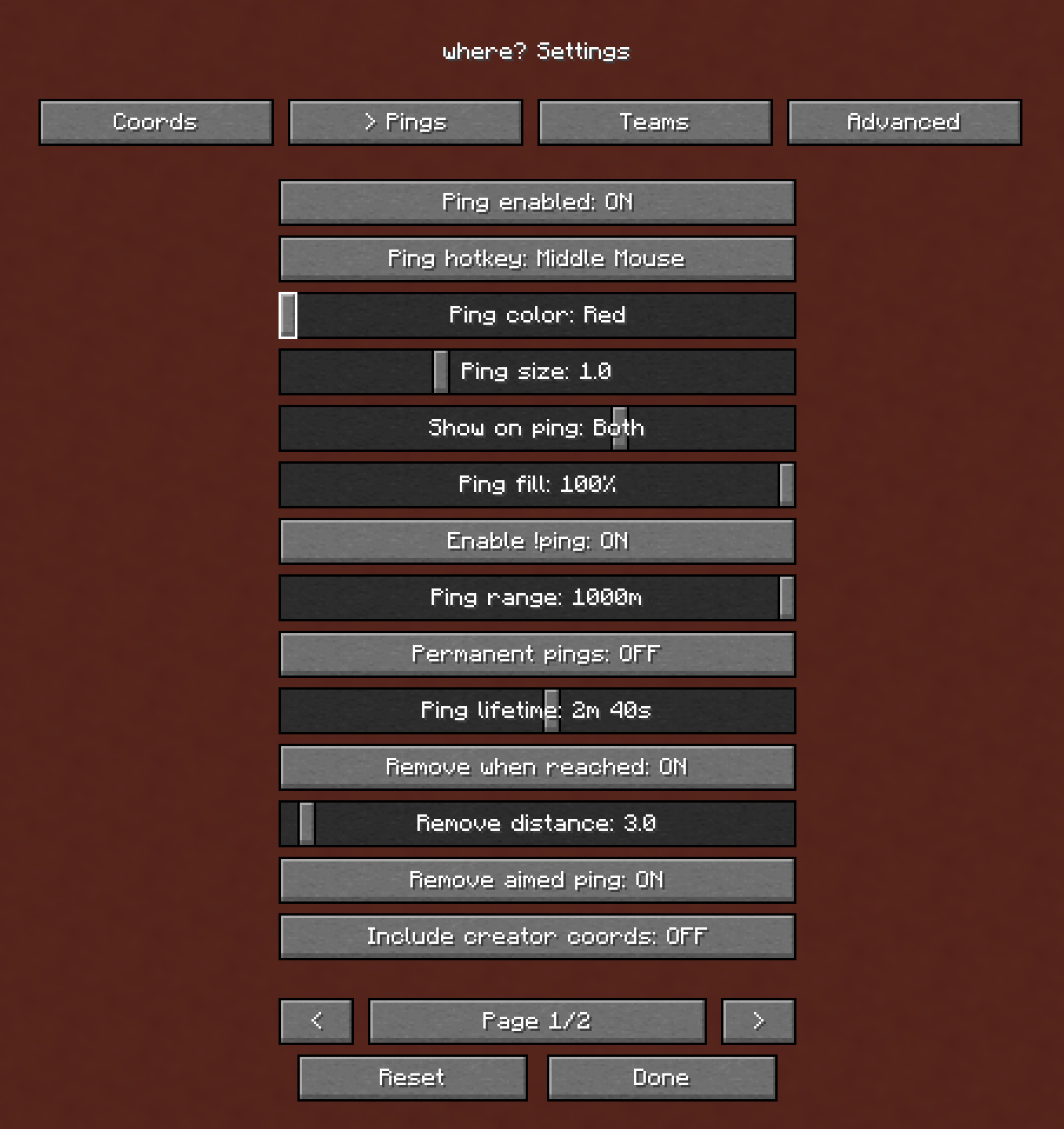
Pings can show coordinates, distance, dimension, player face, creator information, arrows, and despawn timers.
You can configure how pings look and behave in the Where? settings menu.
settings menu:
Working on bug fixes and updates! Feedback is welcome, my discord in bio
- Edition: Minecraft Java
- File type: .jar
- Minecraft versions listed: 1.21.1, 1.21.2, 1.21.3
- How to install: Install the matching mod loader (Forge, Fabric or NeoForge) for your Minecraft version. → Download the .jar. → Put it in the .minecraft/mods folder and launch that loader profile.
- Where to get it: Opens on Modrinth — not every file is mirrored on our own servers.
Install steps are the general flow for this file type — How to install Minecraft Java mods & modpacks walks through it step by step.
- Ships as where-1.0.3.jar — drop this file into the mods folder
- Download size: 218 KB
- Download link checked 21 Aug 2026 — working
These come from our own check of the pack file, not from the source page.