
Create: Oxidized plus
Java mod listed for Minecraft 1.21. Downloads from the MC Java Mods app on Android.
⬇ Download on Modrinth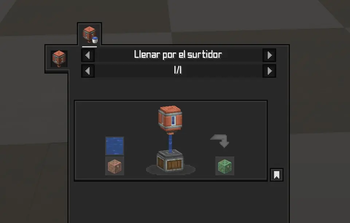
About
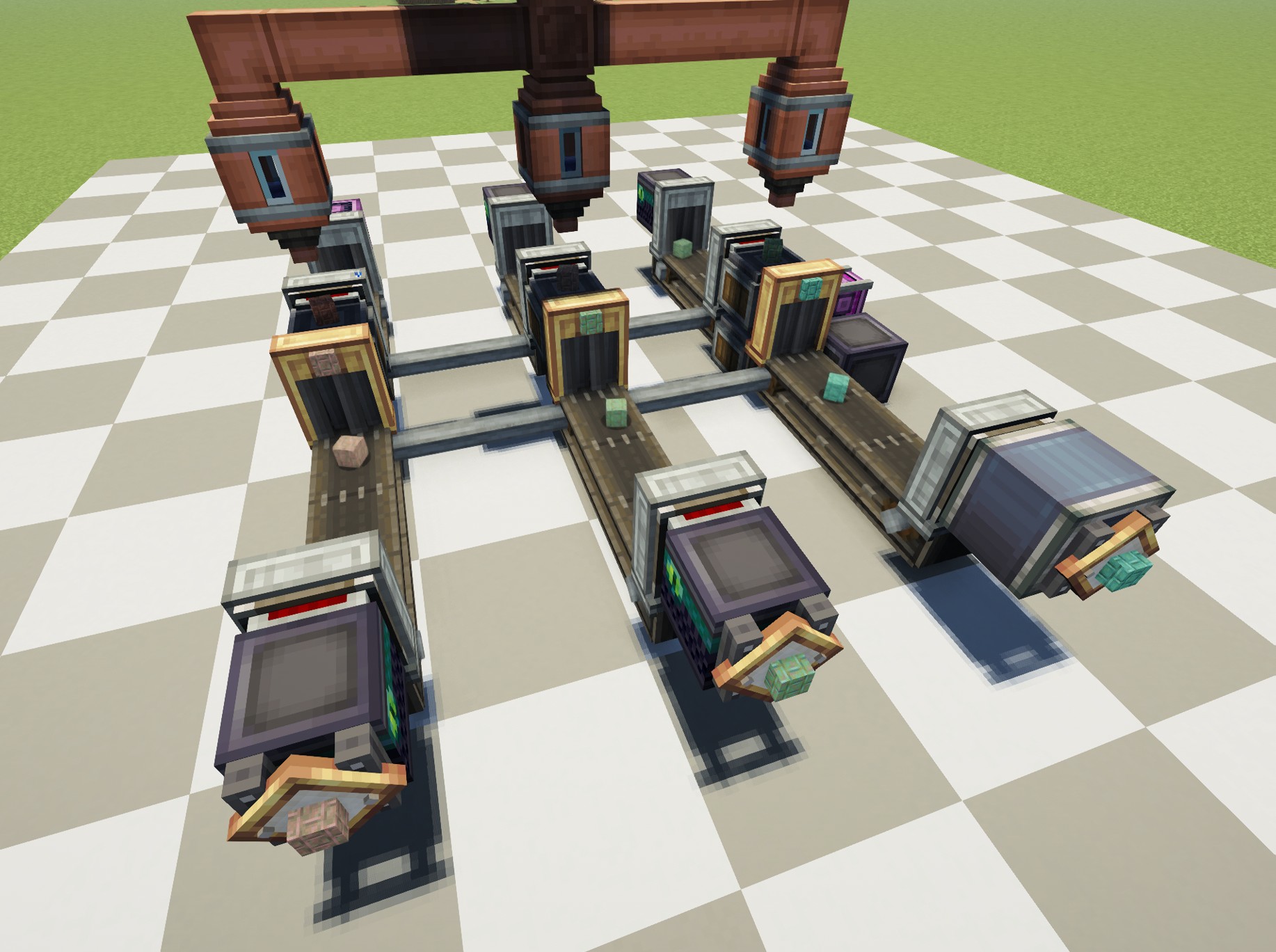
Create: Oxidized is an add-on for the Create mod. It introduces new recipes for Oxidizing Copper, allowing players to Oxidize Copper Faster.
This datapack adds more recipes to the list.
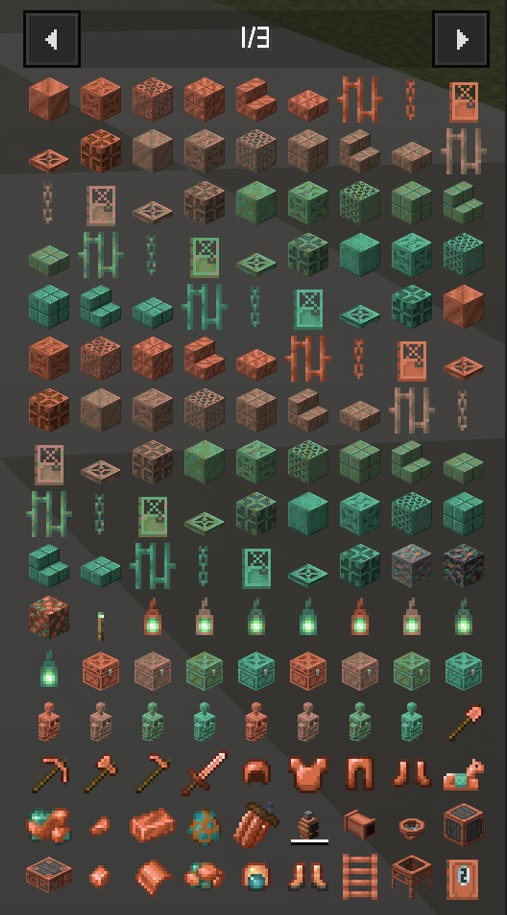
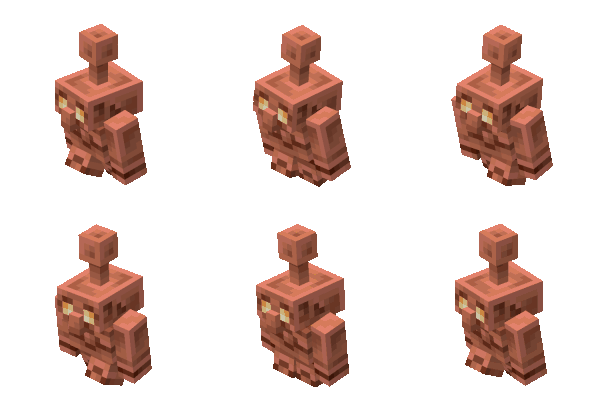 copper golem not included (It has its own mechanics)
only unwaxed blocks...
Recipe
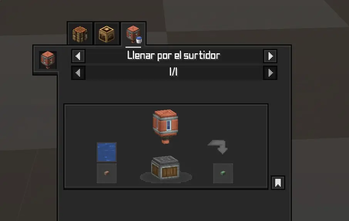
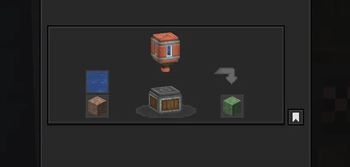
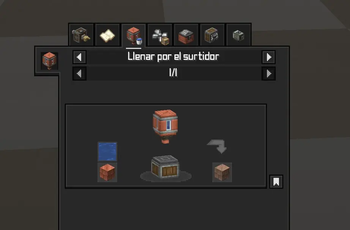
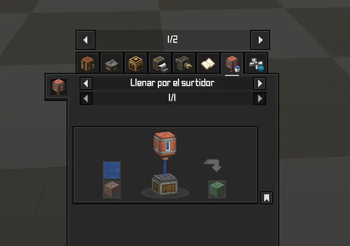
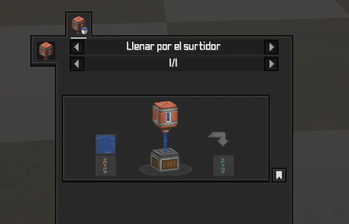
Fill spouts with 500mb of water onto copper block variant. (I left it as is while I decide).
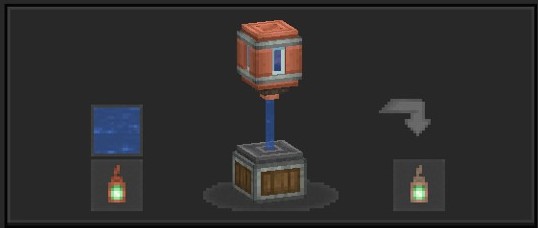
Tip: Use Just Enough Items(JEI) To View The Recipe In-Game
⚙️ Supported Version
1.21.1 NeoForge
1.21.1 Create
0.1.2 (above) Create:Oxidized
🧩 Installation Guide
Just place it in your datapack folder.
But for those who don't know how to do it:
- Go to where you have Minecraft installed.
- Find the saves folder.
- You'll see folders with the names of your worlds; choose the one you want to use the datapack on.
- Place the file in the datapacks folder.
Something like this: C:\User\ .minecraft\saves\new_world\datapacks
Just leave it there, done!



- Edition: Minecraft Java
- File type: .jar
- Minecraft versions listed: 1.21, 1.21.1
- How to install: Install the matching mod loader (Forge, Fabric or NeoForge) for your Minecraft version. → Download the .jar. → Put it in the .minecraft/mods folder and launch that loader profile.
- Where to get it: Opens on Modrinth — not every file is mirrored on our own servers.
Install steps are the general flow for this file type — How to install Minecraft Java mods & modpacks walks through it step by step.
- Downloads as Create_oxidized_compat.zip
- Download size: 12 KB
- Download link checked 18 Oct 2026 — working
These come from our own check of the pack file, not from the source page.