
CloudCraft — SoundCloud Player for Minecraft
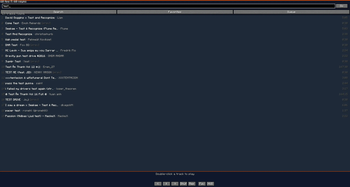
Listen to SoundCloud without leaving your game. CloudCraft brings a full-featured music player into Minecraft with a clean in-game HUD and a dedicated search screen.
Features:
Search tracks by name or paste any SoundCloud track / playlist URL
No API key or account required — works out of the box
Track queue with shuffle and repeat modes (off / all / one)
Seek by clicking the progress bar or jumping to an exact second
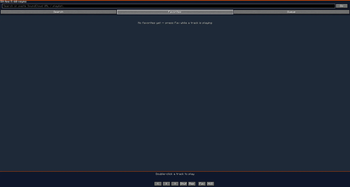
Favorites — save SoundCloud tracks and local files
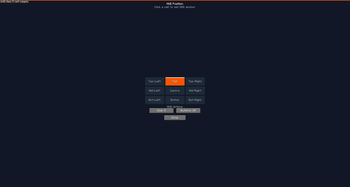
In-game HUD with playback controls, 3 sizes (S/M/L), 9 anchor positions, draggable
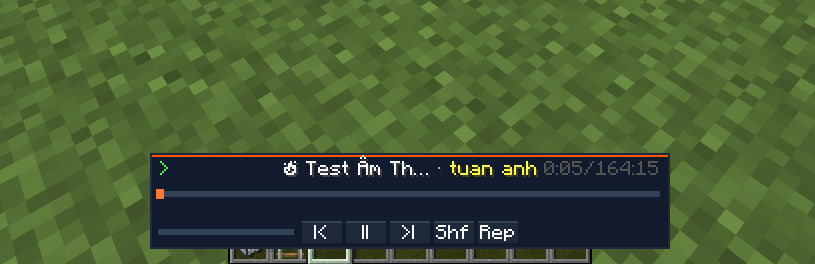
Compact HUD mode — just the track name and progress bar, stays out of your way
Full keybind support: pause, next/prev track, seek ±10s, volume, toggle HUD
DEMO VERSION IS AVAILABLE RIGHT NOW!!!
- Edition: Minecraft Java
- File type: .jar
- Minecraft version listed: 1.21.11
- How to install: Install the matching mod loader (Forge, Fabric or NeoForge) for your Minecraft version. → Download the .jar. → Put it in the .minecraft/mods folder and launch that loader profile.
- Where to get it: Opens on Modrinth — not every file is mirrored on our own servers.
Install steps are the general flow for this file type — How to install Minecraft Java mods & modpacks walks through it step by step.
- Ships as cloudcraft-0.6.7.jar — drop this file into the mods folder
- Download size: 482 KB
- Download link checked 13 Sept 2026 — working
These come from our own check of the pack file, not from the source page.