
Nexus-Util
Java mod listed for Minecraft 1.21. Downloads from the MC Java Mods app on Android.
This mod features four new features into Minecraft that changes how the game works in many ways like leaving bread crumb trails for cave exploration…
⬇ Download on Modrinth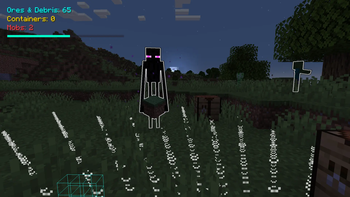
Nexus is a lightweight, high-performance utility mod designed to bridge the gap between navigation, combat awareness, and team communication. Whether you are playing solo or on a large multiplayer server, Nexus provides the tools you need to stay in control.
Key Features -
Visual Breadcrumb Trails
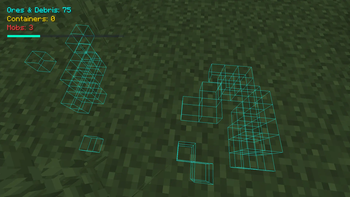
Never lose your way again. Press N to Automatically leave a dynamic trail of markers as you explore, allowing you to backtrack through caves, dungeons, or vast landscapes with ease. Each trail is of different color for every player.
Tactical Ping System
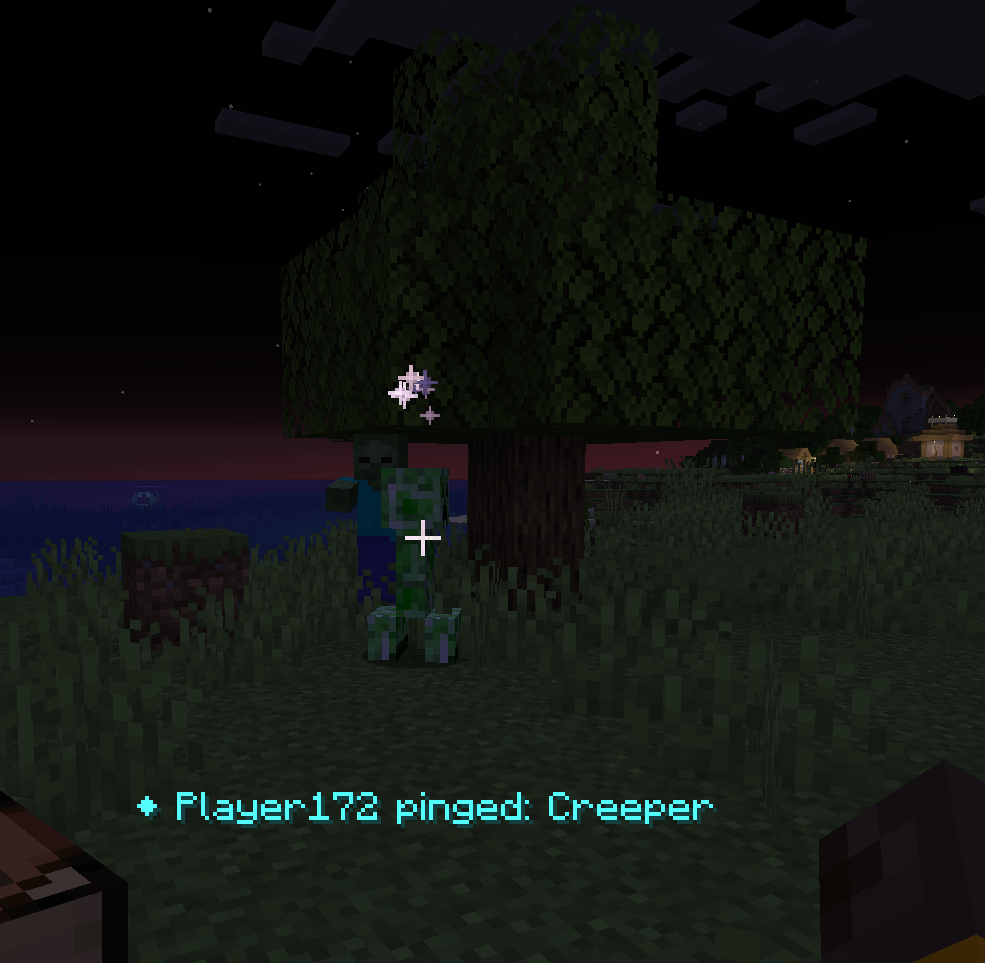
Coordinate with your team instantly. Use the ping system to highlight points of interest by pressing the V key, treasure, or danger, ensuring every player on your server is on the same page.
Survival Sense
The Sense feature allows you to actively scan your surroundings to temporarily highlight nearby mobs by pressing the R key, it can also scan ores, loot, giving you and the other player the upper hand.
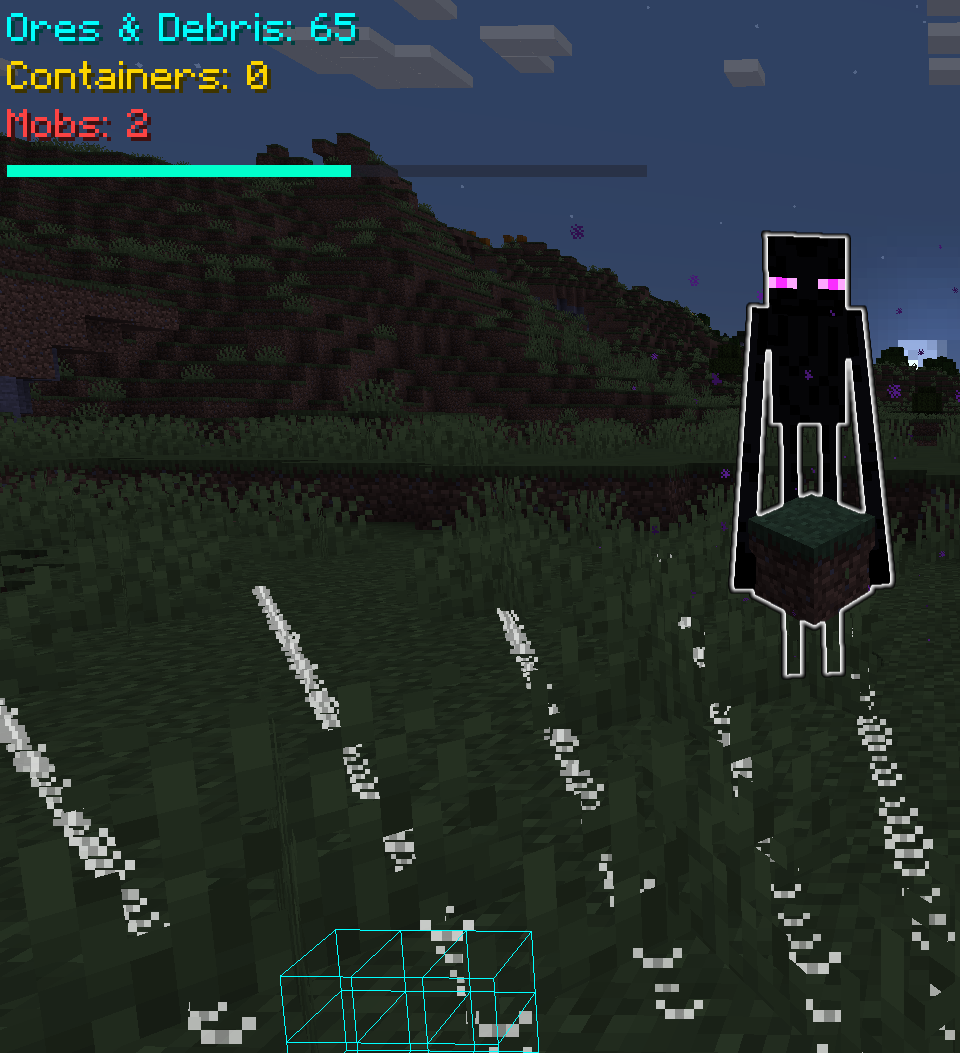
Action Glyph System
Nexus utilizes a unique glyph overlay system to display your current actions or states, perfect for roleplay servers and team communication. It has a glyph for actions like player smelting something, player opening chat, player opening crafting table, player enchanting something, player using other items like smithing table.
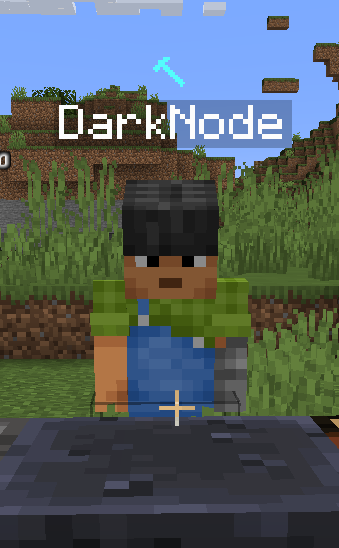
Server-Side Synchronization
Engineered for multiplayer. All features—from pings to breadcrumbs—are built to sync perfectly across the network, ensuring that what you see is what your teammates see.
- Edition: Minecraft Java
- File type: .jar
- Minecraft version listed: 1.21
- How to install: Install the matching mod loader (Forge, Fabric or NeoForge) for your Minecraft version. → Download the .jar. → Put it in the .minecraft/mods folder and launch that loader profile.
- Where to get it: Opens on Modrinth — not every file is mirrored on our own servers.
Install steps are the general flow for this file type — How to install Minecraft Java mods & modpacks walks through it step by step.
- Ships as nexus-1.0.0.jar — drop this file into the mods folder
- Download size: 67 KB
- Download link checked 25 Oct 2026 — working
These come from our own check of the pack file, not from the source page.