
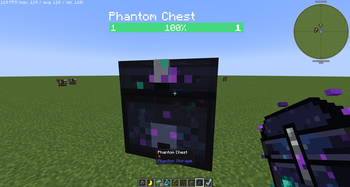
Phantom Storage adds a semi-transparent floating chest that follows you around, keeps your items accessible at all times, and can automatically push and pull items to and from storage blocks in the world.
- The Phantom Chest
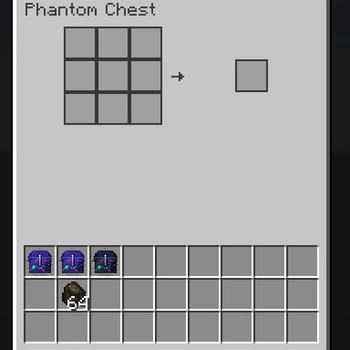
Summon it with the Phantom Chest Summoner item. The chest hovers near you, follows you through the world, and opens like any normal chest — only the player who summoned it can access it. Dismiss it with the same item.
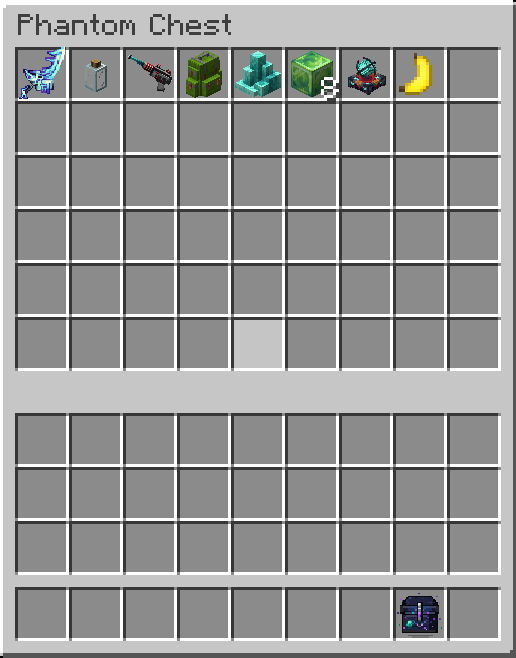
The chest GUI has three tabs:
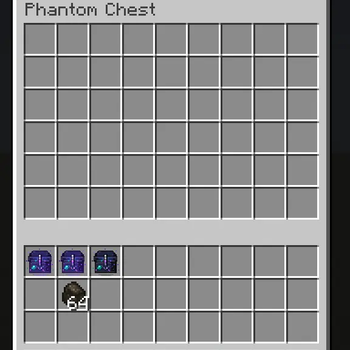
Chest — 54-slot personal inventory
Craft — embedded 3×3 crafting grid with JEI integration; click recipes directly in from JEI
Void Filter — 9-slot ghost filter; any item type placed here is silently destroyed when it enters the chest, keeping your inventory clean
The Phantom Wrench
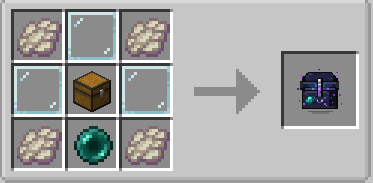
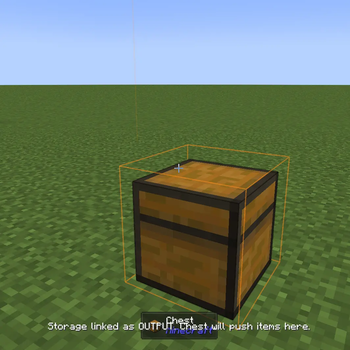
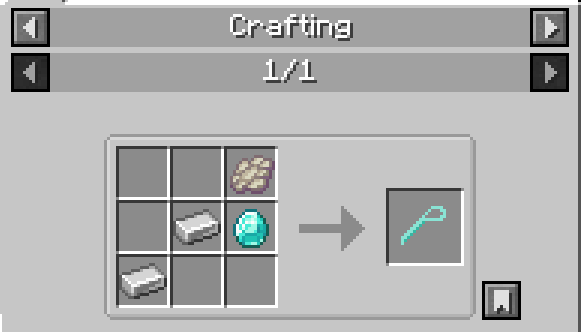
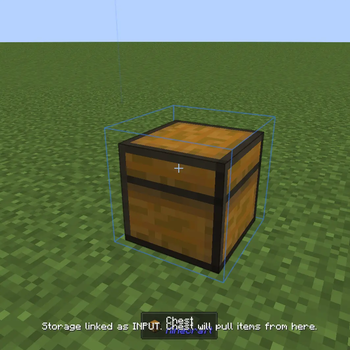
Craft a Phantom Wrench to link nearby storage blocks to your chest. Shift+Right-click a chest, barrel, or any other storage block to link it as an OUTPUT — your Phantom Chest will push items there automatically. Sneak+right-click to switch it to INPUT (chest pulls items from there) or unlink it entirely.
- Works with modded storage blocks that expose the IItemHandler capability (Sophisticated Storage, etc.)
- Configured links are saved to your player data — you can set up your storage layout before ever summoning the chest
- While holding the wrench, linked blocks are highlighted: orange for OUTPUT, blue for INPUT. A transparent box shows the range the chest must be within for transfers to happen
- Up to 16 linked storages per chest
- Link count is always visible in the HUD while holding the wrench
- Edition: Minecraft Java
- File type: .jar
- Minecraft version listed: 1.21.1
- How to install: Install the matching mod loader (Forge, Fabric or NeoForge) for your Minecraft version. → Download the .jar. → Put it in the .minecraft/mods folder and launch that loader profile.
- Where to get it: Opens on Modrinth — not every file is mirrored on our own servers.
Install steps are the general flow for this file type — How to install Minecraft Java mods & modpacks walks through it step by step.
- Ships as phantomstorage-1.3.7.jar — drop this file into the mods folder
- Download size: 89 KB
- Download link checked 21 Aug 2026 — working
These come from our own check of the pack file, not from the source page.