
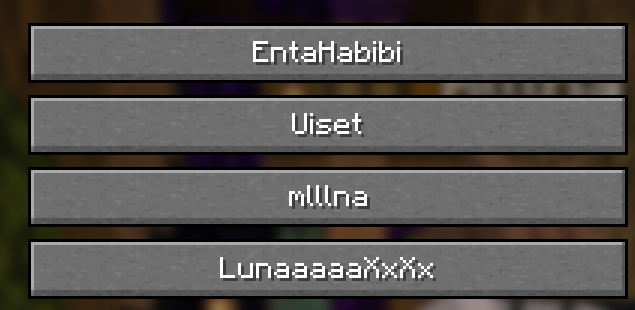
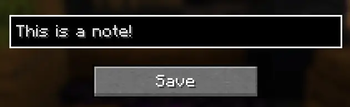
This mod allows you to set notes on players! The notes will appear next to their name.
HOW TO USE
- "N" is the default keybind to open the menu
- press the player that you want to give a note
- enter the note in the field (if you enter nothing, it will remove the note)
- it will appear!
IMPORTANT: THIS MOD DOES NOT WORK ON CERTAIN SERVERS LIKE PVPCLUB FOR SOME REASON!!!
Quick facts
- Edition: Minecraft Java
- File type: .jar
- Minecraft version listed: 1.21.11
- How to install: Install the matching mod loader (Forge, Fabric or NeoForge) for your Minecraft version. → Download the .jar. → Put it in the .minecraft/mods folder and launch that loader profile.
- Where to get it: Opens on Modrinth — not every file is mirrored on our own servers.
Install steps are the general flow for this file type — How to install Minecraft Java mods & modpacks walks through it step by step.
Verified by MCModsHub
- Ships as playernotes-1.0.0.jar — drop this file into the mods folder
- Download size: 71 KB
- Download link checked 13 Sept 2026 — working
These come from our own check of the pack file, not from the source page.