Create: Backtank Trims & Dyes
Java mod listed for Minecraft 1.21. Downloads from the MC Java Mods app on Android.
⬇ Download on Modrinth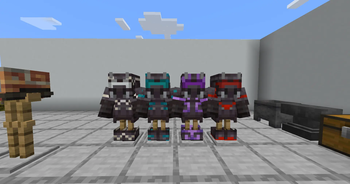
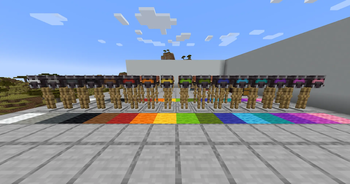
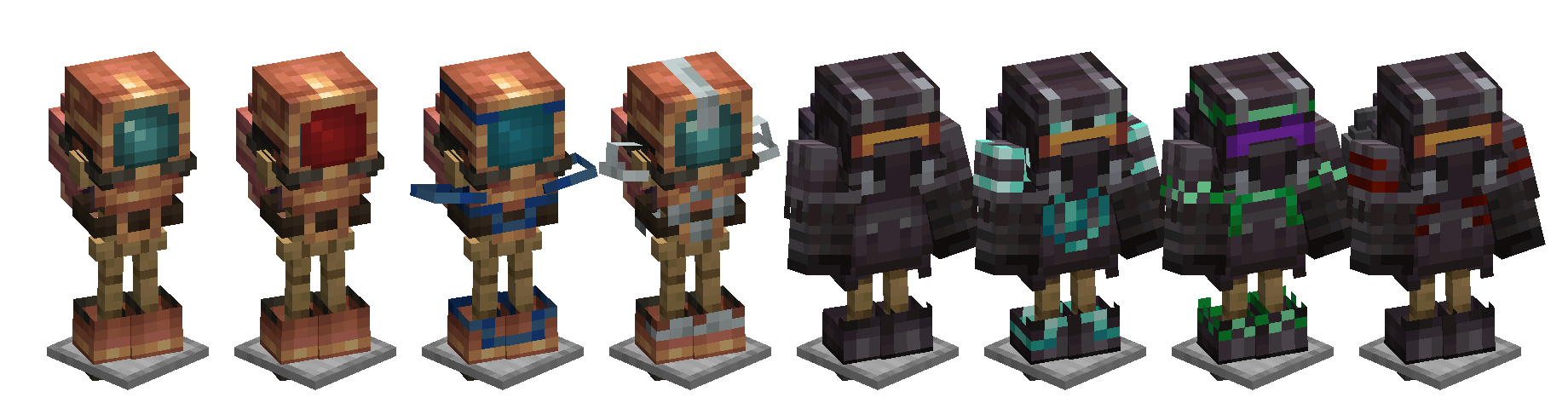
Create: Backtank Trims
Smithing-table/render armor trims and dyeable visors for Create's diving gear.
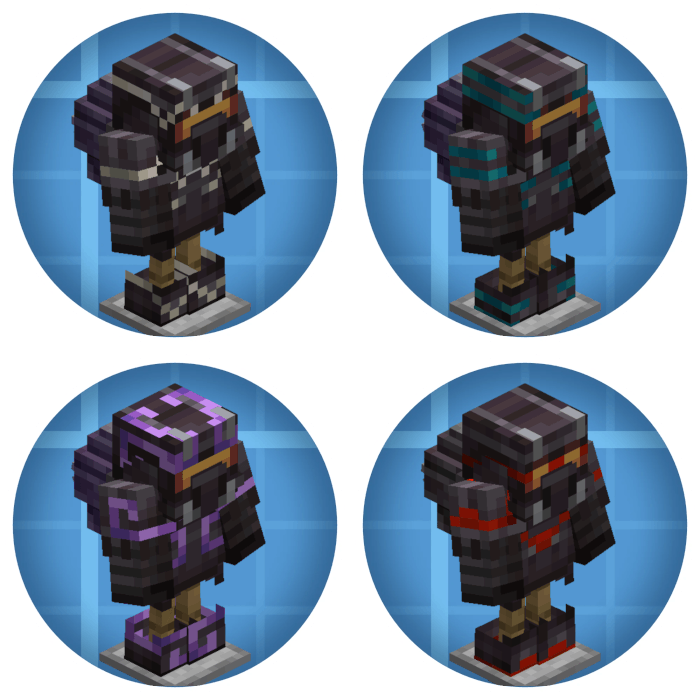
Create's diving helmets, diving boots and backtanks are armor, but the Create devs never implemented trimming properly and disabled it as a bandaid fix. This mod properly integrates them and adds a little visual flair on top.
✨ Features
Trim every piece
All six of Create's diving items are now valid smithing-table inputs. Trims are now rendered using minecraft's trim renderer (which may make some trims silly)
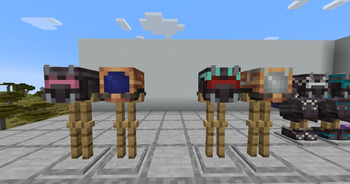
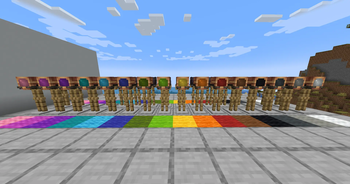
Dyeable visors
Visors! Colour em'! Drop a helmet into a crafting grid with any dye - combine several dyes for blended hues, just like leather armor, and clean it off with a cauldron.
Pulsating visors
Craft a dyed helmet together with an amethyst shard and the visor slowly breathes and pulses!
Plays nice with Create: Jetpack
The netherite jetpack from Create: Jetpack uses Create's same custom render path as the netherite backtank, so its trim used to be invisible. This mod renders trims correctly on both jetpack variants too.
Create Stuff 'N Additions is partially supported: its jetpacks and exoskeletons use custom models that don't fit Minecraft's trim layout, so trims are intentionally disabled on those pieces — the mod keeps them out of the smithing table and tells you why if you try.
Is your favorite mod unsupported? Let us know!
🛠 Quick guide
| Want to | Do this |
|---|---|
| Trim a piece | Smithing table: piece + smithing template + trim material |
| Dye the visor | Crafting grid: diving helmet + any dye(s) |
| Make it pulse | Crafting grid: dyed helmet + amethyst shard |
| Wash a helmet | Right-click a water cauldron while holding the helmet |
📦 Compatibility
- Requires: Minecraft 1.20.1 (Forge / NeoForge) or 1.21.1 (NeoForge), with Create 6.0.0+
- Optional cross-mod support: Create: Jetpack (full); Create Stuff 'N Additions (partial — trims disabled on its jetpacks/exoskeletons)
- Client + server: install on both sides of a multiplayer setup
🐛 Issues & suggestions
This mod exists because Create issue #6213 sat open forever. If you find anything else broken or have an idea, file it on the GitHub repository.
📜 License
Apache 2.0. Create is a separate project with its own license; this mod only depends on it at runtime.
- Edition: Minecraft Java
- File type: .jar
- Minecraft version listed: 1.21.1
- How to install: Install the matching mod loader (Forge, Fabric or NeoForge) for your Minecraft version. → Download the .jar. → Put it in the .minecraft/mods folder and launch that loader profile.
- Where to get it: Opens on Modrinth — not every file is mirrored on our own servers.
Install steps are the general flow for this file type — How to install Minecraft Java mods & modpacks walks through it step by step.
- Ships as createbacktanktrims-1.2.0.jar — drop this file into the mods folder
- Download size: 45 KB
- Download link checked 9 Oct 2026 — working
These come from our own check of the pack file, not from the source page.