
It's All Connected (CTM)
Java resource pack listed for Minecraft 26.x. Downloads from the MC Java Mods app on Android.
I don't know my version or loader


This resource pack requires Continuity to work (or Optifine if you still use that)
Updated for 26.2 Chaos Cubed update!
It's All Connected
The resource pack uses CTM to connect every texture in vanilla Minecraft that can be connected. This was done differently compared to other CTM texture packs, as is shown from this example:
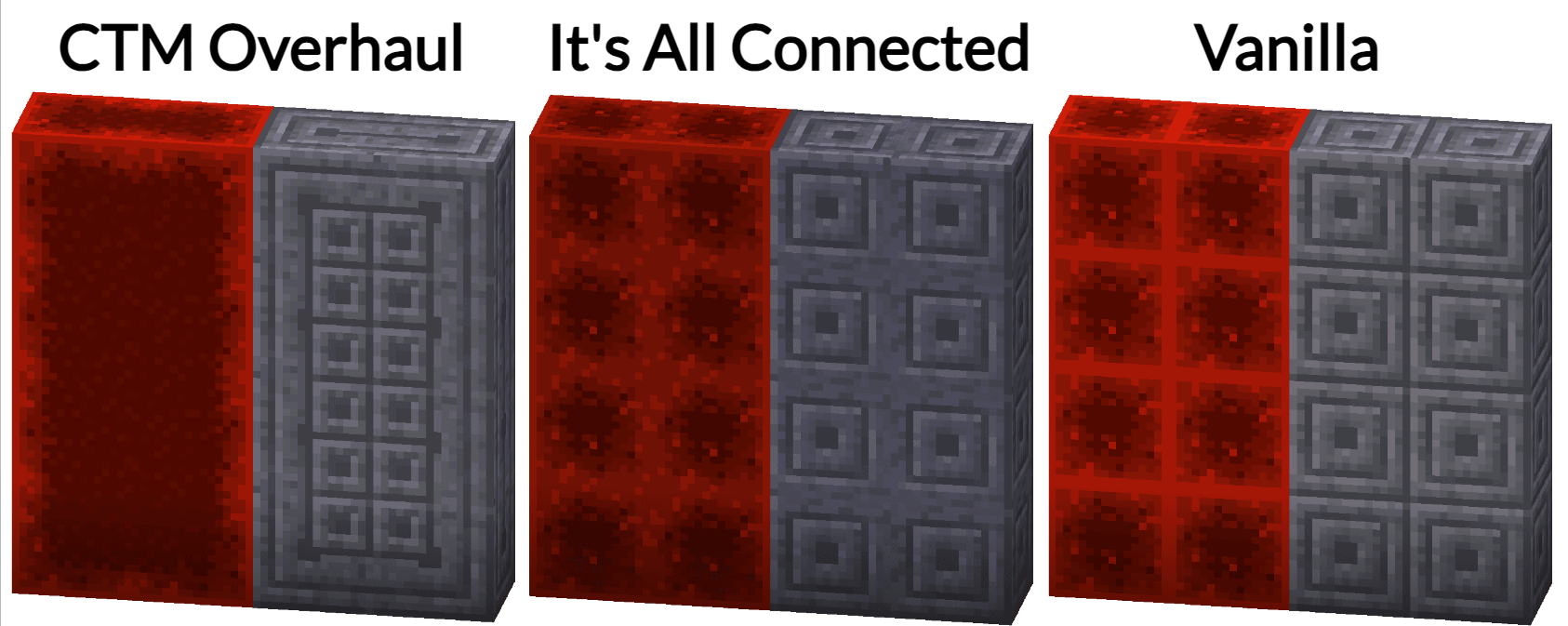
This implementation preserves the vanilla look of blocks, while improving smoothness by removing block borders with CTM.
Current status
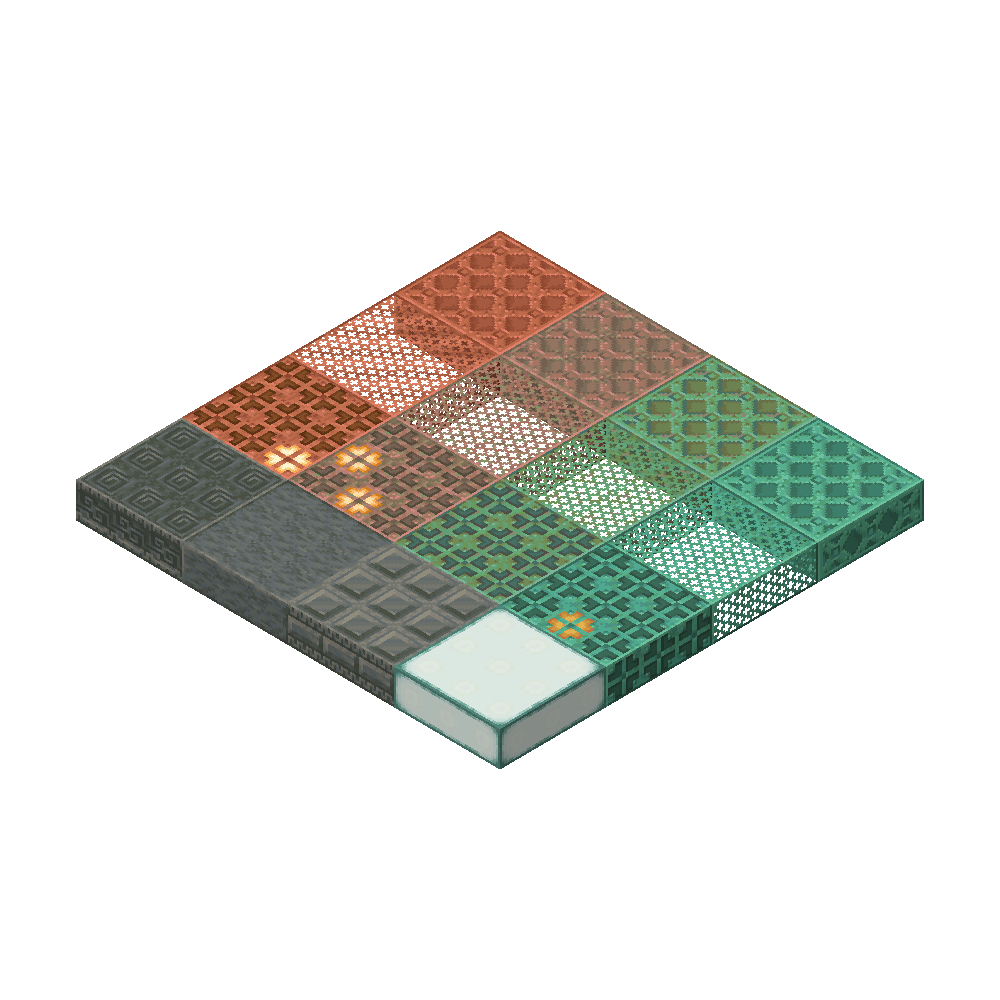
Update for 26.2 is now released with textures for new blocks in the Chaos Cubed update! also, all textures have been upgraded and any problems have been fixed.
Compatibility
This texture pack should work with most versions of Minecraft, as long as you have Continuity or Optifine. However, I have not tested versions before 1.20.
Some texture packs do not work well with this, mostly 3D models or block state specific models. An example of both of these is the 'Visual Note Block Pitch' texture in Vanilla Tweaks.
If you have any issues or suggestions (Or really anything!), please open an issue on the Github issues page
- Edition: Minecraft Java
- File type: .zip (resource pack)
- Minecraft versions listed: 26.1, 26.1.1, 26.1.2
- How to install: Download the .zip resource pack — do not unzip it. → Put it in .minecraft/resourcepacks. → Enable it in Options → Resource Packs.
- Where to get it: Opens on Modrinth — not every file is mirrored on our own servers.
Install steps are the general flow for this file type — How to install Minecraft Java resource packs walks through it step by step.
- Downloads as its_all_connected_v1.4.zip
- Download size: 1.2 MB
- Download link checked 25 Oct 2026 — working
These come from our own check of the pack file, not from the source page.