
ShadersJava
Vanilla Plus Shader
Java shader pack listed for Minecraft 1.16–1.21. File opened and checked on 26 Sep 2026; downloads from the MC Java Mods app on Android.
⬇ Download on Modrinth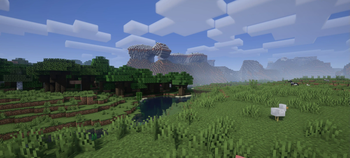

What is the Vanilla Plus Shader?
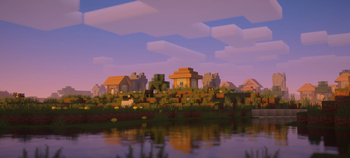
This shaderpack gives the the game a modern and streamlined visual overhaul while staying faithful to the original visuals.
What features does it offer?
- Dynamic soft shadows
- Volumetric vanilla-style clouds (they rely on the cloud texture from the resourcepack as well)
- Temporal Anti-Aliasing
- Improved lighting and dynamic colours
- Optional custom water and screenspace reflections
- Screenspace godrays
- Support for resourcepack materials based on the labPBR standard
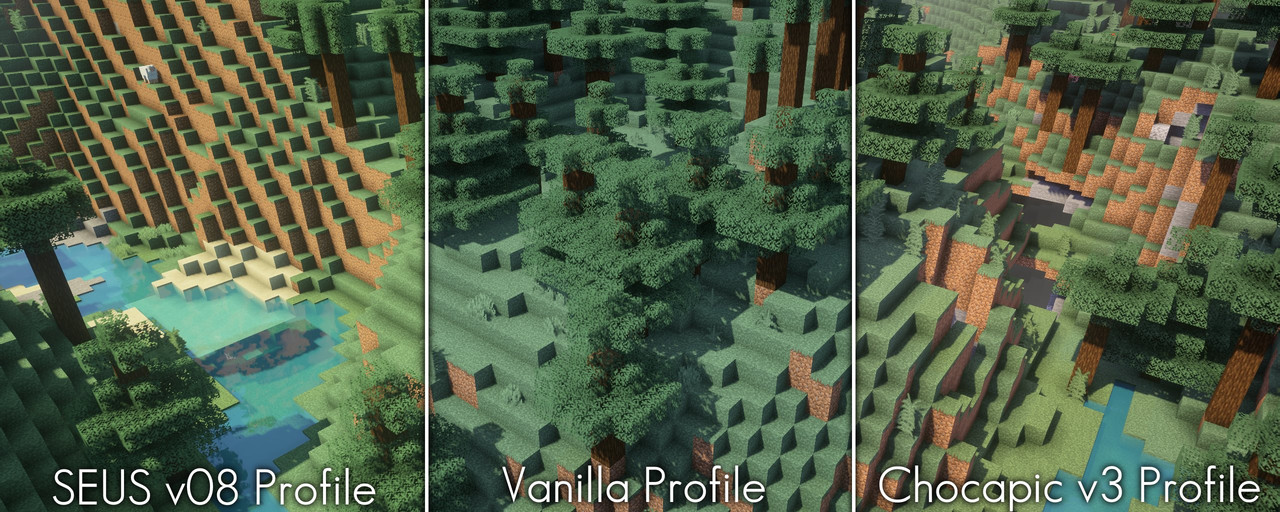
- Various colour profiles that imitate certain looks or older shaderpacks that are broken on modern Minecraft versions (examples below)
- Various optional lens effects such as depth of field, lens flares and vignette
Any Requirements?
- OptiFine for 1.16 or newer/Iris 1.5.0 or newer
- A graphics card that supports OpenGL 4.3 or newer
- Windows/Linux
External Links:

Quick facts
- Edition: Minecraft Java
- File type: .zip (resource pack)
- Minecraft versions listed: 1.16.5, 1.17, 1.17.1
- How to install: Download the .zip resource pack — do not unzip it. → Put it in .minecraft/resourcepacks. → Enable it in Options → Resource Packs.
- Where to get it: Opens on Modrinth — not every file is mirrored on our own servers.
Install steps are the general flow for this file type — see the MC Java Mods guides for the full walkthrough.
File checked by MCModsHub
- Downloads as VanillaPlus_v3.3.zip
- Download size: 435 KB
- Download link checked 28 Oct 2026 — working
These come from our own check of the pack file, not from the source page.