
ModsJava
Recipe Book is Pain (Extended)
Java mod listed for Minecraft 1.21. Downloads from the MC Java Mods app on Android.
⬇ Download on Modrinth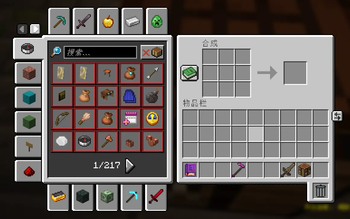
中文页面
此项目已合并入Better Recipe Book (Extended)。
配置
Configuration
这是Recipe Book is Pain的非官方分支,旨在高版本迁移与拓展功能(不改变核心功能)。
核心功能
将创造模式物品栏的分组应用于配方书。在游玩大型整合包时能帮助你更快寻找配方。
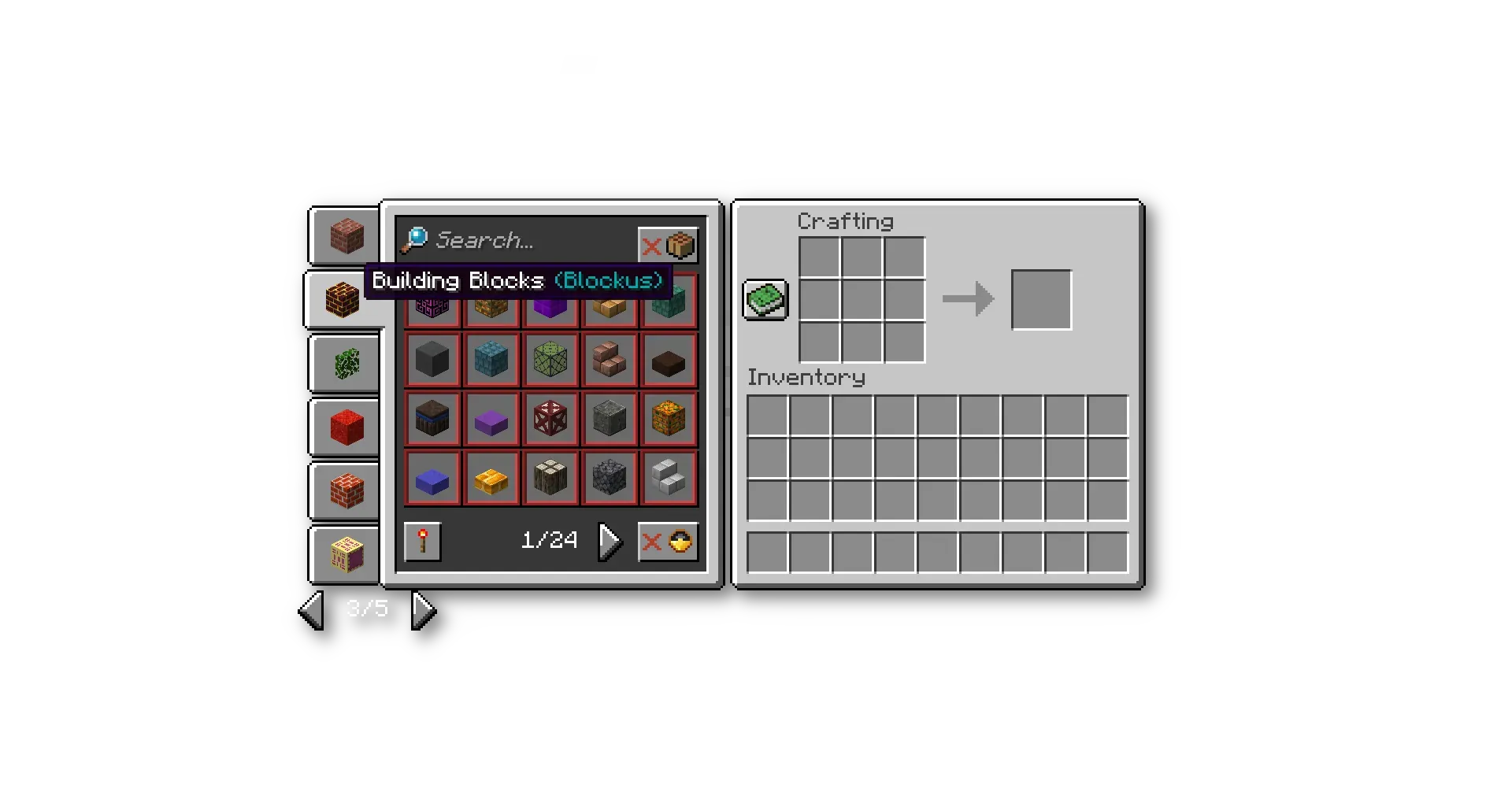
- 这张截图来自Recipe Book is Pain的官方页面。
拓展功能
- 新增配方书上侧和下侧的标签页。
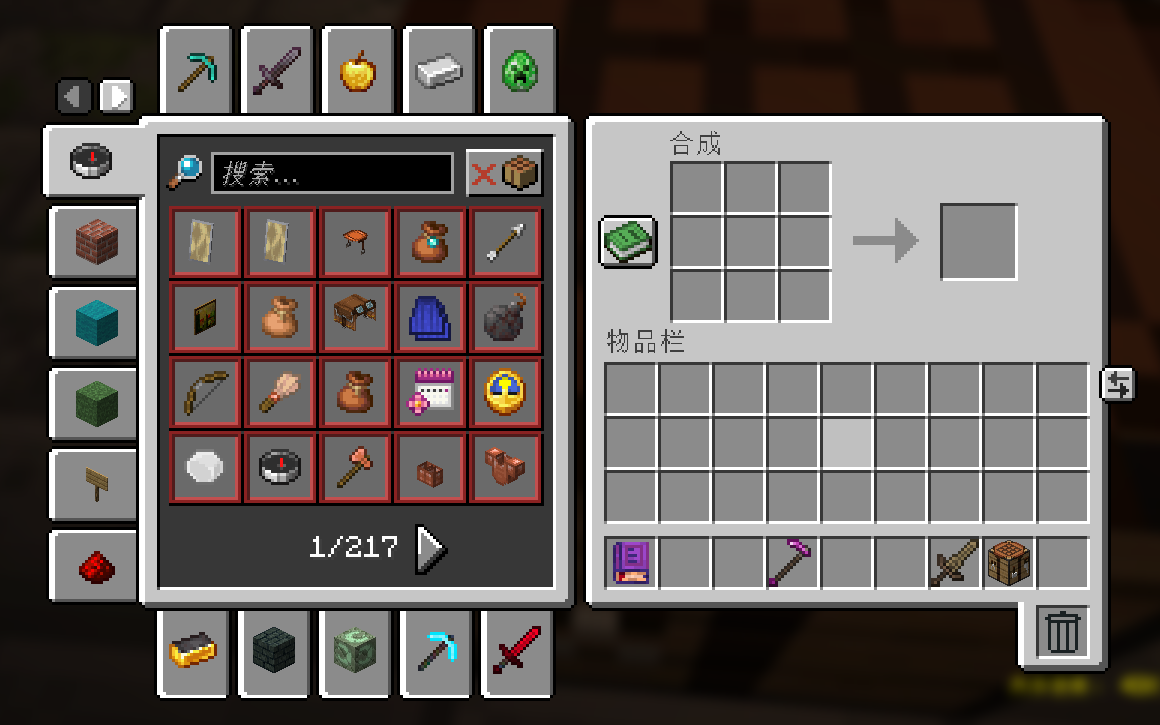
- 使用鼠标滚轮翻页。
- 搜索页常驻。
配置config\recipe-book-is-pain-extended.json
- 将"extended_features"改为false来禁用拓展功能。
- 修改"bottom_number"的值来改变显示的标签页的数量,最大16(如同图片展示的那样),最小6(原版)。
This is an unofficial fork of Recipe Book is Pain, intended for migration to newer versions and feature expansion without changing the core functionality.
Core Features
Apply the creative-mode inventory grouping to the recipe book. When playing large modpacks, this helps you find recipes more quickly.
- This screenshot is from the official page of Recipe Book is Pain.
Extended Features
- Added top and bottom tabs to the recipe book.
- Scroll with the mouse wheel to turn pages.
- Sticky Search Page.
Configuration config\recipe-book-is-pain-extended.json
- Set
"extended_features"tofalseto disable the extended features. - Modify the value of
"bottom_number"to change the number of displayed tabs, maximum 16 (as shown in the image), minimum 6 (vanilla).
Quick facts
- Edition: Minecraft Java
- File type: .jar
- Minecraft version listed: 1.21.11
- How to install: Install the matching mod loader (Forge, Fabric or NeoForge) for your Minecraft version. → Download the .jar. → Put it in the .minecraft/mods folder and launch that loader profile.
- Where to get it: Opens on Modrinth — not every file is mirrored on our own servers.
Install steps are the general flow for this file type — How to install Minecraft Java mods & modpacks walks through it step by step.
File checked by MCModsHub
- Ships as rbipe-neoforge-1.21.11-2.0.jar — drop this file into the mods folder
- Download size: 45 KB
- Download link checked 21 Oct 2026 — working
These come from our own check of the pack file, not from the source page.