
StreamChat
Seamlessly integrate Twitch & YouTube chat into Minecraft! Custom UI, history saving, and no passwords required.
I don't know my version or loader
**Goal: 1000 Downloads! **
StreamChat [EN]
StreamChat is the ultimate client-side mod designed specifically for streamers. Read your Twitch and YouTube chat directly in Minecraft without needing a second monitor, complicated setups, or sharing your passwords.
Key Features:
Interactive Chat GUI: Press Z (configurable) to open a chat history right in the game.
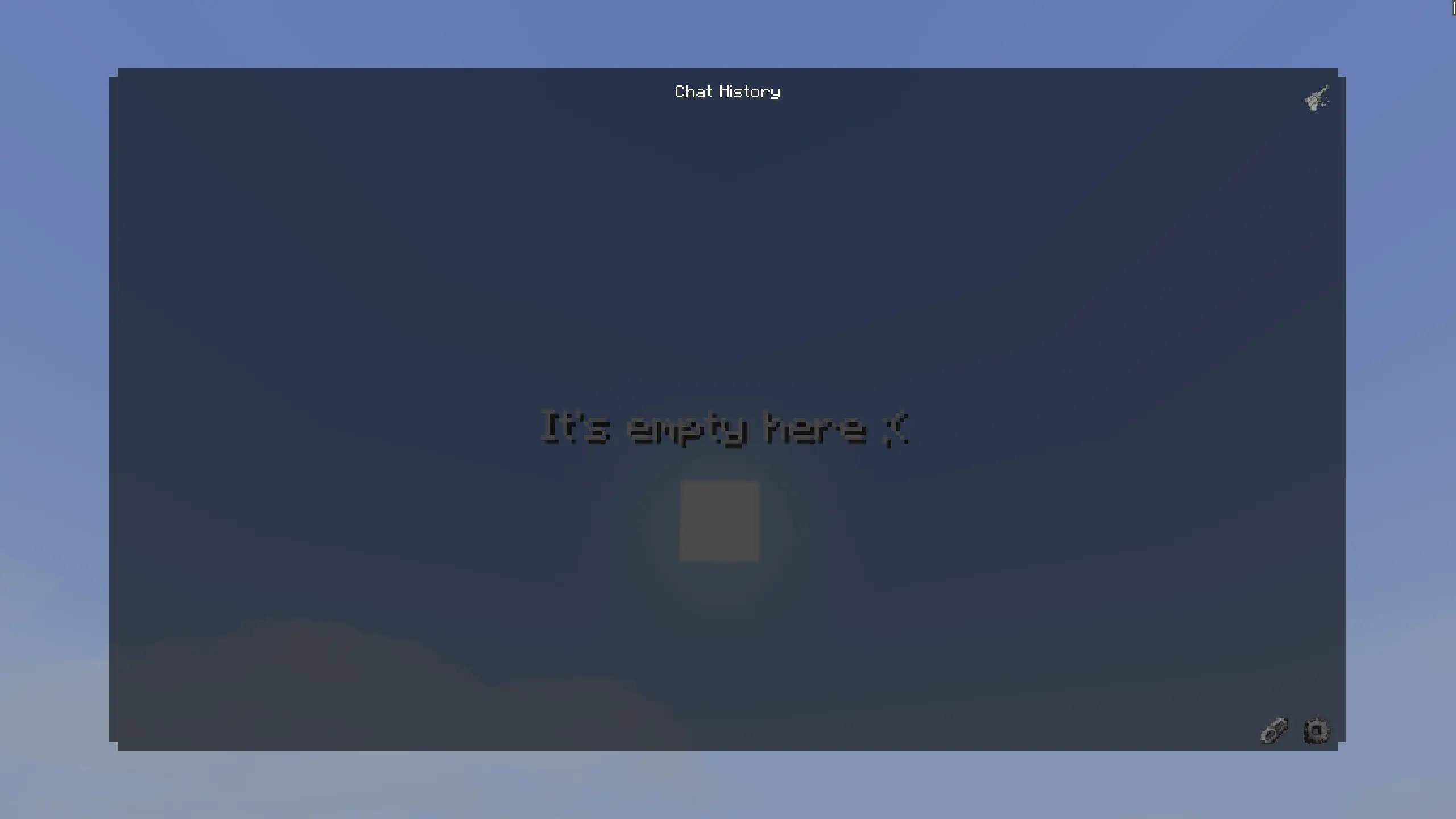
Dual Platform Support: Supports both Twitch and YouTube simultaneously.

No Passwords Required: Uses anonymous connections. Just paste your Twitch channel name or YouTube stream link, and you are good to go.
Customization: Change name and message colors (HEX support) for each platform. Choose between custom icons or text prefixes ([Twitch]).
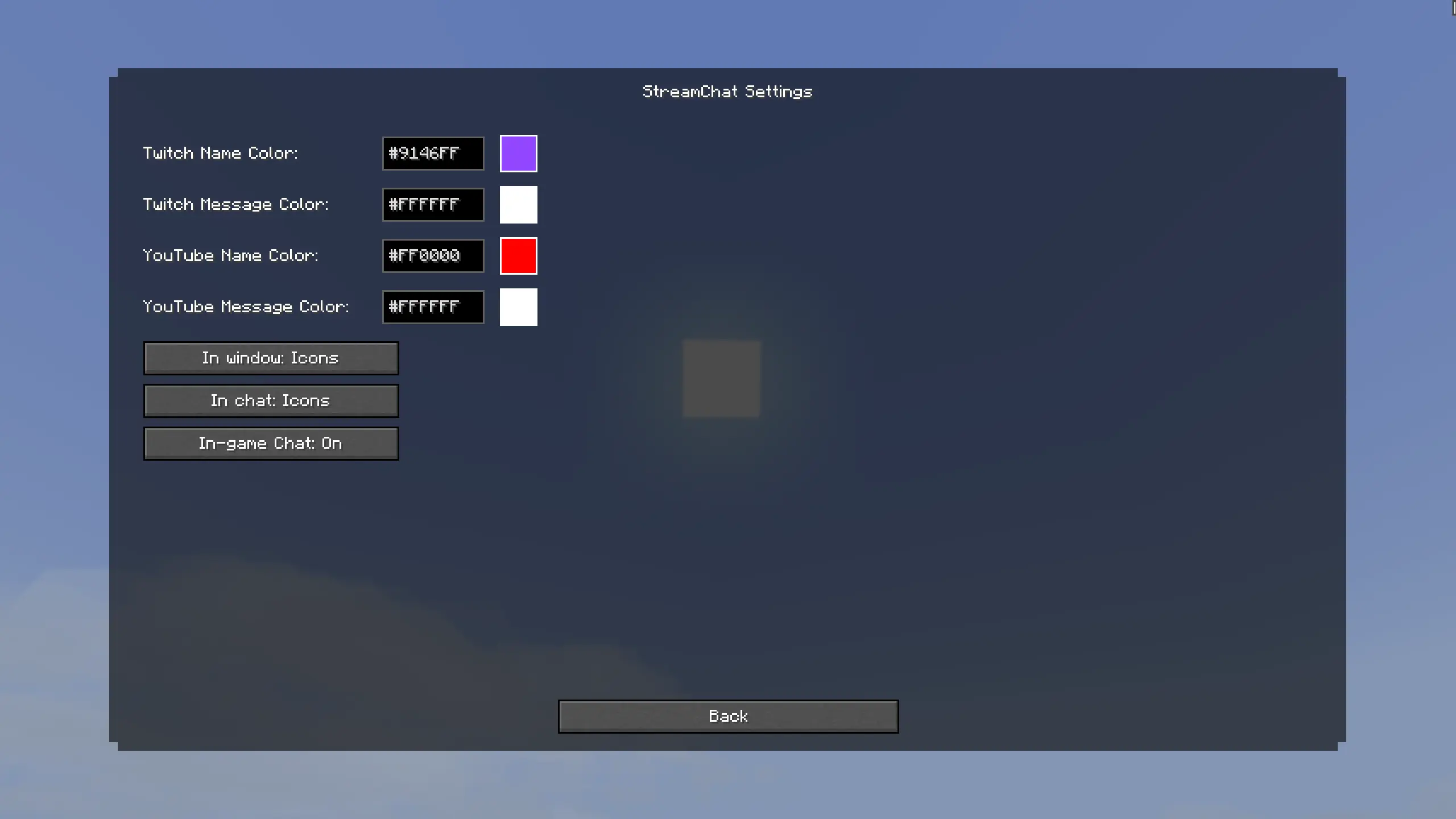
Smart Auto-Scroll & History: The chat history is saved across your sessions. The window features smooth scrolling and automatically jumps to new messages if you are at the bottom.
Vanilla Chat Integration: Messages can appear in your standard Minecraft chat with custom icons. If getting spammed you can easily toggle this off in the settings!

Connection Status: Handy colored indicators (Green/Gray/Red) in the connections menu so you always know if your chat is connected.
Highly Optimized: Multithreaded background processing ensures your game runs at max FPS without lag spikes.
How to use:
- Press Z to open the StreamChat UI.
- Click the Connections button.
- Enter your Twitch channel name or paste your active YouTube stream link.
- Enjoy your chat in-game! Use the Settings (gear icon) to customize colors and toggles.
Supported Languages:
- 🇺🇸 English (US)
- 🇷🇺 Russian (Русский)
- 🇪🇸 Spanish (Español)
- 🇩🇪 German (Deutsch)
- 🇨🇳 Chinese Simplified (简体中文)
**Цель: 1000 скачиваний! **
StreamChat [RU]
StreamChat — это идеальный клиентский мод, созданный специально для стримеров. Читайте чат с Twitch и YouTube прямо в майнкрафте. Вам больше не нужен второй монитор, сложные программы или ввод паролей от аккаунтов.
Главные функции:
Стильный интерфейс: Нажмите Z (можно изменить в управлении), чтобы открыть красивое окно истории чата.
Поддержка двух платформ: Читайте чат Twitch и YouTube одновременно
Никаких паролей: Мод использует анонимное подключение. Просто впишите ник Twitch-канала или вставьте ссылку на стрим YouTube, и чат заработает.
Полная кастомизация: Настраивайте цвета ников и сообщений через HEX-коды. Выбирайте между красивыми иконками платформ или текстовыми префиксами ([Twitch]).
Умный скроллинг и Блокнот: История чата сохраняется даже после перезапуска игры. Окно имеет плавную прокрутку и умный автоскролл для новых сообщений.
Интеграция в ванильный чат: Сообщения могут выводиться в стандартный чат майнкрафта с иконками. Если слишком много спама — можете отключить эту функцию в настройках.
Индикаторы состояния: Удобные цветные индикаторы в меню подключений всегда покажут, успешно ли мод подключился к вашему стриму.
Максимальная оптимизация: Мод работает в отдельных потоках (Multithreading). Это гарантирует, что ваш майнкрафт не потеряет FPS.
Как использовать:
- Нажмите Z, чтобы открыть окно StreamChat.
- Нажмите на кнопку Подключения.
- Введите название канала Twitch или вставьте ссылку на прямой эфир YouTube.
- Готово! Используйте Настройки (иконка шестеренки) для настройки цветов и режимов.
Поддерживаемые языки:
- 🇷🇺 Русский (Russian)
- 🇺🇸 Английский (English)
- 🇪🇸 Испанский (Español)
- 🇩🇪 Немецкий (Deutsch)
- 🇨🇳 Китайский упр. (简体中文)
- Edition: Minecraft Java
- File type: .jar
- Minecraft versions listed: 26.1, 26.1.1, 26.1.2
- How to install: Install the matching mod loader (Forge, Fabric or NeoForge) for your Minecraft version. → Download the .jar. → Put it in the .minecraft/mods folder and launch that loader profile.
- Where to get it: Opens on Modrinth — not every file is mirrored on our own servers.
Install steps are the general flow for this file type — How to install Minecraft Java mods & modpacks walks through it step by step.
- Ships as StreamChat-26.2.jar — drop this file into the mods folder
- Download size: 364 KB
- Download link checked 26 Sept 2026 — working
These come from our own check of the pack file, not from the source page.