

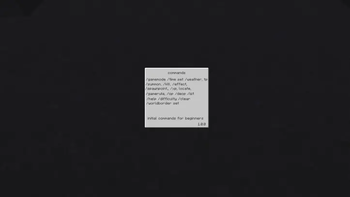
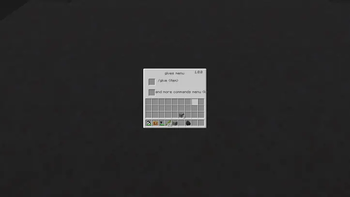
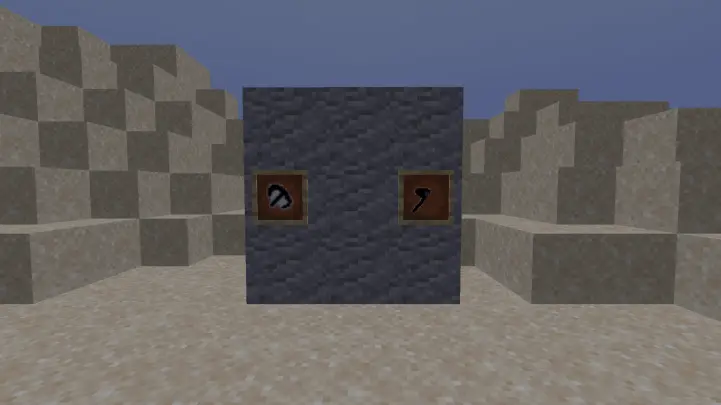
initial commands for beginners starts commands in minecraft, and darks Pickaxe and Axe.
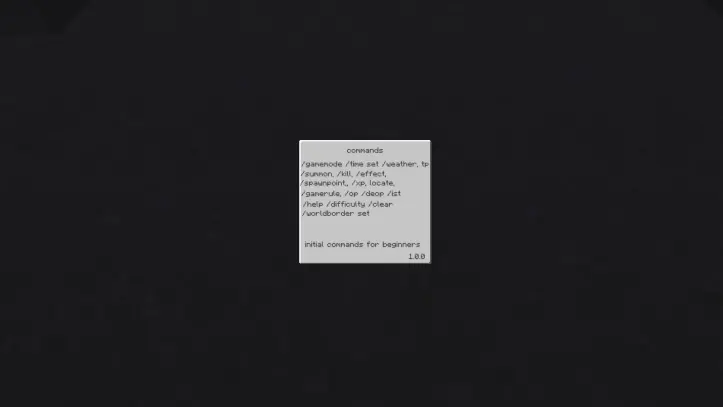
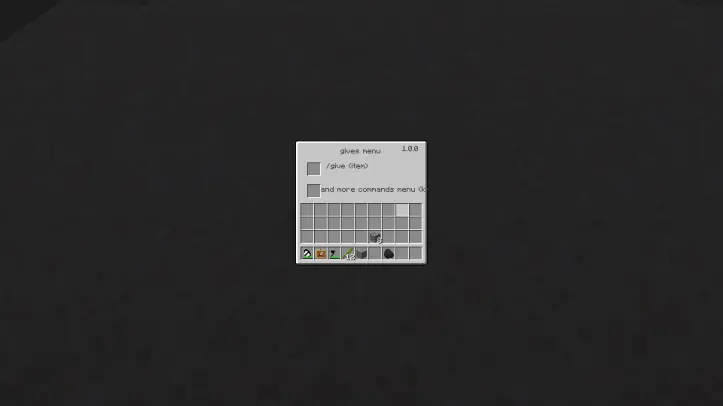
This mod is designed for beginner players who have recently started playing Minecraft. The purpose of this mod is to allow players to view commands at any time, saving them time. commands gui starting the beginner give mod menu 1 commands, more commands the commands menu give mod menu - j commands menu - k Why is our mod important for beginners? This mod teaches new players basic commands, so without using third-party programs, players can view simple commands in Minecraft directly in the game. Additionally, players can quickly memorize commands and write them independently in the game.
📥 Installation Guides
Start Command is available for multiple mod loaders, but we recommend using Forge for the most simple and lightweight experience. If you are using a third-party launcher, it probably has built-in functionality to automatically install mod loaders. Once you have installed your mod loader, you can simply place Start Command into your mods folder like anything else.
🐛 How to Report Issues
Please use the issue tracker linked at the top of the page to report bugs, crashes, and other issues. Make sure you include information about the mods you are using, and attach any crash/log files you have.
- Edition: Minecraft Java
- File type: .jar
- Minecraft version listed: 1.20.1
- How to install: Install the matching mod loader (Forge, Fabric or NeoForge) for your Minecraft version. → Download the .jar. → Put it in the .minecraft/mods folder and launch that loader profile.
- Where to get it: Opens on Modrinth — not every file is mirrored on our own servers.
Install steps are the general flow for this file type — see the MC Java Mods guides for the full walkthrough.
- Ships as start_command-1.0.0.jar — drop this file into the mods folder
- Download size: 91 KB
- Download link checked 24 Aug 2026 — working
These come from our own check of the pack file, not from the source page.