
Simple Voice Chat Radios
This mod adds radios to the simple voice chat that can add players to groups based on the frequency to combine immersion and long range communication.
⬇ Download on Modrinth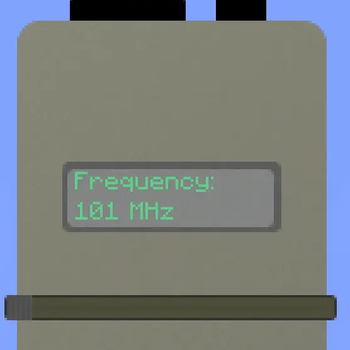
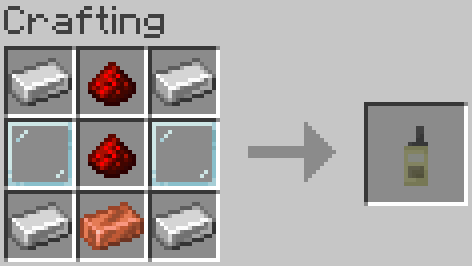
This mod adds a radio that allows the player to set a specific frequency and connect to it in conjunction with the Simple Voice Chat mod. This helps to retain immersion, while still allowing players to have long range communication using the mod.
To use the radio, simply hold right click and you will join the band of frequency that it is set to. In order to change the frequency on the radio, shift and right click, and move the slider.
I’m open to suggestions or requests — feel free to reach out if you have a mod idea.
If you notice any bugs or have any suggestions please contact me at italianchef123@hotmail.com or on discord at italianchef123
- Edition: Minecraft Java
- File type: .jar
- Minecraft versions listed: 1.21.1, 1.21.2, 1.21.3
- How to install: Install the matching mod loader (Forge, Fabric or NeoForge) for your Minecraft version. → Download the .jar. → Put it in the .minecraft/mods folder and launch that loader profile.
- Where to get it: Opens on Modrinth — not every file is mirrored on our own servers.
Install steps are the general flow for this file type — How to install Minecraft Java mods & modpacks walks through it step by step.
- Ships as simplevoicechatradios-1.0.0.jar — drop this file into the mods folder
- Download size: 48 KB
- Download link checked 30 Aug 2026 — working
These come from our own check of the pack file, not from the source page.