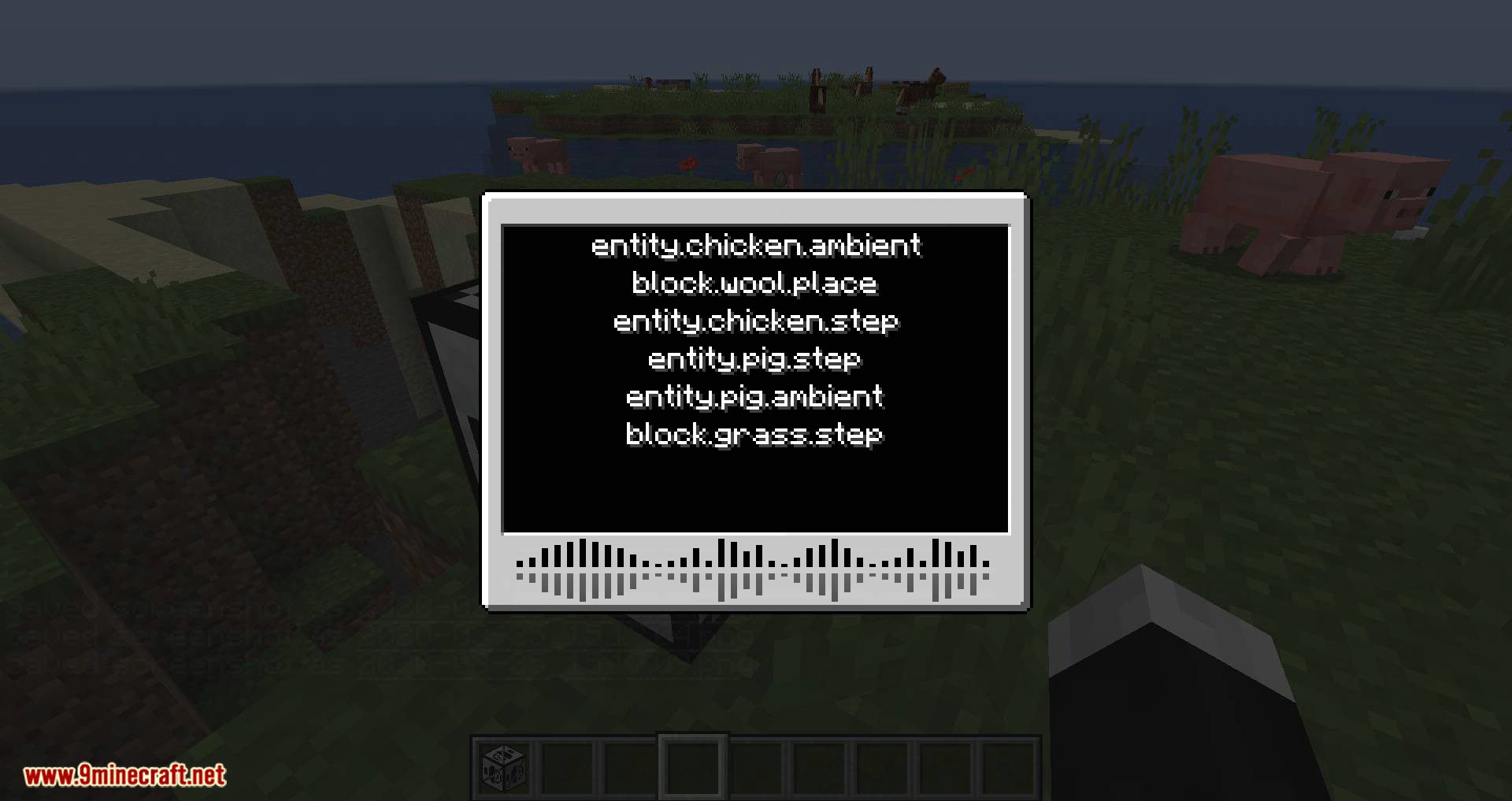
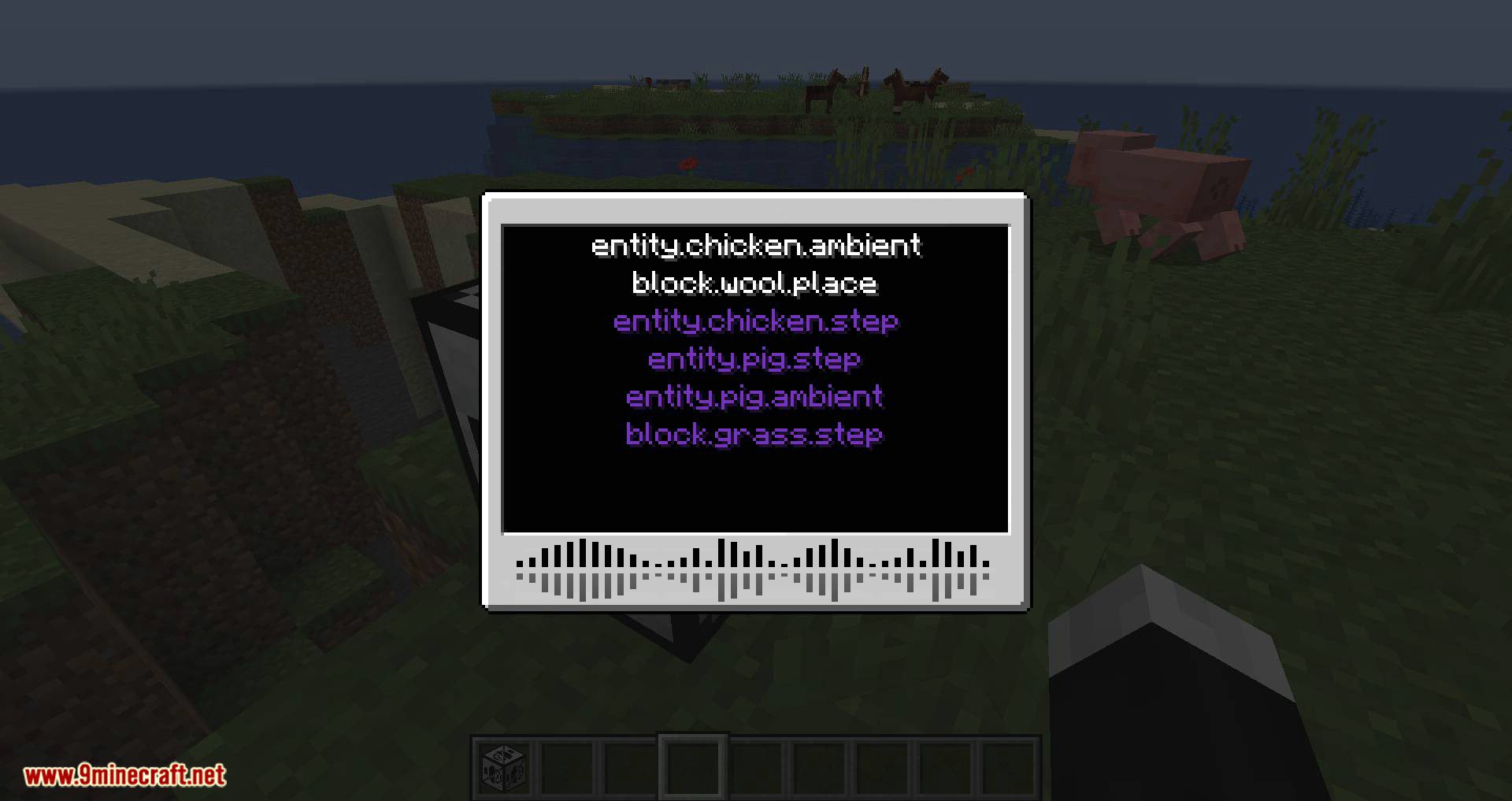
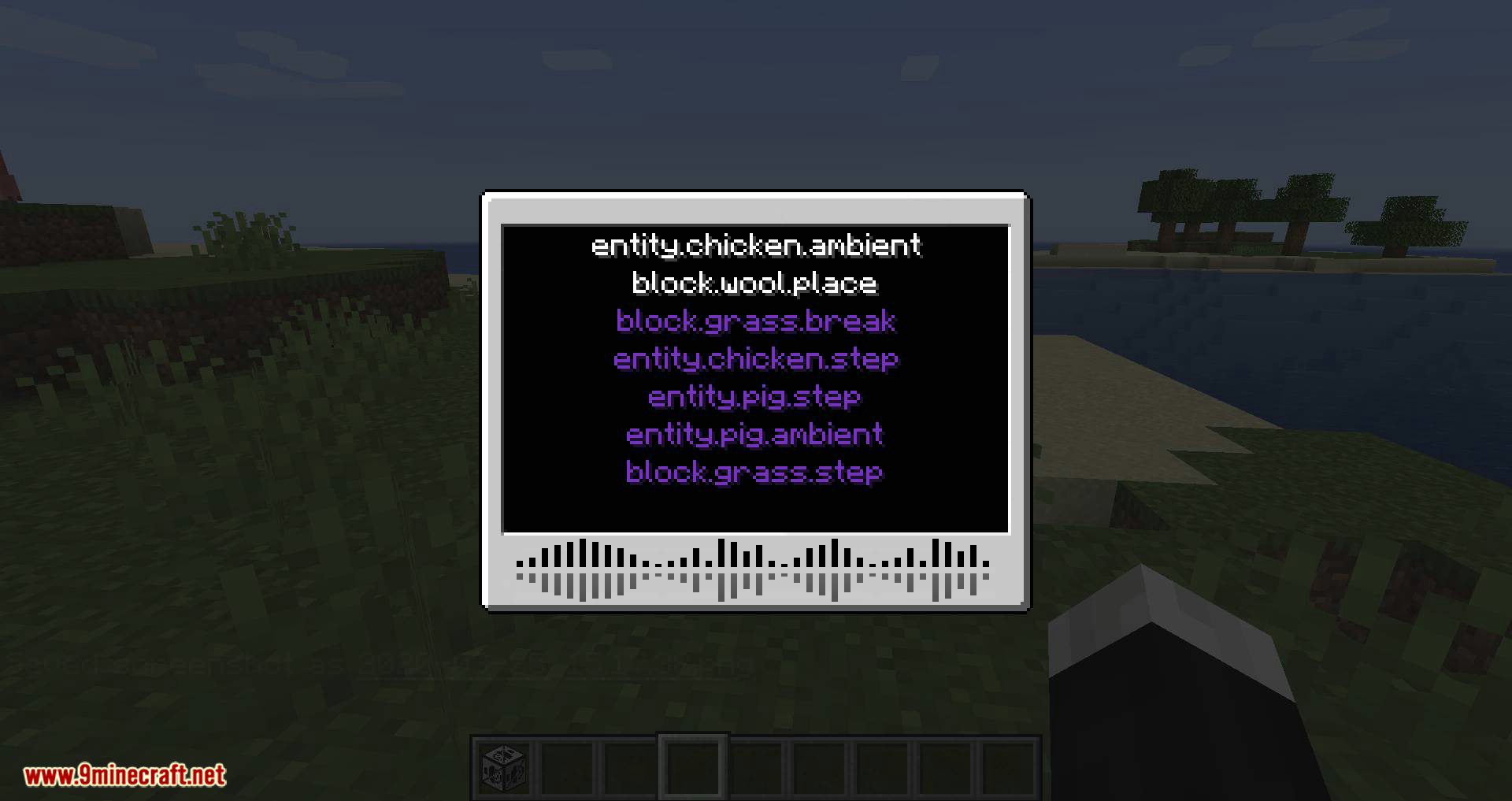
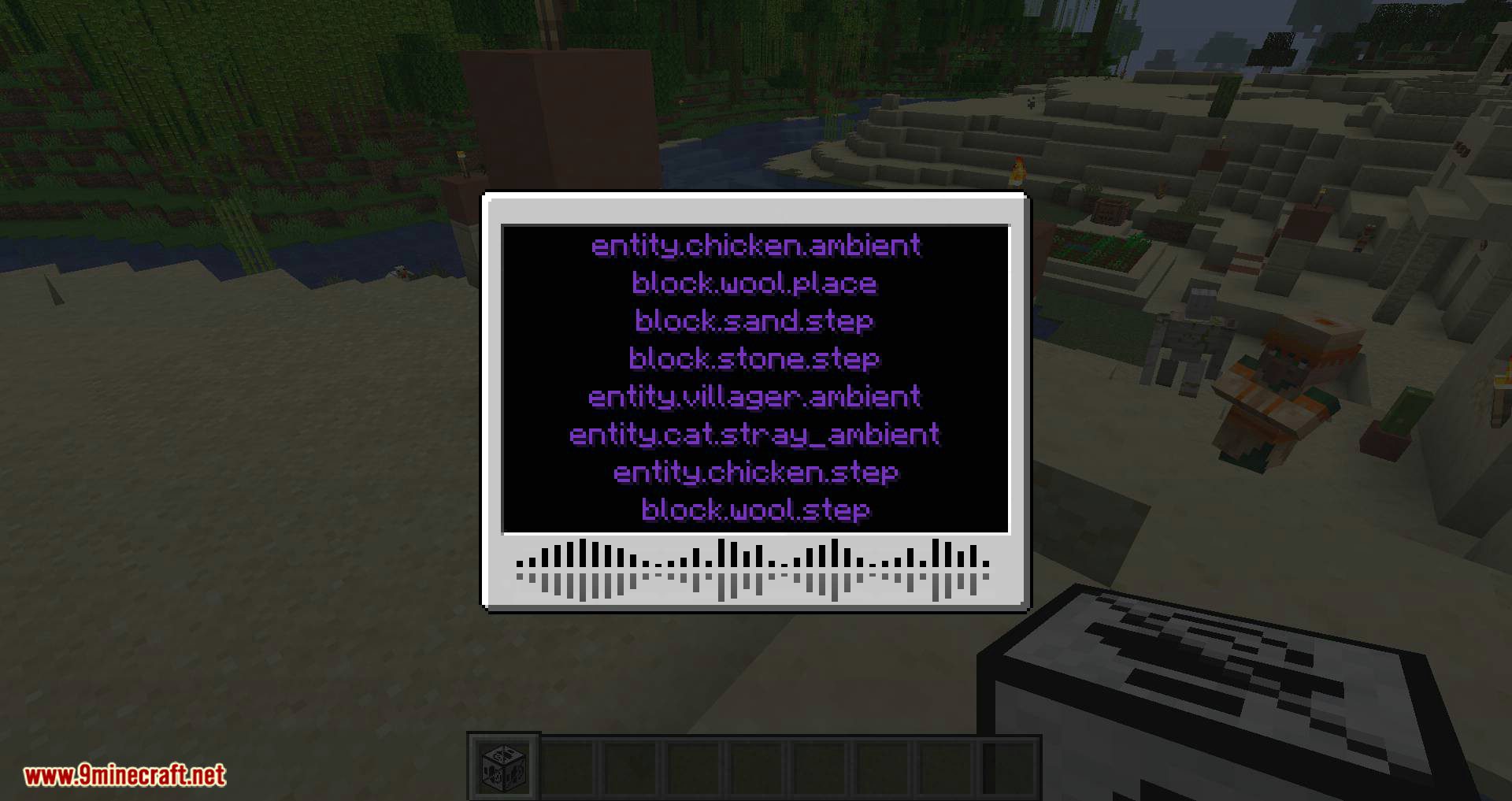
With Extreme Sound Muffler Mod, a special interface will appear, allowing you to search for various in-game sounds and mute them. This way, you can eliminate annoying sounds and fully customize the game’s audio environment to your preference.
Features:
- Sound Control: Muffle specific sounds by selecting them in the GUI and adjusting their volume with a slider.
- Sound Testing: Play a sound sample to ensure you’re muffling the correct one.
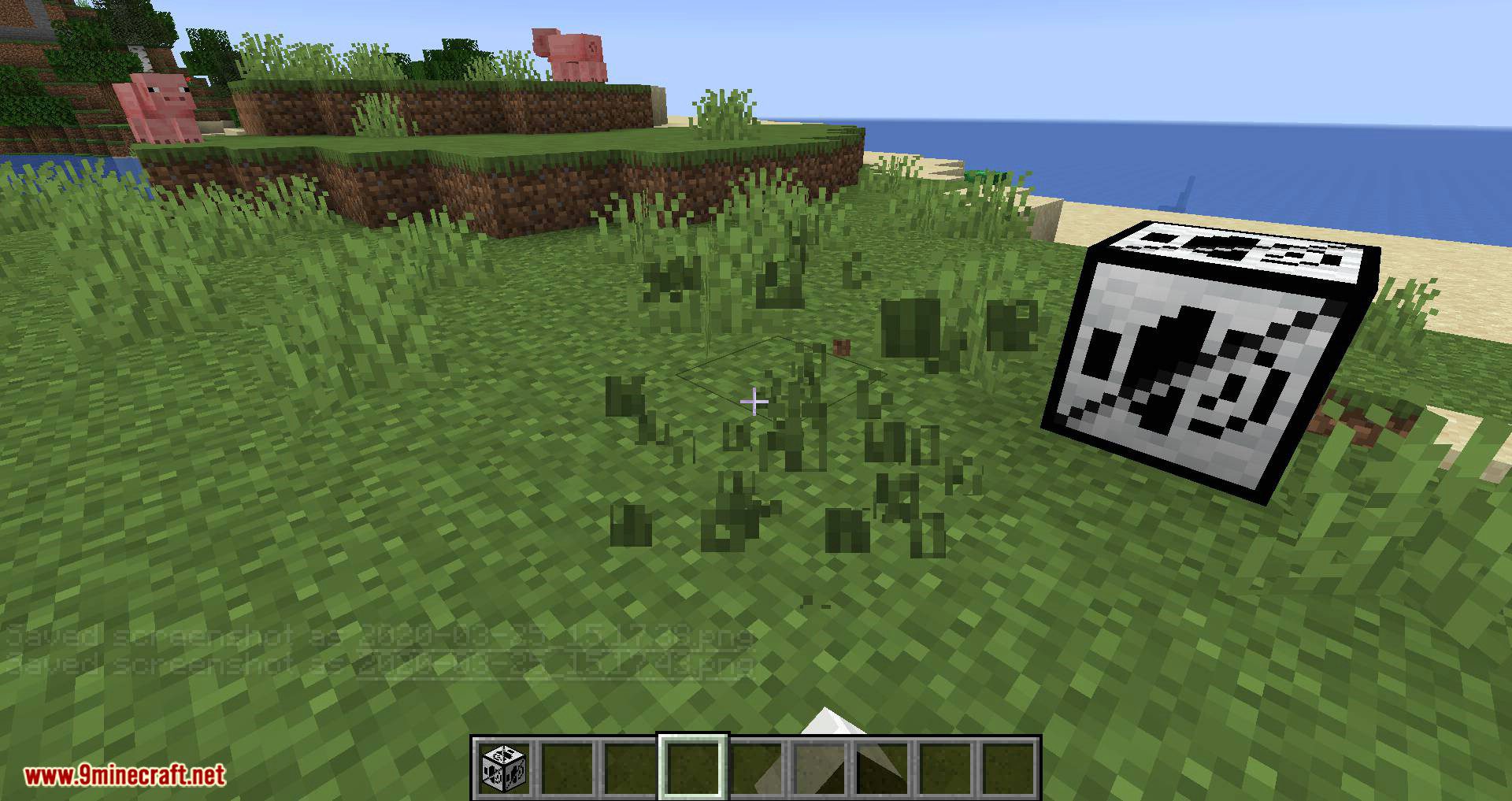
- Create ranged mufflers to suppress sounds in specific areas, with customizable range and position.
- Move or disable the inventory button, and configure the placement of muffle and play buttons for better visuals.
- Includes a dark mode option for the GUI.
- Blacklist Sounds: Prevent certain sounds from appearing in the muffler interface.
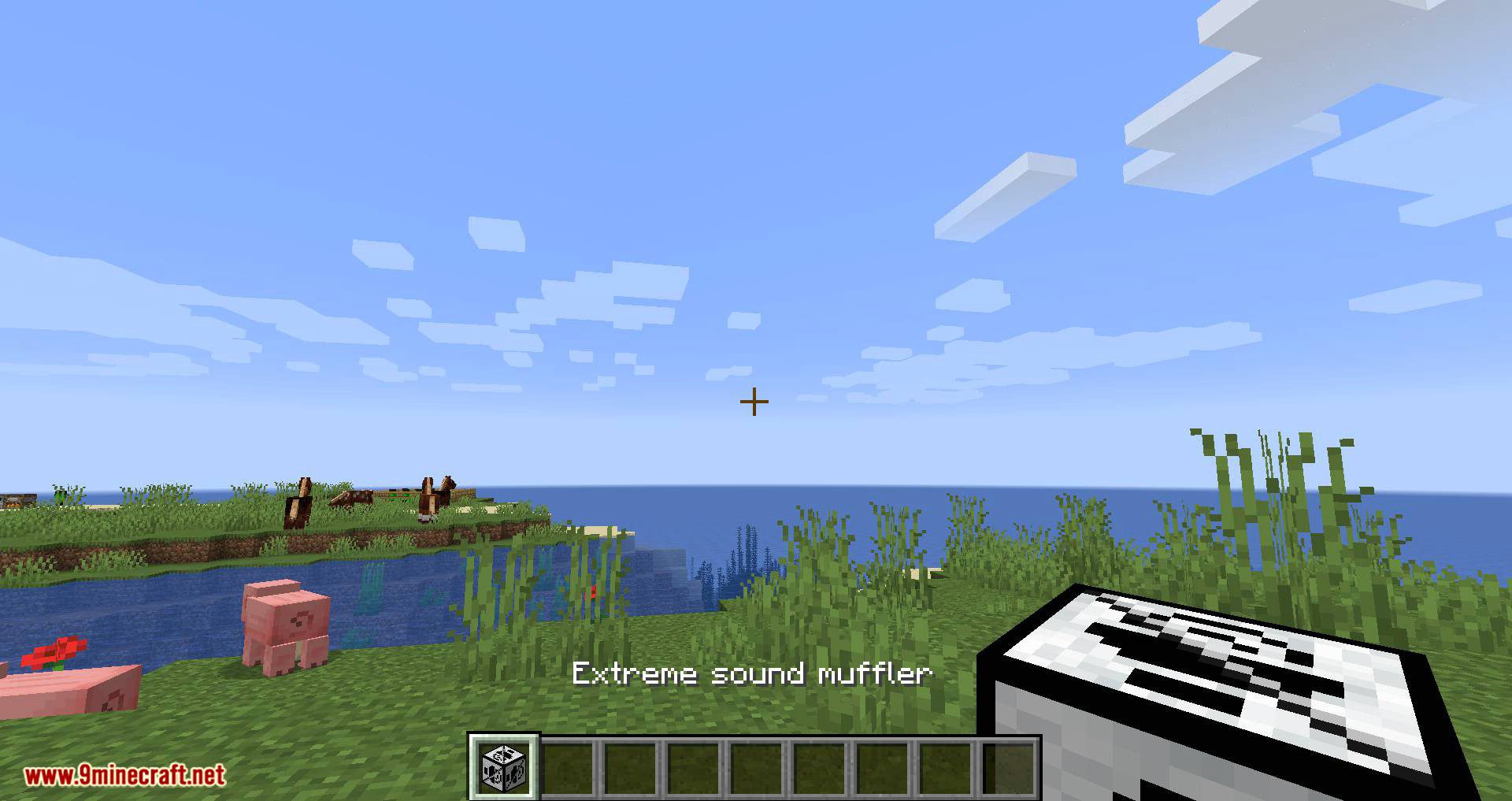
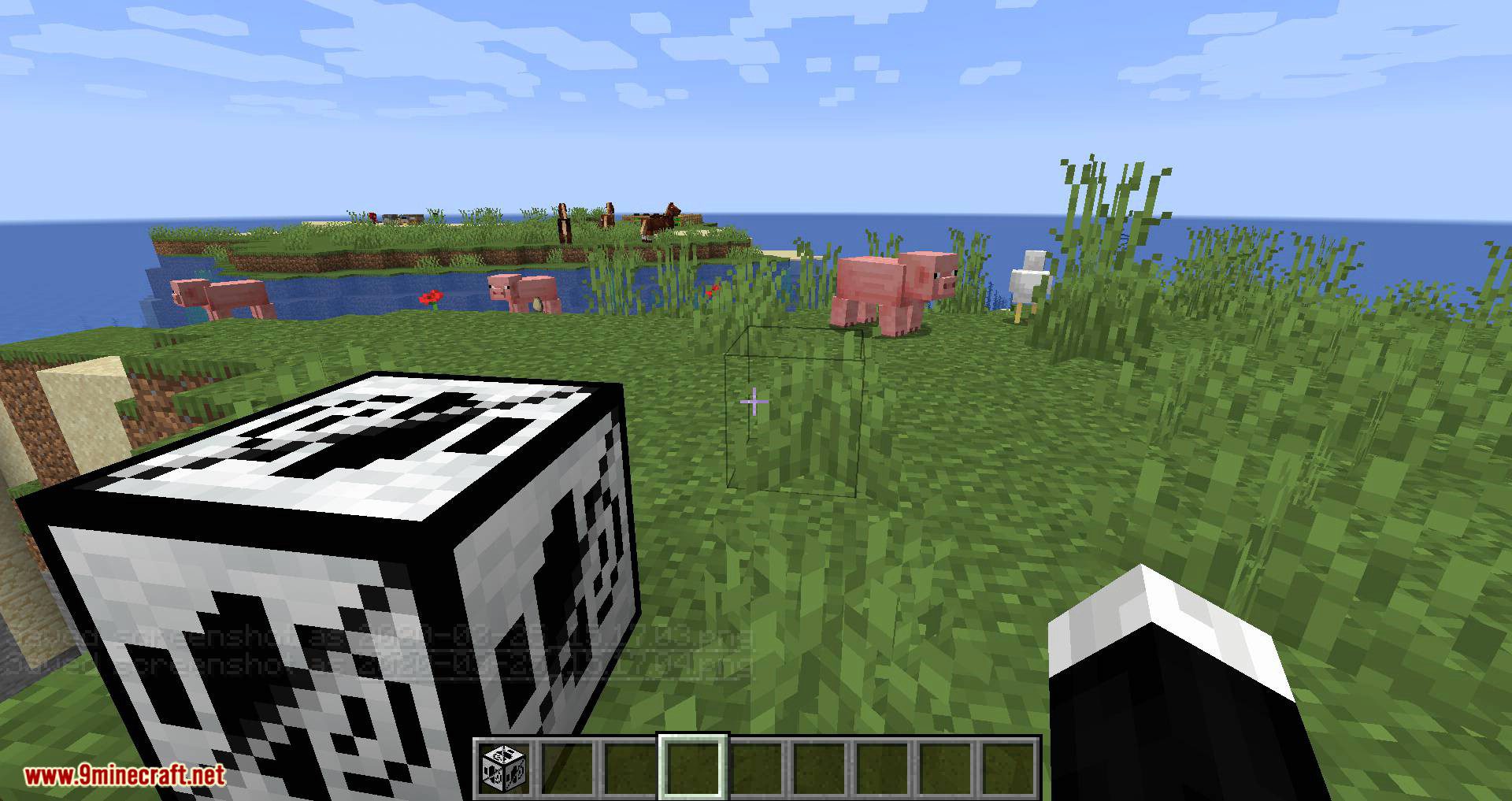
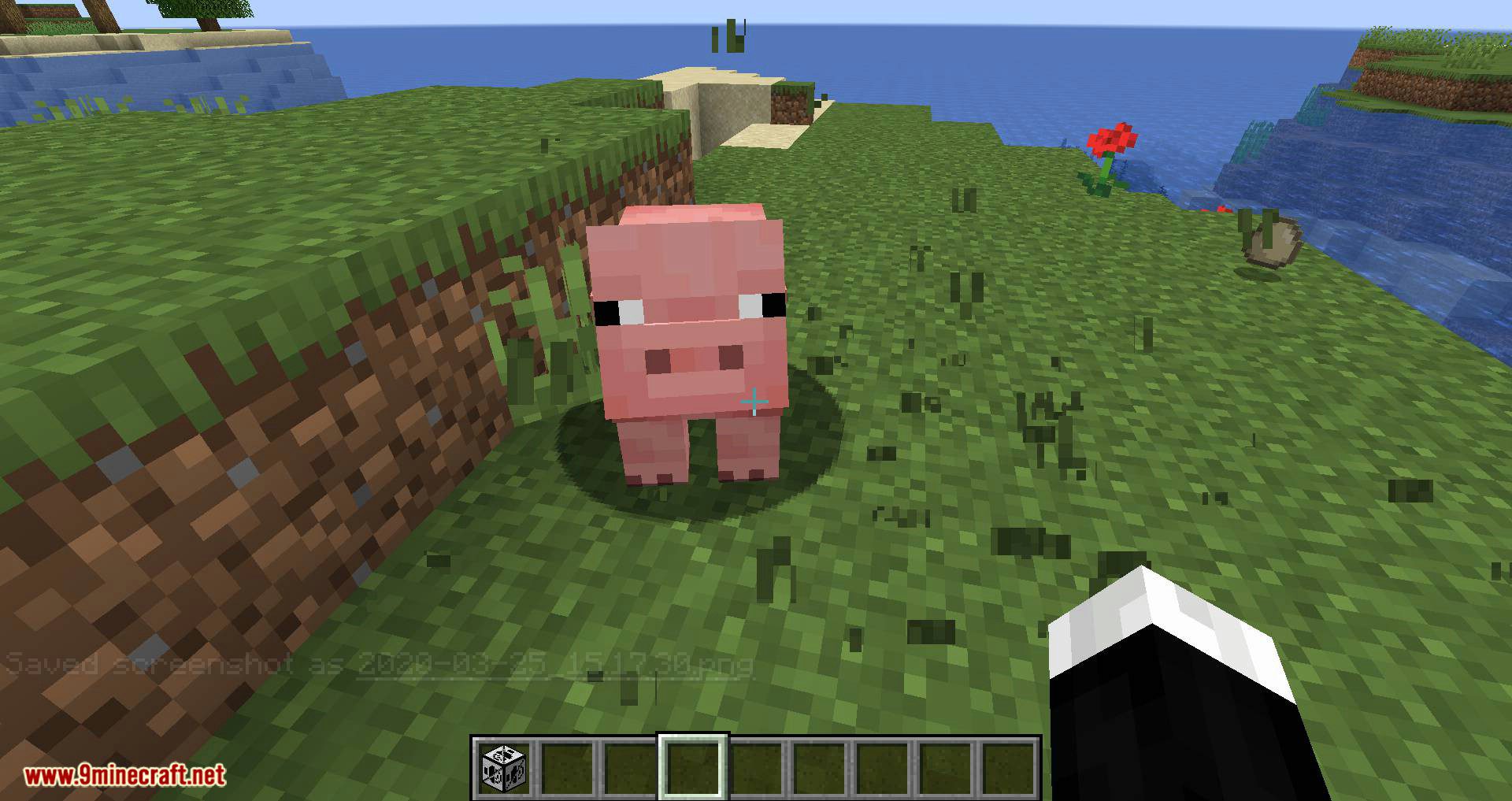
Screenshots:
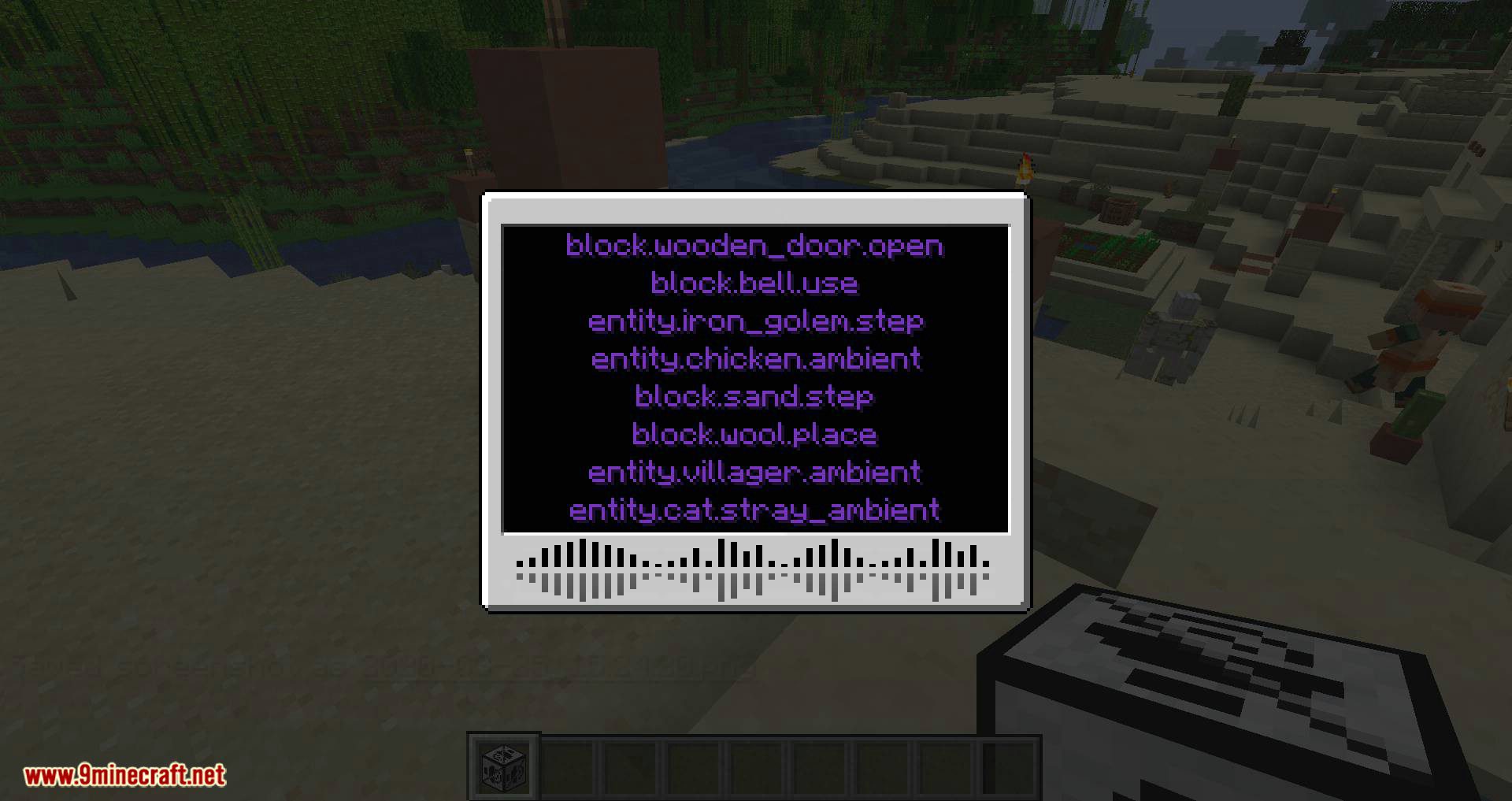
White text is not muffled sounds.
Extreme Sound Muffler Mod Download Links
Quick facts
- Edition: Minecraft Java
- File type: .jar
- Minecraft version listed: 1.20.1
- How to install: Install the matching mod loader (Forge, Fabric or NeoForge) for your Minecraft version. → Download the .jar. → Put it in the .minecraft/mods folder and launch that loader profile.
- Where to get it: In MC Java Mods, or directly above on this page.
Install steps are the general flow for this file type — How to install Minecraft Java mods & modpacks walks through it step by step.
Verified by MCModsHub
- Downloads as 10536.mcaddon
- Download size: 415 KB
- Download link checked 22 Sept 2026 — working
- Mirrored on our own servers — the download does not depend on the original host
These come from our own check of the pack file, not from the source page.