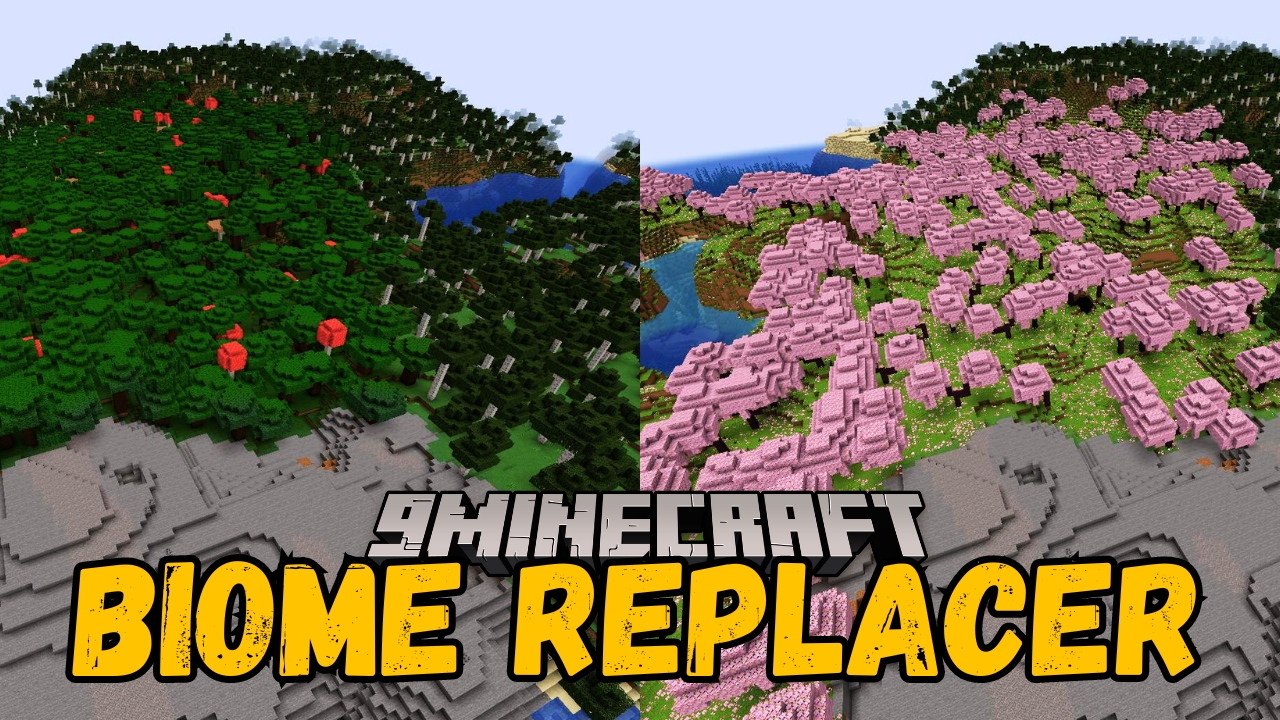
Biome Replacer Mod (26.2, 1.20.1) – Replaces One Biome with Another
Java mod listed for Minecraft 1.20. Downloads from the MC Java Mods app on Android.
Biome Replacer Mod helps players to change their game's environment. This mod lets you easily swap one biome for another, which is perfect for fixing or…
⬇ Download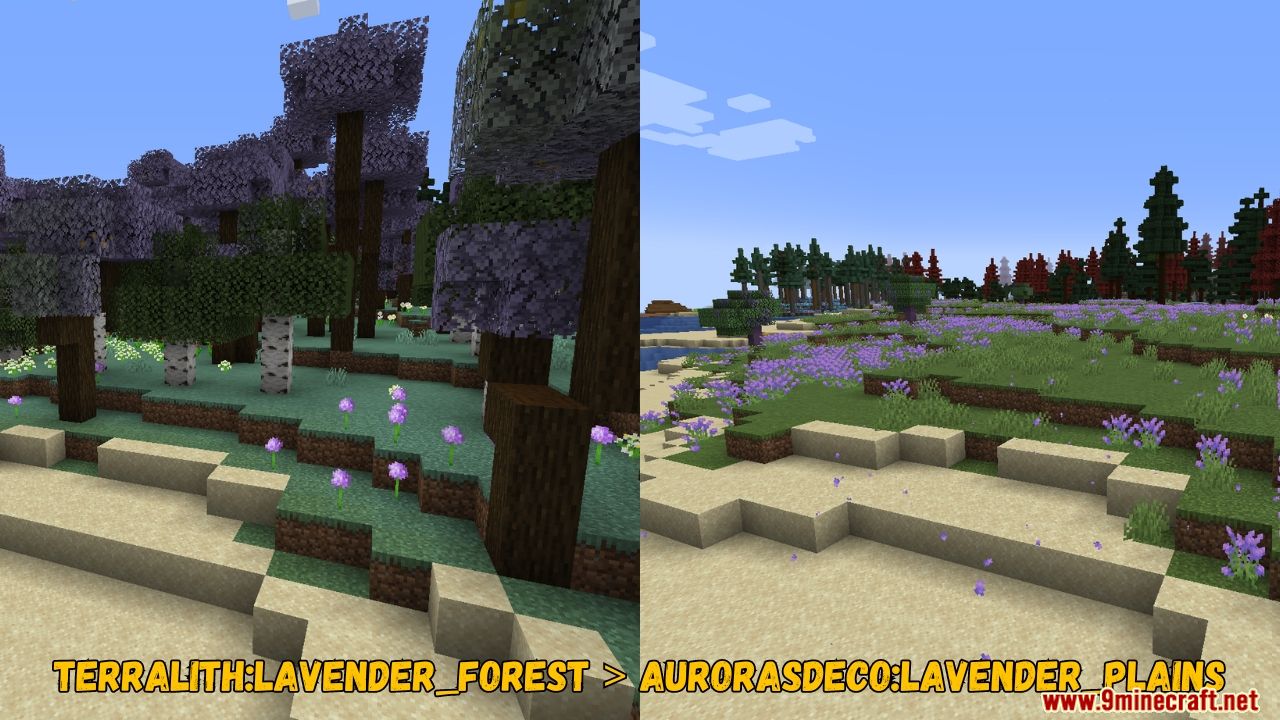
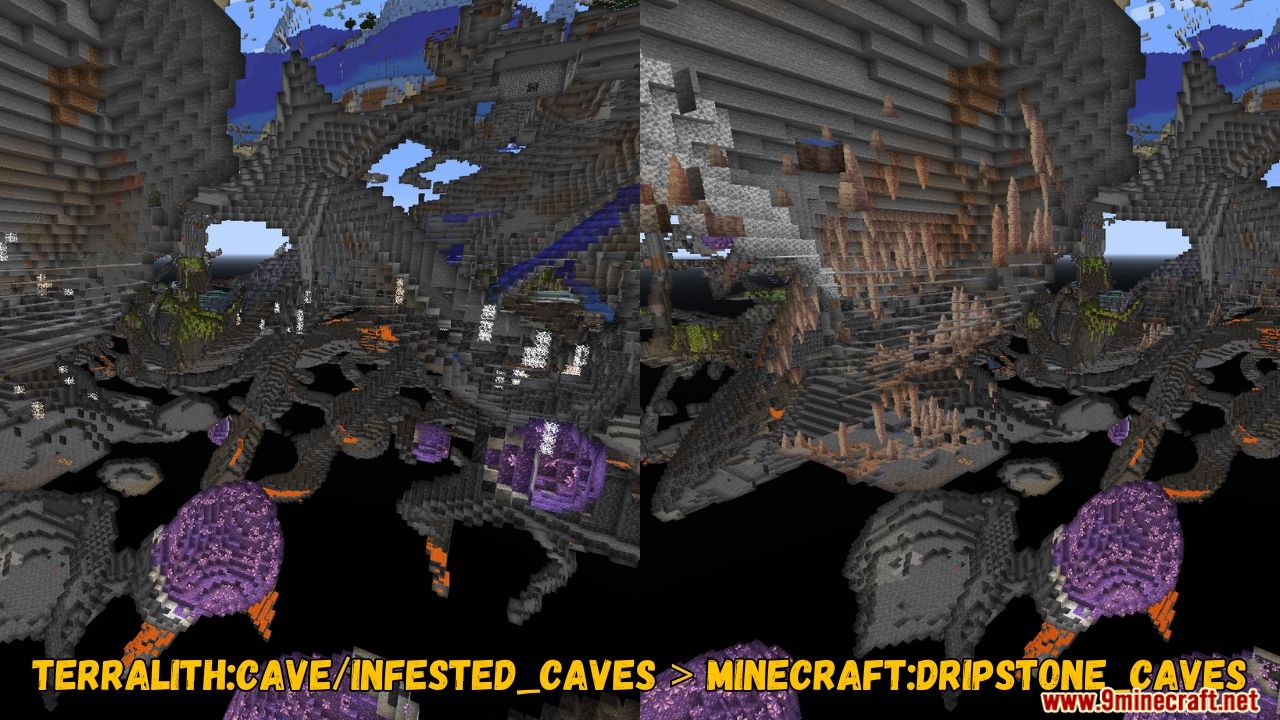
Biome Replacer Mod helps players to change their game’s environment. This mod lets you easily swap one biome for another, which is perfect for fixing or tweaking your world’s terrain. It is useful for preventing certain biomes that don’t appear or forgetting those special biomes to show up just right. You can change the biomes by simply editing a file in the configuration folder. The mod works entirely on the server side, so you don’t need to worry about it affecting other parts of your game.
Features:
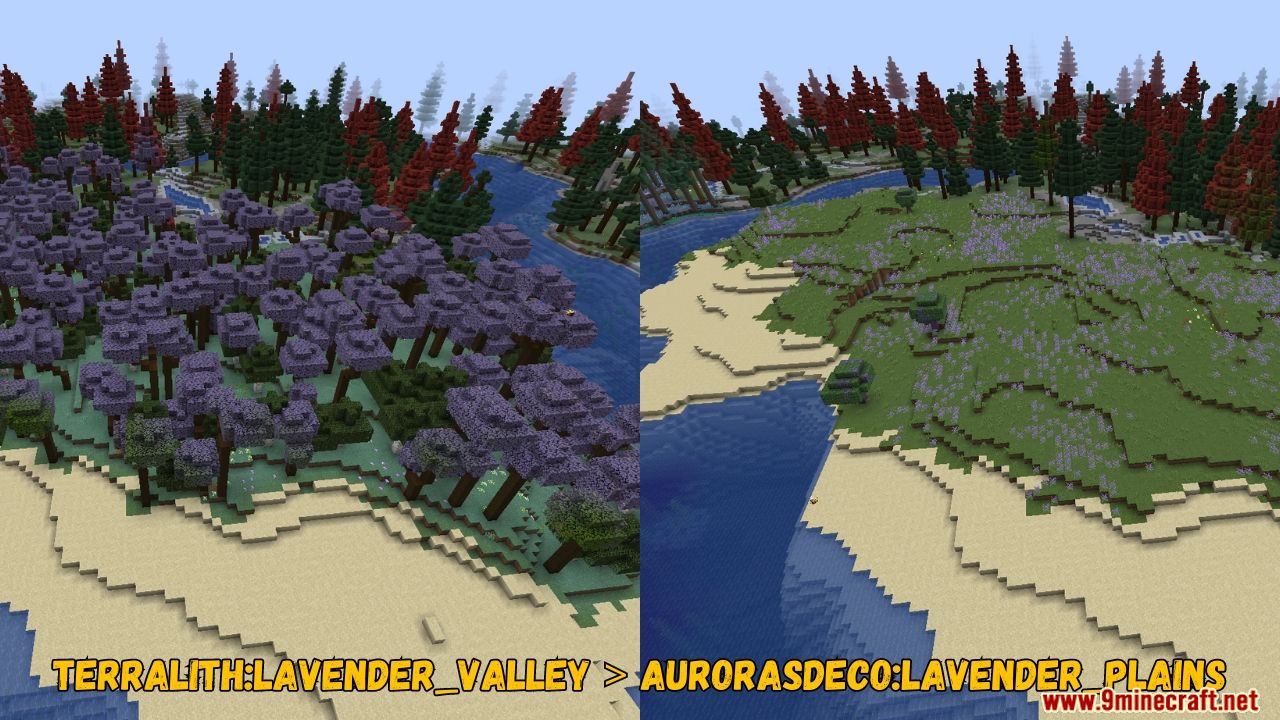
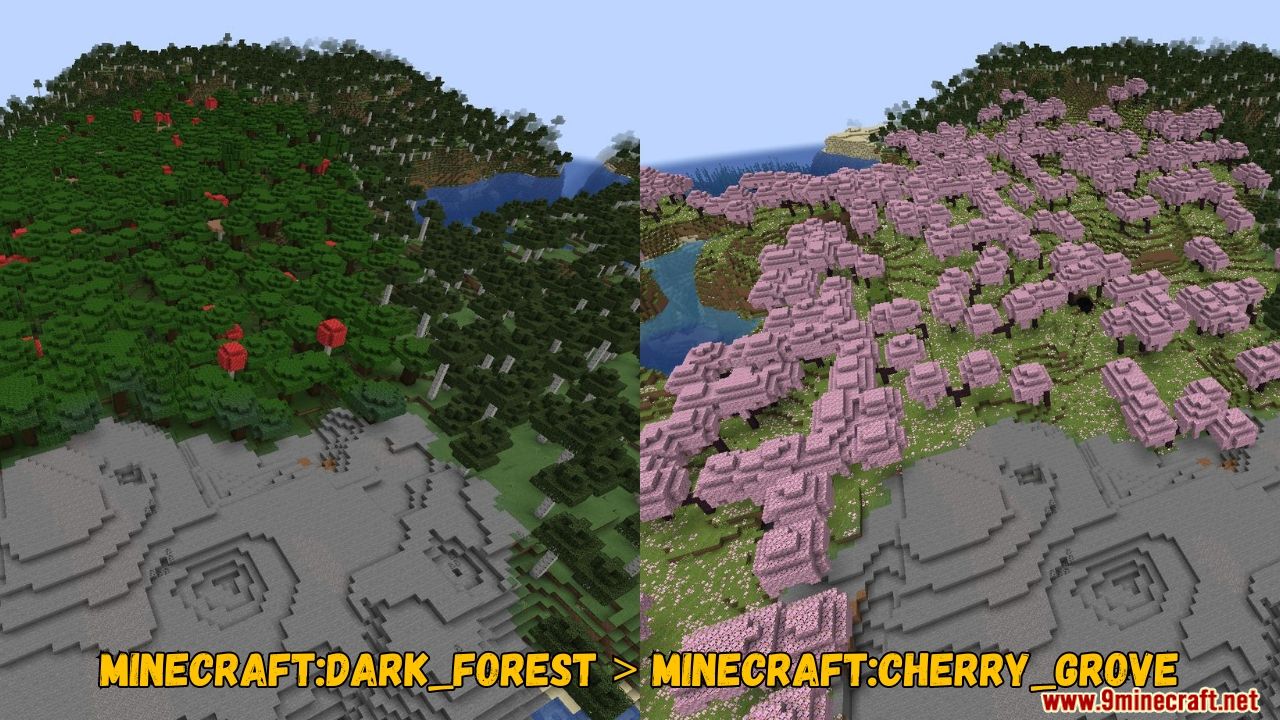
- Configuration is very simple. Find biome-replacer.properties in your configuration folder, and put replacement rules in the format old_biome > new_biome.
- Quickly replace one biome with another.
- Does not affect other parts of the terrain generation.
- Perfect for tweaking datapack-based generators.
- Easy configuration through a properties file.
- Works fully server-side.
- Can replace vanilla and datapack biomes with modded ones.
- Safe to use alongside libraries like TerraBlender or Biolith.
Screenshots:
Biome Replacer Mod Download Links
- Edition: Minecraft Java
- File type: .jar
- Minecraft version listed: 1.20.1
- How to install: Install the matching mod loader (Forge, Fabric or NeoForge) for your Minecraft version. → Download the .jar. → Put it in the .minecraft/mods folder and launch that loader profile.
- Where to get it: In MC Java Mods, or directly above on this page.
Install steps are the general flow for this file type — How to install Minecraft Java mods & modpacks walks through it step by step.
- Downloads as 10540.mcaddon
- Download size: 217 KB
- Download link checked 23 Sept 2026 — working
- Mirrored on our own servers — the download does not depend on the original host
These come from our own check of the pack file, not from the source page.