
Portals & Dimensions
Java mod listed for Minecraft 26.x. Downloads from the MC Java Mods app on Android.
Create custom portals with configurable frames and linked custom dimensions. Build dimensions with math formula terrain, vanilla noise, or flat/void…
⬇ Download on ModrinthPortals & Dimensions
Create fully customizable portals linked to procedurally generated dimensions — all from an intuitive in-game GUI.
Features
Custom Portals
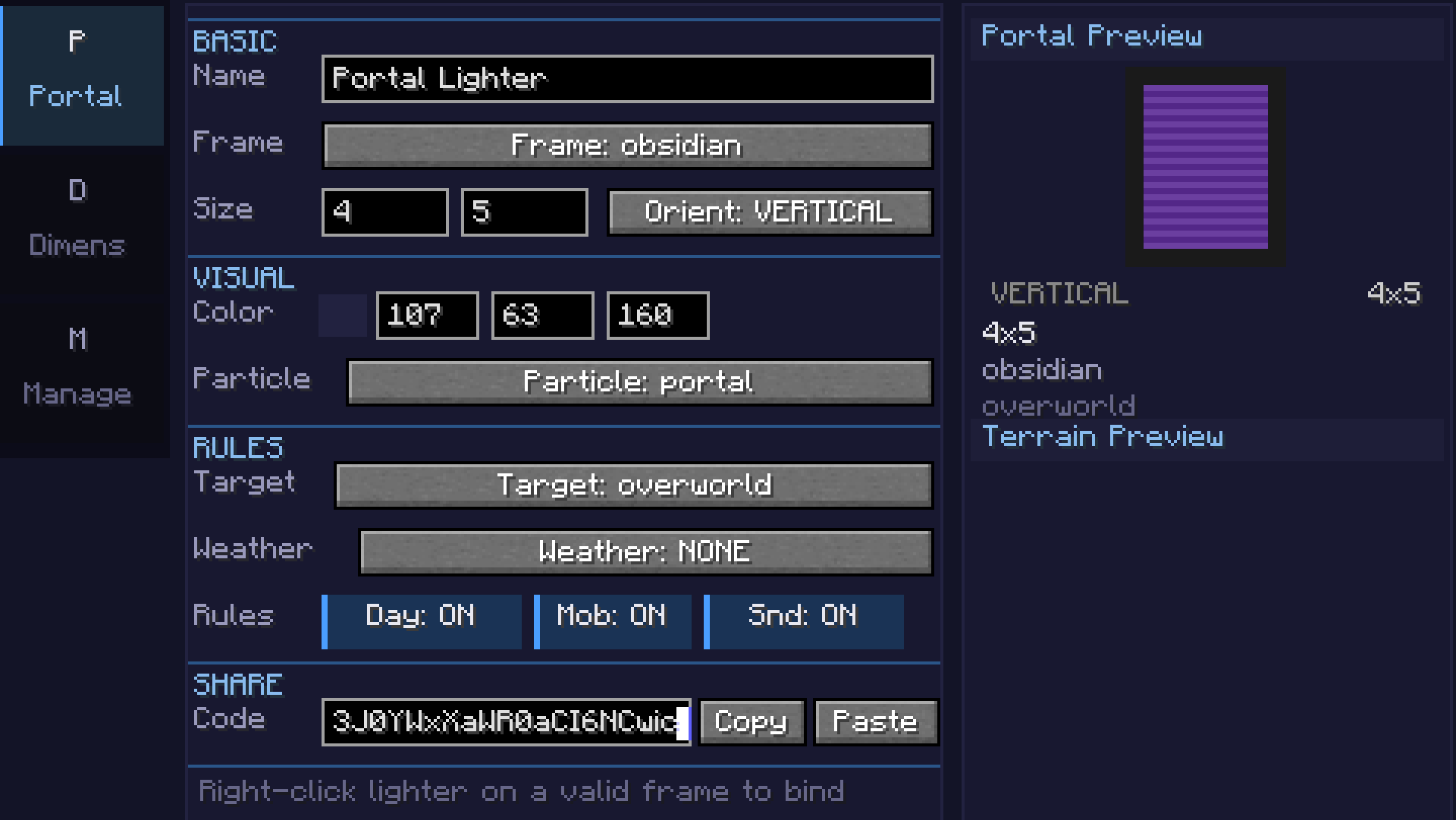
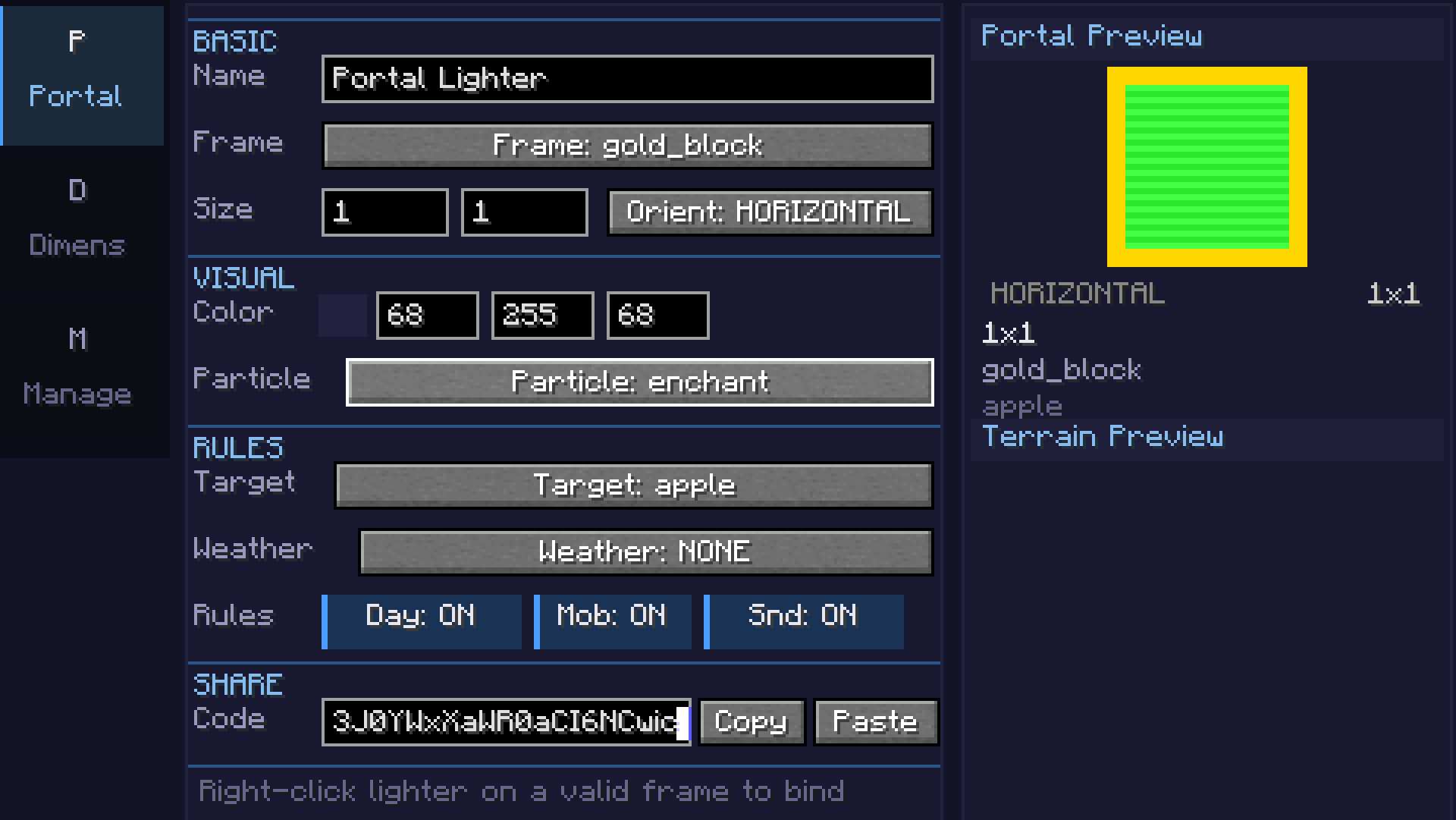
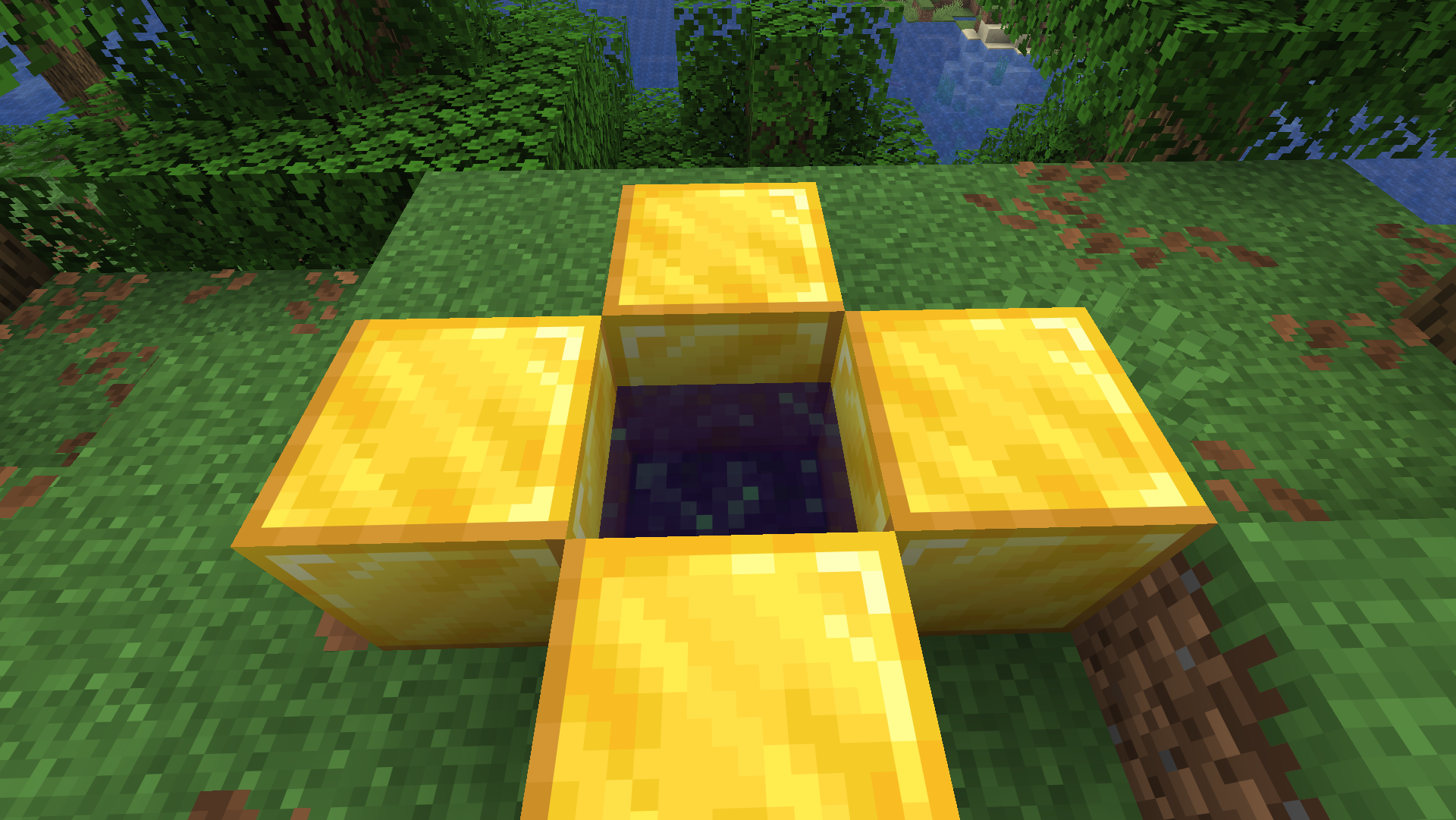
- Build portal frames from any solid block (obsidian, diamond, gold, etc.)
- Adjustable portal size (width x height)
- Configurable 24-bit portal color with live preview
- Horizontal and vertical portal orientations
- Color picker with palette, recent colors, and RGB input
Custom Dimensions
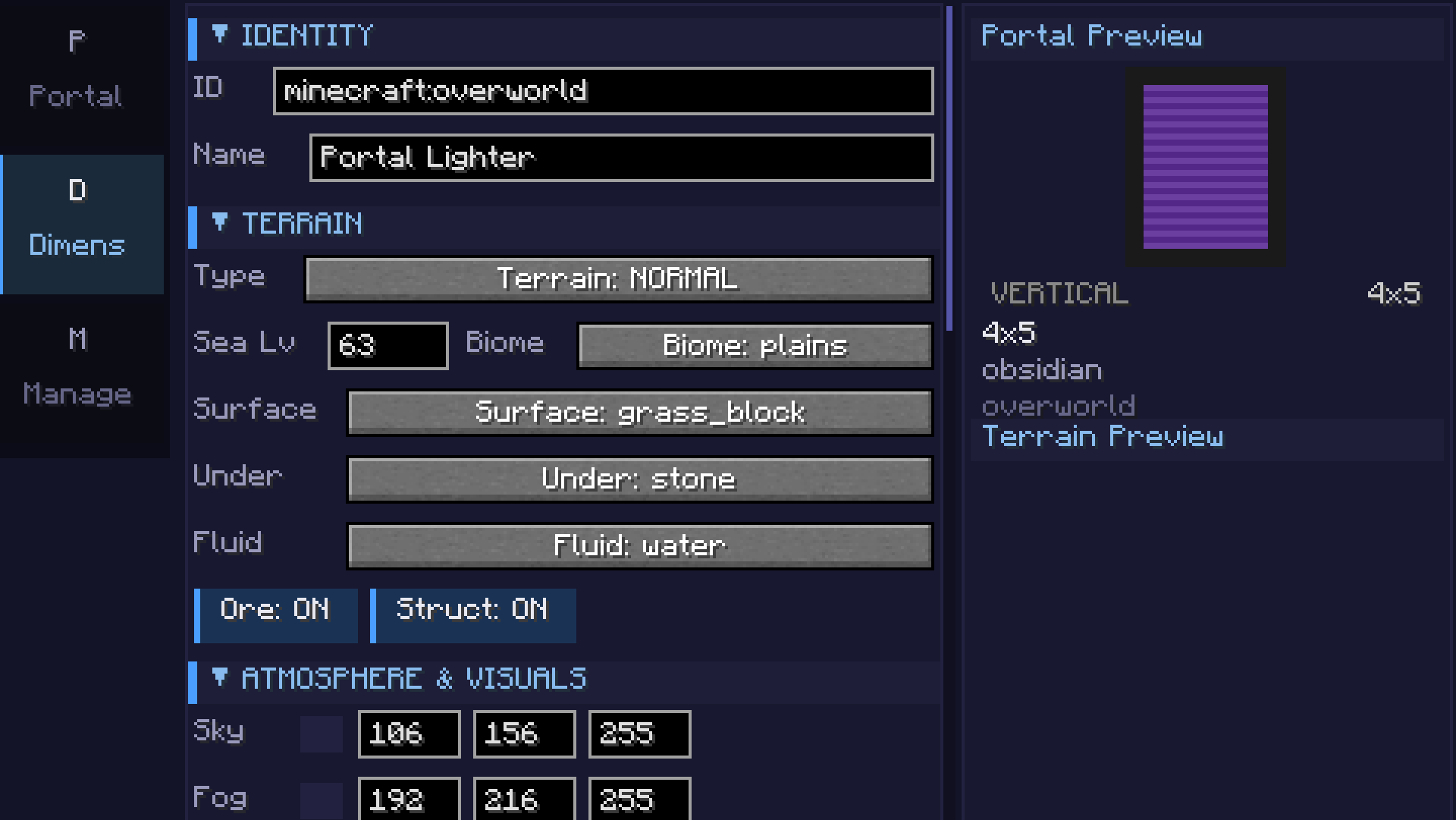
- 7 terrain types: Void, Flat, Normal, Amplified, Nether, End, and Math formula
- Math terrain: Define terrain with
sin,cos,noise,perlin,fbm, and custom expressions - supports 2D heightmap and full 3D density - Coordinate scale slider for terrain stretch/compression
- Smooth terrain toggle for natural-looking slopes
- Configurable sea level, surface/underground/fluid blocks
- Cave generation with adjustable density
- Ore generation (coal, iron, copper, gold, redstone, diamond, lapis)
- Structure generation (villages, temples, etc.) - toggleable
- Mixed biome support with Perlin-noise-based transitions
Atmosphere
- Sky, fog, ambient light, water, and cloud color customization
- Fog density control
- Skylight, ceiling, and ultrawarm dimension properties
- Light level override (0-15)
- Configurable ambient particles (portal, end rod, soul fire, lava, etc.)
Game Rules (per-dimension)
- Day/night cycle & fixed time
- Mob spawning, natural spawning, PvP, fall damage, fire spread
- Keep inventory, bed works, respawn allowed
- Weather lock (clear, rain, thunder)
- Gravity multiplier
Commands
/pdims list— List all configured custom dimensions/pdims tp <dimension>— Teleport to a custom dimension/pdims info <dimension>— View dimension configuration details/pdims reload— Reload dimension configs from file
Screenshots
Math Formula Terrain
| Category | Example | Description |
|---|---|---|
| 2D Basic | sin(x/10)*cos(z/10)*20 + 50 |
Rolling hills |
| 2D Intermediate | noise(x/20,z/20)*30 + 60 |
Smooth noise terrain |
| 2D Advanced | fbm(x/40,z/40,4,2,0.5)*40 + 50 |
Fractal mountains |
| 3D | fbm(x/30,y/15,z/30,3,2,0.5) > 0.5 |
Floating islands / caves |
| Beginner | abs(x/10) + abs(z/10) * 2 + 40 |
Valley |
Available functions: sin, cos, tan, abs, sqrt, pow, min, max, mod, floor, ceil, round, noise(x,z), perlin(x,y,z), fbm(x,y,z,octaves,lacunarity,gain), if(cond, a, b), random(x,z), dist(x,z), gauss(x,z), mix(a,b,t), remap(v, inLo, inHi, outLo, outHi)
Requirements
- Minecraft 26.1.x
- Fabric Loader 0.18.5+
- Fabric API 0.145.3+
Getting Started
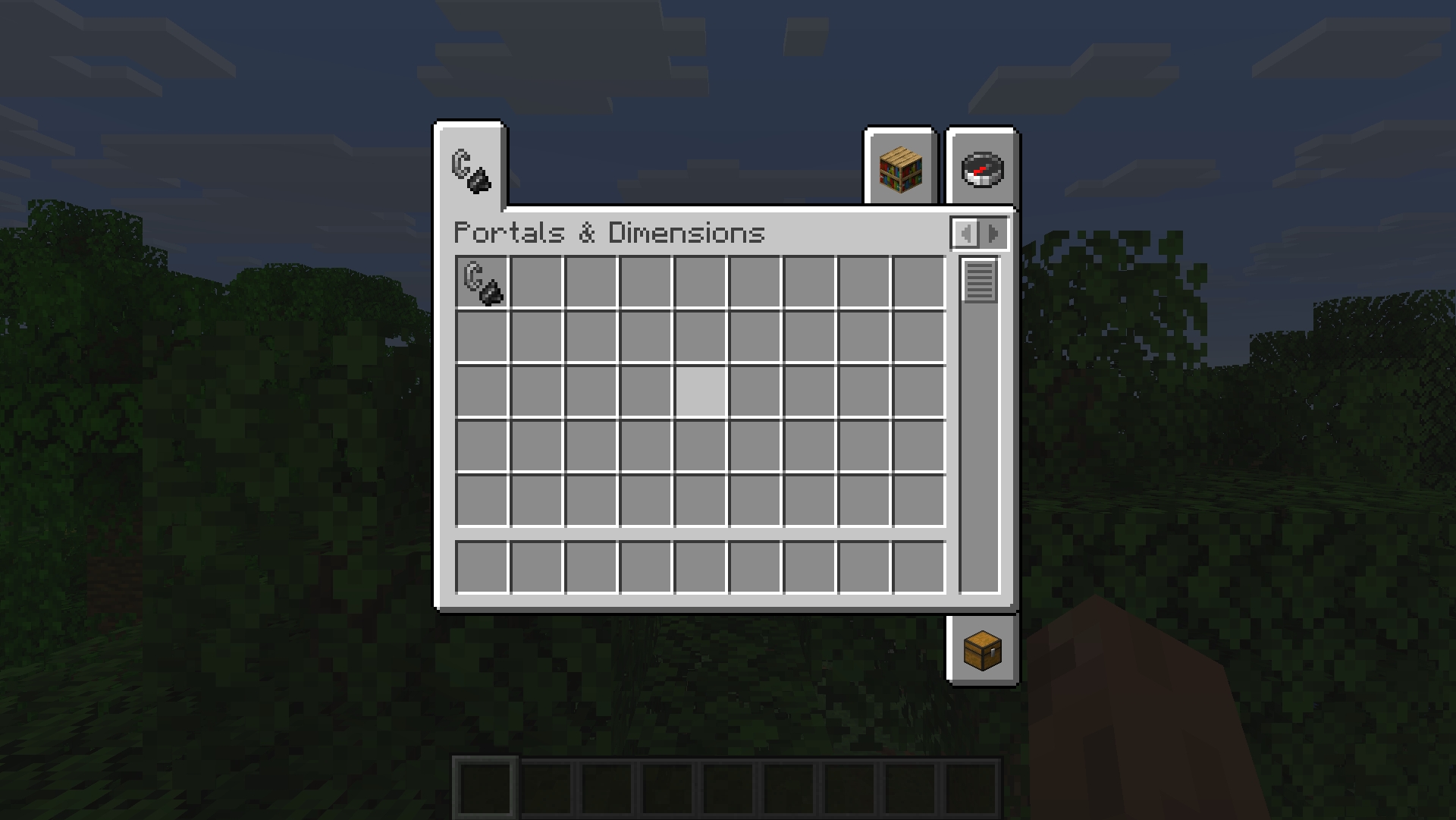
- Craft or get the Portals & Dimensions lighter (creative tab or
/give) - Right-click to open the configuration GUI
- Portals tab: Set frame block, portal color, and size
- Dimension tab: Configure terrain type, formula, biome, colors, and game rules
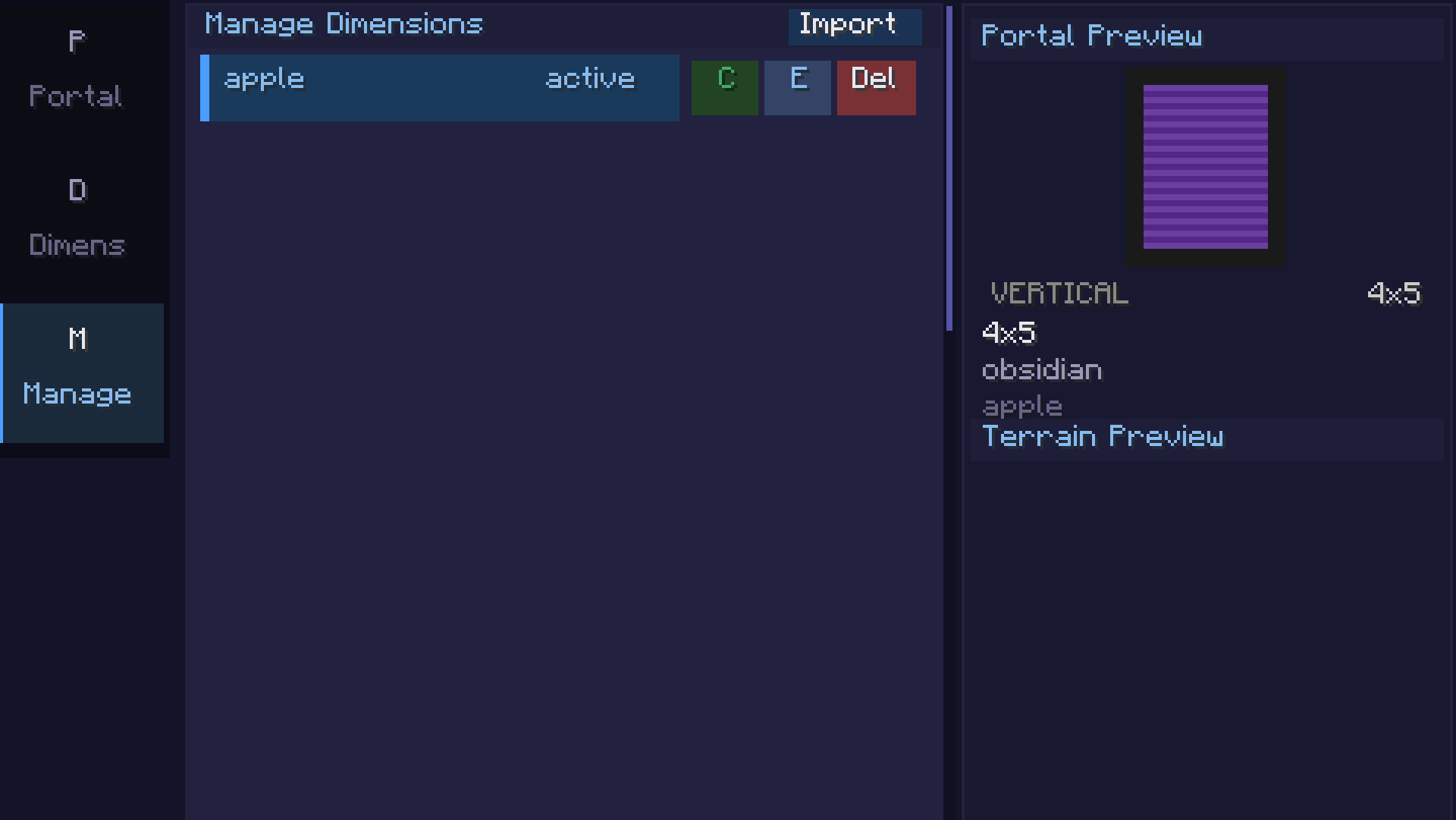
- Manage tab: Save, clone, export, or import dimension configs
- Light a portal frame with the configured lighter to create a linked portal
- Edition: Minecraft Java
- File type: .jar
- Minecraft versions listed: 26.1, 26.1.1, 26.1.2
- How to install: Install the matching mod loader (Forge, Fabric or NeoForge) for your Minecraft version. → Download the .jar. → Put it in the .minecraft/mods folder and launch that loader profile.
- Where to get it: Opens on Modrinth — not every file is mirrored on our own servers.
Install steps are the general flow for this file type — How to install Minecraft Java mods & modpacks walks through it step by step.
- Ships as portals_dimensions-1.1.0.jar — drop this file into the mods folder
- Download size: 171 KB
- Download link checked 20 Oct 2026 — working
These come from our own check of the pack file, not from the source page.