Apple-ied Inventories!
Java mod listed for Minecraft 1.21. Downloads from the MC Java Mods app on Android.
I don't know my version or loader
Welcome to Apple-ied Inventory Solutions!
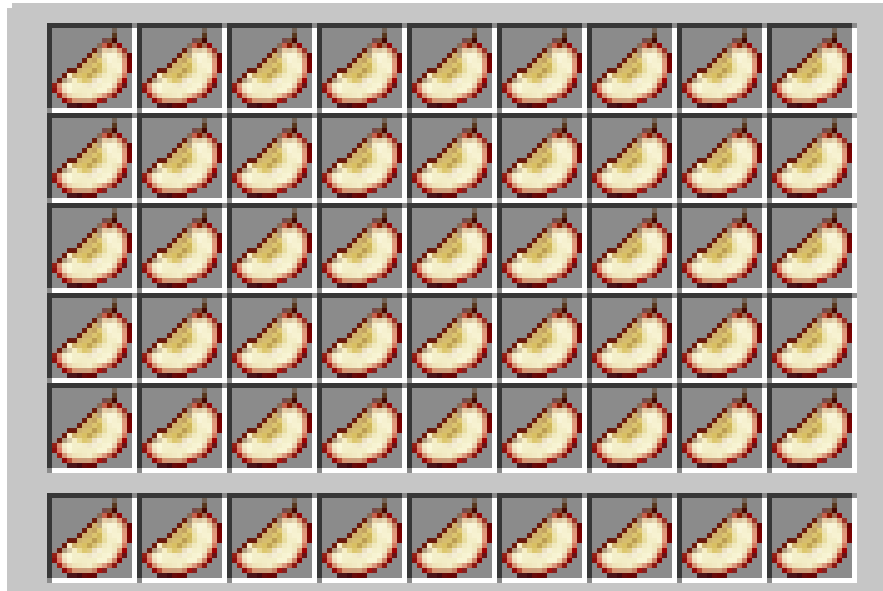
Kept in loot chests, you can find Aged Apple SLices. These apple slices can be used to increase your maximum inventory space (up to 7 extra rows!)
All you have to do is find an Aged APple SLice and build upon it! All apple slices must be eaten in ordser, and can be eaten again to remove a row of you rinventory if you don't want it anymore.
List of features:
-Expand your inventory from 4 rows to 11!
-Find an Aged Apple Slice in loot tables.
-Seven apple slices to craft using your aged apple slices.
-Three commands especially made for your expanded inventories (/eclear, /egive, and /einvset, set up to 7 for tier 7, or 0 for tier 0/vanilla)
Craft a hops-infused apple slice to automaticlaly pick up new items into your other rows.
-Or,live the boring life and eat regular apple slices!
Mod integration:
Gravestone Mod anrd Corail Tombstone - Partially working integration to get your stuff back.
Bigger Stacks - Compatible with any stack size
Tinkers Construct , Mekanism, Actually Additions, etc-> Compatible
(Most) Storage mods -> Compatible (or, should be!)
Credits The concept of apple slices is unique, but this mod was inspired by Socolio's https://www.curseforge.com/minecraft/mc-mods/expandable-inventory mod. Please go support them and their projects.
Questions? Comments? Concerns? Errors/bugs?
Join the discord here!
- Edition: Minecraft Java
- File type: .jar
- Minecraft versions listed: 1.21, 1.21.1
- How to install: Install the matching mod loader (Forge, Fabric or NeoForge) for your Minecraft version. → Download the .jar. → Put it in the .minecraft/mods folder and launch that loader profile.
- Where to get it: Opens on Modrinth — not every file is mirrored on our own servers.
Install steps are the general flow for this file type — How to install Minecraft Java mods & modpacks walks through it step by step.
- Ships as AppleiedInventories-neoforge-1.0.0.jar — drop this file into the mods folder
- Download size: 87 KB
- Download link checked 22 Oct 2026 — working
These come from our own check of the pack file, not from the source page.