
ESSX Jobs
ESSX Jobs adds a bunch of jobs with different xp gains and coins! Level up and earn even more perks coins xp and more! now availible the shop!
⬇ Download on Modrinth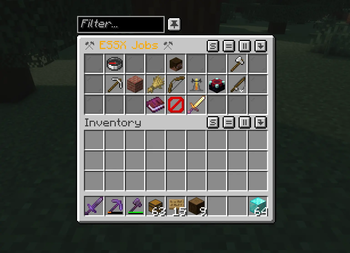
ESSX Jobs
is a server side mod which adds jobs with xp gains and coins you can spend in a shop or trade with other players.
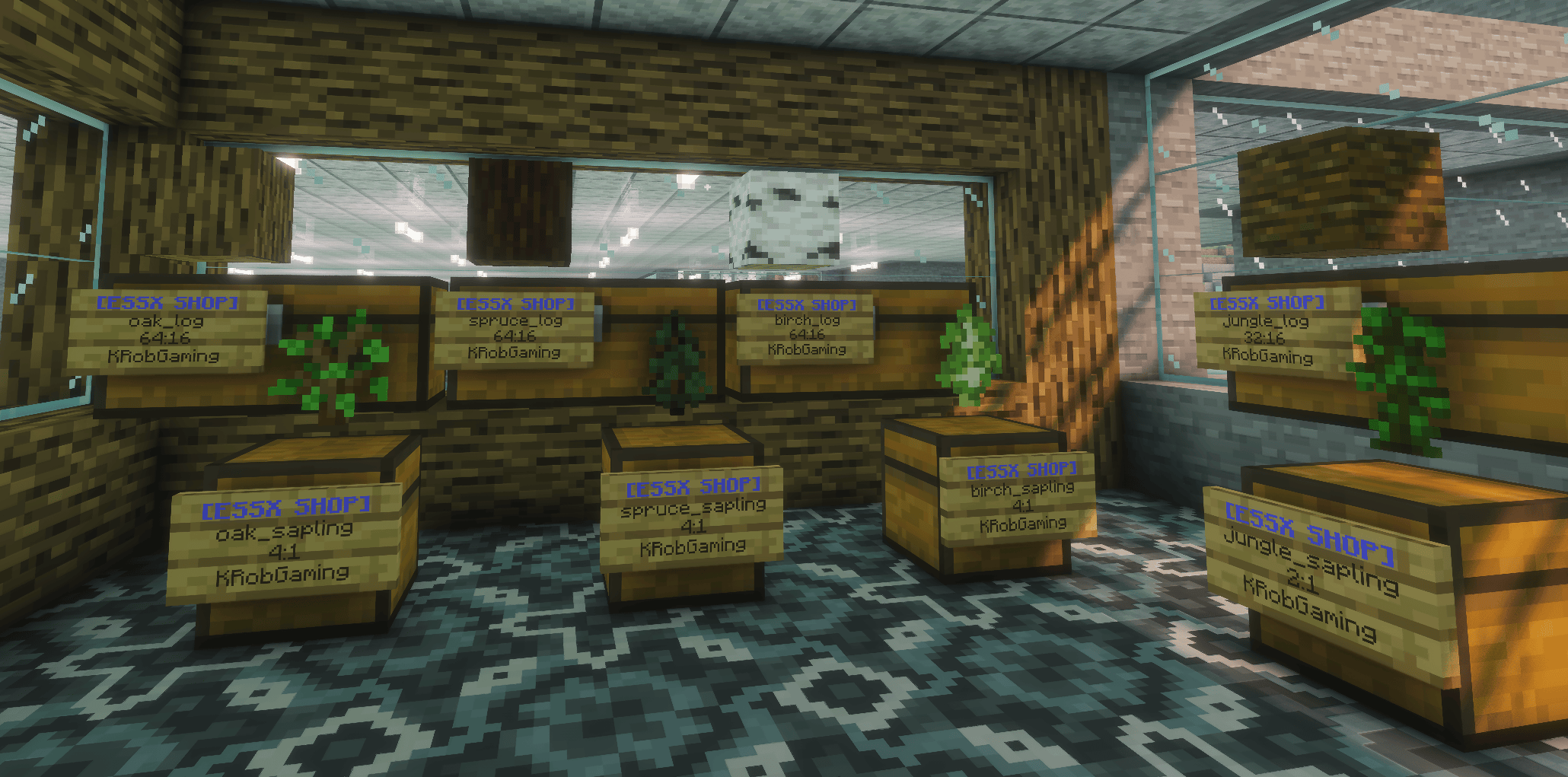
Job commands
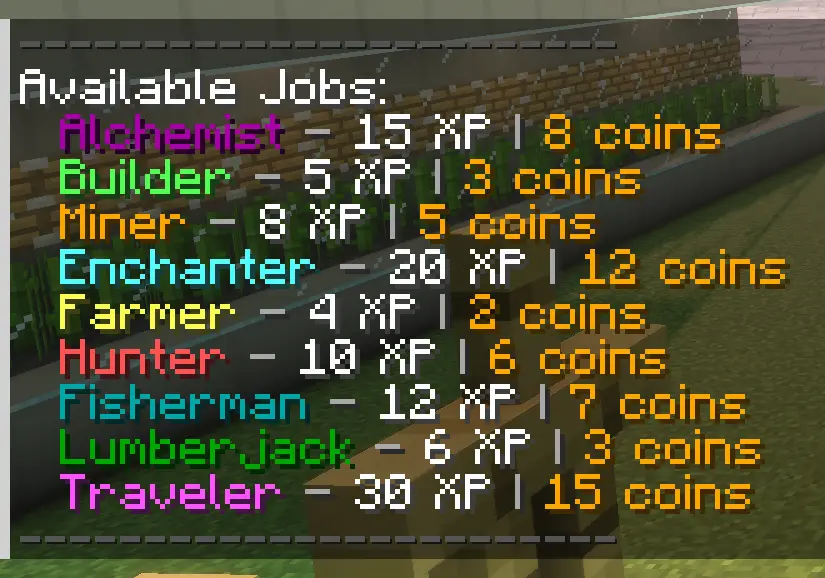
- /job list - shows a list of availibe jobs
- /job give - give a player a job
- /job remove - remove a job from a player
- /job info - see what jobs get you
- /job top - see the top players in jobs
- /job players - see the jobs given to the players
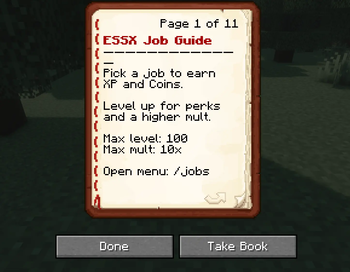
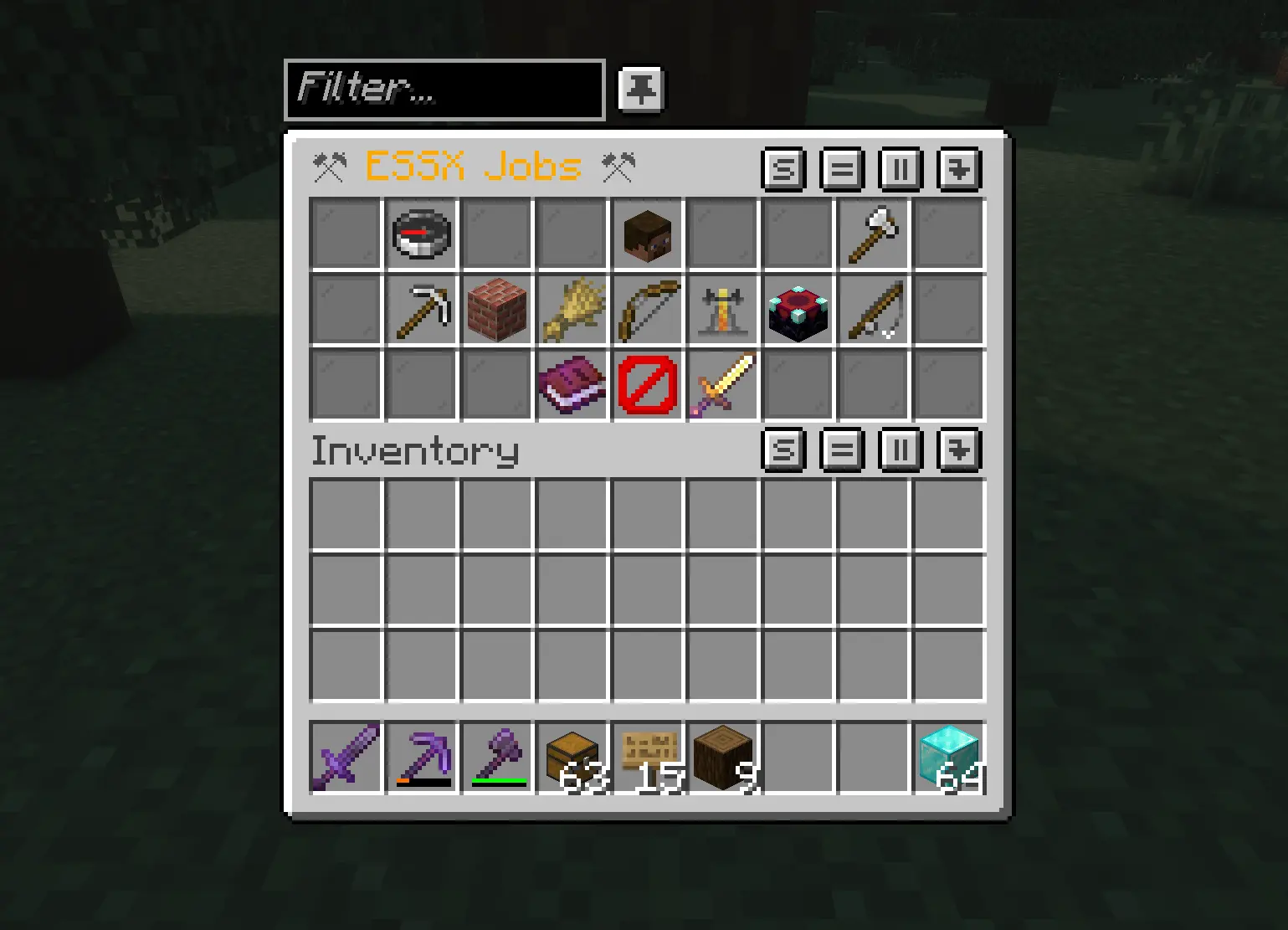
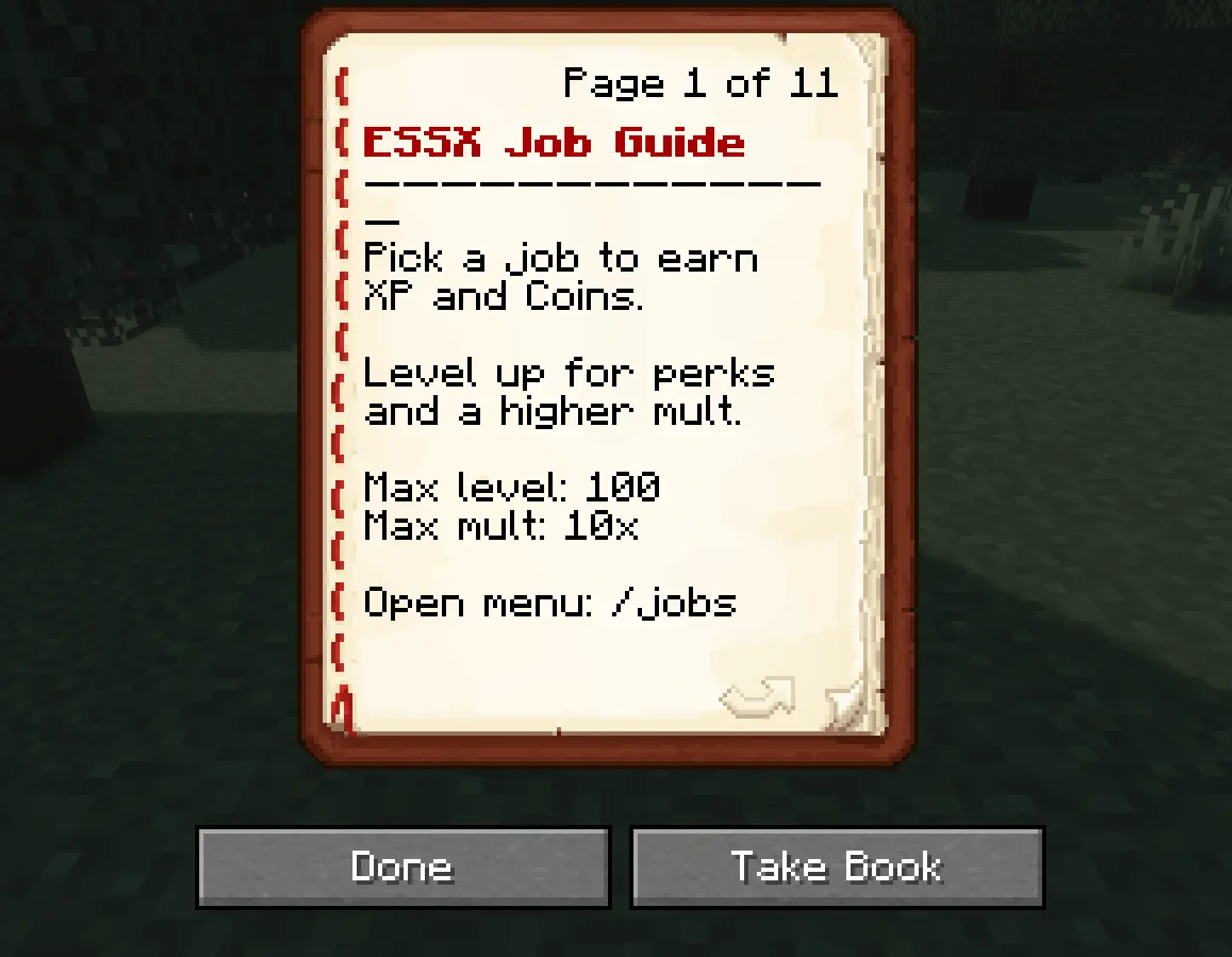
now much simpler with /jobs or if you have the mod installed on your client press J to open the job gui where you can select a job or remove it also you can now look up the guide book and i also added a leaderboard to see who is the best!
Shop update
- /shop - opens the customizable admin shop
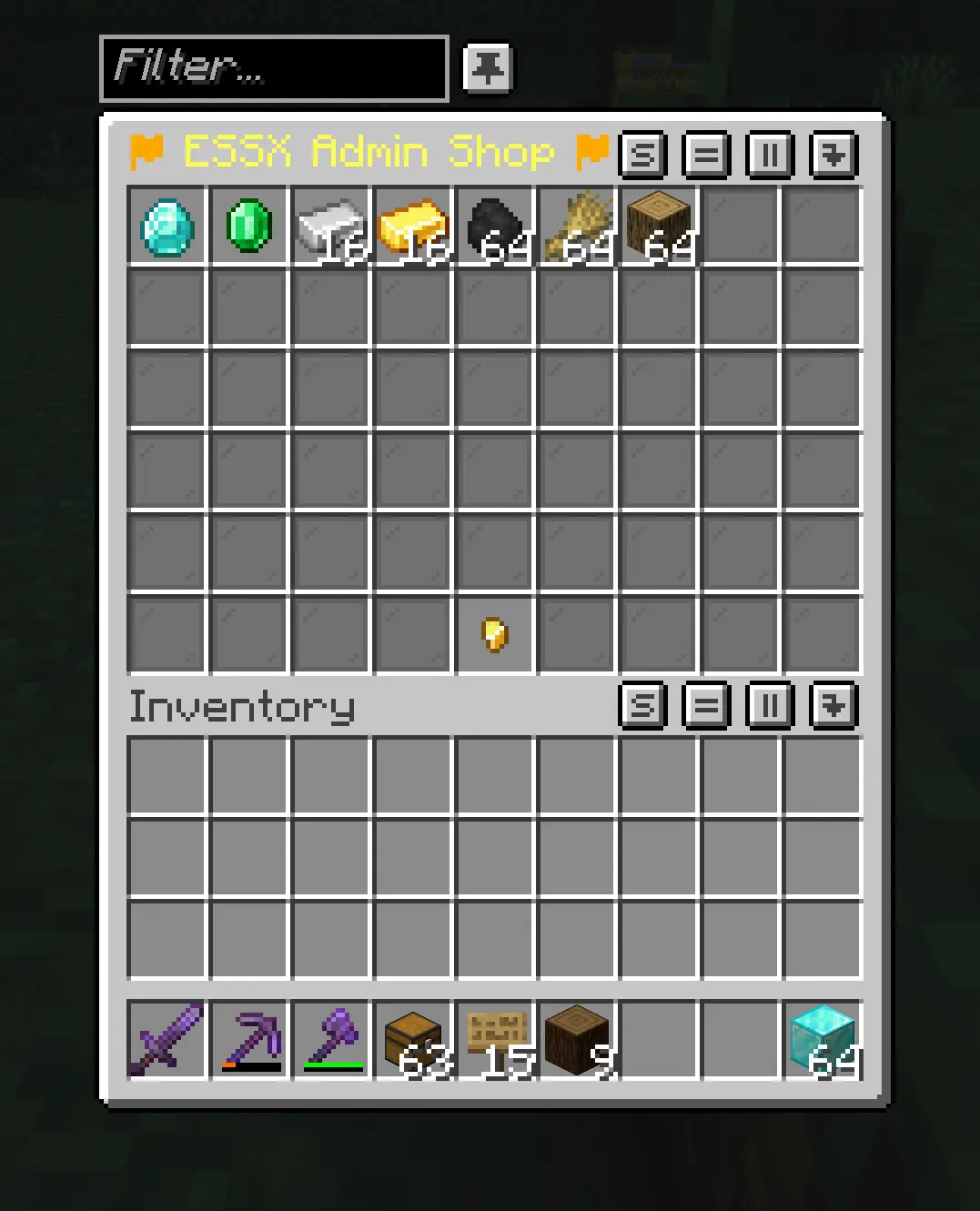
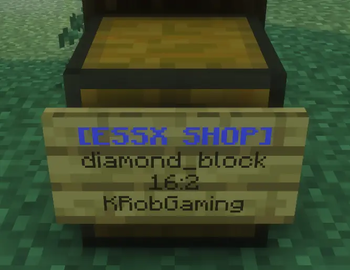
custom player sign shop looks like this:
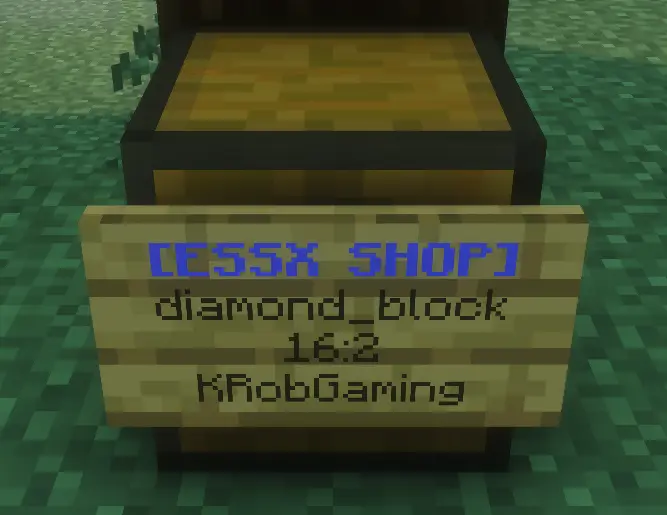
first line is the activator second line is the item you wanna sell third line is the amount:price
- [ESSX SHOP]
- diamond_block (optional, if empty it fills automaticly)
- 16:2
The sign needs to be on a chest with the items you wanna sell in it! You have to rightclick the sign when you are done and the first line should be blue now! If the chest is empty the shop owners name in the last line on the sign will be replaced with a red SOLD OUT so you know when to refill! If you want to remove a shop you simply sneak and breake it.
- Edition: Minecraft Java
- File type: .jar
- Minecraft version listed: 1.21.11
- How to install: Install the matching mod loader (Forge, Fabric or NeoForge) for your Minecraft version. → Download the .jar. → Put it in the .minecraft/mods folder and launch that loader profile.
- Where to get it: Opens on Modrinth — not every file is mirrored on our own servers.
Install steps are the general flow for this file type — How to install Minecraft Java mods & modpacks walks through it step by step.
- Ships as essx-jobs-1.2.1-1.21.11.jar — drop this file into the mods folder
- Download size: 108 KB
- Download link checked 20 Aug 2026 — working
These come from our own check of the pack file, not from the source page.