
Player Trade Window
Java mod listed for Minecraft 26.x. Downloads from the MC Java Mods app on Android.
⬇ Download on Modrinth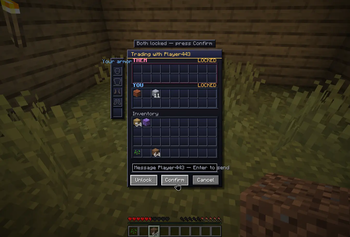
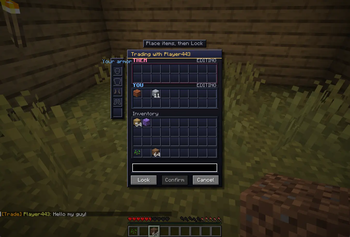
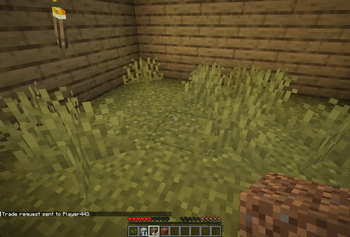
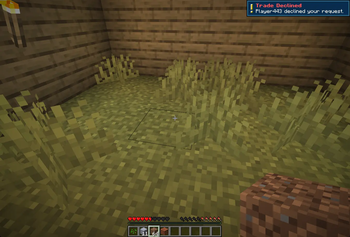
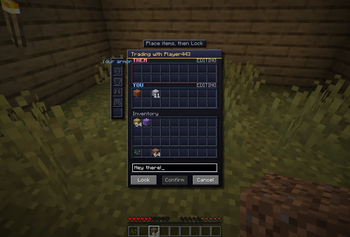
Finally a proper player-to-player trading GUI for Minecraft.
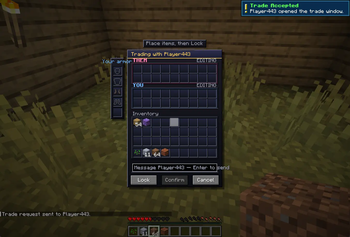
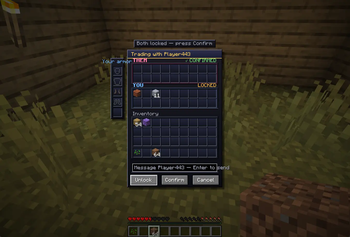
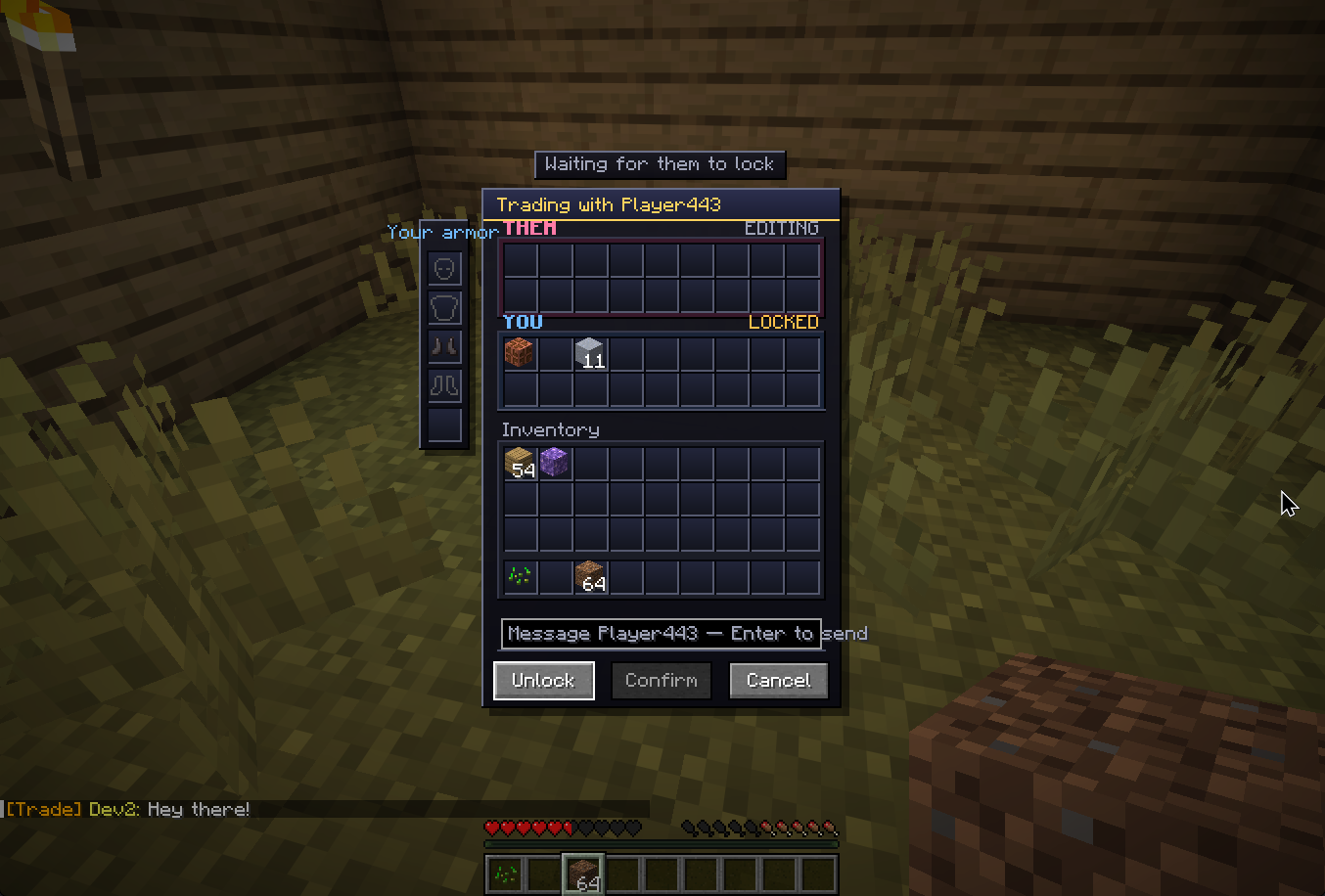
Open a list, choose a player, and trade securely across any distance or dimension. Both of you open a synced trade window with two rows of slots per side. Drop items in, watch the other player's offer fill in real-time, hit Lock when you're happy, and once both sides have locked, the Confirm button unlocks. Both confirm and the trade is complete!
Features
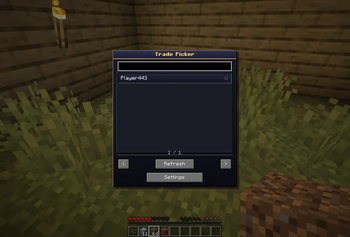
Global Trade Picker: Press K to open a menu to trade with anyone on the server. Includes Search, Favorites, and Recent traders. No more chasing people down.
Non-Intrusive Requests: Requests appear as a corner badge with a countdown timer. Press J to accept or ; to decline.
Two-stage protocol: Lock → Confirm. Either player editing their offer clears both lock states.
Bait-and-Switch Protection: If someone tweaks their offer in the last 2 seconds before you confirm, a popup warns you. No scams.
In-Trade Chat: Chat with the other player directly while inside the trade window.
Equipment Slots: Dedicated slots in the UI to trade away your equipped armor and shields directly.
Custom GUI + Sounds: Cleaner visuals, gold accents, status hints, and audio cues for lock/confirm/complete.
Item-loss protection across every failure mode:
Window closed or players cancel → items returned
Player disconnects or dies → items returned
Server crashes mid-trade → items recovered automatically on next login
Settings Menu: Block all incoming trades, change the request badge corner, or turn off sound notifications.
Admin Tools: Persistent history via /trade history and /trade audit .
How to use
Press K to open the Trade Picker, search for a player, and click their name. Note: For users who already have this mod installed before the 0.2.0, you might need to bind hotkeys yourself.
The other player gets a corner badge. Press J to accept or ; to decline.
Requirements
Install on both the server and every client.
Should work with mods like Essential.
Feedback
Let me know via Discord if you have any feedback!
If you really like the mod and would like to donate, it would be greatly appreciated!
I prefer making mods that actually bring something new to the table rather than reskins of existing content in game, if that's up your alley, any donation would motivate me greatly to make more innovative mods/improve existing mods! If you aren't comfortable donating/can't afford to do so(which is completely fine), sharing and letting others know of the mods will help greatly as well! Cheers!
- Edition: Minecraft Java
- File type: .jar
- Minecraft version listed: 26.1.2
- How to install: Install the matching mod loader (Forge, Fabric or NeoForge) for your Minecraft version. → Download the .jar. → Put it in the .minecraft/mods folder and launch that loader profile.
- Where to get it: Opens on Modrinth — not every file is mirrored on our own servers.
Install steps are the general flow for this file type — How to install Minecraft Java mods & modpacks walks through it step by step.
- Ships as PlayerTradeWindow-0.2.0.jar — drop this file into the mods folder
- Download size: 107 KB
- Download link checked 19 Oct 2026 — working
These come from our own check of the pack file, not from the source page.