
Update 2.x is here!
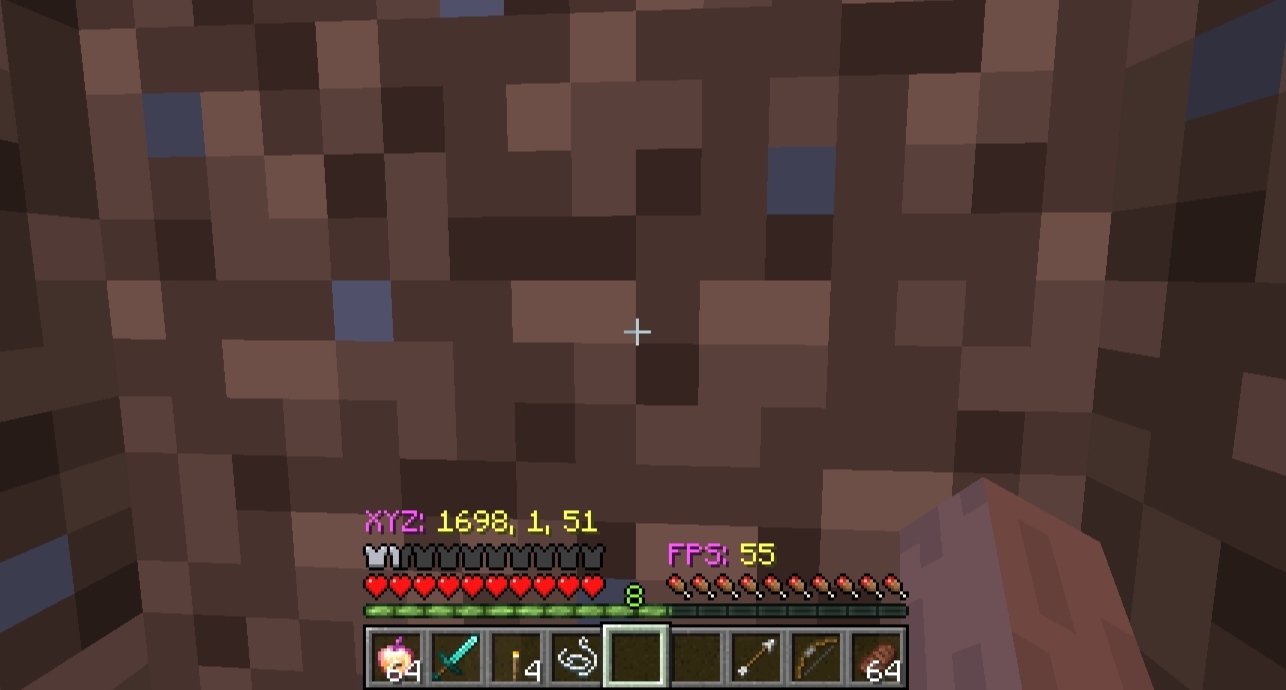
This mod adds a highly customizable and very lightweight HUD to your game.
Features
- Minimalistic Info: Displays XYZ coordinates, FPS, and World Days.
- Optimization: Minimal impact on performance, perfect for low-end devices or large modpacks.
- Easy Access: Open the settings menu using the 'X' key (default) or via the 'M' button in the Escape menu.
Screenshots
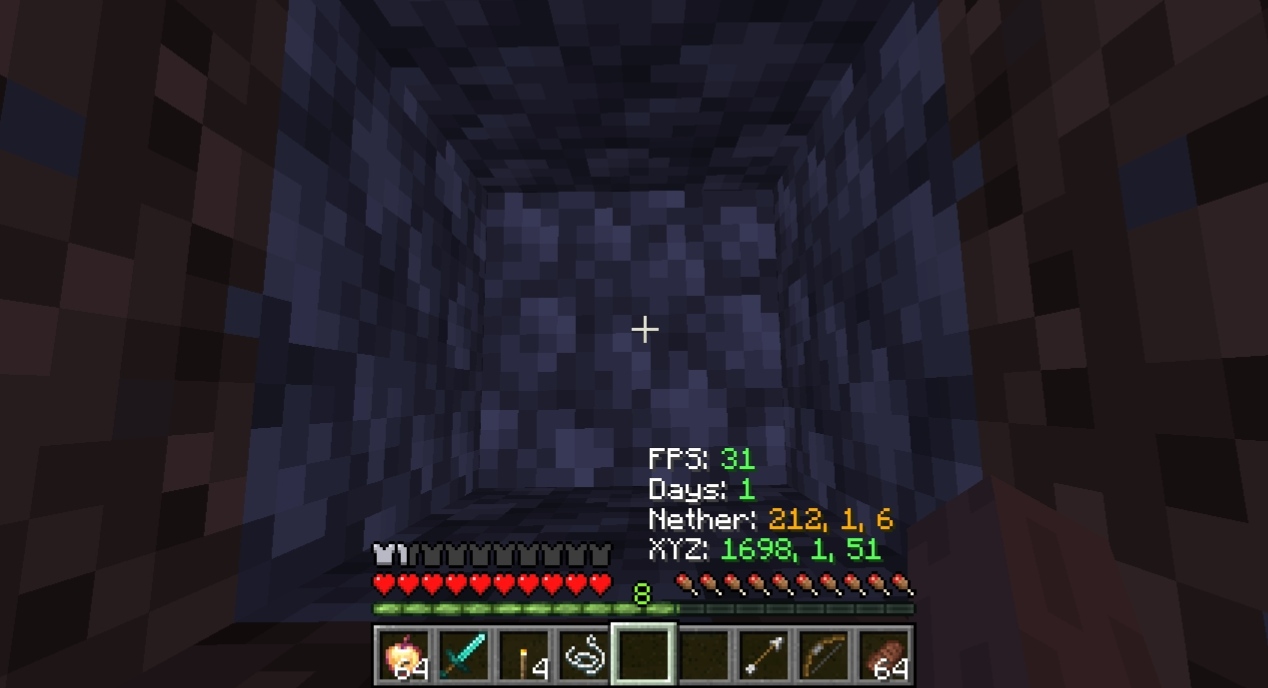
Customization
You can fully customize the HUD to fit your needs:
- Toggle Elements: Disable any HUD element you don't need.
- Color Selection: Change labels and values colors separately.
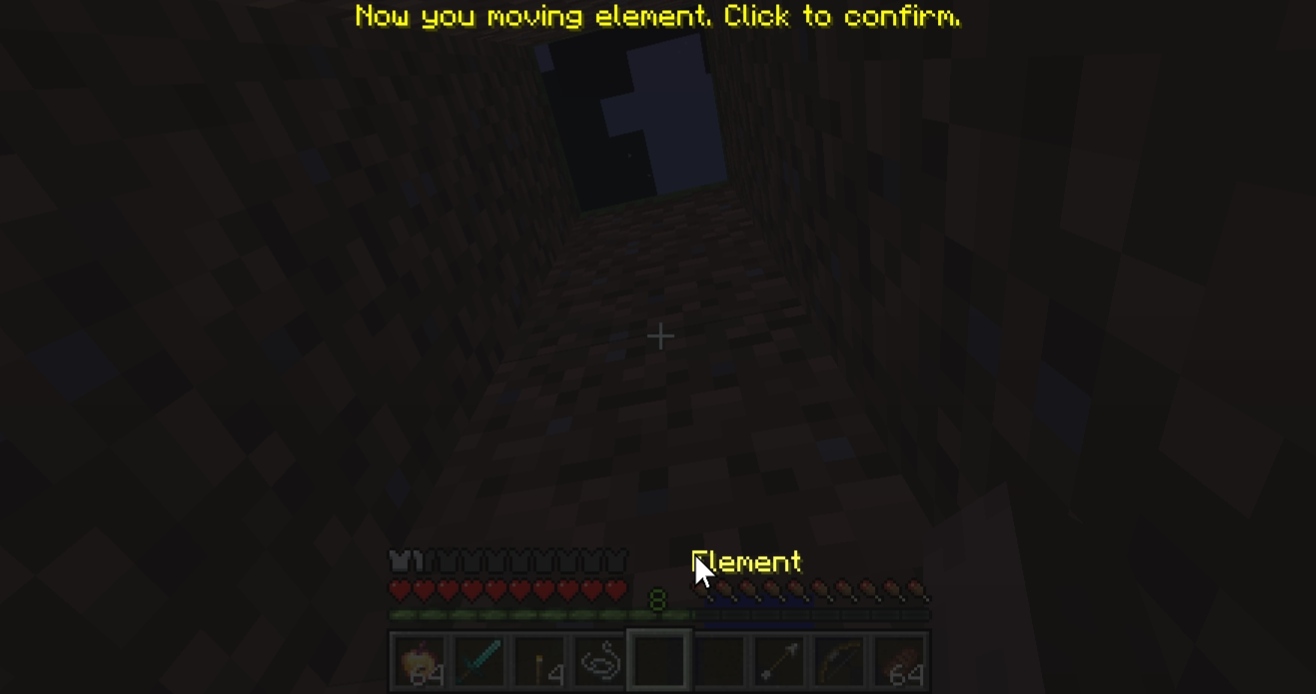
- Positioning: Drag elements to any position on your screen.
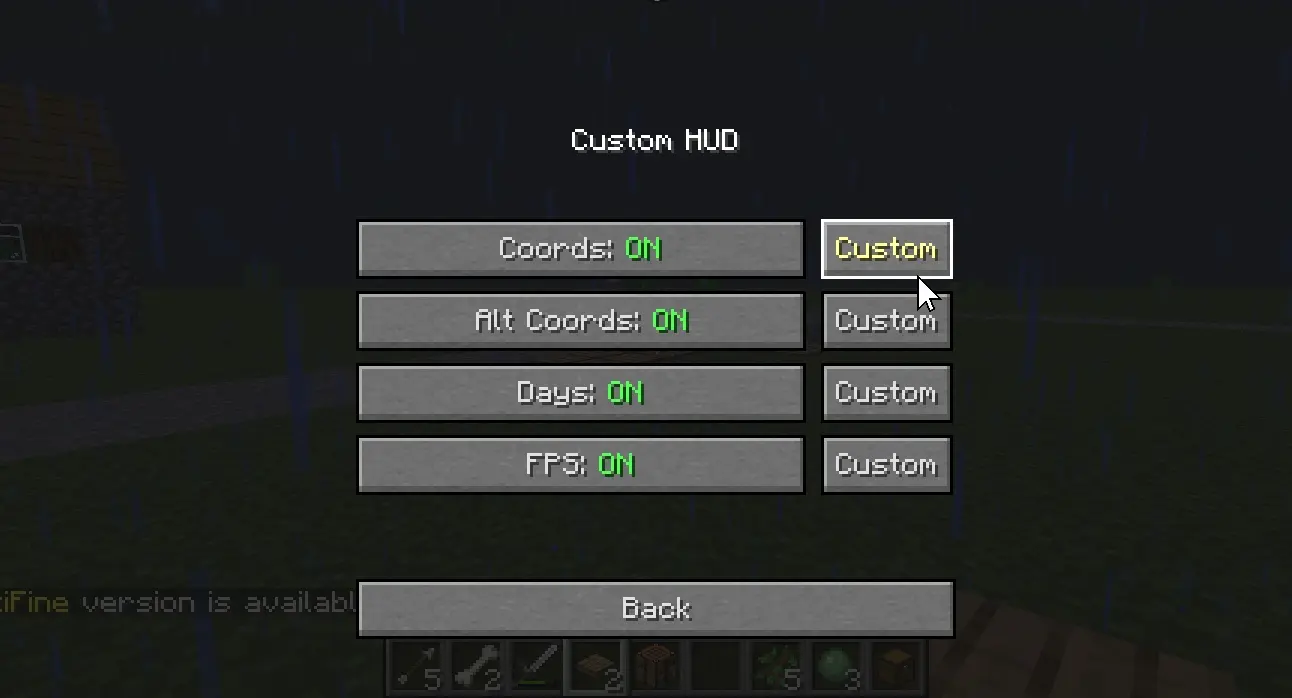
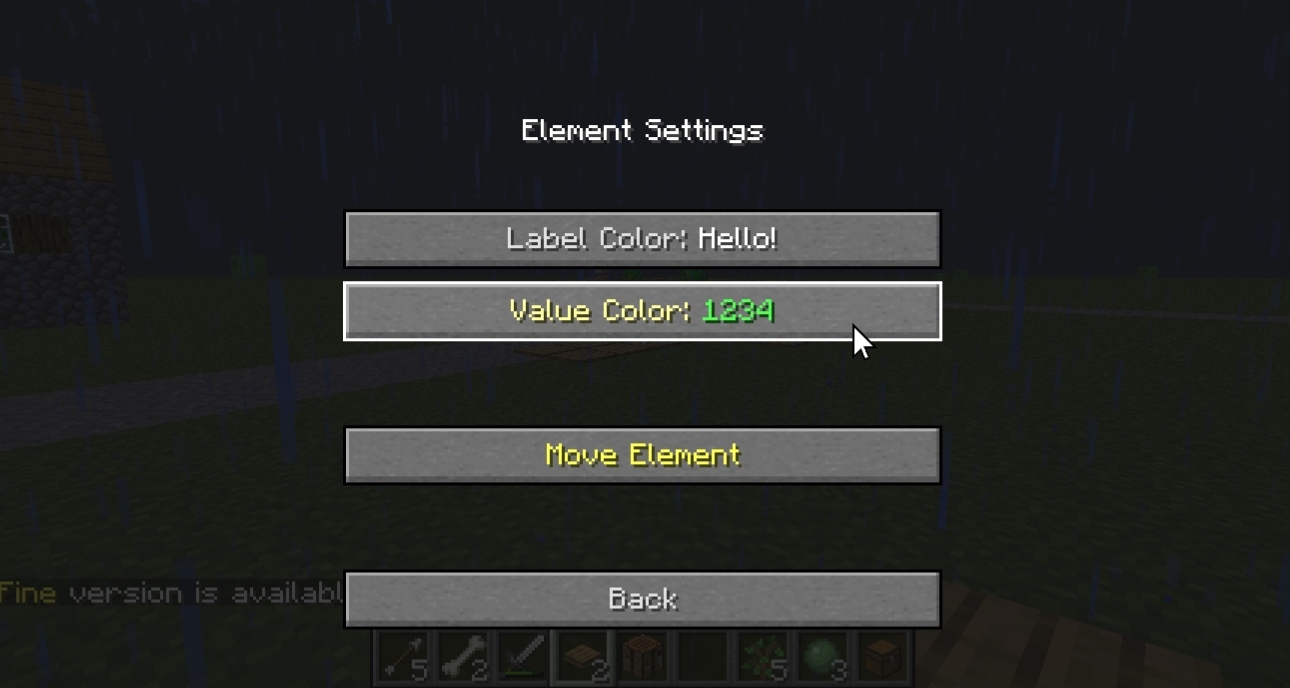
Move Preview
It's very easy to drag elements!
Examples of Customized HUDs

Technical Details
- Supports keybinding for the settings menu.
- Configuration is saved automatically in .json format.
Quick facts
- Edition: Minecraft Java
- File type: .jar
- Minecraft version listed: 1.16.5
- How to install: Install the matching mod loader (Forge, Fabric or NeoForge) for your Minecraft version. → Download the .jar. → Put it in the .minecraft/mods folder and launch that loader profile.
- Where to get it: Opens on Modrinth — not every file is mirrored on our own servers.
Install steps are the general flow for this file type — How to install Minecraft Java mods & modpacks walks through it step by step.
Verified by MCModsHub
- Ships as slhbytxy-2.2.jar — drop this file into the mods folder
- Download size: 14 KB
- Download link checked 11 Sept 2026 — working
These come from our own check of the pack file, not from the source page.