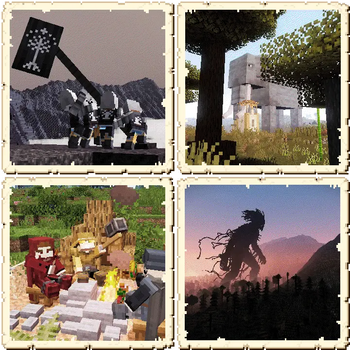
What is this mod?
An unofficial version of Exposure by mortuusars, made to play harmoniously with the Middle-Earth. The mod doesn't change the original Exposure code in any way, only assets and data.
How to use it?
This mod requires a Middle-Earth (obviously) and the Fabric API. Installing the original Exposure is not required. For the best gaming experience, installing the mex (Middle-Earth exposure) datapack is highly recommended.
What does the mod add?
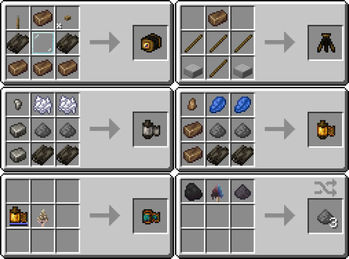
Crafting recipes for camera, films, camera stand, and lightroom have been changed. All items are available for crafting in Middle-earth, and all necessary resources are obtained in this dimension.
Crafting recipes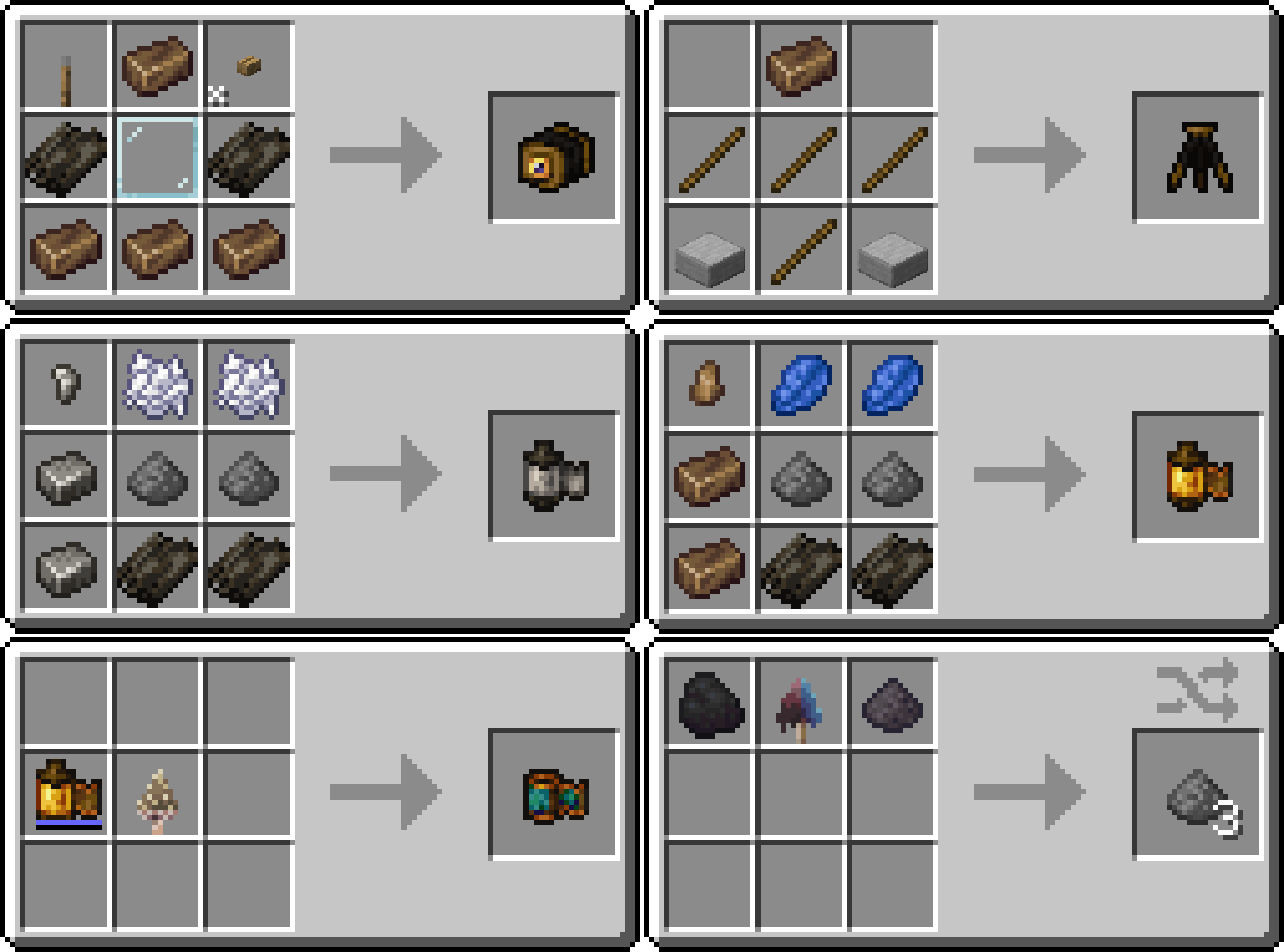
Color film is developed using a Morsel. Gunpowder can be crafted from coal, any firecap and ash. The camera and film appearances are taken from Tuttas Retextures: Exposure Edition. Some textures have been slightly modified to match the crafting recipes.
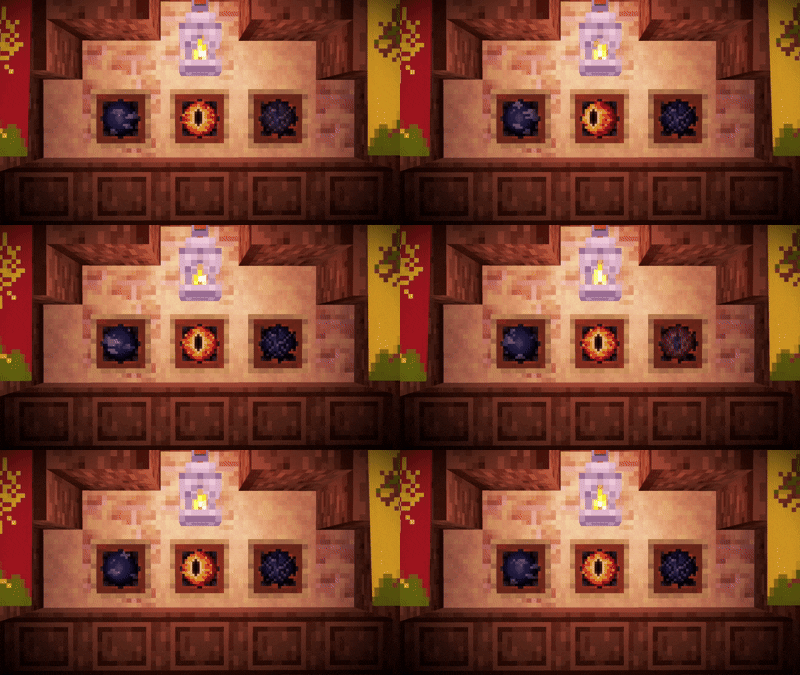
The Interplanar Projector has been replaced with the Palantir Lens. The recipe, error screen, and sounds have been updated.
Palantir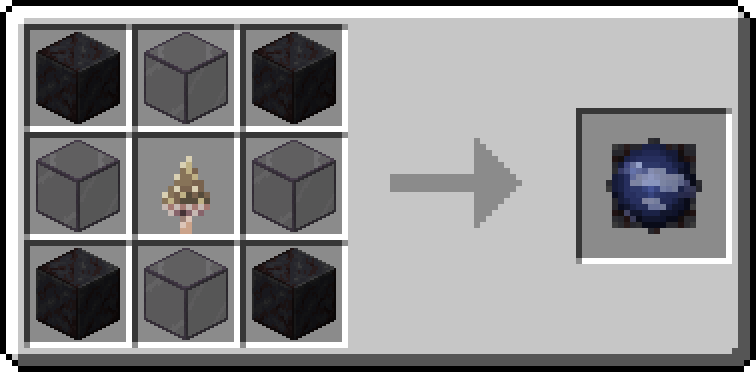
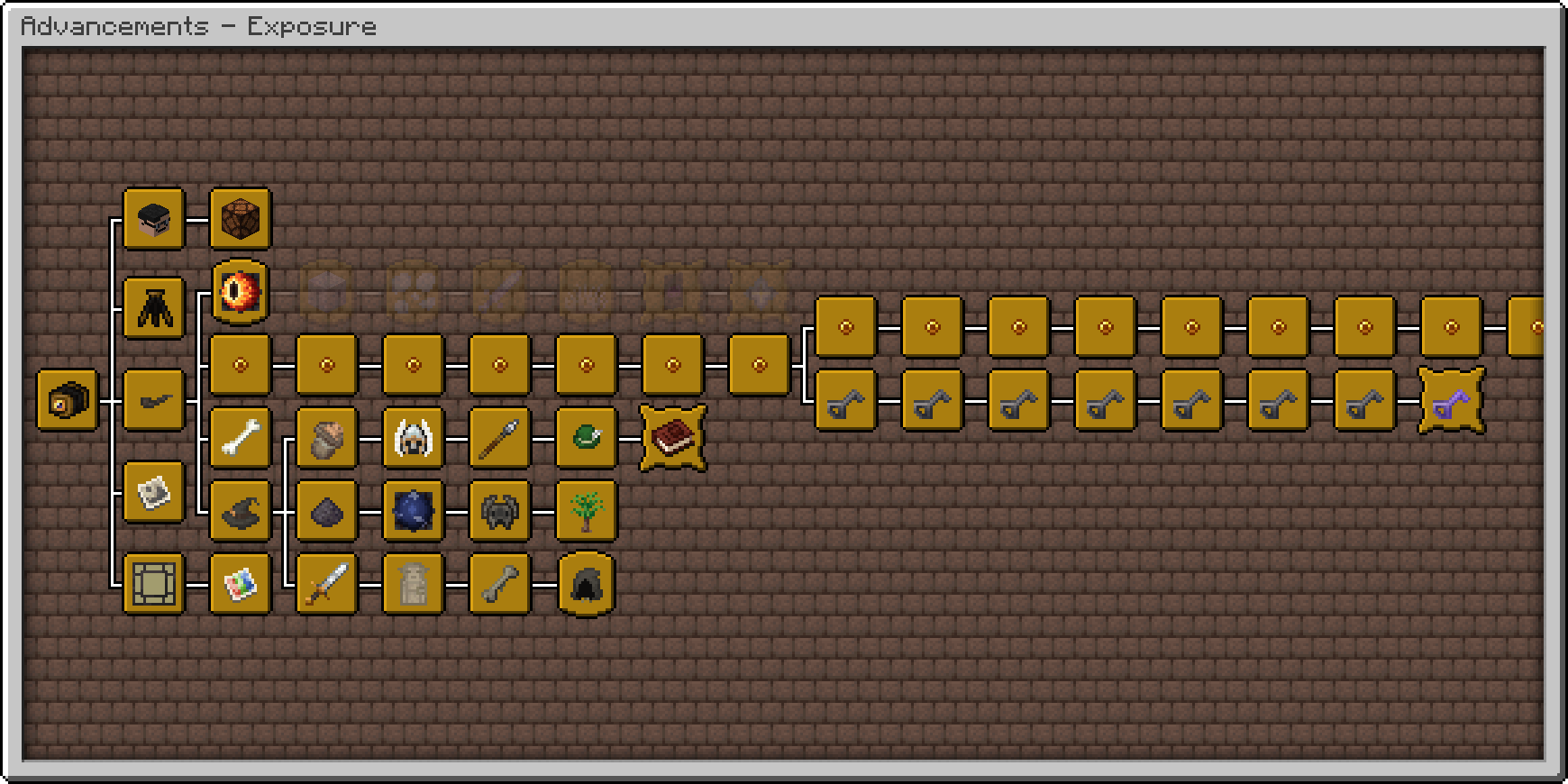
Advancements have been moved to a separate tab and reworked. All of them can now be obtained without leaving Middle-earth. Various new achievements have been added, such as one for taking photos in all locations along Frodo and Bilbo's journeys. There are also some very difficult and unexpected achievements. Good luck getting them!
Advancements tab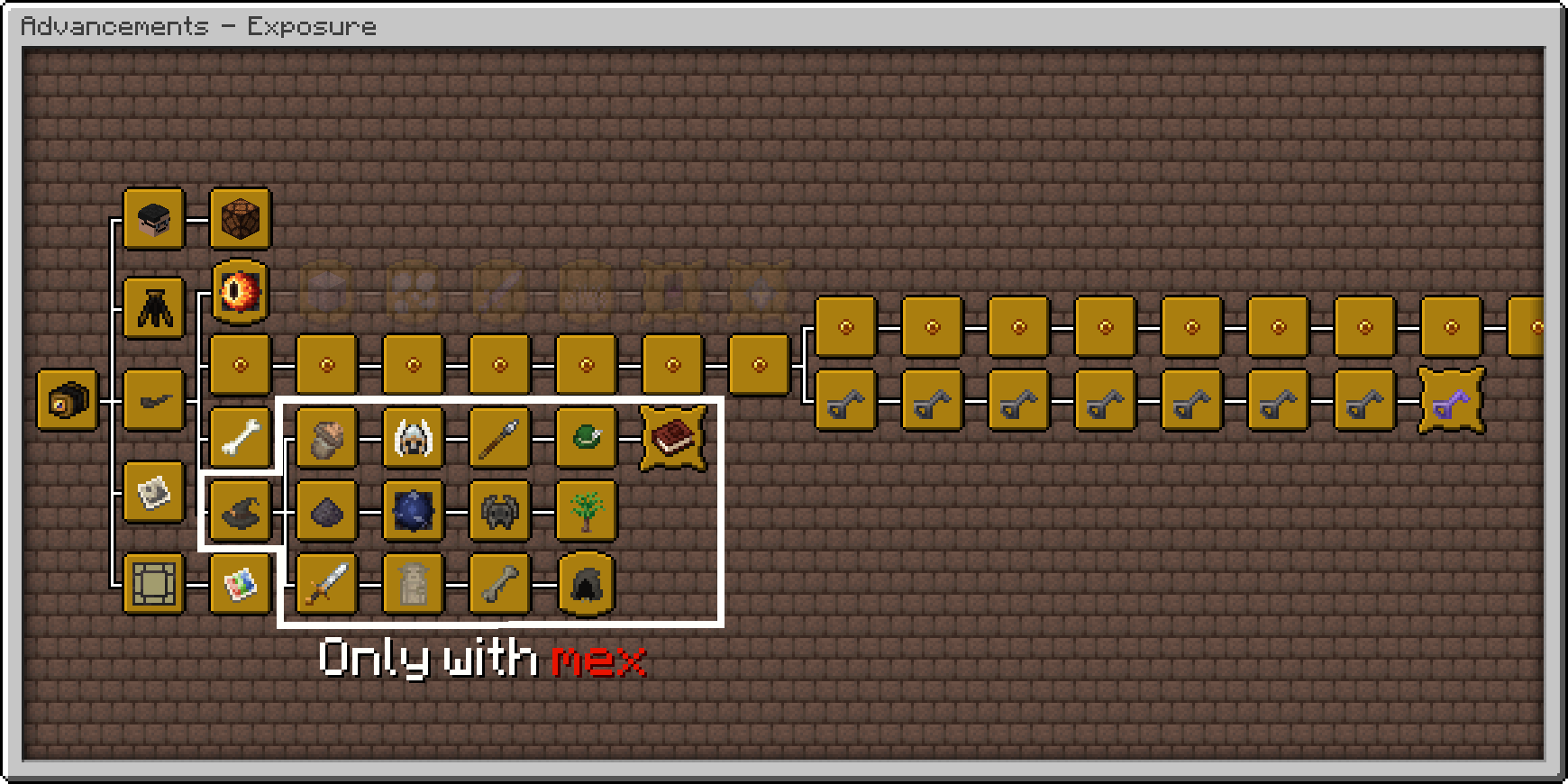 Exposure advancements tab with mex datapack
The mod adds custom photographs. With the mex datapack, they will generate in structure chests in Middle-earth, and some are extremely rare. Completing collection of photos from a single themed set will earn you an advancement. Completing the entire collection will give you the final advancement. Explore the world and obtain unique images!
Custom photographs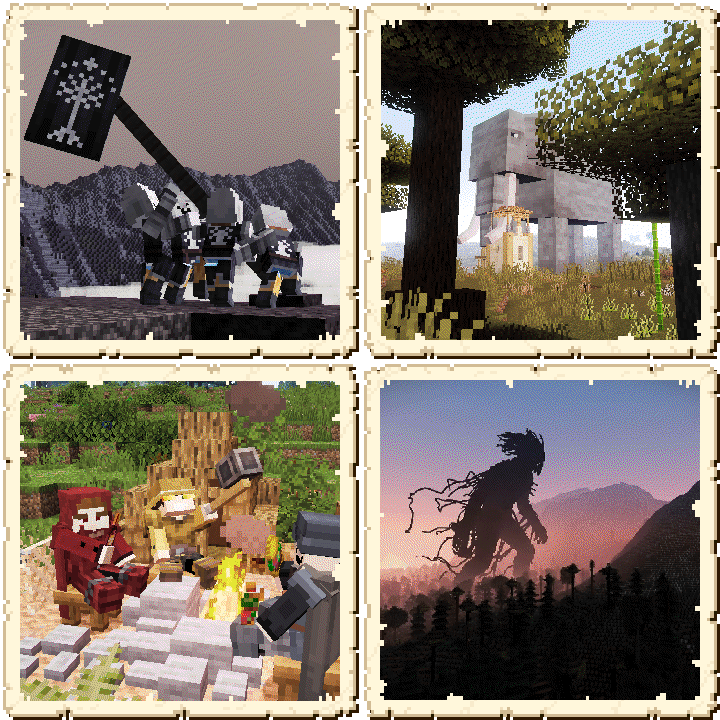
If anything seems strange or absurd to you, remember: this mod adds a camera to the Tolkien's world.
- Edition: Minecraft Java
- File type: .jar
- Minecraft version listed: 1.21.1
- How to install: Install the matching mod loader (Forge, Fabric or NeoForge) for your Minecraft version. → Download the .jar. → Put it in the .minecraft/mods folder and launch that loader profile.
- Where to get it: Opens on Modrinth — not every file is mirrored on our own servers.
Install steps are the general flow for this file type — How to install Minecraft Java mods & modpacks walks through it step by step.
- Ships as Exposure-middle-earth-fabric-1.21.1-1.9.16.jar — drop this file into the mods folder
- Download size: 4.5 MB
- Download link checked 8 Sept 2026 — working
These come from our own check of the pack file, not from the source page.