
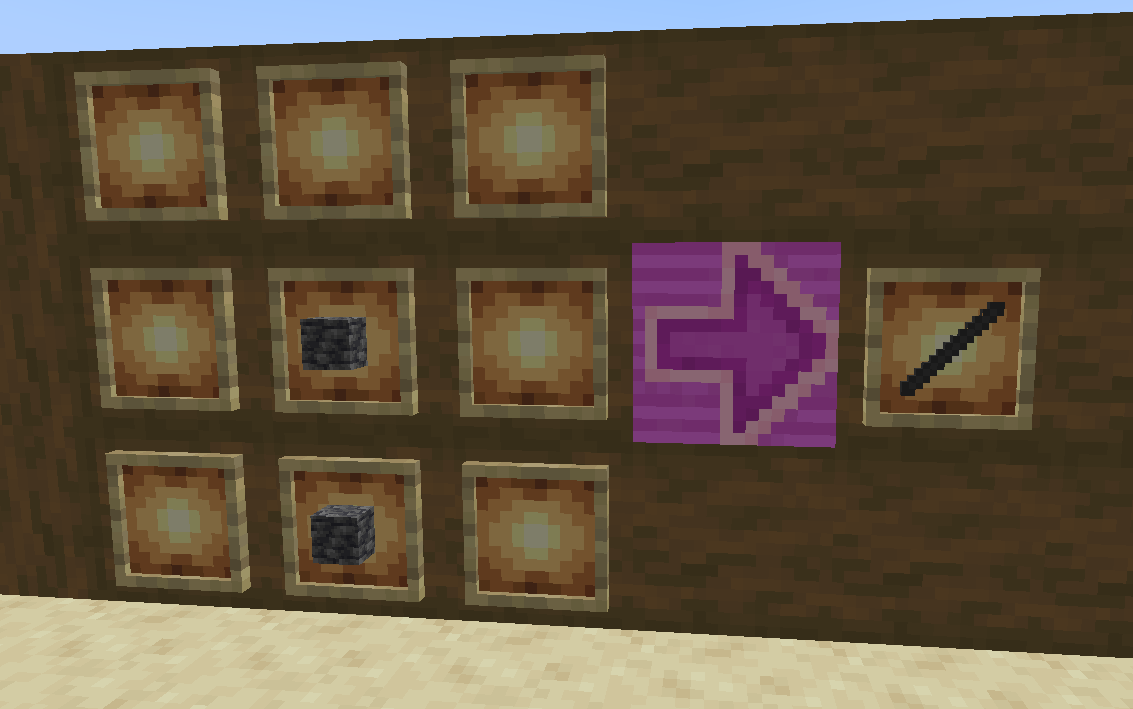
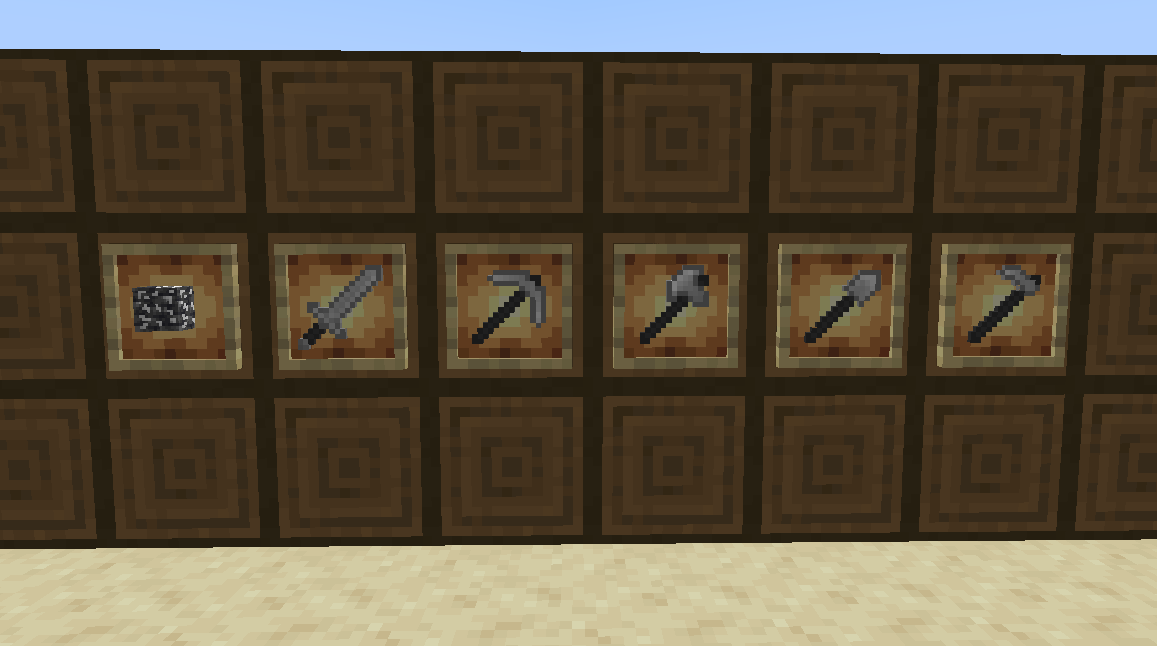
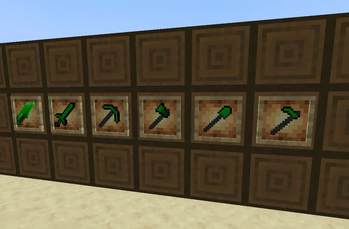
Ever since i was a lil kid i was like "wouldnt it be cool if i made my own mod?" and about ten years later (and messing with Mcreator to make it go as Professionally as ever) i have made this... Thing. Bear in mind it's just a passion project, so expect less "Super Mega Content Mod" and more "Remember Davoleo's MEtallurgy? yeah that"
What to Expect:
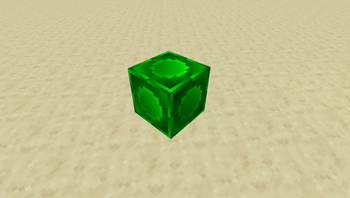
- Emerald Alloy: Gold and Emeralds turned into this mod's iconic material
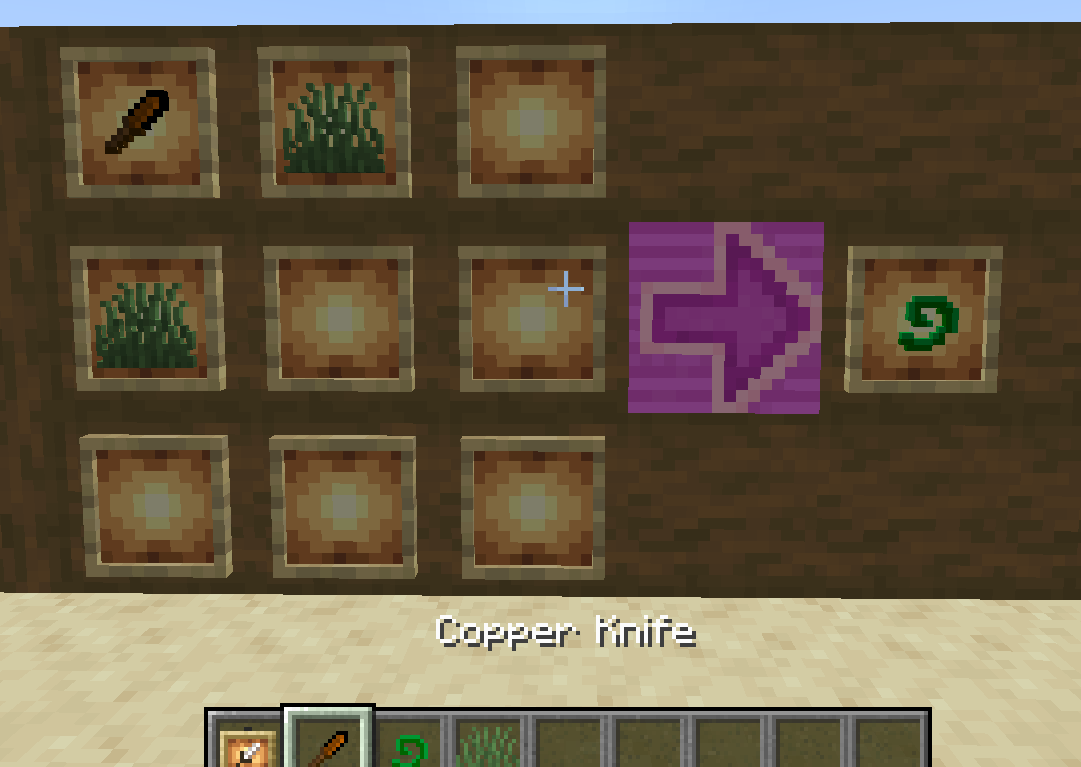
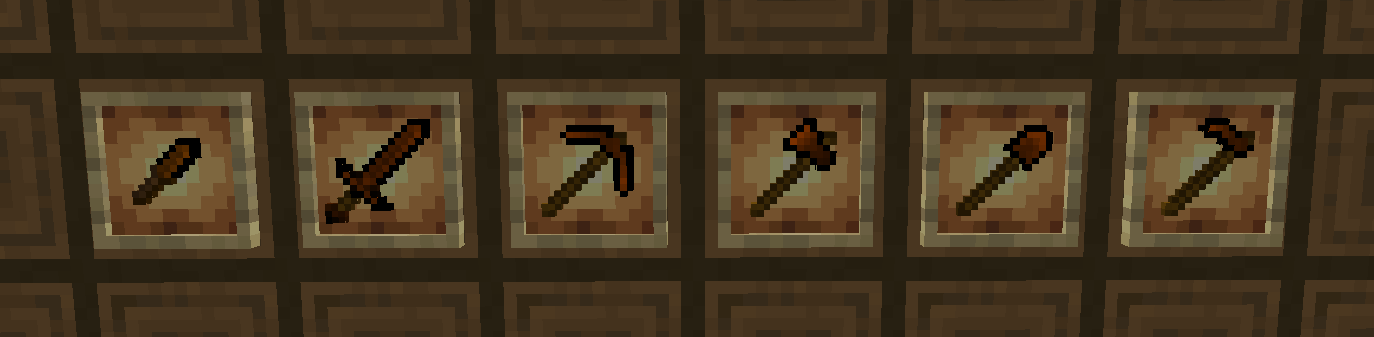
- Copper Tools, including a knife that can be used as Shears
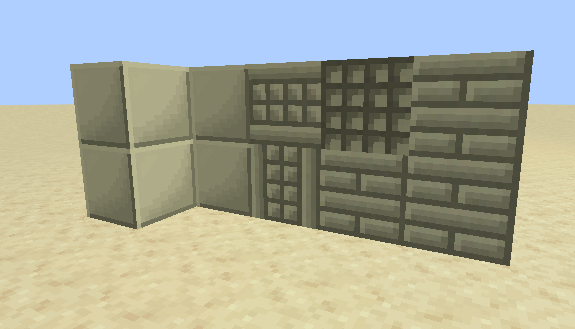
- Zinc, the Decorative Metal
- Osmium, Titanium, Steel, Brass, and more to come
- Exotic crystals, and the such
- the Omniblades: Sword-Like Multitools that give you each a special couple of effects when in the off-hand
- and more...
Quick facts
- Edition: Minecraft Java
- File type: .jar
- Minecraft version listed: 1.20.1
- How to install: Install the matching mod loader (Forge, Fabric or NeoForge) for your Minecraft version. → Download the .jar. → Put it in the .minecraft/mods folder and launch that loader profile.
- Where to get it: Opens on Modrinth — not every file is mirrored on our own servers.
Install steps are the general flow for this file type — How to install Minecraft Java mods & modpacks walks through it step by step.
Verified by MCModsHub
- Ships as upgradepack-1.5-forge-1.20.1.jar — drop this file into the mods folder
- Download size: 1.1 MB
- Download link checked 21 Aug 2026 — working
These come from our own check of the pack file, not from the source page.