
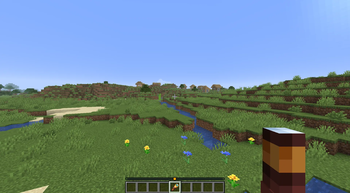
Have you ever wanted to use the Locator bar to locate your base, your farm, or even just a cool spot where you want to come back later ?
With Banner&Lodestone you don't need to screen or write down your coordinates anymore, this is a lightweight, survival friendly way to locate spots where you've already been in your minecraft world !
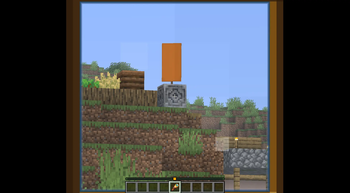
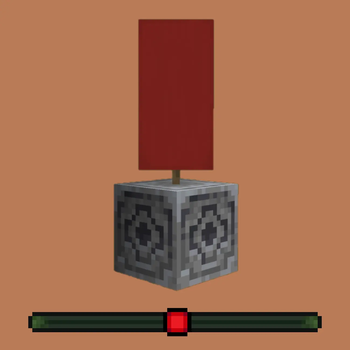
Simply place a banner on top of a lodestone and a dot matching the color of the banner will appear on your locator bar !
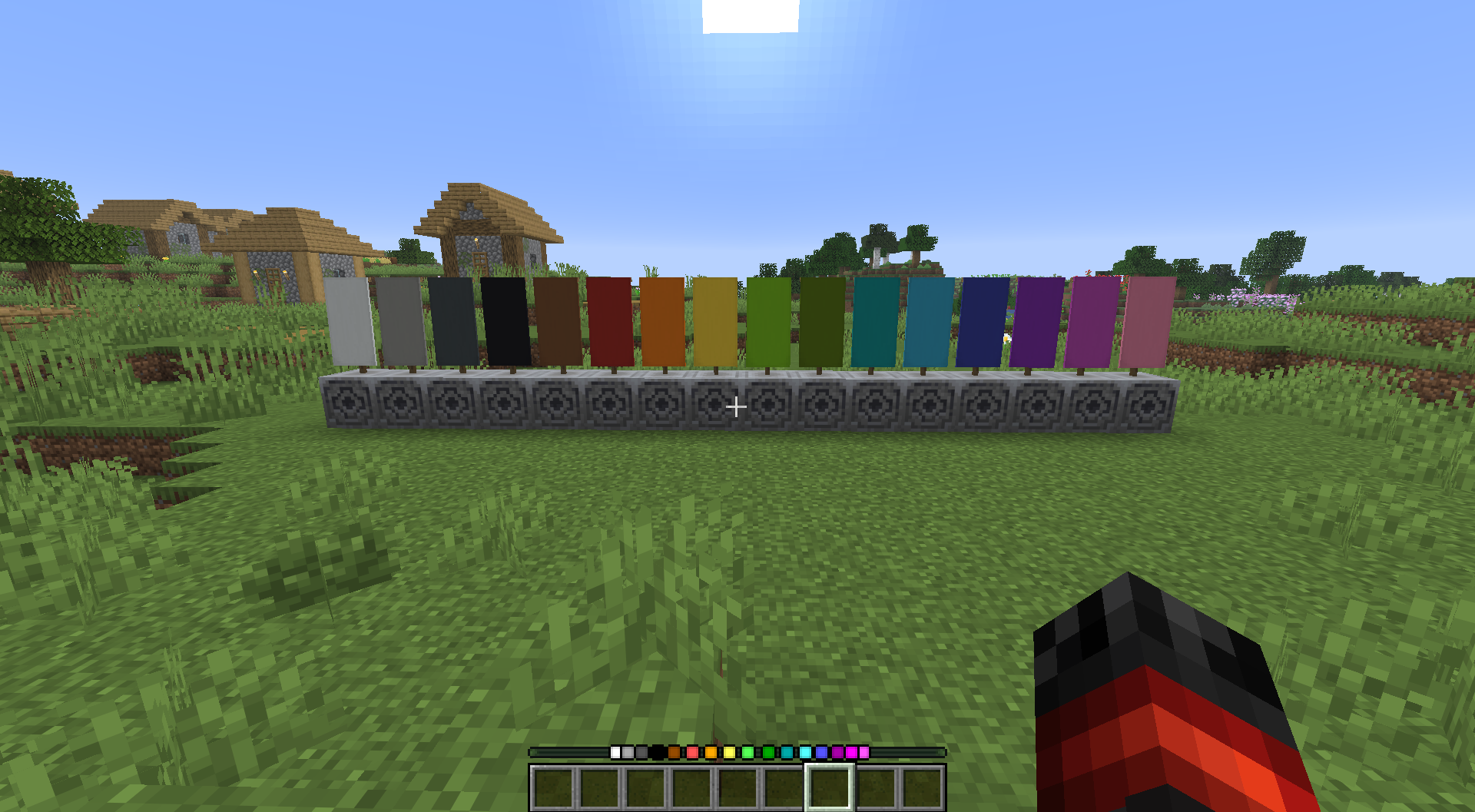 And if you wish to remove a dot, you just need to break the banner, it's as simple as that !
If you have any issue/question, contact me on discord! (@nugrevan) : https://discord.gg/SxarRKTw8k, any feedback will be greatly appreciated, thanks !
- Edition: Minecraft Java
- File type: .jar
- Minecraft version listed: 26.2
- How to install: Install the matching mod loader (Forge, Fabric or NeoForge) for your Minecraft version. → Download the .jar. → Put it in the .minecraft/mods folder and launch that loader profile.
- Where to get it: Opens on Modrinth — not every file is mirrored on our own servers.
Install steps are the general flow for this file type — How to install Minecraft Java mods & modpacks walks through it step by step.
- Ships as banner_and_lodestone-locator-bar-26.2.jar — drop this file into the mods folder
- Download size: 173 KB
- Download link checked 6 Sept 2026 — working
These come from our own check of the pack file, not from the source page.