
Duck Buddy
Duck Buddy adds a small customizable duck companion. The duck follows players around the world, shows up for other players on Fabric servers when they…
⬇ Download on Modrinth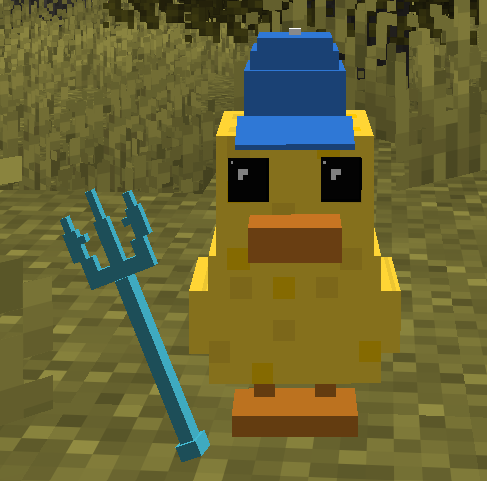
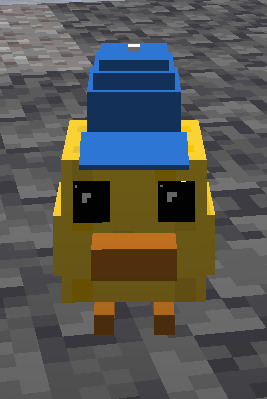
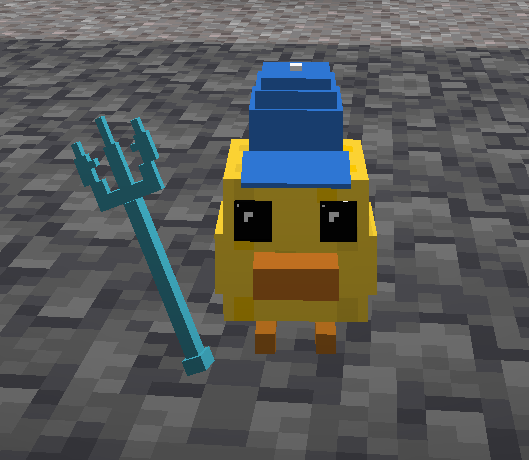
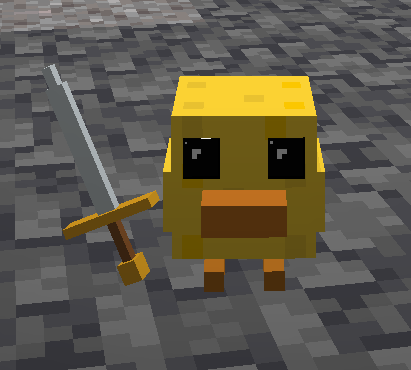
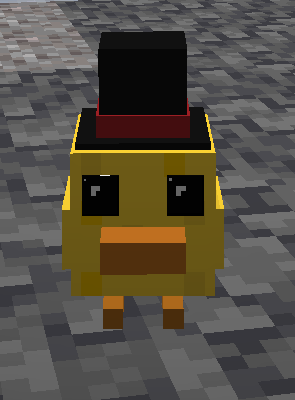
Duck Buddy
Duck Buddy adds a small customizable duck companion to Minecraft. Your duck follows you around the world, appears for other players on Fabric servers when they also have the mod installed, and can be customized directly from the Minecraft options menu.
Features
- A cute 3D duck companion that follows its owner in-game
- Server-synced duck settings so other modded players can see your pet
- Duck Options button inside Minecraft's options screen
- Toggle the duck companion on or off
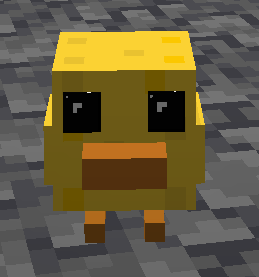
- Switch between a baby duck and an adult duck size
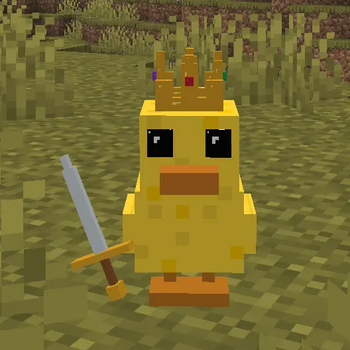
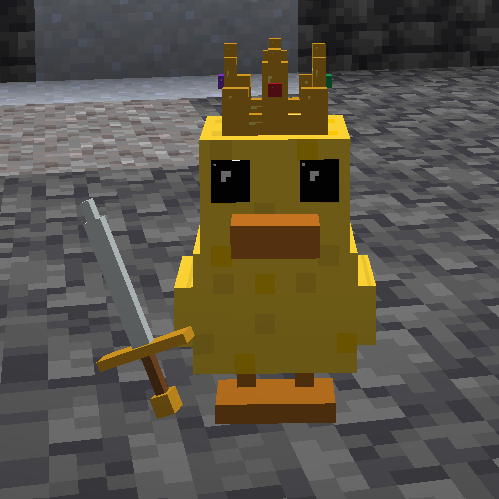
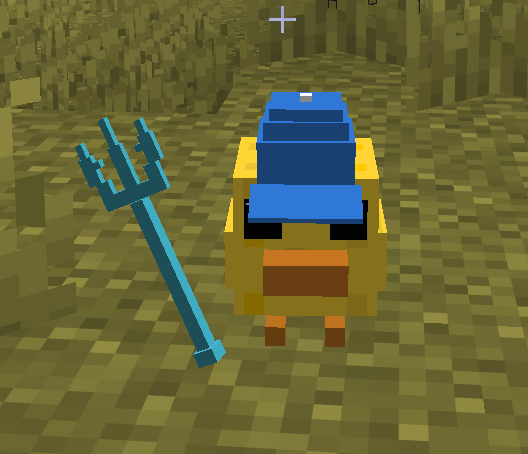
- Choose headwear: none, top hat, cap, or crown
- Choose a held item: none, sword, or trident
- Adjustable teleport distance so the duck returns when it gets too far away
- Custom 3D models and pixel-art textures for the duck and accessories
Gameplay
The duck is designed to behave like a real little companion instead of a static cosmetic. It follows the player naturally, keeps a small distance while idle, attempts to step up blocks, and teleports back near the player if it falls too far behind.
Players can fully customize their duck's appearance, including accessories, held items, and whether the duck appears as a baby duck or an adult duck.
Multiplayer
Duck Buddy is designed for Fabric multiplayer. If the server and other players have the mod installed, duck settings are synced automatically so everyone can see each player's customized duck companion.
Screenshots
- Edition: Minecraft Java
- File type: .jar
- Minecraft version listed: 1.21.4
- How to install: Install the matching mod loader (Forge, Fabric or NeoForge) for your Minecraft version. → Download the .jar. → Put it in the .minecraft/mods folder and launch that loader profile.
- Where to get it: Opens on Modrinth — not every file is mirrored on our own servers.
Install steps are the general flow for this file type — How to install Minecraft Java mods & modpacks walks through it step by step.
- Ships as mokati-1.0.3.jar — drop this file into the mods folder
- Download size: 74 KB
- Download link checked 6 Sept 2026 — working
These come from our own check of the pack file, not from the source page.