
GPS & Last Death
Navigate with an in-game GPS: cyan route on the terrain, homes, commands — stay on track without leaving Minecraft.
⬇ Download on Modrinth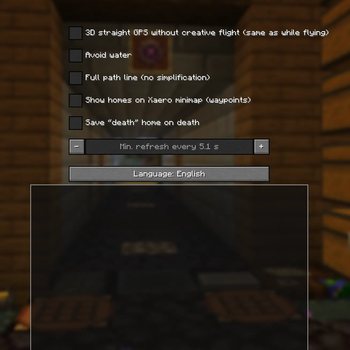
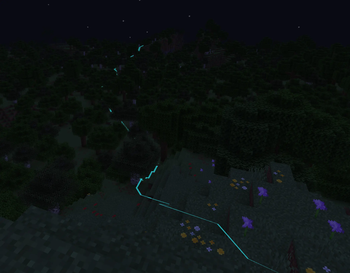
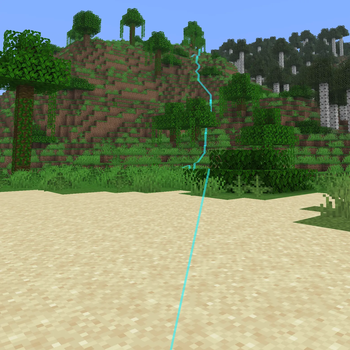
Never guess your route again. This client-side Fabric mod draws a clear cyan path from where you stand to your destination — over hills, around obstacles when pathfinding can load the terrain — so you always know where to go.
What you get
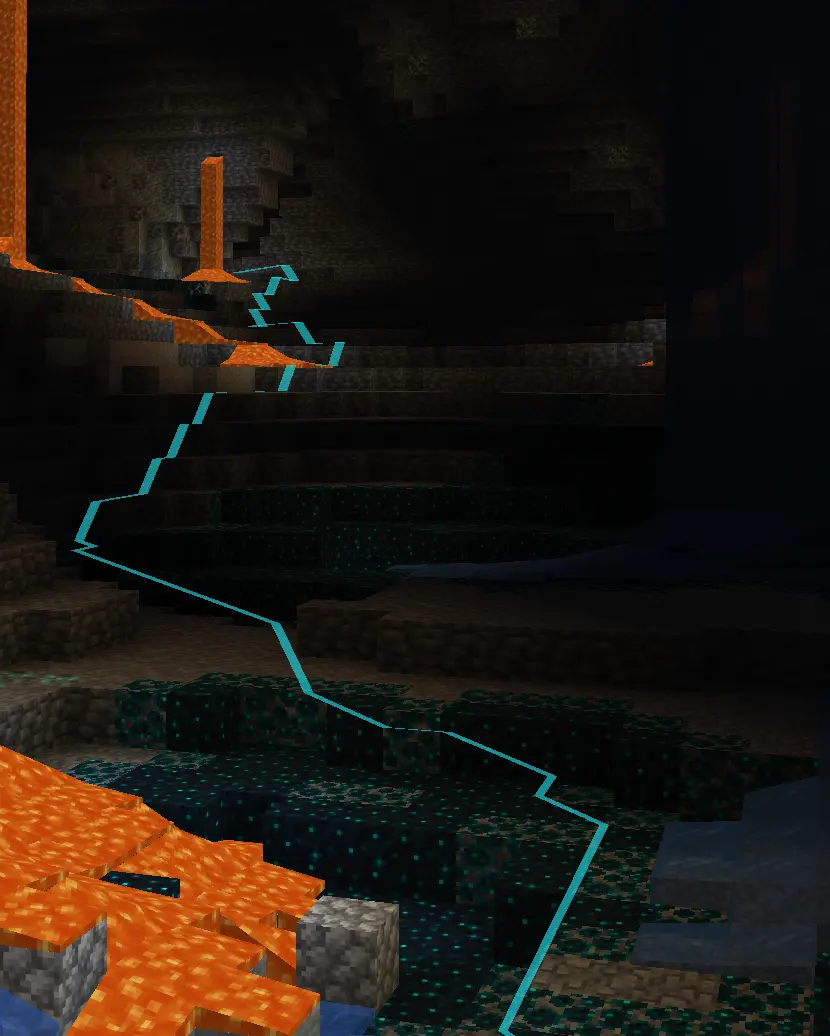
/gps or /gps to — set a goal and follow the line on the ground (and in the air when you fly). Homes — save spots with /gps sethome, recall them with /gps home, manage them from /gps gui or /gps homelist. Options — refresh timing, path detail, water avoidance, optional straight “fly-style” routes, and language (FR/EN). Map lovers — optional sync of homes to Xaero’s Minimap as waypoints when the map mod is installed. Respect the server — some areas use NoGPS signs: when one matters for your route, the path hides and you get a clear heads-up.
Lightweight, readable, and built for survival and multiplayer exploration.
- Edition: Minecraft Java
- File type: .jar
- Minecraft version listed: 1.21.11
- How to install: Install the matching mod loader (Forge, Fabric or NeoForge) for your Minecraft version. → Download the .jar. → Put it in the .minecraft/mods folder and launch that loader profile.
- Where to get it: Opens on Modrinth — not every file is mirrored on our own servers.
Install steps are the general flow for this file type — How to install Minecraft Java mods & modpacks walks through it step by step.
- Ships as gps-1.0.2.jar — drop this file into the mods folder
- Download size: 311 KB
- Download link checked 10 Sept 2026 — working
These come from our own check of the pack file, not from the source page.