
Green Screen Photography
Green Screen Photography adds clean green-screen tools to Minecraft, making it easy to capture characters, builds, items, and scenes for screenshots…
⬇ Download on Modrinth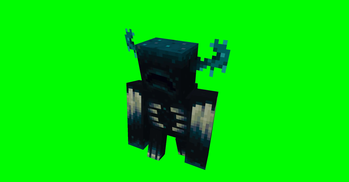
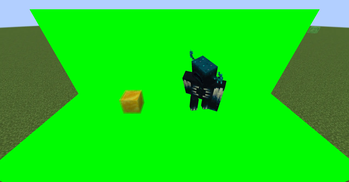
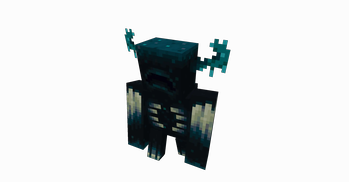
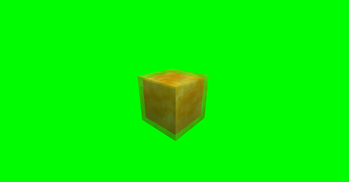
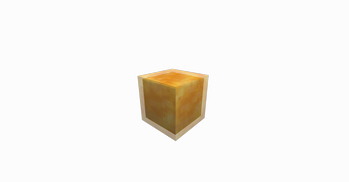
GreenScreenPhotography is a NeoForge mod for Minecraft scene capture and compositing. It provides a green screen block, a free camera, world freeze controls, and transparent screenshot export, making it suitable for character showcases, scene screenshots, footage capture, and post-production keying and compositing.
To use it, first build a solid-color background around and behind the subject with green screen blocks, and try to cover the areas in the frame that should be made transparent. After setting up the scene, use the free camera to choose the right angle and world freeze to keep the image stable. Once the framing is ready, use the transparent screenshot feature to export the image. When free camera is enabled, the world is frozen automatically, and the freeze function can only be used while in free camera mode.
Default key bindings, which can be changed in Minecraft’s key settings:
- N: toggle free camera on or off
- P: freeze or restore the world
- H: export a transparent screenshot
Transparent screenshots are saved in the green_screen_photography folder under the current game version directory. Each export generates two images: a transparent PNG and a matching matte image. The transparent image can be used directly in image editors, video editors, or compositing software.
Note that transparent screenshot export uses a two-pass capture process. If a mob or player moves during the capture passes, the exported image may show slight ghosting or trailing. For the cleanest result, freeze the world first or wait until the subject is still before exporting.
- Edition: Minecraft Java
- File type: .jar
- Minecraft version listed: 1.21.1
- How to install: Install the matching mod loader (Forge, Fabric or NeoForge) for your Minecraft version. → Download the .jar. → Put it in the .minecraft/mods folder and launch that loader profile.
- Where to get it: Opens on Modrinth — not every file is mirrored on our own servers.
Install steps are the general flow for this file type — How to install Minecraft Java mods & modpacks walks through it step by step.
- Ships as GreenScreenPhotography-1.0.1.jar — drop this file into the mods folder
- Download size: 48 KB
- Download link checked 21 Aug 2026 — working
These come from our own check of the pack file, not from the source page.